
Renters have been the quiet casualty of the smart-home boom. Most guides assume you can swap out a deadbolt, mount a doorbell, run speaker wire in the wall, and call the installer for a new C-wire in the furnace closet. If you're renting — a condo in Toronto, a basement suite in Vancouver, a down...
Renters have been the quiet casualty of the smart-home boom. Most guides assume you can swap out a deadbolt, mount a doorbell, run speaker wire in the wall, and call the installer for a new C-wire in the furnace closet. If you're renting — a condo in Toronto, a basement suite in Vancouver, a downtown loft in Montreal — those options range from "ask the landlord first" to "definitely breaking your lease." The good news is that in 2026, roughly 80% of the useful smart-home upgrades don't require any of that. You just need to know which ones.
This article isn't a hands-on review. It's a curated, realistic guide to building a connected home as a renter in Canada — organized by what's genuinely zero-commitment versus what quietly crosses the landlord line. Everything here pulls from products already covered on Celmin, with links to each product's full explainer and its Celmin Directory listing. Nothing in this guide requires drilling, rewiring, or anything a superintendent would call you about.
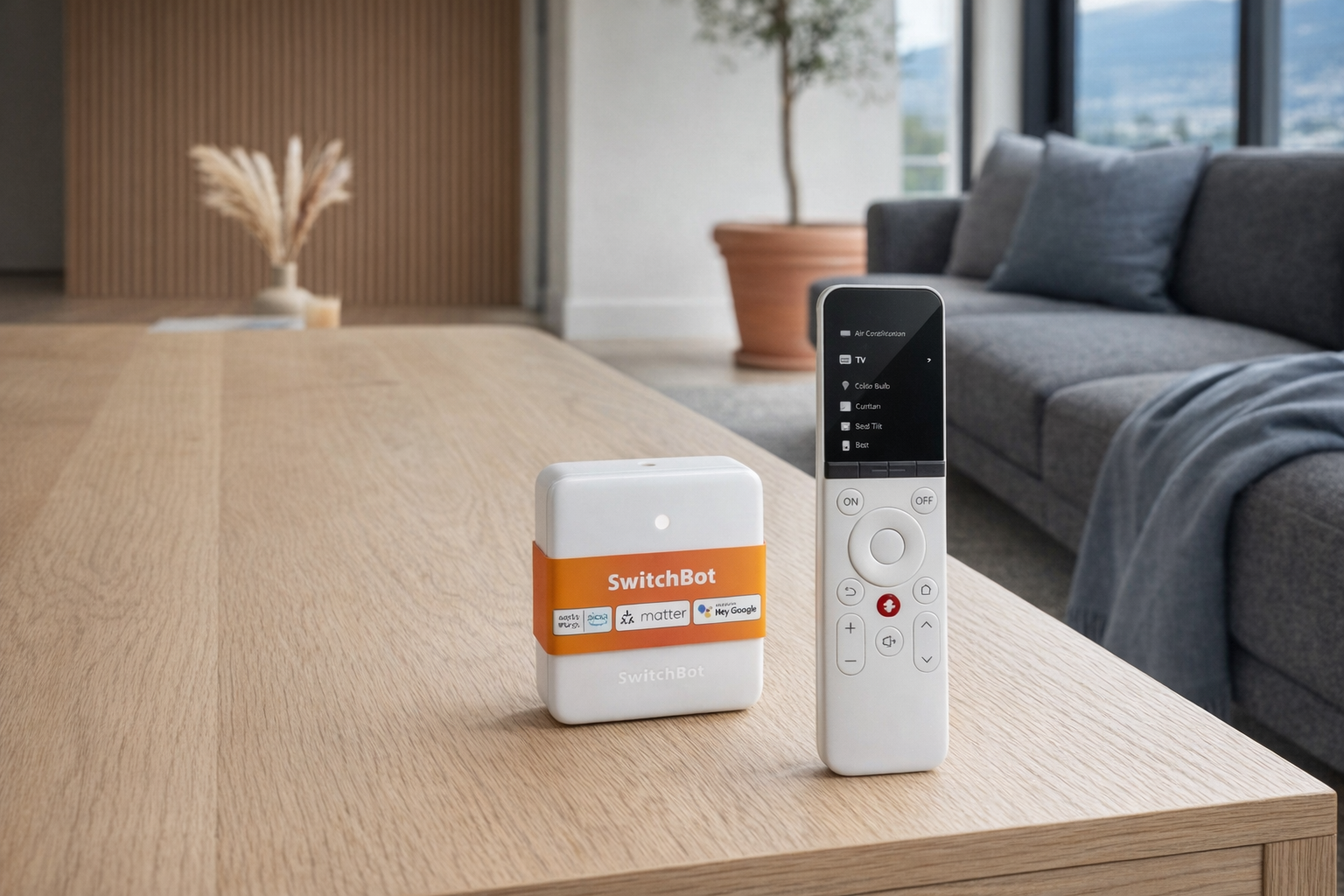
The 8-product renter's kit
| Product | Price (CAD) | Tier | Needs landlord OK? |
|---|---|---|---|
| Kasa Smart Wi-Fi Plug Mini | ~$13 | Tier 1 — invisible | No |
| Amazon Basics Smart Light Bulbs | ~$12 | Tier 1 — invisible | No |
| Wyze Smart Plug | ~$42 | Tier 1 — invisible | No |
| ThirdReality Motion Sensors | ~$42 | Tier 2 — 3M tape | No |
| Govee TV Backlight 3 Lite | ~$74 | Tier 2 — 3M tape | No |
| SwitchBot Blind Tilt | ~$84 | Tier 2 — retrofit | No |
| SwitchBot Hub Mini (Matter) | ~$125 | Tier 2 — 3M tape / shelf | No |
| SwitchBot Lock Ultra | ~$235 | Tier 3 — ask first | Yes |
Pro tip: The single best first purchase for a Canadian renter isn't any one of these. It's a Matter-compatible hub (SwitchBot Hub Mini, $125). Buy it first. Then everything else — bulbs, plugs, sensors, even products from other brands — plugs into your phone through one stable bridge instead of seven different apps.
The three tiers of renter-safe smart home
Every smart-home upgrade falls somewhere on a continuum between "unpacks from a box" and "you need a building permit." For renters, the useful split is three tiers.
Tier 1 — Invisible. Lives in an outlet or a light socket. No adhesive, no screws, no wall marks, no visible hardware. The landlord would need to notice it on an inspection and ask — most won't. Kasa plugs, Wyze plugs, smart bulbs.
Tier 2 — 3M tape or retrofit. Attaches with adhesive or mounts over existing hardware without replacing it. Leaves no holes. Removable cleanly at move-out if you use the right removal technique. Motion sensors, hubs, TV backlights, SwitchBot Blind Tilt.
Tier 3 — Requires consent. Replaces or modifies existing fixtures. Even if the replacement is reversible, most leases require landlord consent for any lock or permanent-looking hardware change. SwitchBot Lock Ultra is here, and it's the only Tier 3 product in this guide — worth including because for long-term renters who get consent, retrofit locks are genuinely life-changing.
Stay in Tier 1 and Tier 2 and you will never have a conversation with your landlord about any of this. That's the whole point.
Tier 1 — The invisible layer
Kasa Smart Wi-Fi Plug Mini
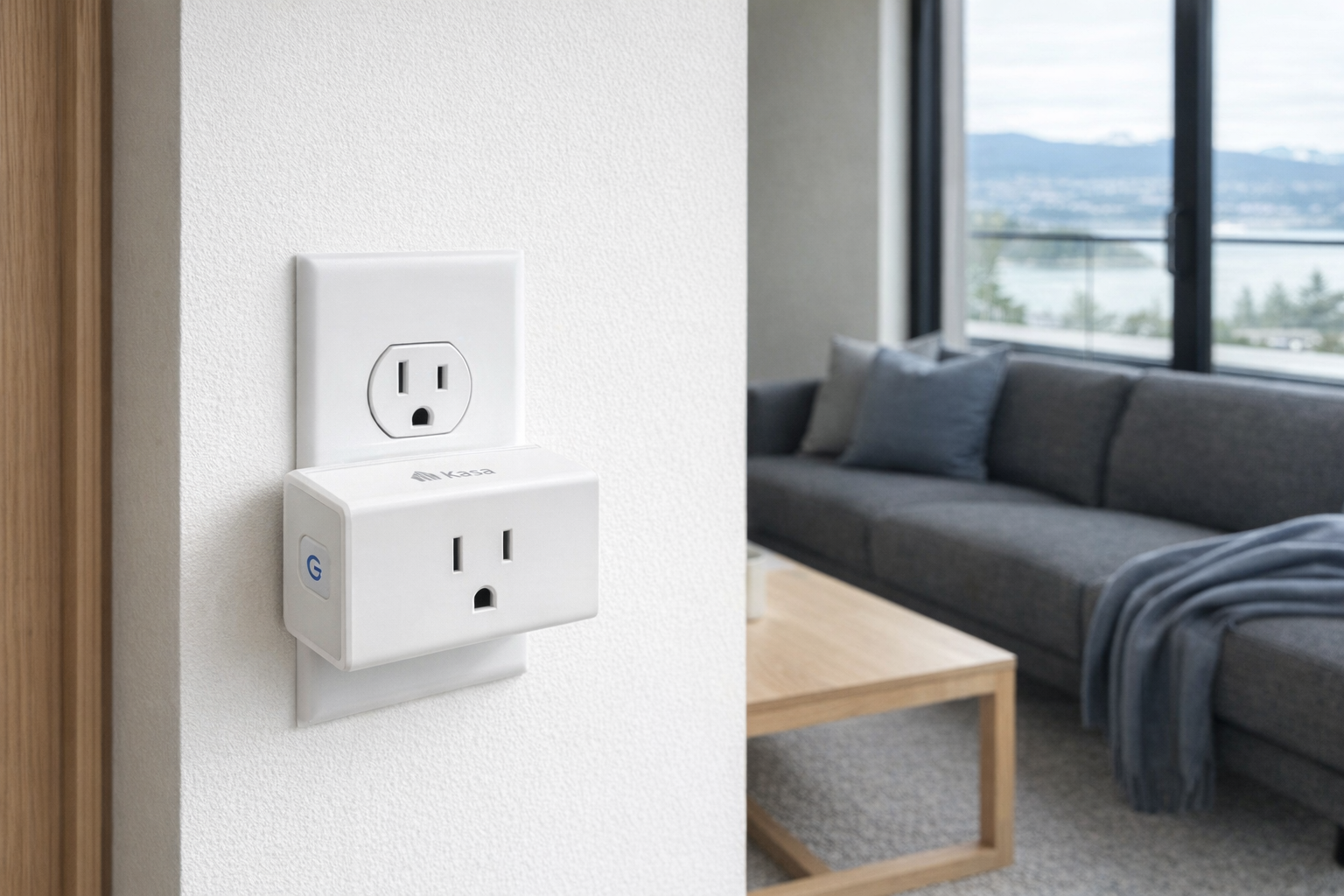
The workhorse. At roughly $13 CAD and often on sale for less, a Kasa Plug Mini is the cheapest useful smart-home product you can buy, and the one most renters should start with before anything else. It plugs into any existing wall outlet, lets you schedule or voice-control whatever's plugged into it, and physically disappears into the outlet — it's compact enough that it doesn't block the second outlet in a duplex receptacle.
Practical uses for a renter: schedule a floor lamp to turn on at sunset, turn off the space heater when you leave (a genuine safety win), schedule holiday lights, voice-control the fan on your nightstand without reaching for it. The 4.5/5 rating on the source listing tracks with the category: Kasa Plugs are the product people buy, forget about, and still have working five years later. Buy two.
- Full explainer: Kasa Smart Wi-Fi Plug Mini on Celmin · Directory: product page
Wyze Smart Plug
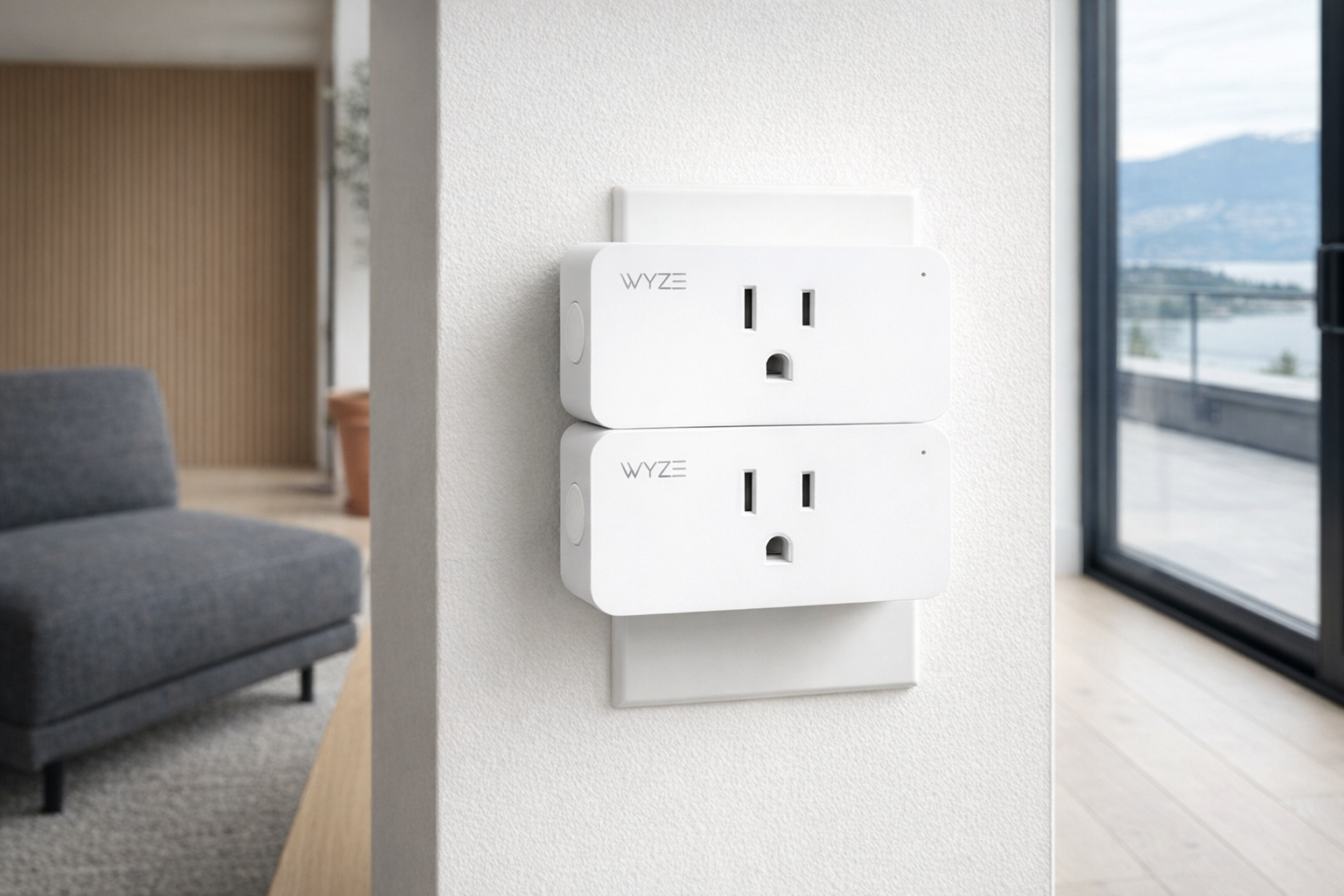
At ~$42 CAD for typically a two-pack, Wyze's smart plug is the Alexa/Google alternative to Kasa's TP-Link ecosystem. Functionally almost identical — schedule, voice control, away mode. The honest difference is ecosystem: Kasa integrates a bit more cleanly with Google Home, Wyze a bit more cleanly with Alexa and the broader Wyze-branded security lineup.
Pick one brand and standardize. Running both in the same apartment works fine but means two apps for one job. For renters specifically, the Wyze plug's vacation mode — which randomizes on/off patterns to simulate occupancy — is a nice security touch that doesn't require a camera or doorbell neither of which you can mount freely.
- Full explainer: Wyze Smart Plug on Celmin · Directory: product page
Amazon Basics Smart Light Bulbs
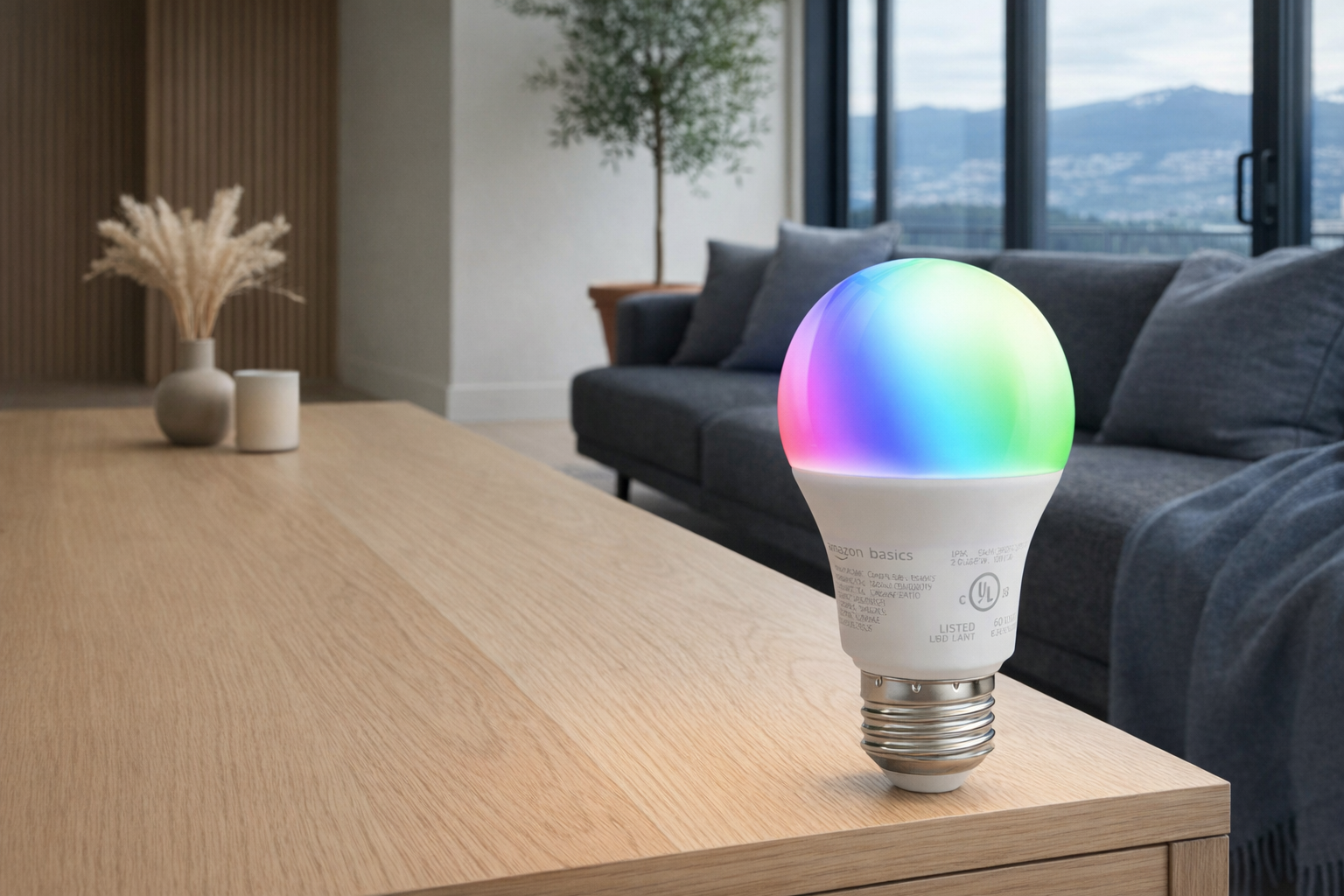
At roughly $12 CAD per bulb for a color-changing A19, Amazon Basics smart bulbs are the cheapest serious way to add lighting automation to a rental. Screw in, connect to Alexa, done. Color temperature control alone — warm in the evening, cool in the morning — is a real quality-of-life upgrade most people don't realize until they have it. For under-cabinet kitchen accent lighting, behind-furniture glow, or just a single bedside bulb that runs on schedule, these are hard to beat at the price.
The limitation: they're Wi-Fi bulbs, which means they depend on your router, and they're tied to Amazon's ecosystem. If you're a HomeKit-first household, pick Philips Hue Essential or equivalent instead. For the Alexa crowd, these do the job for $12 and nobody's going to judge you for not spending $25 on the brand-name version.
- Full explainer: Amazon Basics Smart Light Bulbs on Celmin · Directory: product page
Tier 2 — Sticks and retrofits, no permanent marks
ThirdReality Motion Sensors
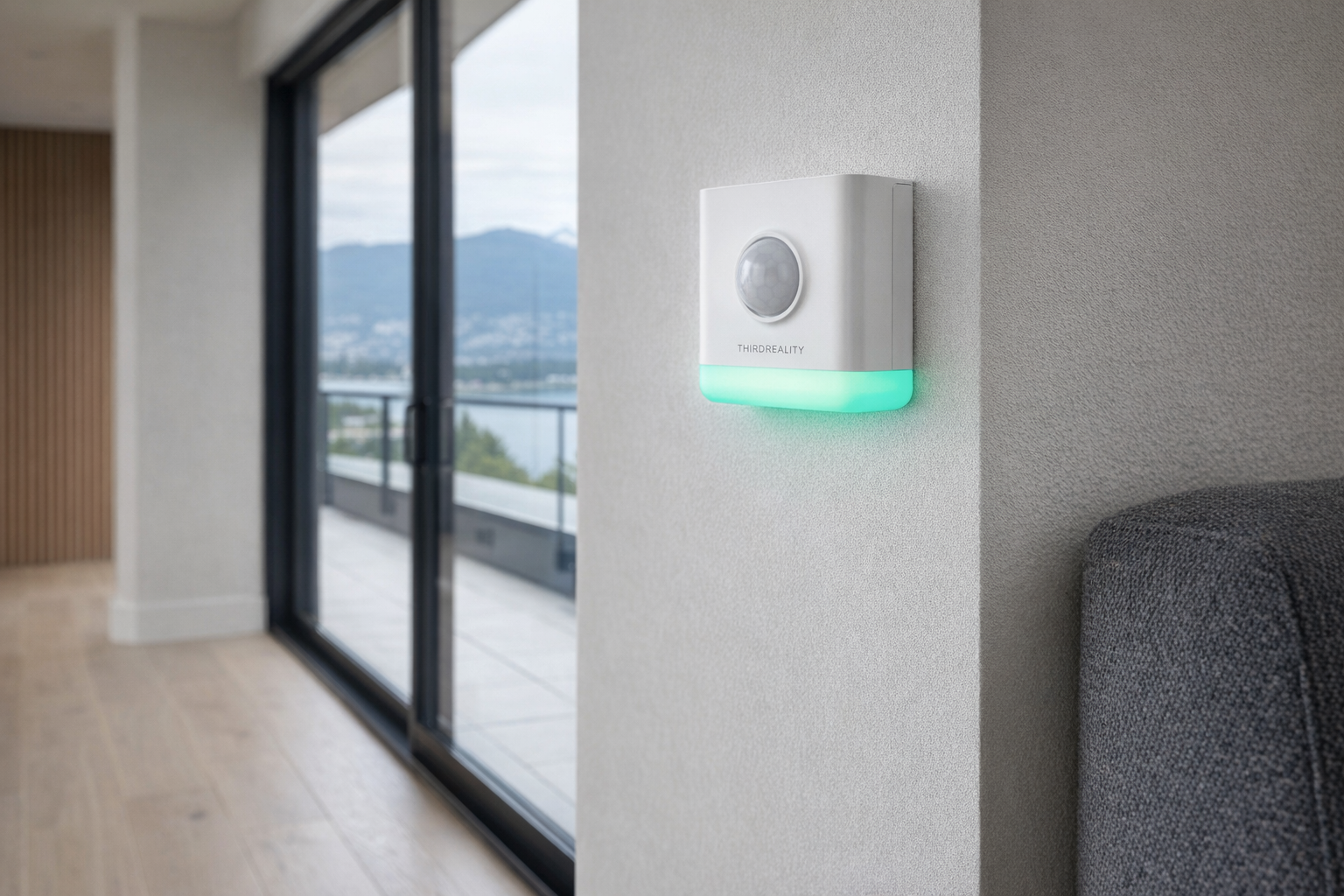
At ~$42 CAD, ThirdReality's multi-function motion sensors add occupancy detection to your rental with 3M adhesive mounting in corners, behind doors, or above light fixtures. They pair with smart plugs and bulbs to do the small automations that make a home feel connected without any hardware being visible to a landlord: light turns on when you walk into the bathroom at 2 AM, heater turns off when nobody's been home for 30 minutes, hallway bulb kicks on when the front door opens.
The sensor runs on replaceable batteries, attaches with a peel-and-stick 3M pad, and comes off with no residue using the standard 3M Command-strip pull technique. This is the sensor most renters should start with because the adhesive is designed to be removed cleanly — unlike cheaper imports that use permanent double-sided tape.
- Full explainer: ThirdReality Motion Sensors on Celmin · Directory: product page
Govee TV Backlight 3 Lite
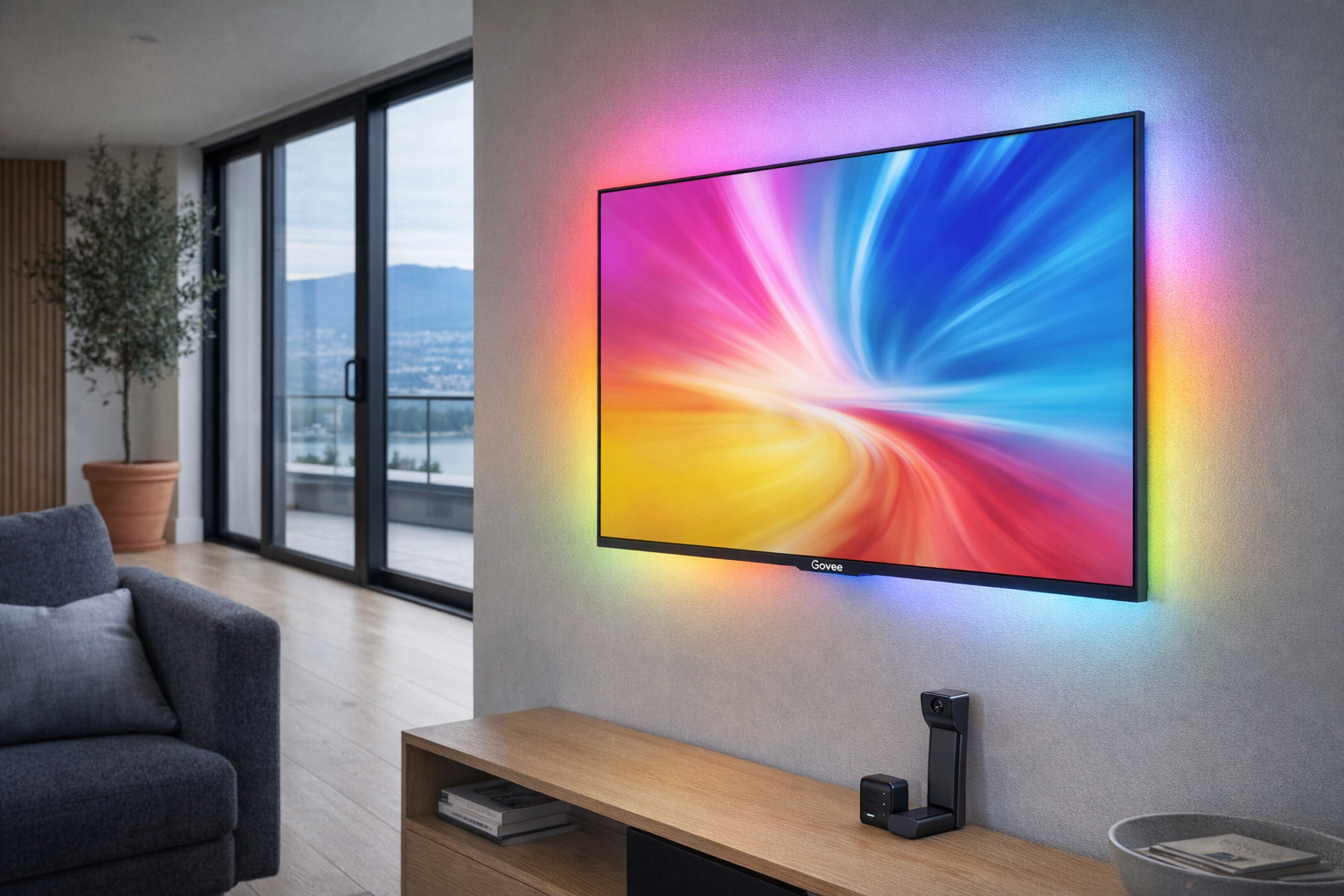
At about $74 CAD, the Govee TV Backlight 3 Lite sits on the back of your television with the camera clip on top, reading the on-screen colors and syncing LED strip colors around the TV perimeter to match. It's one of the few "smart home" products that's genuinely a wow demo — the first time guests see it they ask about it, and once you have it you notice when other apartments don't.
For renters, the key point is it's a TV accessory, not a wall modification. The LED strip sticks to the back of the TV itself (not the wall), the camera clips to the TV bezel, and the controller sits behind the TV on the stand or mount. When you move out, the whole rig comes off the TV with you. No wall damage, no visible cables if your TV has cable management, and no landlord conversation. Buy it if you watch TV in the evenings; skip it if you don't.
- Full explainer: Govee TV Backlight 3 Lite on Celmin · Directory: product page
SwitchBot Blind Tilt — the quiet MVP of renter automation
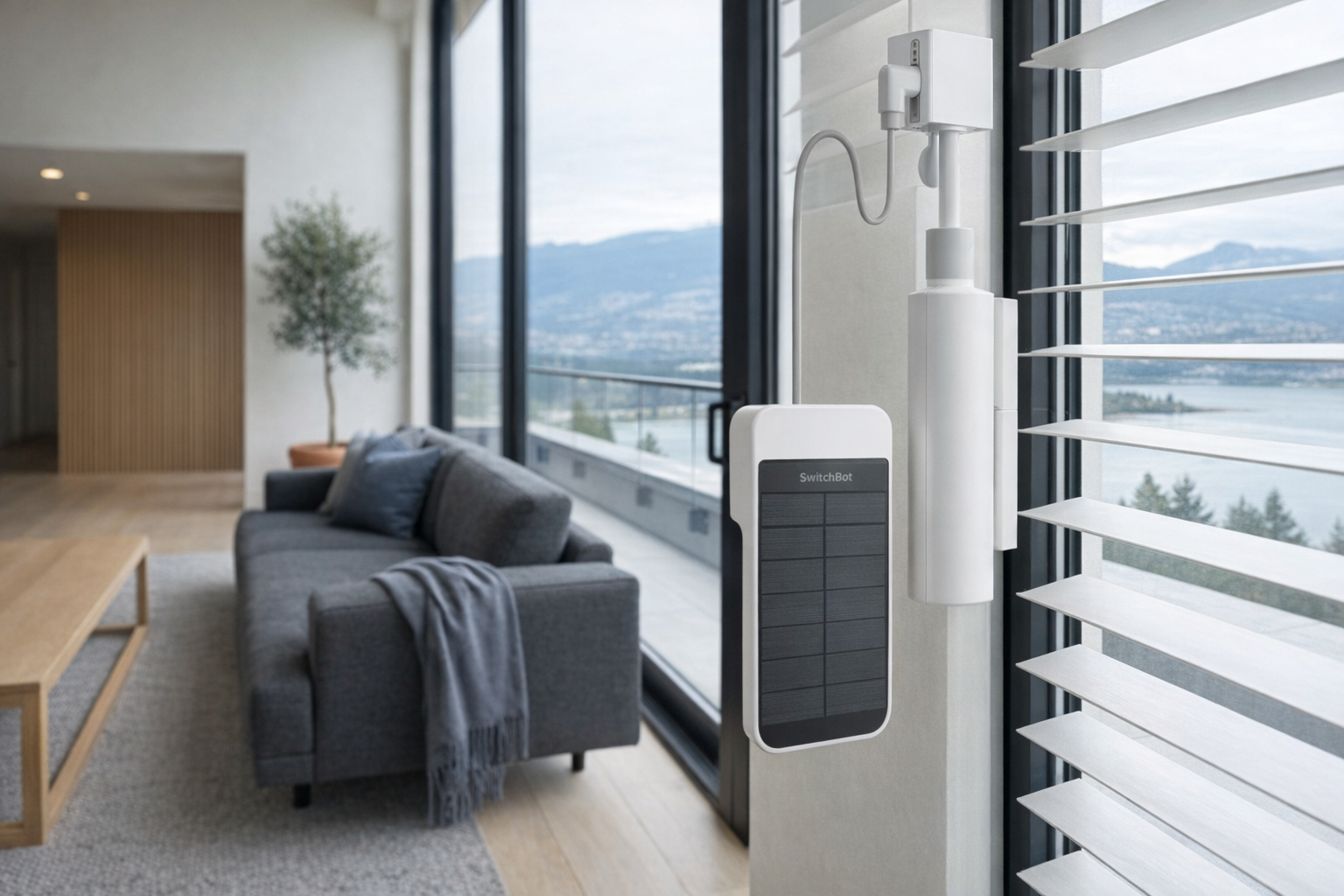
At ~$84 CAD, SwitchBot Blind Tilt is the product most renters don't know exists and the one that transforms the rental experience the fastest. It mounts on top of your existing horizontal venetian blinds — no removal, no replacement — and uses a motorized wand to tilt them open or closed on schedule, on voice command, or based on sunrise/sunset.
For rental units with the standard builder-grade white venetian blinds in every window, this is genuinely the most impactful smart-home addition under $100. Blinds open automatically at 7 AM as a natural wake cue. Blinds close automatically at 9 PM for privacy. "Alexa, tilt living room blinds closed" when the afternoon sun hits your monitor. Installs in about 10 minutes per window with 3M adhesive, comes off clean. The primary limitation: it only works with horizontal tilt blinds, not rollers or vertical blinds. Check your windows first.
- Full explainer: SwitchBot Blind Tilt on Celmin · Directory: product page
SwitchBot Hub Mini (Matter) — the spine of the whole thing
At ~$125 CAD, the SwitchBot Hub Mini (Matter) is the single highest-leverage purchase on this list. It sits on a shelf or tapes to a wall, connects via Wi-Fi, and bridges SwitchBot's own devices (Blind Tilt, Lock Ultra, plus their curtain motor and humidifiers) into the Matter standard — meaning they then work across Apple Home, Google Home, Amazon Alexa, and SmartThings without caring which ecosystem you're in.
For renters, this matters because it future-proofs the rest of the kit. You start with Kasa plugs on Alexa. You add a SwitchBot Blind Tilt that you want to control via HomeKit. Without the Hub Mini you'd need two or three apps. With it, every SwitchBot device shows up in whatever ecosystem you prefer. The 3.1/5 rating on the listing is misleading — it reflects early Matter beta bugs that have been substantially resolved through firmware updates. For a deeper walk-through of what Matter is and what it actually fixes, see our Matter, in Plain English primer.
- Full explainer: SwitchBot Hub Mini Setup Guide on Celmin · Directory: product page
Tier 3 — The one that needs a conversation
SwitchBot Lock Ultra — the retrofit that's worth asking about
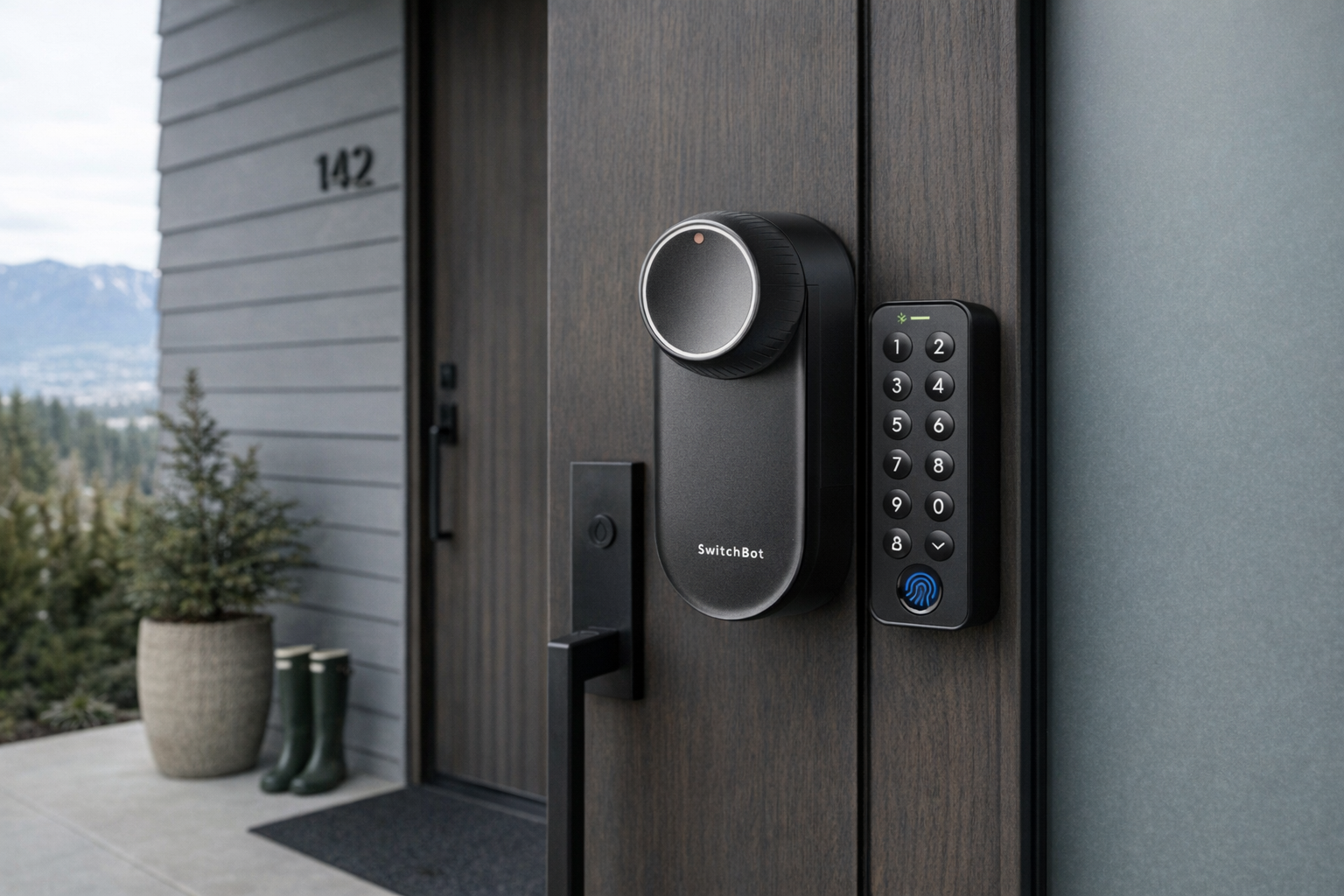
At about $235 CAD, the SwitchBot Lock Ultra is the only Tier 3 product in this guide — it requires your landlord to say yes before you install it. That's because, even though it's a retrofit lock (it mounts over your existing deadbolt's interior thumbturn without replacing the deadbolt itself or changing any cylinder), most Canadian leases contain language about modifying locks. Don't risk it without asking.
That said, when landlords do approve — and many do, because the retrofit is fully reversible in about 60 seconds — this product changes how a rental feels. No more "did I lock the door?" panic. Guest codes via fingerprint or PIN for dog-sitters and cleaners. Auto-lock after 30 seconds. The original deadbolt keeps working normally, so anyone with the physical key (you, your landlord, the building super) is unaffected. Worth the conversation if you're in a lease that will run more than a year.
- Full explainer: SwitchBot Lock Ultra Retrofit Guide on Celmin · Directory: product page
The order to buy these in
One of the mistakes renters make is buying a Matter hub and a smart lock on day one and then running out of budget before buying the cheap products that do 90% of the useful work. Here's a realistic order for a ~$400 CAD budget.
- Two Kasa Smart Plugs (~$26) — the lamp and the heater
- One pack of Amazon Basics bulbs (~$24 for 2) — bedside and kitchen
- SwitchBot Hub Mini (~$125) — the bridge that future-proofs everything else
- Two ThirdReality Motion Sensors (~$42) — bathroom and front hall
- SwitchBot Blind Tilt (~$84) — living room or bedroom window
- Govee TV Backlight 3 Lite (~$74) — only if you watch TV daily
- SwitchBot Lock Ultra (~$235) — only after landlord approval, only if staying >1 year
If you stop at step 5, you've spent about $300 and you have a kit that lights turn-on on your walk in, schedules blinds and heaters, and is ecosystem-agnostic. Most renters never need more than that.
The three questions worth asking before you buy anything
- Am I staying in this rental for more than 12 months? Under 12 months → keep it to Tier 1 (plugs and bulbs), skip hub and sensors. Over 12 months → the fixed-install cost of a hub and sensor amortizes. Over 3 years → ask about the lock.
- What phone do I use, and what's my family using? iPhone-heavy → make sure everything you buy supports HomeKit or Matter. Android/Alexa → Kasa, Wyze, and SwitchBot all work natively. Mixed household → buy the SwitchBot Matter Hub first so Matter-bridged devices work everywhere.
- What do I genuinely care about automating? If the honest answer is "I'm not sure," start with one Kasa plug and one smart bulb. Live with them for two weeks. You'll know.
Got Questions About Renter-Friendly Smart Home? Let's Clear Things Up.
Is this a hands-on review?
No. This is an editorial guide to building a renter-safe smart-home kit in Canada using products already covered on Celmin. It's designed to help you pick what to buy in what order, not to replace testing each product in your specific apartment.
Will 3M Command adhesive actually come off clean at move-out?
Yes — if you use the right technique. Pull the tab slowly straight down against the wall, not out. This stretches the adhesive and releases it without tearing paint. Use a hair dryer for stubborn pulls in cold rooms. Almost every smart-home product here uses 3M-family adhesive; the removal is the same technique whether it's a sensor, hub, or backlight clip.
Can I take everything with me when I move?
All Tier 1 and Tier 2 products — yes, completely, without leaving marks. The SwitchBot Lock Ultra also comes off and restores the original deadbolt in under a minute. The only things you cannot take with you are products you plugged into an electrical outlet that got used by another appliance in between — and that's not a rental issue, that's just a power strip.
Do any of these require a subscription?
None of the products in this guide require a subscription to function. A few offer optional cloud features (remote access via some SwitchBot services, extended Wyze cam cloud recording) that are paywalled, but the core — schedule, voice, motion automation — works for free forever after the purchase. Avoid products where a subscription is needed to toggle a device.
What about smart locks that replace the whole lockset?
Don't do it as a renter, even with landlord approval, unless you're confident in your lock installation skills and willing to keep the original in a closet for 2+ years. Retrofit locks (like SwitchBot Lock Ultra) mount over your existing deadbolt without removing it — that's why they're renter-safe. Full-replacement smart locks from August, Yale, Schlage, Lockly require you to take the deadbolt apart. That's Tier 3.5 and not worth the risk unless you own the home.
Where should I buy these to verify the latest details?
Verify current pricing and Canadian availability directly: Kasa Plug · Wyze Plug · Amazon Basics Bulbs · ThirdReality Motion Sensors · Govee Backlight · SwitchBot Blind Tilt · SwitchBot Hub Mini Matter · SwitchBot Lock Ultra.
What would Celmin recommend as a first purchase for a brand-new renter?
One Kasa Smart Plug ($13) for whatever floor lamp or heater you want on schedule, and one SwitchBot Hub Mini (Matter) ($125) so everything you buy next integrates through a single bridge. Total: ~$138. That's your renter's smart-home foundation. Everything else in this guide is optional and earns a spot only if you actually use the first two.
If you're renting in Canada and want honest guidance on building a smarter home without breaking your lease — plus the gadgets worth skipping — Celmin covers the full catalog without the marketing theater. More buyer guides, comparisons, and reviews at https://celmin.ca.
Discussion
Sign up or sign in to join the conversation.