
First-year dorm shopping gets weird fast. You start out needing a few basics, then five minutes on TikTok or Amazon turns the whole thing into a fantasy apartment build with neon lights, aesthetic humidifiers, countertop espresso gear, and enough chargers to run a small server rack. Most dorm roo...
First-year dorm shopping gets weird fast. You start out needing a few basics, then five minutes on TikTok or Amazon turns the whole thing into a fantasy apartment build with neon lights, aesthetic humidifiers, countertop espresso gear, and enough chargers to run a small server rack. Most dorm rooms do not need that. What they need is a short list of portable gadgets that solve actual student problems: not enough outlets, bad overhead lighting, inconsistent sleep, shared quiet hours, and a room setup you'll probably have to pack back into two suitcases in eight months.
This is not a hands-on review. It's a realistic buying guide for building a first-year dorm gadget kit in Canada without overspending, overpacking, or buying gear that depends on drilling into residence walls or setting up a complicated permanent network. Everything here is portable, dorm-plausible, and chosen for a target budget of roughly $400 CAD. Some of it is genuinely useful. Some of it is only worth buying if your habits match the product. That's the distinction that matters.
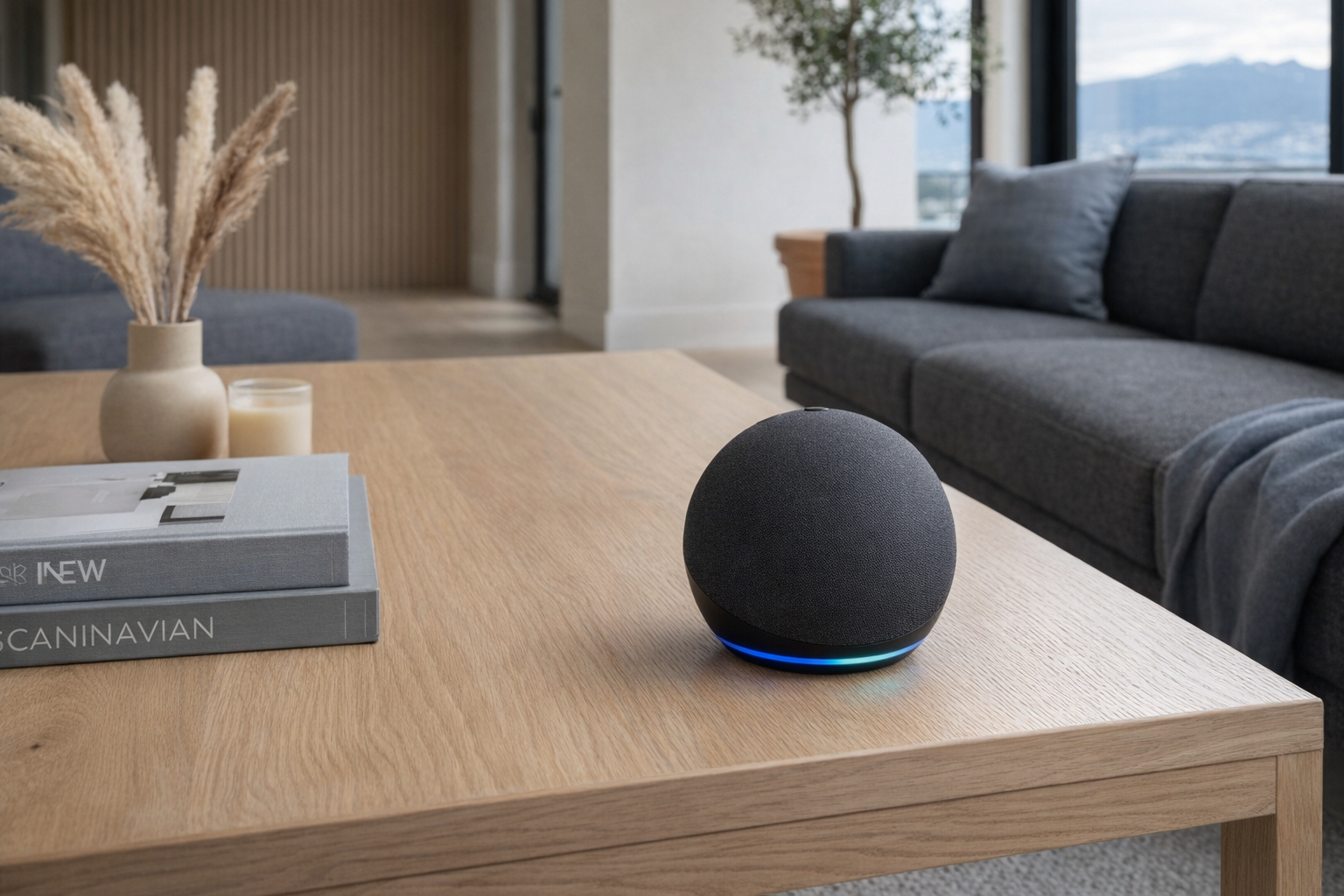
The 9-product dorm kit
| Product | Price (CAD) | Priority bucket | Packs in a suitcase? |
|---|---|---|---|
| YISHU 6ft Surge Protector | ~$22 | Survival | Yes |
| Touxila Kettle | ~$35 | Survival | Yes |
| Gritin Book Light | ~$22 | Sleep / study | Yes |
| Hatch Restore 2 | ~$11 | Sleep | Yes |
| Echo Dot | ~$47 | Productivity / room control | Yes |
| JBL Go 4 | ~$33 | Social | Yes |
| KSIPZE LED Strip Lights | ~$14 | Social / decor | Yes |
| KeySmart iPro | ~$51 | Productivity / don't-lose-stuff | Yes |
| EZ Outlet Extender | ~$69 | Accessibility niche | Yes |
Pro tip: The highest-leverage first purchase for a dorm is not the speaker, not the LEDs, and definitely not a desk accessory set. It's a good power strip. In most residence rooms, outlet access is worse than you expect, and a 6-foot cord plus 8 outlets does more to improve daily life than a pile of "smart" gadgets. Buy the boring infrastructure first, then layer on one or two comfort upgrades.
The three buckets of dorm tech
Dorm gadgets are easier to buy intelligently if you stop thinking in categories and start thinking in priorities.
Bucket 1 — Survival. These are the things that solve the room itself: power access, quick hot water, basic comfort, not crawling under a desk to plug in your laptop. If your budget is tight, this is where it goes first. Nobody posts their surge protector on Instagram, but it's still the better purchase.
Bucket 2 — Sleep and study. Dorms are noisy, bright when you don't want them to be, dark when you do, and rarely aligned with your schedule. Anything that improves late-night reading, wake-up routines, or basic room calm earns its keep faster than décor does. This bucket matters more than people admit.
Bucket 3 — Social and productivity extras. This is where the fun stuff lives: portable speaker, LED strips, voice assistant, key organizer. Useful? Often, yes. Essential on day one? Usually not. This is the bucket where freshmen overspend. A lot of products here are good, but only if you buy them after the room basics are handled.
Bucket 1 — Survival first
YISHU 6ft Surge Protector — the least exciting, most necessary buy
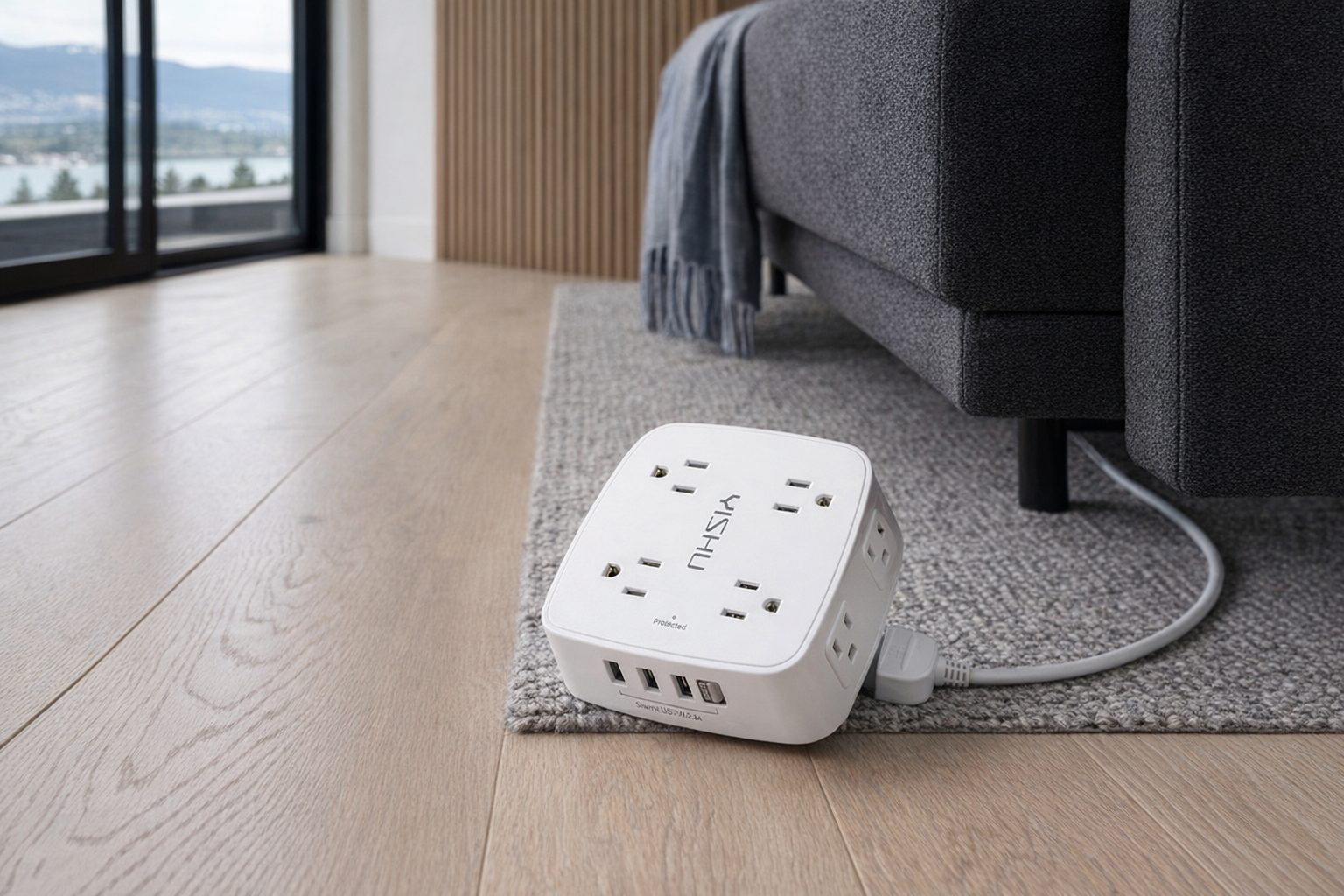
The YISHU 6ft Surge Protector Power Strip 8 Outlets is exactly the kind of product students tend to underbuy and regret. For about $22 CAD, you get 8 AC outlets, 4 USB ports including 1 USB-C, a 6-foot extension cord, a 45-degree flat plug, and 600 joules of surge protection. That's not glamorous. It is, however, the difference between a usable desk setup and one that requires unplugging your lamp every time you charge your laptop.
The honest case for this product is simple: dorm rooms often have badly placed outlets, and your device count climbs immediately. Laptop charger, phone charger, desk lamp, fan, speaker, alarm clock, maybe a monitor, maybe a kettle when allowed by residence policy. An 8-outlet strip with widely spaced sockets is just more realistic than pretending you'll live on two wall plugs all year. The flat plug is also smarter than it sounds because furniture in residence rooms rarely sits exactly where you want it. This is the first item on the list because it's the one most likely to solve a problem on move-in day.
- Best for: students bringing more than four powered devices and anyone whose dorm outlet is in a stupid location
- Full explainer: YISHU 6ft Surge Protector Power Strip 8 Outlets on Celmin · Directory: product page
Touxila Kettle — the dorm luxury that becomes a basic
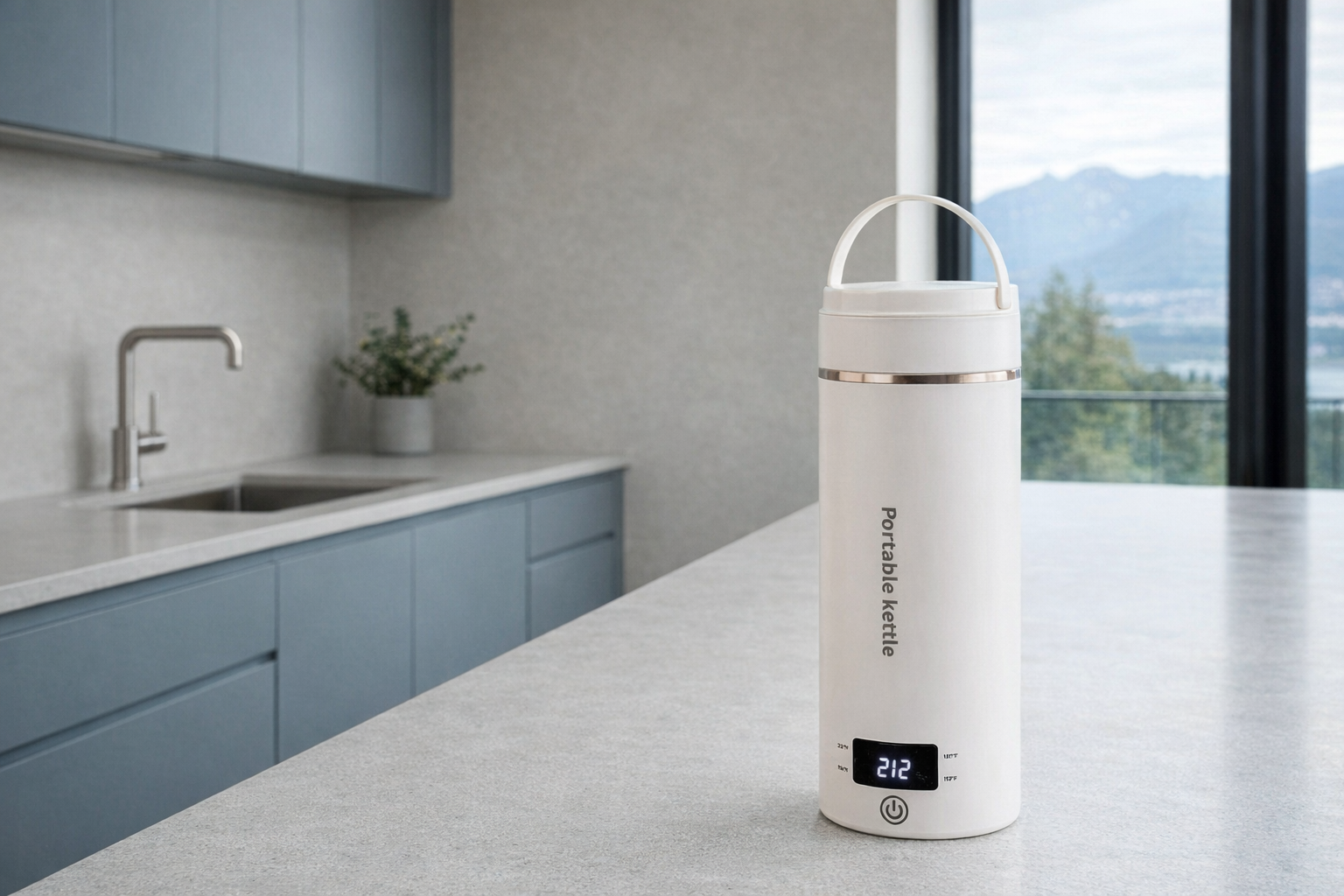
The Touxila Travel Electric Kettle 400ml is a much more sensible dorm buy than a coffee machine. At roughly $35 CAD, it's a compact 400ml hot-water kettle that stands 8.66 inches tall, weighs 1.1 lbs, and reportedly boils water in about 9–12 minutes. The key detail isn't just portability; it's flexibility. A student room doesn't need another single-purpose appliance, but it absolutely benefits from fast hot water for tea, instant noodles, oatmeal, soup cups, and late-night damage control in February.
According to the listing, it has 4 temperature presets — 212°F, 176°F, 131°F, and 113°F — along with auto shut-off, boil-dry protection, a 304 stainless steel inner pot, and a PP outer shell. That is a more thoughtful spec sheet than most tiny kettles get. The main caution is residence policy: some dorms are fine with enclosed kettles, some are picky about any heat-producing appliance. Check your residence handbook first. If permitted, this is one of the rare dorm gadgets that can save money immediately by reducing your dependence on cafeteria coffee and convenience food.
- Best for: tea drinkers, instant-meal people, and anyone whose dorm has a microwave but not a practical way to make decent hot water
- Full explainer: Touxila Travel Electric Kettle 400ml on Celmin · Directory: product page
EZ Outlet Extender — useful, but only for a narrower dorm problem
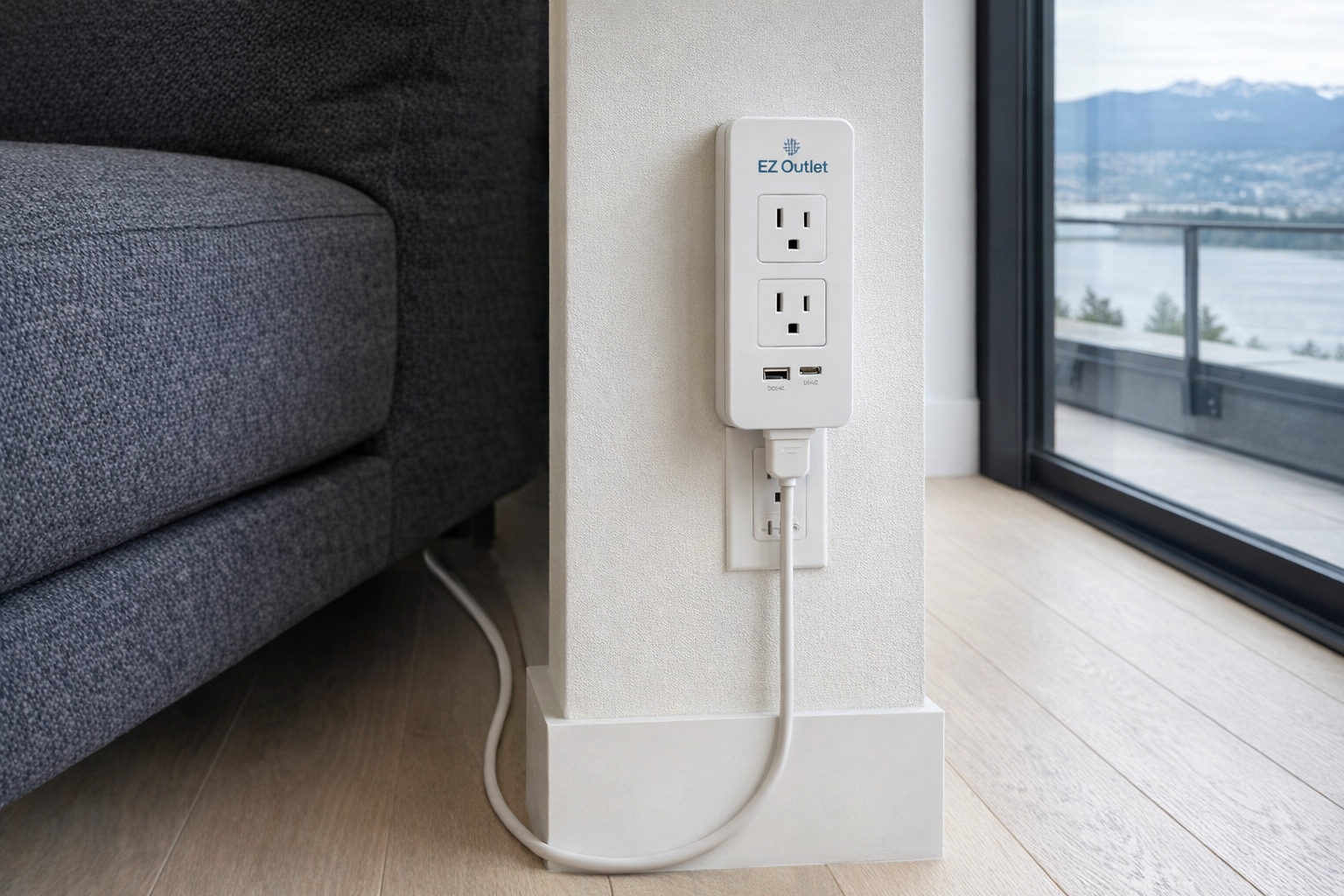
The EZ Outlet Extender is the most niche product in this guide and the one most students should buy last, if at all. At about $69 CAD, it's expensive for what sounds, at first glance, like a convenience accessory. And that's exactly why it needs honest framing: this is not a universal first-year essential. It's for a specific problem — outlets hidden behind heavy furniture, hard-to-reach sockets, or users who genuinely need easier physical access to power without bending and crawling around dorm furniture.
That's a real use case, but not a broad one. For many students, a 6-foot power strip already solves the practical problem for less money. Where the EZ Outlet Extender makes sense is accessibility, awkward room layouts, or a setup where the wall outlet ends up blocked behind a bed frame or desk all year. If that's not your situation, skip it and put the money toward better sleep or better audio. Dorm shopping gets expensive when you solve hypothetical problems instead of actual ones.
- Best for: inaccessible wall outlets, accessibility needs, or especially awkward residence furniture layouts
- Full explainer: EZ Outlet Extender on Celmin · Directory: product page
Bucket 2 — Sleep and study matter more than décor
Gritin Book Light — the roommate-respect purchase
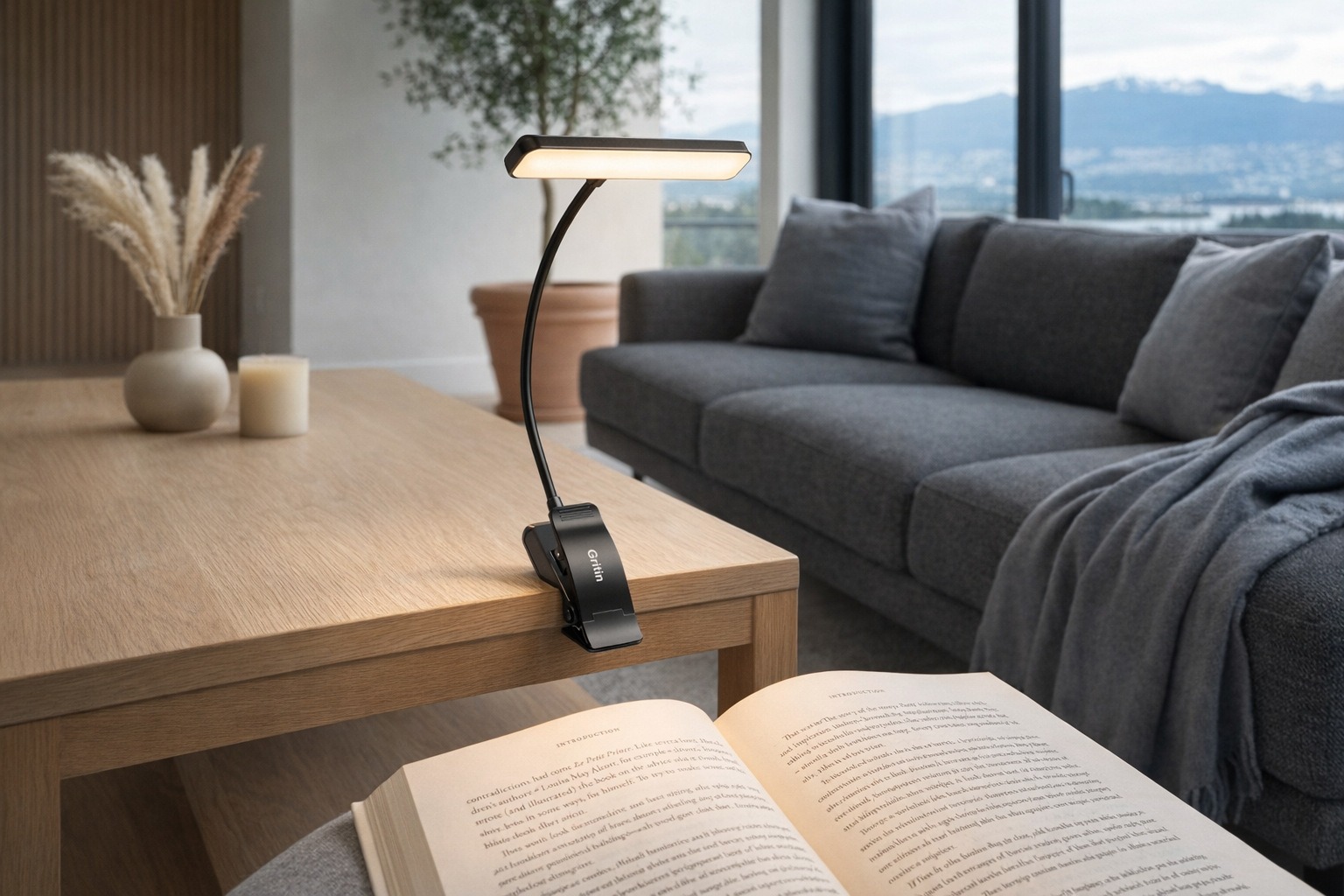
A book light sounds quaint until you're sharing a room and your only alternatives are a harsh overhead fixture or the flashlight on your phone. The Gritin 19 LED Rechargeable Book Light is one of the smartest low-cost dorm buys here. At roughly $22 CAD, it gives you 19 LED beads, 3 color temperatures — 1800K amber, 3400K mixed, and 6000K white — plus 10% to 100% stepless dimming and a 1200mAh battery rated for 12–90 hours of runtime.
Those numbers matter in a dorm because flexibility matters. Amber light for winding down, brighter white for textbook reading, lower brightness for not annoying your roommate. The 360-degree gooseneck and clip design are more useful than a tiny bedside lamp because they travel well and don't occupy precious desk space. This is also a more realistic study gadget than most "student productivity" gear. It doesn't promise to optimize your life. It just lets you read at 1 a.m. without starting a low-grade war with the person six feet away.
- Best for: shared rooms, late-night reading, top-bunk setups, and students who hate using overhead lighting
- Full explainer: Gritin 19 LED Rechargeable Book Light on Celmin · Directory: product page
Hatch Restore 2 — nice idea, but check your priorities
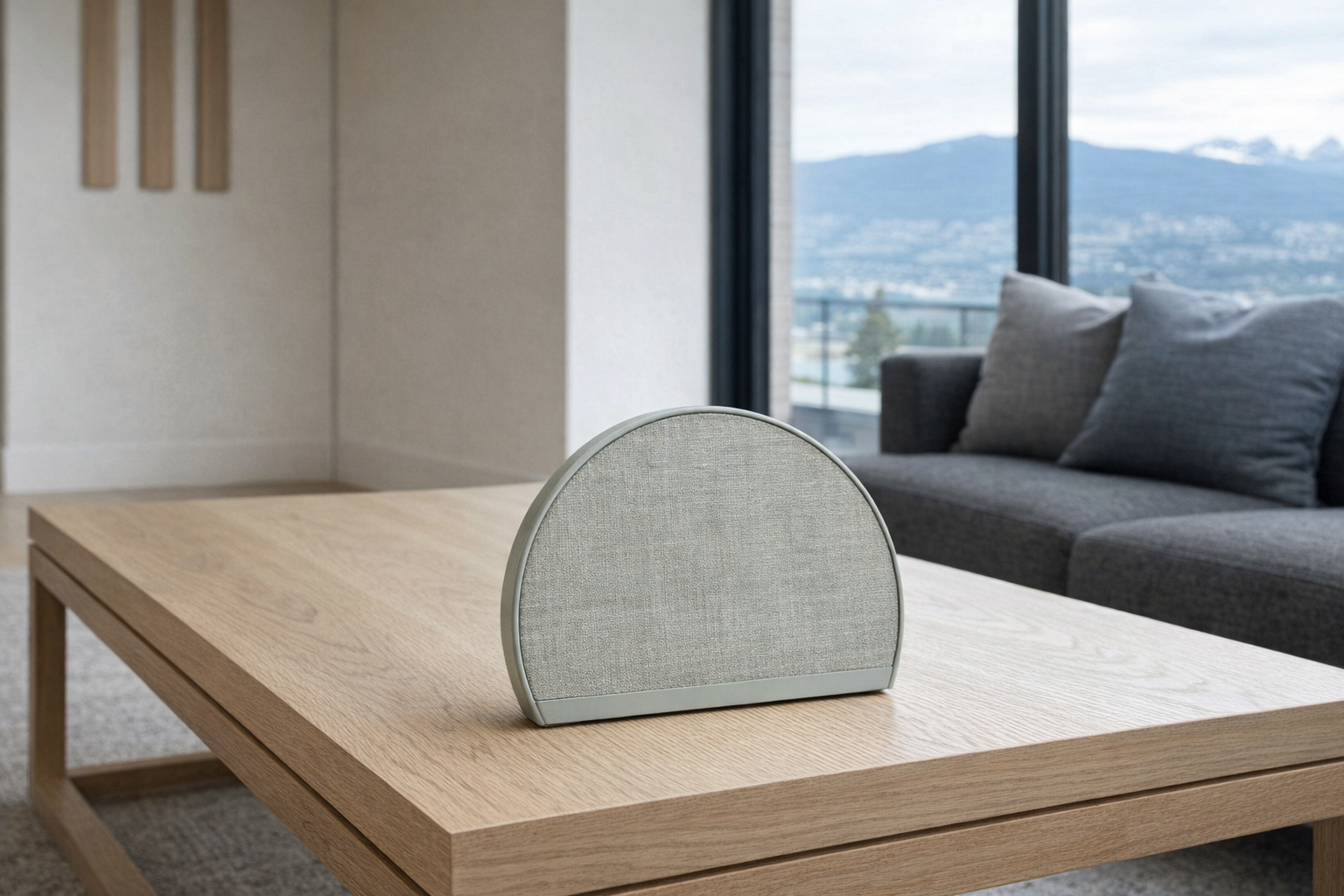
The Hatch Restore 2 sits in a category that first-year students often underestimate until midterms hit: sleep tech. On paper, this kind of bedside device is about light-based alarms and better routines. In practice, the reason to care is simpler: dorm life is chaotic, and any product that helps create a consistent wind-down and wake-up routine has a stronger case than another decorative gadget.
That said, this is one to buy with your eyes open. The supplied listing information here is thin, and the listed price of ~$11 CAD is low enough that you should absolutely verify the current retailer page before assuming that's the real going rate. More importantly, a sleep device is only useful if you'll actually use it every night. If you're already the kind of person who sleeps through three phone alarms and collapses under fluorescent lighting, a dedicated bedside device may help. If not, it may just become one more thing on your nightstand. Reasonable idea, narrower audience than the lifestyle branding usually suggests.
- Best for: students trying to build a fixed bedtime routine rather than those simply wanting another bedside gadget
- Full explainer: Hatch Restore 2 on Celmin · Directory: product page
Bucket 3 — Social and productivity extras
Echo Dot — the anchor pick if your dorm Wi-Fi situation is sane
The Echo Dot is the anchor product in this guide because it's one of the few dorm gadgets that can act as a clock, speaker, timer hub, alarm, and low-effort room assistant at the same time. At about $47 CAD, it undercuts a lot of overpriced "student desk" tech while doing more. According to the listing, it offers Alexa voice control, improved sound with clearer vocals and deeper bass, built-in motion and indoor temperature sensors, dual-band 2.4 and 5 GHz Wi-Fi, Bluetooth connectivity, a mic-off privacy button, and support for music services like Spotify, Apple Music, and Amazon Music.
The reason it works in a dorm is not smart-home fantasy. You are not building a fully automated campus penthouse. You're using hands-free timers for laundry and ramen, alarms you can tap to snooze, weather updates before a snowy walk to class, and Bluetooth audio when residence Wi-Fi is annoying. The built-in sensors are interesting, but not the main reason to buy it in first year. The main reason is that it pulls several little jobs into one compact device. The caution, and it's a real one: many dorm networks are shared, captive-portal based, or picky about device onboarding. If your residence Wi-Fi rules are restrictive, the Echo Dot becomes a better Bluetooth speaker than a full smart speaker. Still useful, but know the limitation before you treat it as the centre of your setup.
- Best for: students who want one bedside device for alarms, timers, music, and voice help — and whose residence network won't fight them
- Full explainer: Echo Dot on Celmin · Directory: product page
JBL Go 4 — the more roommate-safe speaker
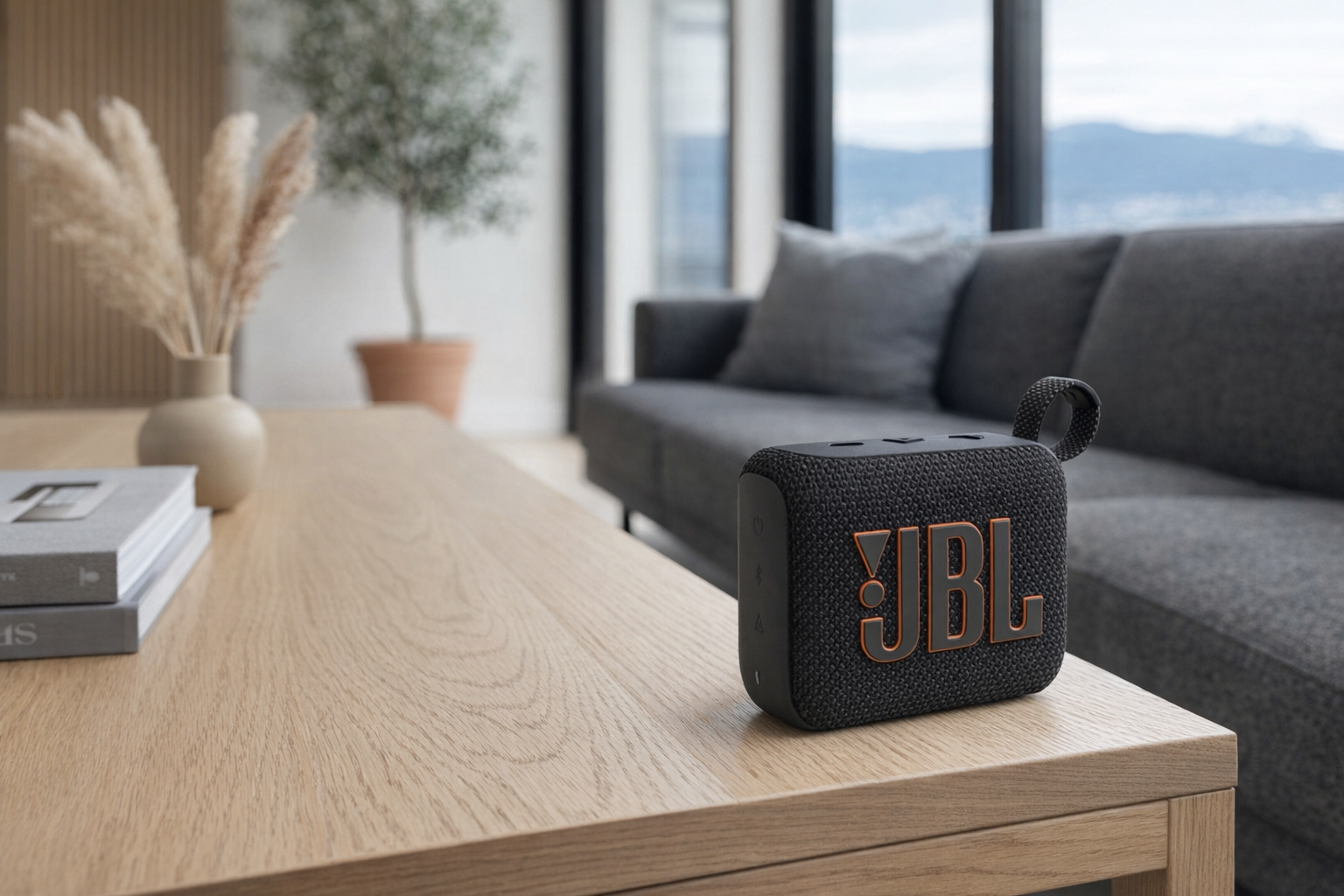
The JBL Go 4 is, for a lot of first-years, the smarter audio purchase than a larger dorm speaker. At roughly $33 CAD, it's cheap enough to feel casual, portable enough to move from desk to common room to weekend trip, and from a brand that generally knows how to make this category make sense. The high 4.8/5 source-listing rating suggests it's landing well with buyers, which tracks with what this category needs: simplicity and portability, not "immersive room-filling sound" hype in a space the size of a walk-in closet.
The honest pitch here is moderation. In residence, a small speaker is often better than a powerful one. You want decent audio for hanging out, shower caddy trips, or background music while cleaning, not something that invites a don to knock on your door. If you're choosing between this and the Echo Dot, ask a practical question: do you want smart-assistant features, or do you just want a portable speaker that doesn't depend on the dorm network? For many students, the JBL is the cleaner answer.
- Best for: portable music, common-room carry, and students who want uncomplicated audio without smart-speaker setup friction
- Full explainer: JBL Go 4 on Celmin · Directory: product page
KSIPZE LED Strip Lights — cheap fun, but don't turn your room into a nightclub
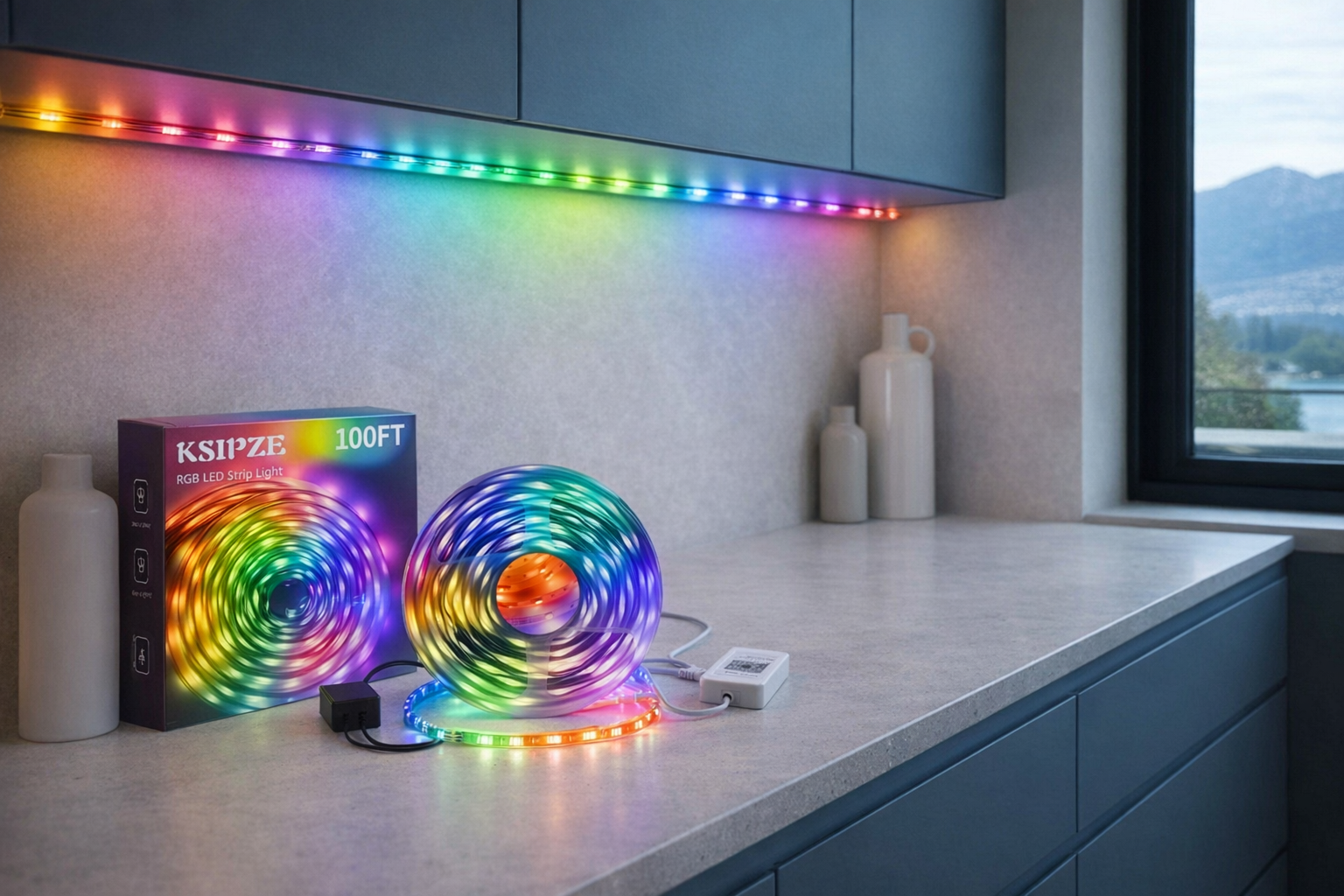
The KSIPZE 100ft LED Strip Lights RGB Music Sync are exactly what dorm décor is supposed to be: cheap, removable-looking, easy to pack, and not serious enough to regret later. At about $14 CAD, you get 100 feet of RGB strip lighting, app and IR remote control, 16 million colors, a built-in mic for music sync, timer settings, and adhesive installation. For a first-year room, that is a lot of visual payoff for very little money.
But this is also the category where people get carried away. LED strips are fun; they are not a substitute for decent task lighting, sleep hygiene, or an outlet setup that works. The music-sync feature is the sort of thing that sounds better before midterms than during them. Still, as a low-cost way to soften the institutional feel of a dorm room, this is hard to argue with. Just check residence rules on adhesives and don't stick anything to surfaces you're not prepared to remove carefully. Cheap décor is good. Wall-damage charges are not.
- Best for: inexpensive room ambience, shared-room personalization, and students who want décor without spending real money
- Full explainer: KSIPZE 100ft LED Strip Lights RGB Music Sync on Celmin · Directory: product page
KeySmart iPro — a solid idea with a price that needs justification
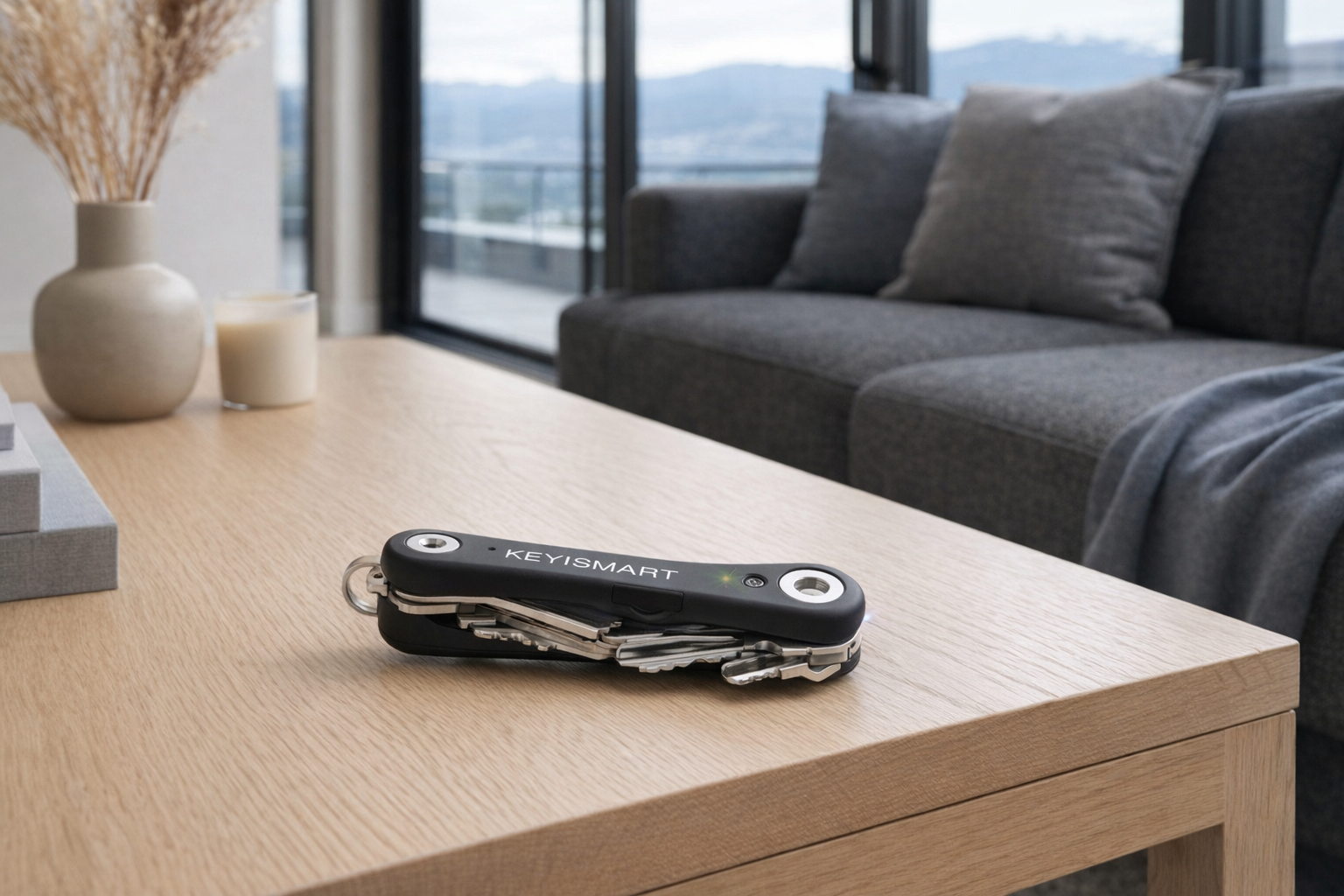
The KeySmart iPro sits in that awkward but sometimes valuable category of products designed to prevent low-level daily chaos. At about $51 CAD, it's not cheap for a key organizer, and the 3.8/5 source rating is noticeably lower than most of the other products here. That doesn't mean it's bad. It means you should not buy it on vibes alone.
For dorm life, the appeal is obvious: room key, mailbox key, maybe bike lock key, maybe a fob, and a general fear of being the person locked out in sweatpants at 11:30 p.m. If you're disorganized, a product like this can be genuinely worth it. If you're naturally careful with your keys, it's probably overkill. That's the honest split. First year is not the time to pay a premium for organization gear unless disorganization is already costing you time, stress, or replacement fees.
- Best for: students who lose keys often enough that prevention is cheaper than repeating the mistake
- Full explainer: KeySmart iPro on Celmin · Directory: product page
The order to buy these in
The easiest way to blow a dorm budget is to buy the "fun" products first and then scramble for the basic ones after move-in. A more realistic order for a target budget around $400 CAD looks like this:
- YISHU 6ft Surge Protector — ~$22 running total
- Gritin 19 LED Rechargeable Book Light — ~$44 running total
- Touxila Travel Electric Kettle 400ml — ~$79 running total, assuming residence rules allow it
- Echo Dot — ~$126 running total, if your dorm Wi-Fi setup is workable
- JBL Go 4 — ~$159 running total, if you want portable audio that doesn't rely on Wi-Fi
- KSIPZE 100ft LED Strip Lights — ~$173 running total, for cheap room personality
- Hatch Restore 2 — ~$184 running total, only if sleep routine is a real issue
- KeySmart iPro — ~$235 running total, only if you regularly lose keys
- EZ Outlet Extender — ~$304 running total, only for specific accessibility or room-layout reasons
That final number is still below the rough $400 CAD target, which is good news: most students do not need to buy all nine. Realistically, many first-years should stop around step 4 or 5. At that point, you've covered power, reading light, hot water, and either smart-room convenience or portable music. That's already a competent dorm setup without turning move-in into a shopping addiction.
The three questions worth asking before you buy anything
- Does this solve a problem on day one, or is it just décor with a better marketing page?
A power strip solves a day-one problem. A book light probably does too. LED strips usually don't. That's fine — just be honest about the difference. - Will this still work if my residence Wi-Fi is annoying or restricted?
Bluetooth devices and basic appliances are safer bets than anything that expects easy network onboarding. The Echo Dot can be great, but only if your dorm network cooperates. - Am I buying for my actual habits, or for the person I imagine I'll become at university?
If you never drink tea, skip the kettle. If you don't lose keys, skip the KeySmart. If you already know sleep routine is your weak point, spend there early. The cheapest dorm gadget is the one you never had to buy.
Got Questions About Dorm Smart Gadgets? Let's Clear Things Up.
Is this a hands-on review?
No. This is an editorial buying guide built from product listings and Celmin coverage, aimed at helping first-year students pick a portable dorm setup without wasting money. It's not a substitute for checking current retailer specs, residence policies, and your specific campus network situation.
Are these actually dorm-safe?
Mostly yes in the practical sense, but residence rules vary a lot. Portable items like a speaker, book light, key organizer, and power strip are generally straightforward. The two things worth checking first are heat-producing appliances like the kettle and adhesive décor like LED strips. Residence offices can be weirdly specific about both.
What should I skip at this life stage?
Usually the expensive niche accessories. For most first-years, that means the EZ Outlet Extender unless you truly need the accessibility benefit, and often the KeySmart iPro unless losing keys is already a pattern. You can also delay sleep gadgets beyond a basic light if budget is tight. Buy solutions, not lifestyle props.
Is an Echo Dot actually practical in a dorm?
Yes, with one major caveat: Wi-Fi. If your residence network supports onboarding without drama, the Echo Dot is a compact, useful little room hub for alarms, timers, music, and voice help. If not, it's still usable over Bluetooth, but less clever than the marketing implies. Evaluate it first as a convenience device, not as a full smart-home purchase.
Are LED strips worth it, or are they just freshman cliché décor?
Both. They're cliché because they're cheap and effective. At ~$14 CAD for 100 feet, the KSIPZE strips are a low-risk way to make a sterile dorm room feel less institutional. Just don't pretend they're essential, and don't install them carelessly on surfaces your residence staff will inspect later.
What about quiet hours and roommates?
This is where product choice matters more than specs. A JBL Go 4 makes more dorm sense than a bigger room speaker because it's easier to keep reasonable. A book light is better than blasting the overhead light at midnight. A smart alarm device can be helpful, but not if it wakes the whole room. Dorm tech should reduce friction, not create it.
Where should I buy these to verify the latest details?
Check current pricing, stock, and listing details directly before buying: Touxila Travel Electric Kettle 400ml · JBL Go 4 · Echo Dot · Gritin 19 LED Rechargeable Book Light · Hatch Restore 2 · YISHU 6ft Surge Protector Power Strip 8 Outlets · EZ Outlet Extender · KSIPZE 100ft LED Strip Lights RGB Music Sync · KeySmart iPro.
What would Celmin recommend as a first purchase for a brand-new dorm student?
Start with the YISHU 6ft Surge Protector at about $22 CAD. If there's room for one more item, add the Gritin 19 LED Rechargeable Book Light for another ~$22 CAD. Total: roughly $44 CAD. That pair solves more real dorm problems than most $150 aesthetic hauls.
If you're building a smarter home in Canada and want honest comparisons of gadgets worth considering — plus the ones worth skipping — Celmin covers the full catalog without the marketing theater. More comparisons, reviews, and buyer guides at https://celmin.ca.
Discussion
Sign up or sign in to join the conversation.