
The SwitchBot Hub Mini (Matter) sits in a very specific corner of the smart-home world: the little box you buy when you are tired of juggling one more app, one more voice-assistant compatibility chart, and one more "works with" badge that turns out to mean "sort of." Its job is not glamorous....
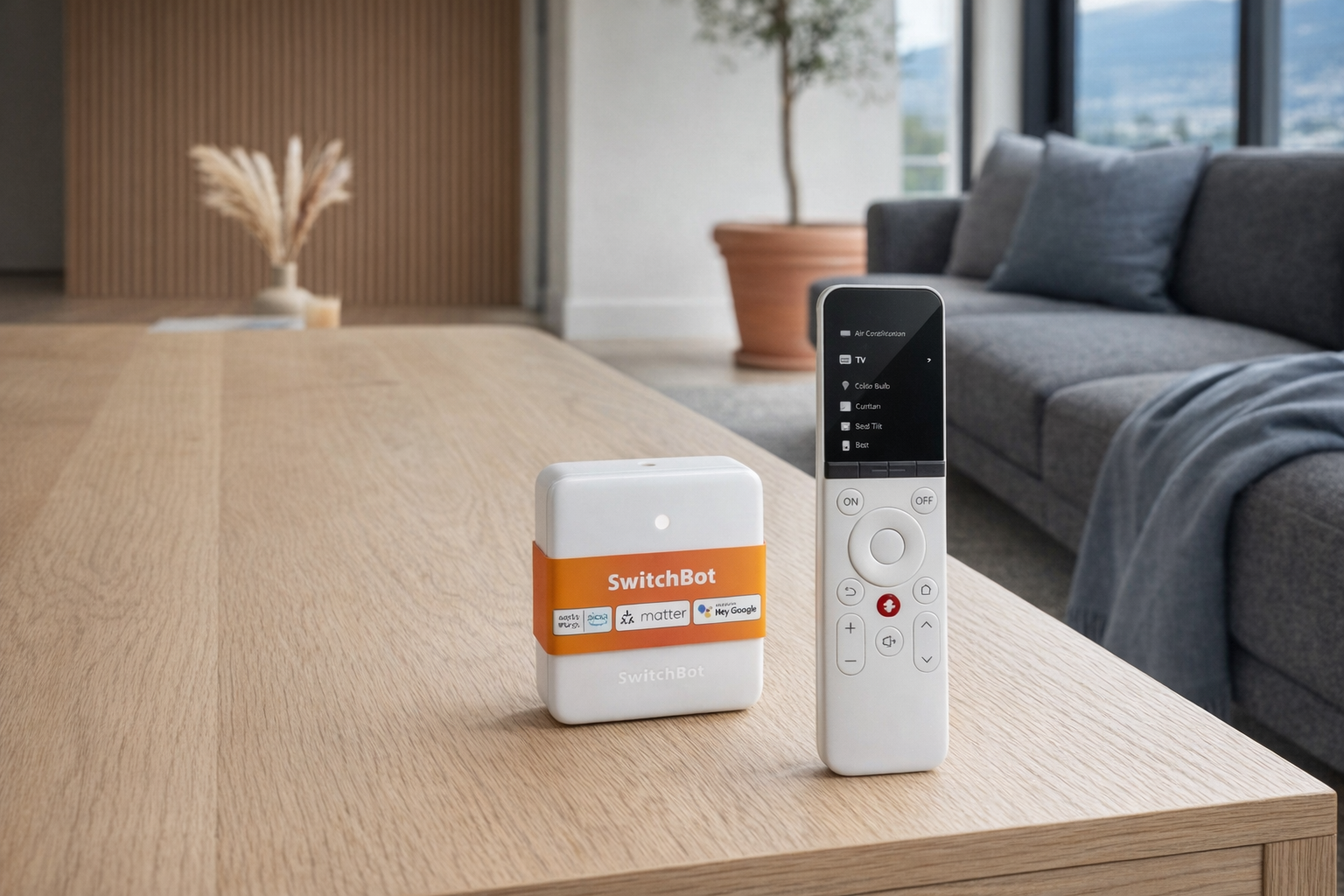
The SwitchBot Hub Mini (Matter) sits in a very specific corner of the smart-home world: the little box you buy when you are tired of juggling one more app, one more voice-assistant compatibility chart, and one more "works with" badge that turns out to mean "sort of." Its job is not glamorous. It is a bridge. More specifically, it is meant to help certain SwitchBot devices show up in bigger ecosystems through Matter, while also acting as an infrared remote hub for older TVs, air conditioners, and other remote-controlled appliances.
This article is not a hands-on review. Nothing here is based on personally testing the device. The goal is simpler and more useful: explain what the SwitchBot Hub Mini actually does, how Matter bridging is supposed to work, what setup usually involves, and where people tend to get stuck. If you are staring at setup screens, Home app prompts, or a stubborn accessory that refuses to appear, this is meant to give you the calm version.
Quick snapshot
| Question | What the SwitchBot Hub Mini actually is |
|---|---|
| Category | Smart Home |
| Made by | SwitchBot |
| Typical price | ~$125 CAD (listing at the time of writing — verify current pricing) |
| Rating signal | 3.1/5 on the source listing |
| Best for | People already using SwitchBot gear who want easier Apple Home or Matter integration |
| Skip if | You want a full universal smart-home hub for every protocol, or you expect every infrared device to behave like a native smart accessory |
Pro tip: Buy the SwitchBot Hub Mini for bridging specific SwitchBot devices you already own, not as a magic fixer for an entire messy smart home. That expectation keeps disappointment low.
What the SwitchBot Hub Mini actually is
In plain English, the SwitchBot Hub Mini is a small Wi‑Fi hub that sits between your SwitchBot devices and the rest of your smart-home setup. It connects to the internet, talks to compatible SwitchBot accessories, and can expose some of them to Matter platforms like Apple Home. It also acts as an infrared blaster, which means it can learn commands from traditional remotes and send them back out to control older appliances.
That empty description field is a little annoying, but the product name itself tells you the important part: this is the Matter-enabled version of the Hub Mini. That means its value is not just "put your SwitchBot stuff in the SwitchBot app." The real reason to care is cross-platform visibility. If your goal is to get selected SwitchBot devices into Apple Home, or simplify voice control through a broader ecosystem, this is the feature doing the heavy lifting.
The clearest comparison is to the SwitchBot Hub 2. The Hub 2 is the more feature-rich sibling and is generally the more talked-about Matter bridge in SwitchBot's lineup. The Hub Mini (Matter) aims at the same basic problem in a smaller, simpler package. That can be perfectly fine if all you need is the bridge function and IR control, but it also means you should not expect it to behave like a giant all-in-one home controller. That's a more honest way to frame it than the marketing usually does.
Key features at a glance
- Matter bridging for compatible SwitchBot devices
- SwitchBot app integration as the main setup path
- Infrared remote control for supported TVs, AC units, and other IR appliances
- Voice assistant compatibility through broader ecosystem support
- Compact hub design meant to live near the devices or appliances it serves
- Useful for troubleshooting stubborn compatibility gaps between SwitchBot gear and larger smart-home platforms
How the SwitchBot Hub Mini actually works
The easiest way to understand the SwitchBot Hub Mini is to treat it as a translator with two jobs.
First, it joins your home network over 2.4GHz Wi‑Fi. That matters because a lot of small smart-home hubs still rely on 2.4GHz rather than 5GHz, and setup problems often start right there. If your phone is on 5GHz and your router is doing clever band steering, the app can still work — but it can also be the beginning of a headache. During setup, assume this hub wants the simpler, older Wi‑Fi lane.
Second, it connects the SwitchBot world to the Matter world. In practice, the path usually looks like this:
- Add the hub in the SwitchBot app.
- Update firmware if prompted.
- Pair compatible SwitchBot accessories to the hub or account.
- Generate or locate the Matter setup code.
- Add the bridge to Apple Home or another Matter-compatible platform.
- Wait for exposed child devices to appear.
That last step is where expectations need to stay realistic. Matter does not mean "every feature from every device appears everywhere." It usually means a supported subset of devices and controls appears in another ecosystem in a cleaner, more standardized way. If you were hoping every niche SwitchBot setting, automation toggle, or custom scene would instantly port over, that is usually not how bridging works.
On the infrared side, the Hub Mini uses line-of-sight style IR blasting to imitate your original remote. So if you teach it your air conditioner power command, it can repeat that signal later through the app or voice assistant. But IR is not like a modern two-way smart device. It often cannot confirm whether the TV really turned on or whether the AC actually changed from 22°C to 24°C. It sends commands; it does not always know the result. Evaluate it like a universal remote with internet access, not like a native smart thermostat.
A realistic "day in the life" with SwitchBot Hub Mini
Because this is an informational piece rather than a test, here is what a typical day might look like based on the product role and what the listed features imply.
- Morning. Your SwitchBot curtains, bot, or other compatible devices are already linked through the SwitchBot app, and the Hub Mini has been added to Apple Home through Matter. You ask Siri to trigger a scene, and the command passes through the wider ecosystem instead of forcing you back into the SwitchBot app for every little action.
- Midday. You use the Hub Mini's IR function to turn on a remote-controlled fan or air conditioner in a home office. The convenience is real, but it still behaves like IR: if the appliance did not receive the signal cleanly, the app may not know that.
- Afternoon. A family member says one device has gone "offline" in Home but still works in the SwitchBot app. That usually points to the bridge layer, the Matter layer, or the home platform sync — not necessarily a dead accessory.
- Evening. You tweak automations after noticing that one exposed device responds slowly. A router reboot, firmware update, or re-adding the Matter bridge often solves this kind of issue more reliably than endlessly deleting individual devices.
Who the SwitchBot Hub Mini is actually for (and who it isn't)
Great fits
- People who already own SwitchBot Curtain, Bot, Lock, or other SwitchBot gear and want a cleaner way to surface compatible devices in Apple Home.
- Apartment dwellers trying to modernize older appliances with infrared remote control instead of replacing perfectly functional hardware.
- Households that prefer one central voice assistant view instead of bouncing between the SwitchBot app and a second ecosystem app.
- Tinkerers who are comfortable doing firmware updates, rescanning QR codes, and occasionally rebuilding an integration when Matter gets fussy.
Poor fits
- Anyone expecting a universal hub for Zigbee, Z-Wave, Thread border routing, and everything else in one box.
- People with no existing SwitchBot devices who think this hub, by itself, is the smart-home upgrade.
- Buyers who want every old IR appliance to behave like a modern native accessory with full state awareness.
- Households that hate troubleshooting Wi‑Fi, app permissions, account linking, or ecosystem-specific pairing steps.
Practical trade-offs
Setup complexity
The phrase "Matter support" makes products sound simpler than they often are. In reality, the SwitchBot Hub Mini can reduce long-term ecosystem friction while still being mildly annoying on day one. You are usually dealing with three layers at once: the SwitchBot app, the hub firmware, and the target platform such as Apple Home.
If setup goes smoothly, great. If not, the friction points are usually predictable: wrong Wi‑Fi band, outdated firmware, a stale Matter code, or assuming a device is supported when only certain SwitchBot products are actually bridgeable. Before blaming the hardware entirely, verify support lists and firmware first.
Infrared limitations
IR control is useful, but it is also old-school. The Hub Mini can mimic commands from remotes, but it cannot magically turn a basic TV or AC into a fully aware smart device. That means state drift is common: the app thinks the TV is off, the room says otherwise.
Placement matters more than many buyers expect. If the hub is hidden behind a cabinet, pointed the wrong way, or placed too far from the appliance, reliability drops. A tiny hub is convenient, but IR still wants a clear path to do its job.
Matter support is selective, not unlimited
This is probably the biggest expectation reset. Matter bridging is valuable, but it is not a blank cheque. Supported devices, supported categories, and supported controls can all be narrower than buyers assume.
That matters even more given the 3.1/5 rating signal on the source listing. A score like that does not automatically mean the product is bad; it often means a chunk of buyers expected plug-and-play simplicity and instead got ecosystem housekeeping. If you are patient and your device list matches the supported path, the Hub Mini can make sense. If you want zero-maintenance certainty, this is probably not the right lane.
Where the SwitchBot Hub Mini fits in a smart home
The SwitchBot Hub Mini makes the most sense in a home that already has a broader platform in place.
A common setup looks like this:
- Apple Home as the main control layer for rooms, scenes, and Siri
- SwitchBot devices doing the physical work, such as pressing buttons, moving curtains, or handling other retrofit tasks
- SwitchBot Hub Mini acting as the bridge that helps compatible accessories show up through Matter
- Older IR appliances like a bedroom AC or living-room TV brought into the same general control flow
That is the right mental model. The Hub Mini is not the centre of the smart home in the way a full platform hub might be. It is the adapter that makes a retrofit-heavy setup feel less fragmented. In a practical home, it often sits quietly next to a router, media console, or bedroom appliance and just translates between worlds.
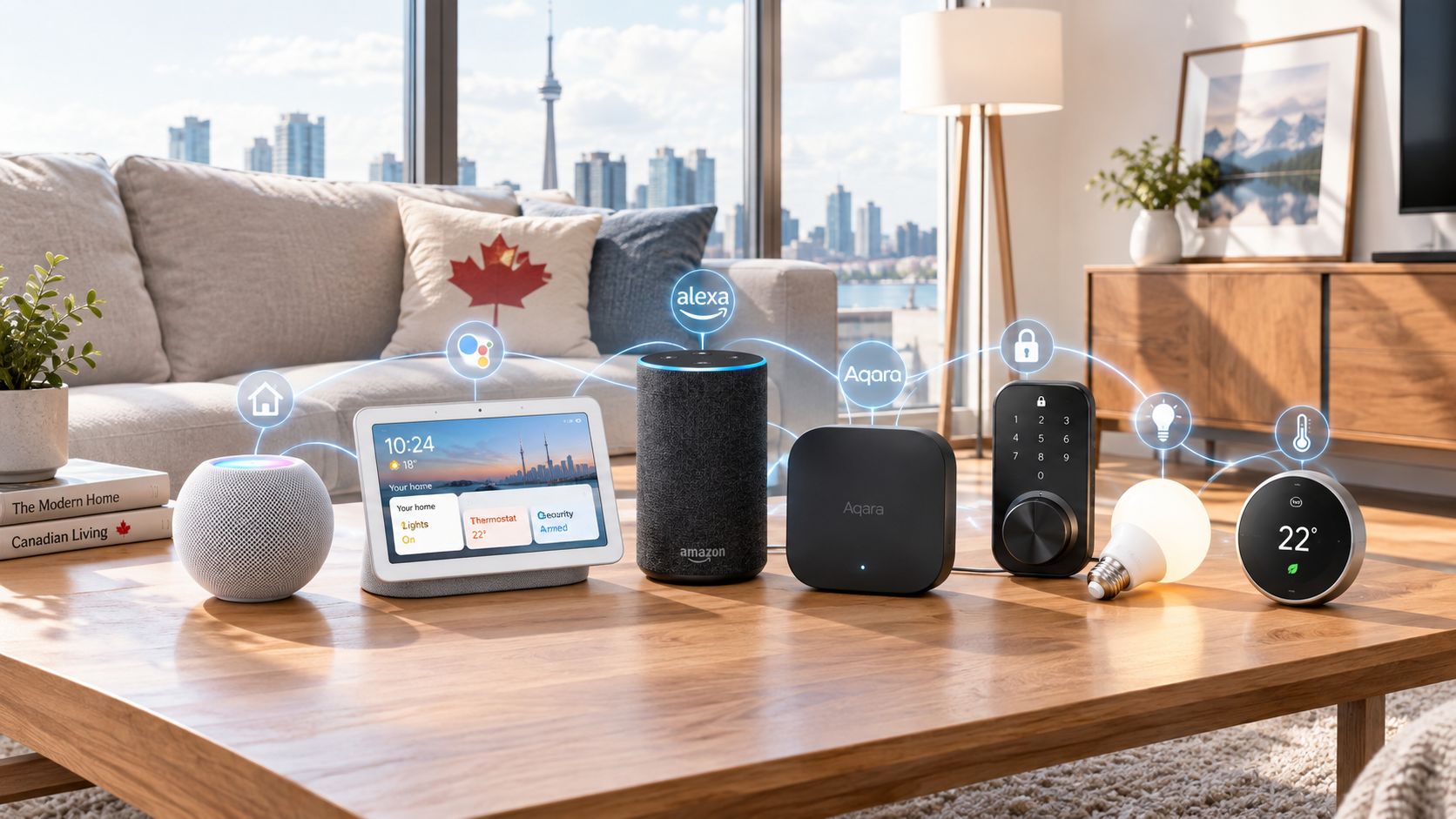
If you are also running Amazon Alexa or Google Home, the same logic applies. Let the big ecosystem handle routines and voice control. Let SwitchBot handle the oddball retrofit devices it is actually good at. The Hub Mini exists to reduce the gap between those two layers.
The buying decision, in plain terms
Before buying the SwitchBot Hub Mini, three questions usually get you to the right answer:
- Do you already own compatible SwitchBot devices?
If yes, the Hub Mini has a clear purpose. If no, it is hard to justify paying roughly $125 CAD for a bridge before you have anything meaningful to bridge. - Are you trying to solve ecosystem visibility, or do you just want basic app control?
If your devices already work fine inside the SwitchBot app and you do not care about Apple Home or Matter, this may be extra complexity you do not need. - Are you comfortable troubleshooting setup when the bridge layer gets flaky?
If rescanning a Matter code, updating firmware, or rebooting a router sounds unbearable, choose simpler gear or stay inside one ecosystem.
Three yeses make the SwitchBot Hub Mini a sensible buy for the right SwitchBot-heavy home; any solid no means you should probably pause.
Got Questions About the SwitchBot Hub Mini? Let's Clear Things Up.
Is this a hands-on review?
No. This is an informational explainer based on the product listing, the product category, and how Matter bridging typically works in real-world smart homes. It is designed to help with setup expectations and troubleshooting, not replace direct testing.
What does the SwitchBot Hub Mini actually do?
Its main jobs are to act as a Matter bridge for compatible SwitchBot devices and to function as an IR remote hub for appliances that still use traditional remotes. In other words, it helps connect selected SwitchBot accessories to broader ecosystems while also controlling older home electronics.
Why is my SwitchBot device visible in the SwitchBot app but not in Apple Home?
That usually means the issue is in the bridge layer, not necessarily the device itself. Common causes include unsupported device categories, outdated hub firmware, a failed Matter sync, or the need to remove and re-add the bridge. It is also worth checking whether the specific accessory is one of the models that the hub can actually expose through Matter.
Does the SwitchBot Hub Mini need 2.4GHz Wi‑Fi?
Products in this category commonly rely on 2.4GHz Wi‑Fi, and setup trouble often starts when the network environment gets too clever. If pairing fails, try moving closer to the router, temporarily simplifying Wi‑Fi settings if possible, and making sure the phone and hub are not tripping over band-steering issues.
Can it control any TV or air conditioner with a remote?
Not automatically, and not perfectly. The infrared feature can be very handy, but compatibility depends on whether the hub can learn or match the appliance's IR commands. Even when it works, it may not know the true on/off state afterward because IR control is often one-way.
Where can I verify compatibility or buy it?
The current listing to check is the Amazon product page here. Before buying, verify current pricing, supported Matter devices, and any updated notes about platform compatibility on that page and in SwitchBot's own support materials.
What does it cost in Canada?
At the time of writing, the listing price is roughly ~$125 CAD. Smart-home pricing moves around a lot, especially for imported accessories, so it is worth checking the live listing before you buy.
Where is the Celmin Directory listing for this product?
For a catalog-style view of the same product — structured specs, pros and cons, similar picks, and FAQ — see SwitchBot Hub Mini on Celmin Directory.
If you're building a smarter home in Canada and want honest explainers on gadgets worth considering — plus the ones worth skipping — Celmin covers the full catalog without the marketing theater. More reviews, comparisons, and buyer guides at https://celmin.ca.

Discussion
Sign up or sign in to join the conversation.