
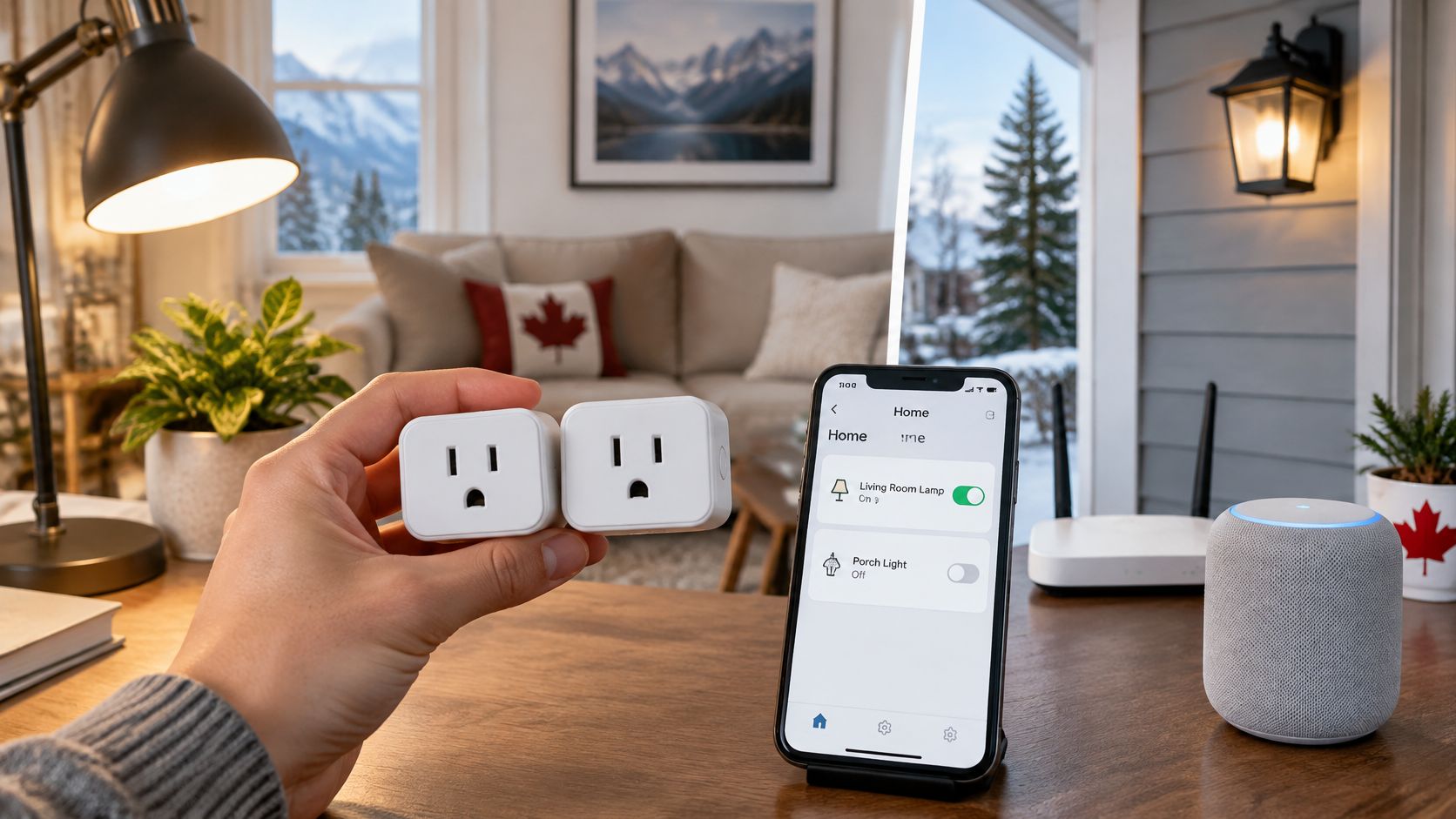
Does a smart plug's Google Home badge tell you whether it can safely switch your appliance or connect securely to your router? No. It tells you about compatibility, not whether the plug suits the job.
For Canadian buyers, the useful comparison starts with load ratings, network requirements and fallback controls, then moves to price. A smart plug that works with Google Home should make an ordinary lamp or suitable appliance easier to control without creating an electrical or security compromise.
Table of Contents
- Smart Plugs That Work with Google Home in Canada
- Wi-Fi Plugs Versus Hub-Based Models
- Load Ratings and What Your Appliances Can Draw
- Privacy, Accounts and Network Isolation
- Which Plug Fits Your Home and Routine
- How to Pair a Plug with Google Home and Your Router
- Confirm the Plug Fits Before You Buy
Smart Plugs That Work with Google Home in Canada
Which Google Home smart plug can switch a lamp safely and still reconnect after your router reboots?
A Google Home-compatible smart plug connects to your Google Home setup, often through the manufacturer's app and account, so you can control a connected device with Assistant. The buying decision is which hardware fits your appliance, router and installation location.
Google Home smart plugs compared on connection and load
| Model | Connection | Load rating |
|---|---|---|
| APEXGEAR Wi-Fi smart plug | Wi-Fi | Confirm the exact model's electrical rating before use |
| HBN outdoor smart Wi-Fi plug | Wi-Fi | 15 A; 1,875 W resistive |
| TP-Link Kasa EP10 | Wi-Fi, 2.4 GHz | 15 A; 1,800 W resistive |
These are comparison points, not interchangeable recommendations. Local control and offline scheduling remain purchase checks for every model, not features to assume from Google Home compatibility.
What each option offers
The APEXGEAR is a straightforward Wi-Fi candidate. Best Buy Canada listed the Google Home-compatible APEXGEAR smart plug at CAD $26.99 per unit in 2026. A price and compatibility badge are not enough to approve it for an appliance. Get the exact model's electrical rating before putting it on your shortlist.
The HBN is the outdoor candidate. Its intended location makes it relevant for porch lighting and seasonal decorations. Buyers still need to check temperature limits, weather protection and how the receptacles must be positioned. An outdoor label does not mean you can leave every connection exposed.
The Kasa EP10 provides a more explicit indoor comparison because its Canadian specifications identify its wireless band and resistive-load rating. Treat it as a specifications-only comparison: 2.4 GHz Wi-Fi, 15 A and 1,800 W resistive. Check the current Canadian checkout total before you rank it on value, and confirm the exact model and seller.
Compare the job, not the brand
Celmin starts each article from search demand and real store-aisle dilemmas, such as Geeni versus Kasa, rather than broad best-gadget claims. For a plug, that means asking what you will connect before choosing a brand.
Use these filters:
- Appliance fit: Match the rating to the load type, not just the largest wattage printed on the box.
- Network fit: Confirm the wireless requirements and whether your router permits the intended setup.
- Control fit: Establish whether manual switching and schedules work independently of the internet.
- Physical fit: Check that the body will not obstruct an adjacent receptacle you need.
Canadian prices change, and marketplace listings can cover different sellers or model variants. Verify the exact model, seller and total at checkout. Shortlist a pair of candidates with documented ratings for your appliance, then settle the load and network questions before buying.
Wi-Fi Plugs Versus Hub-Based Models
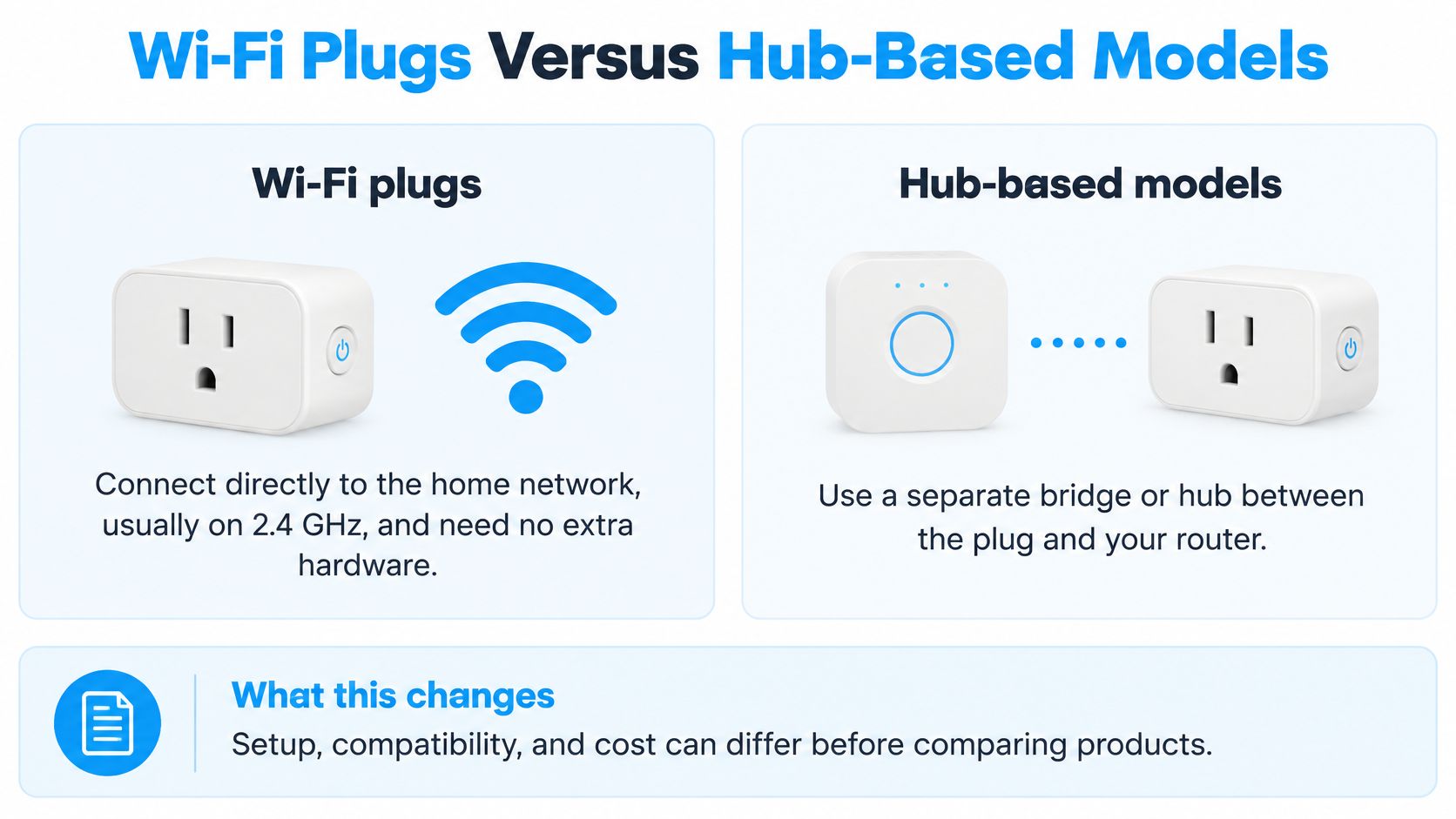
Wi-Fi plugs connect directly to your home network. Hub-based plugs communicate through a separate bridge or compatible hub. That distinction affects the equipment you need before you ever open Google Home.
The comparison below shows the basic connection paths.
Canada already had an established smart-device audience in 2020: Get Cyber Safe figures reproduced in this smart-home publication reported 2.8 million Canadian homes with at least one smart device, with 16% of that group owning smart plugs and 26% owning voice-activated assistants. Those percentages describe smart-device-owning homes, not all Canadian households.
Compare the connection paths
| Buying consideration | Wi-Fi plug | Hub-based plug |
|---|---|---|
| Setup effort | Connect the plug to the router and configure its integration | Configure the hub, then add the plug |
| Router dependence | Each plug needs a usable wireless connection | The hub needs a network connection; plugs need a reliable link to it |
| Internet outage | Offline behaviour requires confirmation | Local operation requires confirmation |
| Expansion | More plugs mean more Wi-Fi clients | The hub carries the accessory network |
| Matter compatibility | Check the exact model and required controller | Check the plug, bridge and controller combination |
Wi-Fi is usually the simpler starting point for a small installation. You avoid a separate bridge and can test whether automation helps before committing to a broader system.
A hub becomes more attractive when you already own a compatible one or intend to add many accessories. It can reduce the number of devices connecting directly to Wi-Fi, but it also adds equipment to power, configure and maintain.
Don't confuse a hub with offline control
A hub doesn't automatically make an installation independent of the cloud. Likewise, a Wi-Fi plug isn't necessarily cloud-only. The manufacturer's implementation determines which commands and schedules survive an outage.
A Matter label also needs a closer look. Confirm the required controller and network equipment, and don't assume the models in the comparison table support Matter unless the exact packaging says so.
Choose Wi-Fi for a few plugs on a stable router. Consider a hub when it serves an existing system or a planned expansion, not simply because it sounds more advanced.
If plugs are part of a larger purchase, compare the whole setup using our Canadian smart-home system guide. Avoid buying an isolated bargain that requires another app or bridge you don't otherwise need.
Load Ratings and What Your Appliances Can Draw
A 1,500 W kettle and a 60 W desk lamp can share the same 15 A plug, yet they ask completely different things of it. Resistive heating elements, tungsten lighting and motors impose different switching demands, and the number printed on the box usually covers only the easiest of the three.
Load limits by appliance type
| Load Type | Kasa EP10 | HBN Outdoor |
|---|---|---|
| Resistive appliances | 1,800 W | 1,875 W |
| Tungsten lighting | Not listed in the EP10 specifications | 625 W |
| Motors | Not listed in the EP10 specifications | 1/2 horsepower |
| Rated current | 15 A | 15 A at 125 V |
| Operating temperature | 0–40 °C | Not listed in the specifications |
TP-Link's Canadian EP10 specifications state 15 A and 1,800 W for general resistive loads, plus a 0–40 °C operating range. The HBN outdoor plug carries higher figures across the board: 1,875 W resistive, 625 W tungsten, 1/2 horsepower for motors, and 15 A at 125 V. Those higher allowances are specific to that model.
That gap is the practical point. A 40 W fan is still a motor load, and a plug with no listed motor rating has no approved answer for it, no matter how little current the fan draws.
Read the appliance category correctly
A bedroom fan belongs under the motor rating, not the resistive rating. An older incandescent lamp needs the tungsten allowance. Don't transfer either limit to the Kasa just because both plugs show the same 15 A rated current.
For LED lighting, check the manufacturer's supported lighting load rather than substituting the tungsten figure. Switching electronics and start-up behaviour matter alongside the steady consumption shown on a lamp's label.
Kettles, coffee makers, toasters and space heaters deserve particular caution. Treat high-wattage appliances as near-limit loads, and don't automate them unattended or combine them through a power bar or extension cord. For a kettle, our electric kettle wattage guide helps identify the relevant label information before you consider any control method.
Check the complete connection
Follow this order before plugging anything in:
- Read the appliance label. Find its wattage or amperage and identify whether it contains a heating element, motor or lighting load.
- Account for connected equipment. Include every device supplied through the smart plug, and consider other loads sharing the receptacle and circuit.
- Check the applicable limit. Keep sustained use comfortably below the appropriate rating and follow any tighter restrictions in the appliance and plug instructions.
Don't turn a general margin into permission to ignore a motor restriction or an appliance warning. If the documentation doesn't approve the intended use, choose another control method.
Safety check: A smart plug can interrupt power. It can't make an appliance safe to restart unattended.
Temperature is another hard boundary. The EP10's indoor operating range doesn't suit a Canadian garage or shed that freezes. An exterior enclosure also doesn't transform an indoor plug into a cold-weather product. Compare the actual installation conditions with the exact model's label before buying.
Privacy, Accounts and Network Isolation
The cheapest compatible plug can be the least practical choice if you can't isolate it, update it or operate it without a cloud service. Treat a smart plug as a network device first, not merely an electrical accessory.
A secure installation starts with the router and account settings, not the voice command.
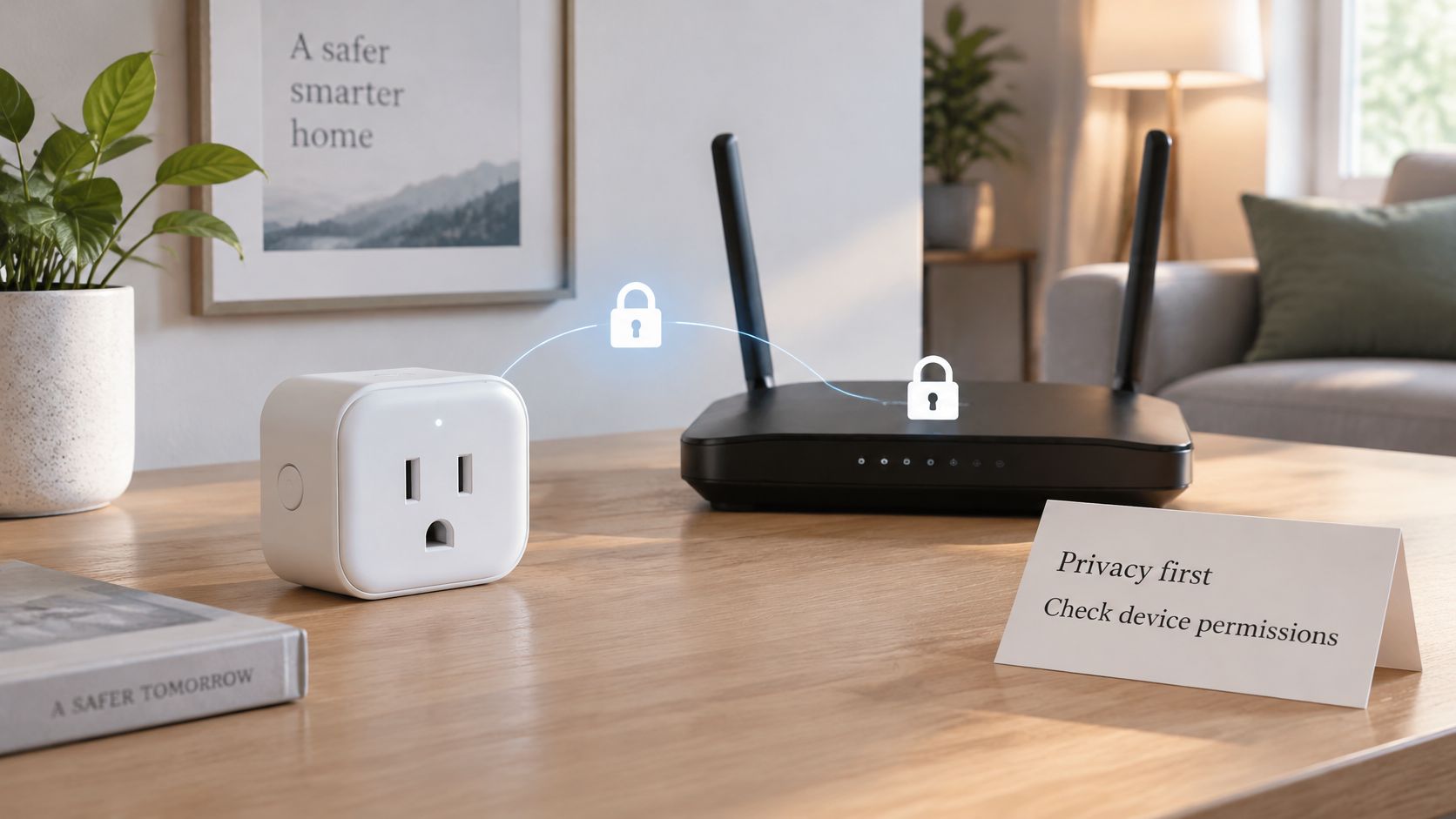
Get Cyber Safe's guidance for TVs and smart devices warns that connected products can expose household routines and may lack strong-password controls. It recommends keeping devices updated and using a separate guest network to reduce the consequences of a breach.
Questions to answer before pairing
A manufacturer's setup page should help you resolve these points:
- Account requirement: Does initial setup or everyday control require a manufacturer cloud account? Use a unique password and enable stronger sign-in protection when offered.
- Network isolation: Can the plug operate on a guest or dedicated IoT network without access to your computers?
- Offline behaviour: Which controls stop working when the internet connection fails?
- Schedule storage: Does the plug retain and execute schedules itself, or does a remote service trigger them?
- Update support: Can firmware updates install automatically, and does the manufacturer explain its support policy?
- Manual operation: Can you switch the outlet from a physical button when the app is unavailable?
An unclear answer isn't proof of a defect, but it is a reason to pause. Don't assume an app schedule is stored locally just because you created it while connected to home Wi-Fi.
Isolation has a practical trade-off
Guest networks can prevent devices from discovering each other. That's useful for separation, but it may interfere with onboarding or local control when a phone, controller and plug need to communicate.
Keep isolation as the goal. If setup fails, check whether the manufacturer supports your arrangement rather than disabling router security permanently. Some systems need a dedicated IoT network with carefully configured access instead of a basic guest network.
This matters in rentals and condos where residents use landlord-managed equipment or lack router administrator access. Before buying, establish whether you can add devices, choose an appropriate network and change settings when necessary.
Test the fallback deliberately
Once setup is complete, conduct a planned internet-outage test while leaving the router powered. Use a harmless lamp, not a heater or cooking appliance.
Check the physical button, then observe a scheduled event. Restore the internet and confirm that the plug reconnects without unexpectedly energising the appliance. Record what works, because app control, voice control, manual switching and stored schedules are separate capabilities.
Which Plug Fits Your Home and Routine
Choose the installation first and the model second. A plug for a rented bedroom has different requirements from one controlling porch decorations.
Scheduling is useful when it matches a real household routine.
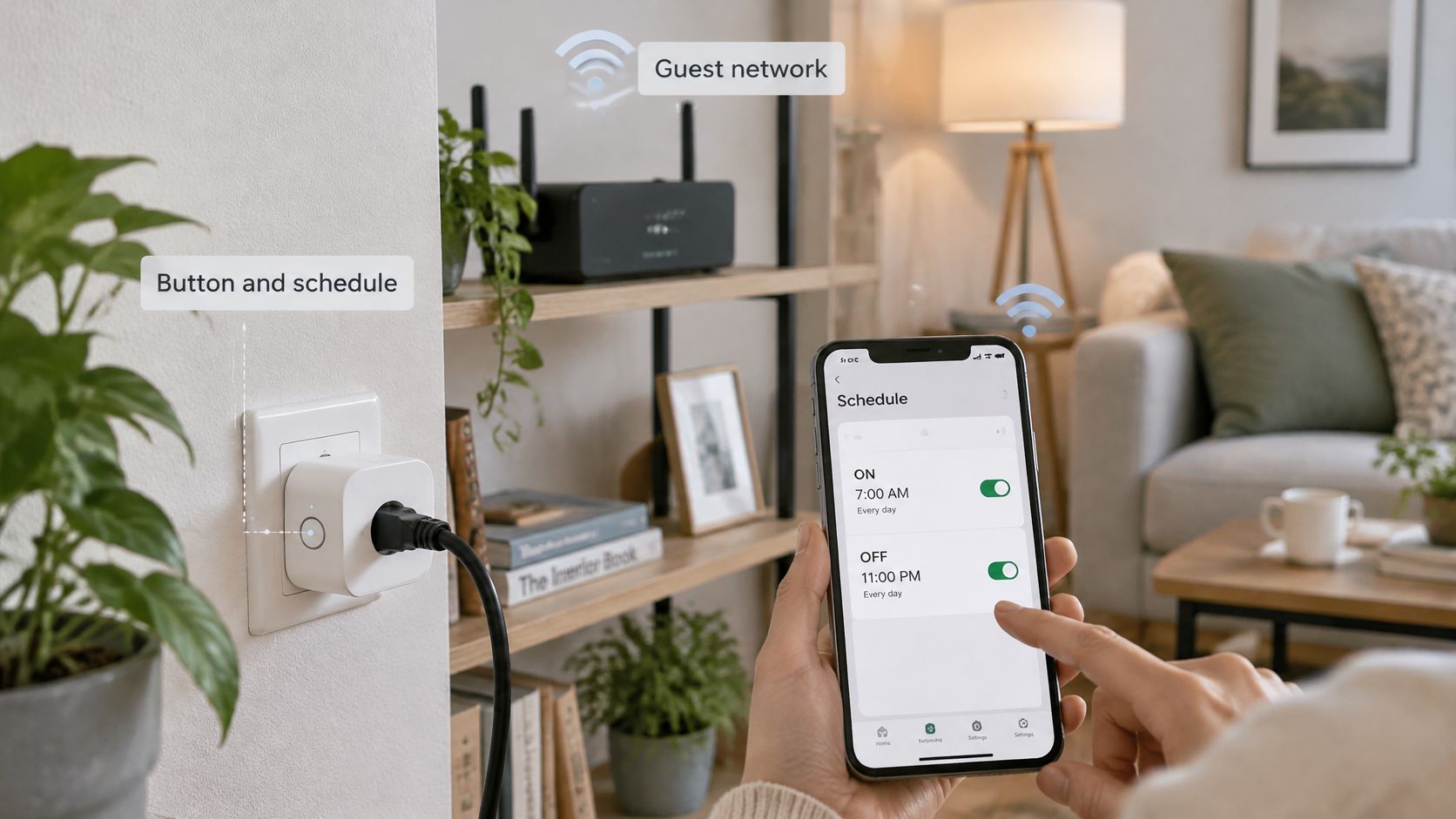
Match the plug to the situation
A renter with a managed router should prioritise a model with documented fallback behaviour and a setup process the network permits. Don't buy on the assumption that you'll gain administrator access later.
A condo resident automating a lamp has a sensible starting project. Check that the lamp resumes illumination when power returns, because an electronic touch control may remain off even when the plug supplies power. A suitable fan needs the same restart check and an approved motor load.
A homeowner controlling porch lighting can consider the HBN outdoor model: Best Buy Canada listed it at CAD $19.99 per unit in 2026. Confirm its weather and temperature specifications, receptacle protection and installation orientation before placing it outside.
For an unheated shed, choose equipment explicitly rated for the expected conditions. For a dry winter bedroom, first decide whether you need air movement or humidity control. Scheduling a fan won't solve dry air.
Separate convenience from savings
The Canada Energy Regulator reports that a household using 1,000 kWh per month could pay roughly $83 to $375 monthly, depending on province or territory. Billing can include fixed charges, flat or tiered rates, and optional time-of-use pricing.
Use the appliance's measured consumption and your own bill to estimate savings. Multiply avoidable energy use by the applicable electricity rate, and distinguish switching something off from moving its operation to a cheaper period. Fixed charges generally remain.
Buy a plug for a useful control task. Treat energy savings as something to calculate, not a feature guaranteed by the box.
For a visual accompaniment to the setup process, use the video below.
Start with an indoor lamp. If you also need outdoor control, test a suitable outdoor model separately before buying more. Expand only after checking signal reliability, schedule behaviour and whether the automation earns its place.
How to Pair a Plug with Google Home and Your Router
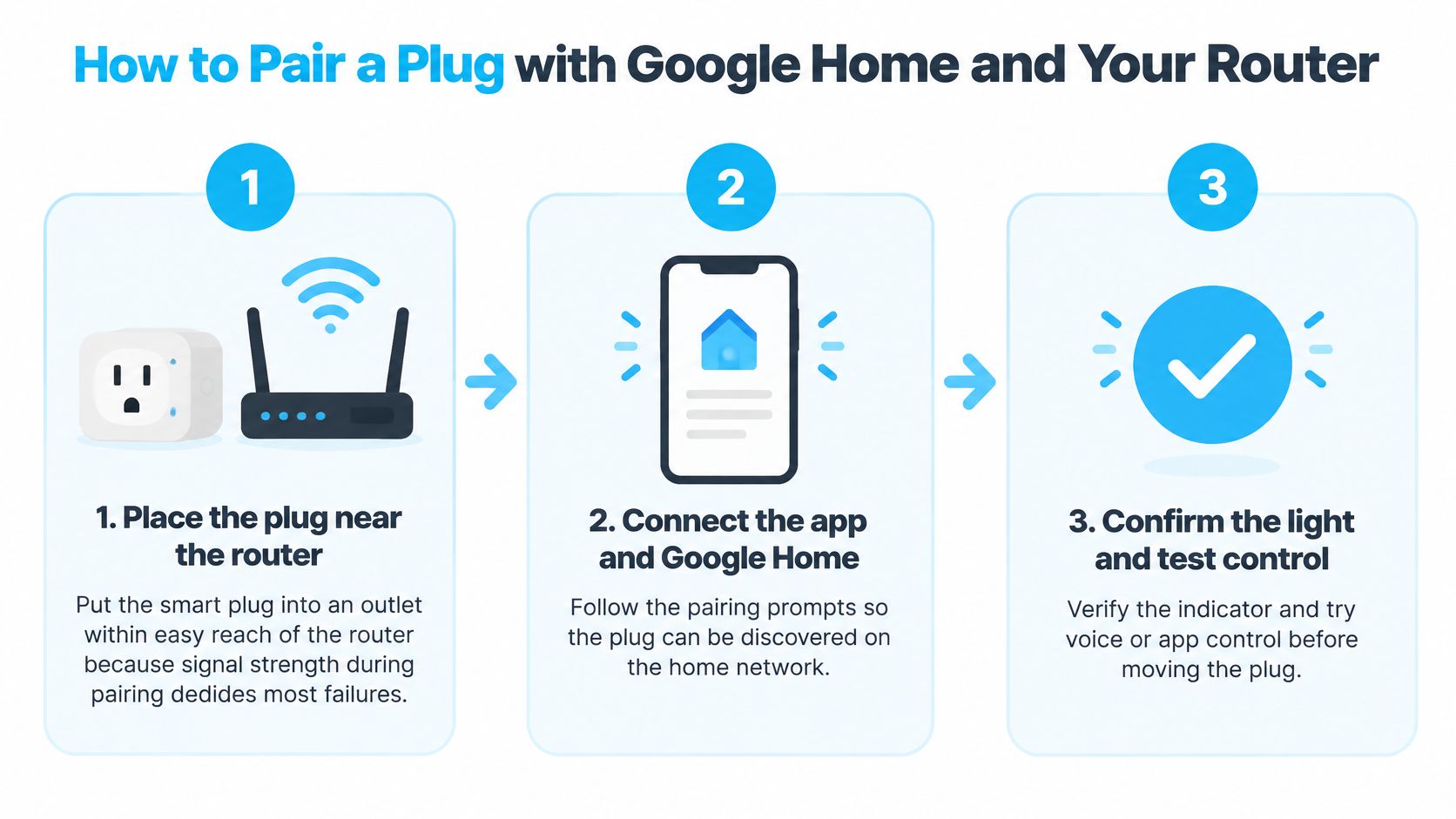
Get the plug working in its own app before linking a conventional cloud-connected model to Google Home. Matter-capable products may offer a different direct-setup path, so follow the instructions for the exact hardware.
The basic sequence is placement, onboarding and verification.
Pair in a controlled location
Place the plug near the router. Use an accessible outlet and connect a simple lamp for testing. This reduces uncertainty about signal strength while you configure it.
Open the manufacturer's app and Google Home. Sign into the Google account that manages your household. Complete any required manufacturer account setup so you don't accidentally link the plug to the wrong home.
Add the plug to its network. Put it into pairing mode using the manufacturer's button sequence, then follow the app prompts. Select the supported wireless band and your intended guest or IoT network where compatible.
Link the service in Google Home. Choose the add-device option for a service that works with Google Home, find the manufacturer and authorise the correct account. For a supported Matter model, use its designated Matter setup process instead.
Assign a clear name and room. Use a functional name such as Desk Lamp rather than the model number. Distinct names reduce ambiguity when you ask Assistant to switch something.
Verify every control path. Try app and voice control, then press the plug's physical button and check whether its displayed state updates. Move it to the final outlet and repeat the test before relying on a schedule.
Fix the network without weakening it
If pairing stalls, start with placement and the selected network rather than immediately resetting everything. Confirm that the phone has the permissions requested for device discovery and that the plug's indicator shows the expected pairing mode.
Some older plugs won't join a WPA3-only network. If the product documentation confirms that limitation, consider a compatible, protected IoT network or an appropriate mixed-security mode. Don't disable Wi-Fi encryption to make a plug connect.
A router that combines wireless bands under one name can also complicate onboarding. Use its supported IoT onboarding option or temporarily separate bands if its settings permit, then verify that the finished setup remains reliable.
We name product compromises plainly, including smart plugs that need a patient router. Allow setup to complete before restarting apps or cutting power, and use our Wi-Fi smart plug setup guide when you need a more structured troubleshooting path.
Keep the packaging until you've tested the final location. A plug that pairs beside the router but repeatedly disconnects behind furniture isn't ready for dependable automation.
Confirm the Plug Fits Before You Buy
Buy the plug only when the appliance, location and network all fit. Google Home compatibility is necessary for voice control, but it isn't the final purchasing test.
Check that the appliance sits comfortably within the correct load category, the installation stays inside the operating conditions, and your network supports a suitably isolated connection. Confirm manual switching and any offline scheduling you expect to use.
Buying verdict: Missing electrical specifications are a reason to stop, not a reason to assume a familiar-looking plug will work.
For a kettle, heater or demanding motor, choose a different control method unless the complete appliance-and-controller arrangement explicitly supports the intended operation. Convenience doesn't justify bypassing safety instructions.
This week, check your router's guest-network options and choose a pair of candidates with complete specifications. Buy the first suitable plug, pair it with a lamp and test it before expanding. Reliable voice control and predictable schedules are worthwhile outcomes, even when the electricity savings are modest or nonexistent.
Our Smart Home Starter quiz can also help you decide whether a plug is the right first device or whether another part of your setup needs attention first.
Celmin offers practical Canadian smart-home buying guides, setup help and a Smart Home Starter quiz. Visit Celmin to choose a sensible starting device and compare its compromises before adding more automation to your home.
Sign up or sign in to join the conversation.