
"Smart glasses" has become one of those messy consumer-tech labels that now covers three very different products pretending to live in the same aisle. A 36g pair of privacy-first notification glasses with no camera is not the same thing as a 76g standalone AI headset with a 12MP camera and Gemini...
"Smart glasses" has become one of those messy consumer-tech labels that now covers three very different products pretending to live in the same aisle. A 36g pair of privacy-first notification glasses with no camera is not the same thing as a 76g standalone AI headset with a 12MP camera and Gemini inside. And neither is really the same thing as a tethered wearable display meant to replace a hotel-room monitor, a second laptop screen, or a Steam Deck display on a flight. They all sit on your face. That does not make them the same category.
This article isn't a hands-on review. It's an editorial look at what smart glasses actually are in 2026 — the three shapes this market has settled into, what specs like 52° FOV, 1,500 nits, 6-8 hours, or 1920x1200 per eye actually mean in practice, and which products are honestly aimed at translation, notifications, or portable big-screen viewing. If you've been staring at these listings wondering why some cost $549 CAD and others push $1,799 CAD, the short answer is: they're solving different problems.
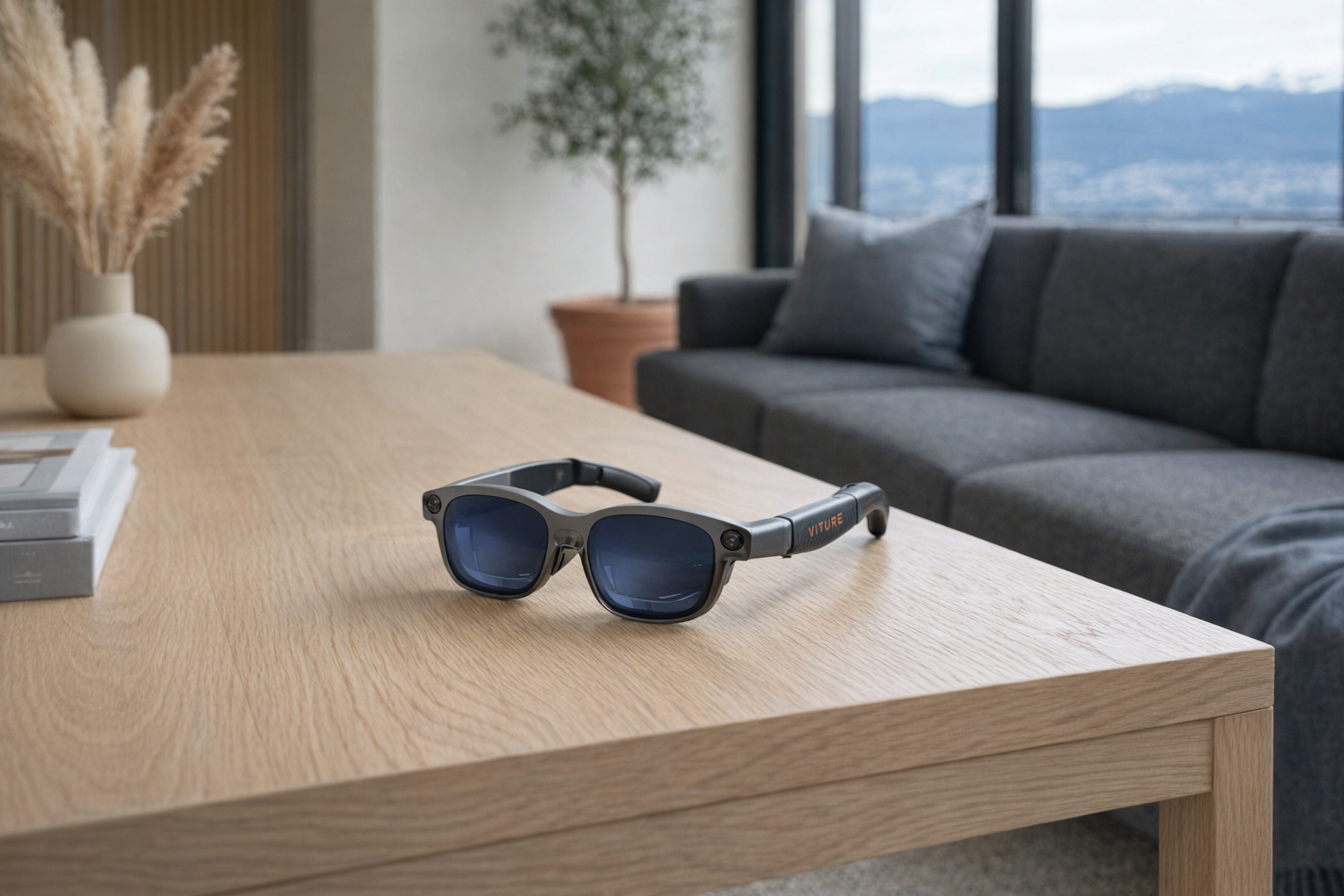
Quick snapshot
| Product | Price (CAD) | Form factor | AI engine / Core mechanism | Best for |
|---|---|---|---|---|
| Even Realities G2 | ~$830 | Lightweight HUD glasses | Micro-LED prompt display, translation, no camera | Privacy-conscious users who want discreet info on-glasses |
| Leion Hey2 | ~$549 | Translation-first AR glasses | Real-time subtitle translation | Multilingual conversations, travel, meetings |
| RayNeo X3 Pro | ~$1799 | Standalone AI+AR glasses | Snapdragon AR1 + Gemini + MicroLED | Early adopters who want true standalone AI glasses |
| VITURE Luma Ultra | ~$830 | Tethered XR display glasses | 152-inch equivalent display, 6DoF, hand gestures | People who want portable screen replacement with spatial features |
| XREAL 1S | ~$619 | Tethered AR display glasses | USB-C wearable display with 3DoF | Best-value portable monitor glasses |
Pro tip: Don't evaluate smart glasses as one category. First decide whether you want glanceable information, language help, or a wearable external monitor. Most disappointment here comes from buying screen-replacement glasses expecting everyday AI glasses, or vice versa.
What counts as "smart glasses" in 2026
For this guide, smart glasses are eyewear with onboard displays or AR-style visual overlays that do more than act as regular glasses. That still leaves a lot of room, because the category has split into three honest camps.
1. HUD / notification glasses. These are the closest thing to the sci-fi fantasy most people imagine first: normal-looking glasses that put small bits of useful information in your line of sight. They tend to be lighter, more discreet, and less ambitious. Even Realities G2 sits here most clearly. Its whole pitch is restraint: a micro-LED floating display, AI prompts, translation, prescription support, and notably no camera. That's a more realistic design than a lot of companies chasing full AR too early.
2. AI / translation glasses. This camp focuses less on replacing your laptop screen and more on helping you understand speech, read subtitles in real time, or get contextual AI assistance while moving through the world. Leion Hey2 is the clearest example, with 100+ languages, sub-500ms translation latency, and a battery built around conversational use. RayNeo X3 Pro also leans into this lane, but as a more ambitious standalone AI+AR device with a camera, its scope is much broader — and so is the risk of overpromising.
3. Spatial display glasses. These are the most mature products in the market right now, even if they're also the least "magical." Think of them as wearable external monitors. They usually plug into a phone, handheld, Mac, or PC and project a large virtual screen for movies, work, or gaming. VITURE Luma Ultra and XREAL 1S live here. They are not subtle everyday glasses. They are face-worn displays, and that's fine. In many ways, it's the most honest version of the category because the value proposition is concrete: a big private screen anywhere.
The 5 products, separated by what they actually are
Even Realities G2 — the privacy-first HUD pair
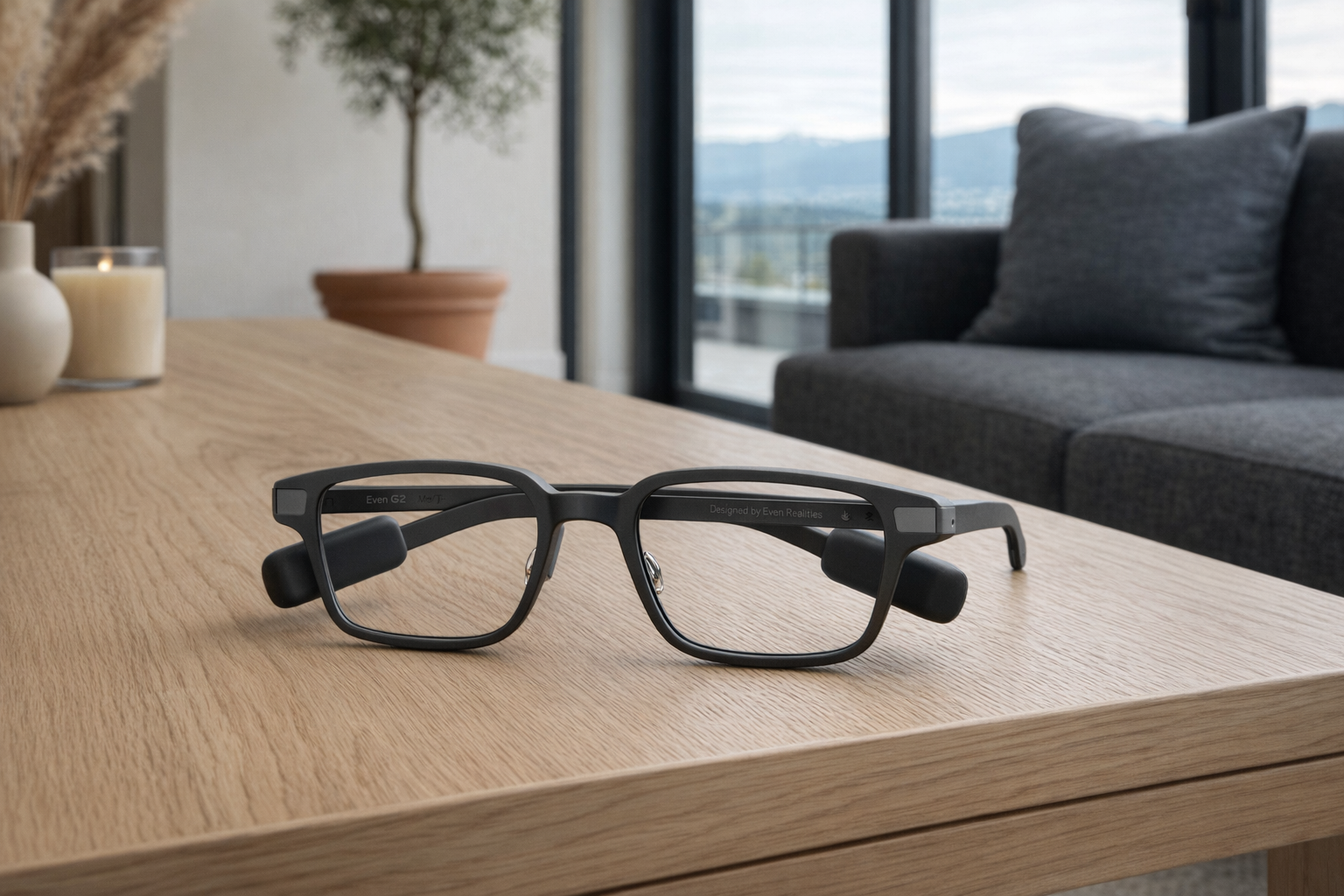
At around $830 CAD, the Even Realities G2 is one of the clearest examples of smart glasses designed around restraint instead of spectacle. The headline specs tell the story: 36g titanium frames, a micro-LED floating display, support for prescription lenses from -12 to +12 diopters, IP65 water resistance, and no camera. That last point matters. A lot of people are curious about smart glasses right up until they realize they may be wearing a camera on their face all day. G2 removes that issue entirely and, in doing so, becomes much easier to recommend to normal adults.
The trade-off is equally obvious: this is not a wearable cinema and not a full standalone AI computer. It's a discreet HUD product with AI prompts and real-time translation in 33 languages. That makes it narrower than the marketing category suggests, but more honest than many rivals. If you want subtle on-face information and strongly prefer privacy over maximal features, G2 makes sense. If you want giant virtual screens for work or gaming, you're shopping in the wrong subsection.
📺 Watch: Even Realities G2 overview
- Best for: People who want smart glasses that still resemble glasses — especially anyone uneasy about cameras on their face.
- Full explainer: Even Realities G2 on Celmin · Directory: product page
Leion Hey2 — the clearest translation-first option
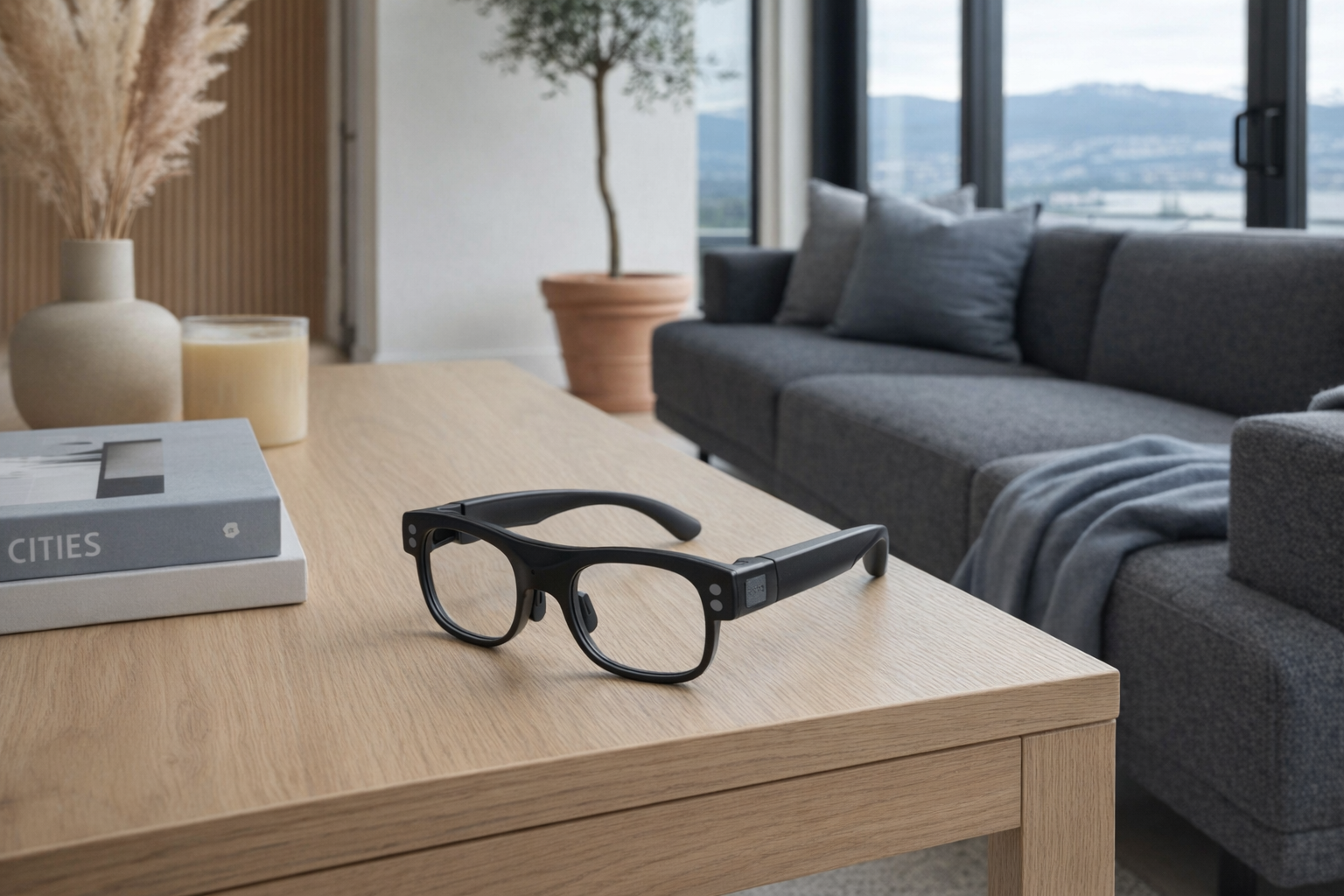
The Leion Hey2 costs about $549 CAD and is easier to understand than most smart glasses because it has a very specific job: live multilingual communication. According to the listing, it handles real-time AR subtitle translation in 100+ languages, with sub-500ms latency and 98% speech recognition accuracy, using 360° spatial audio capture and AI noise reduction. The glasses weigh 49g, use a browline-style frame with spring hinges, and run for 6-8 hours continuously, with the charging case reportedly extending total endurance up to 96 hours.
That focus is its strength. A lot of smart glasses try to be everything and end up being weird at all of it. Hey2 is for people in meetings, travel settings, classrooms, trade shows, or multilingual households where translation is the product, not a side feature. The obvious limitation is that if you don't actually need translation often, the appeal drops fast. This is not the pair to buy because "smart glasses seem cool." It's the pair to buy because language friction is a recurring real problem in your life.
📺 Watch: Leion Hey2 overview
- Best for: Travelers, multilingual teams, and anyone whose main smart-glasses use case is live translation rather than entertainment.
- Full explainer: Leion Hey2 on Celmin · Directory: product page
RayNeo X3 Pro — the ambitious standalone AI glasses
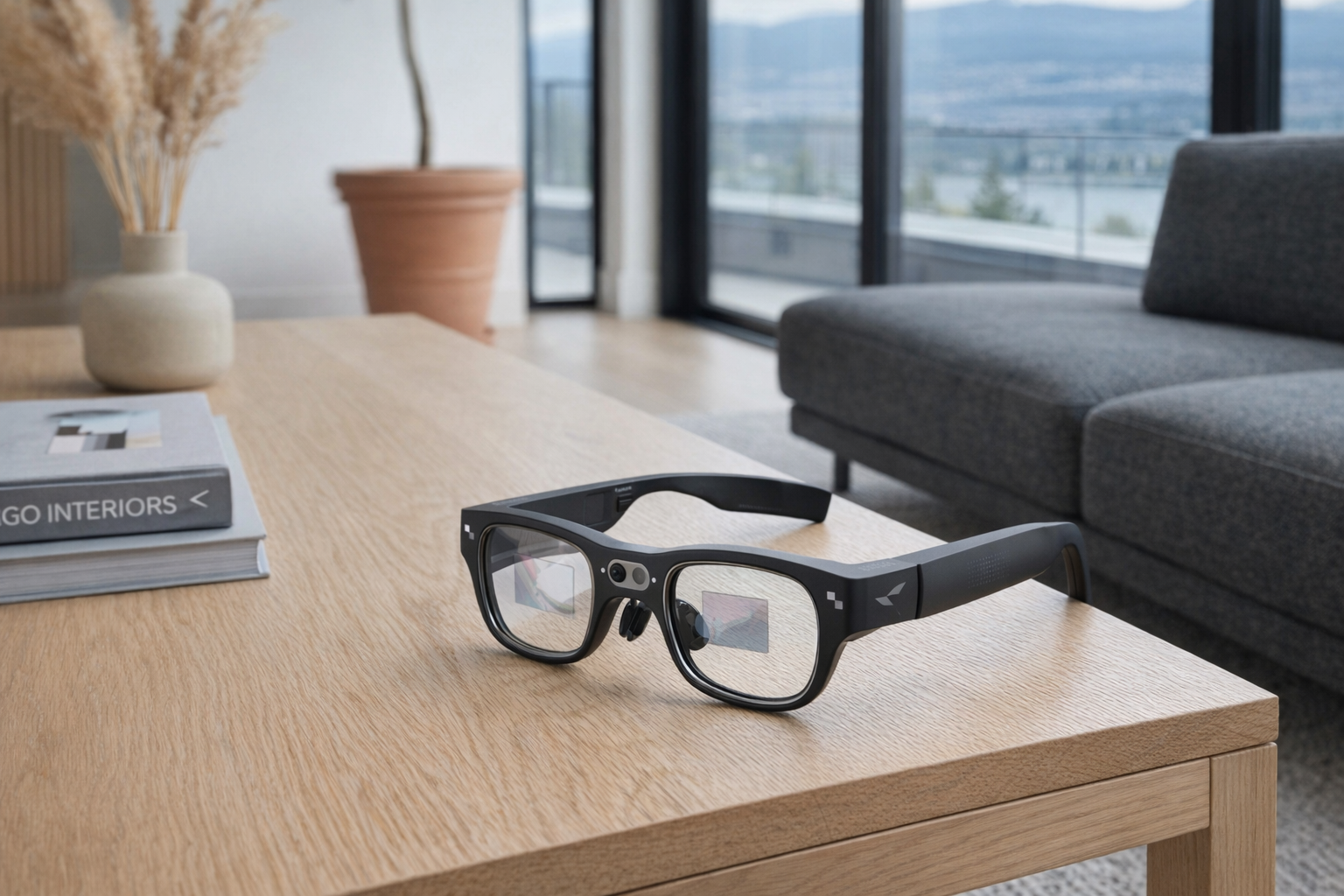
The RayNeo X3 Pro is the most aggressive attempt here at making smart glasses feel like a self-contained computing platform rather than a companion device. At roughly $1,799 CAD, they run on Snapdragon AR1, include 4GB + 32GB storage, use dual full-colour MicroLED displays rated at 6,000 nits peak brightness, and offer 640x480 resolution per eye. There is also a 12MP camera, built-in Wi‑Fi, Android-based RayNeo AIOS, and Google Gemini integration for translation, navigation, and AI help. At 76g, they remain wearable, but they're already moving away from "just glasses" territory.
This is the product for readers who want the category pushed forward, not simplified. And that comes with the usual warning: the more a pair of glasses tries to become a phone, assistant, translator, camera, and AR display at once, the more carefully you should read the current software state before buying. RayNeo deserves credit for aiming higher than HUD-only products, but it's also the easiest product here to oversell. For many people, a more limited device will actually be more useful day to day.
📺 Watch: RayNeo X3 Pro overview
- Best for: Early adopters who specifically want standalone AI+AR glasses and are willing to pay for ambition.
- Full explainer: RayNeo X3 Pro on Celmin · Directory: product page
VITURE Luma Ultra — the most complete portable display pick
The VITURE Luma Ultra is the anchor product here because it represents the shape of smart glasses that currently makes the most practical sense for most buyers: the portable private screen. At about $830 CAD, it offers a 152-inch equivalent display, 1920x1200 resolution per eye, 52° field of view, 1500 nits peak brightness, full 6DoF spatial tracking, AR hand gesture control, and compatibility with iPhone, Android, Mac, PC, and Nintendo Switch. It also claims the world's first real-time 2D to 3D conversion, which is interesting, but not the main reason most people should care.
What matters more is that VITURE is trying to make spatial display glasses feel less like a floating TV strapped to your face and more like a flexible computing surface. 6DoF is a meaningful distinction from simpler display glasses because it suggests more robust spatial placement rather than a screen that just follows your head around. That said, this is still best understood as a premium wearable monitor, not a normal everyday pair of AI glasses. That's not a criticism. It's actually the honest framing. If you want to work from a laptop on a train, watch a movie in a condo without lighting up the room, or game from a Switch without hunching over a small screen, this form factor makes a lot of sense.
📺 Watch: VITURE Luma Ultra overview
- Best for: People who want the richest screen-replacement experience, especially across multiple devices.
- Full explainer: VITURE Luma Ultra on Celmin · Directory: product page
XREAL 1S — the practical value choice for screen replacement
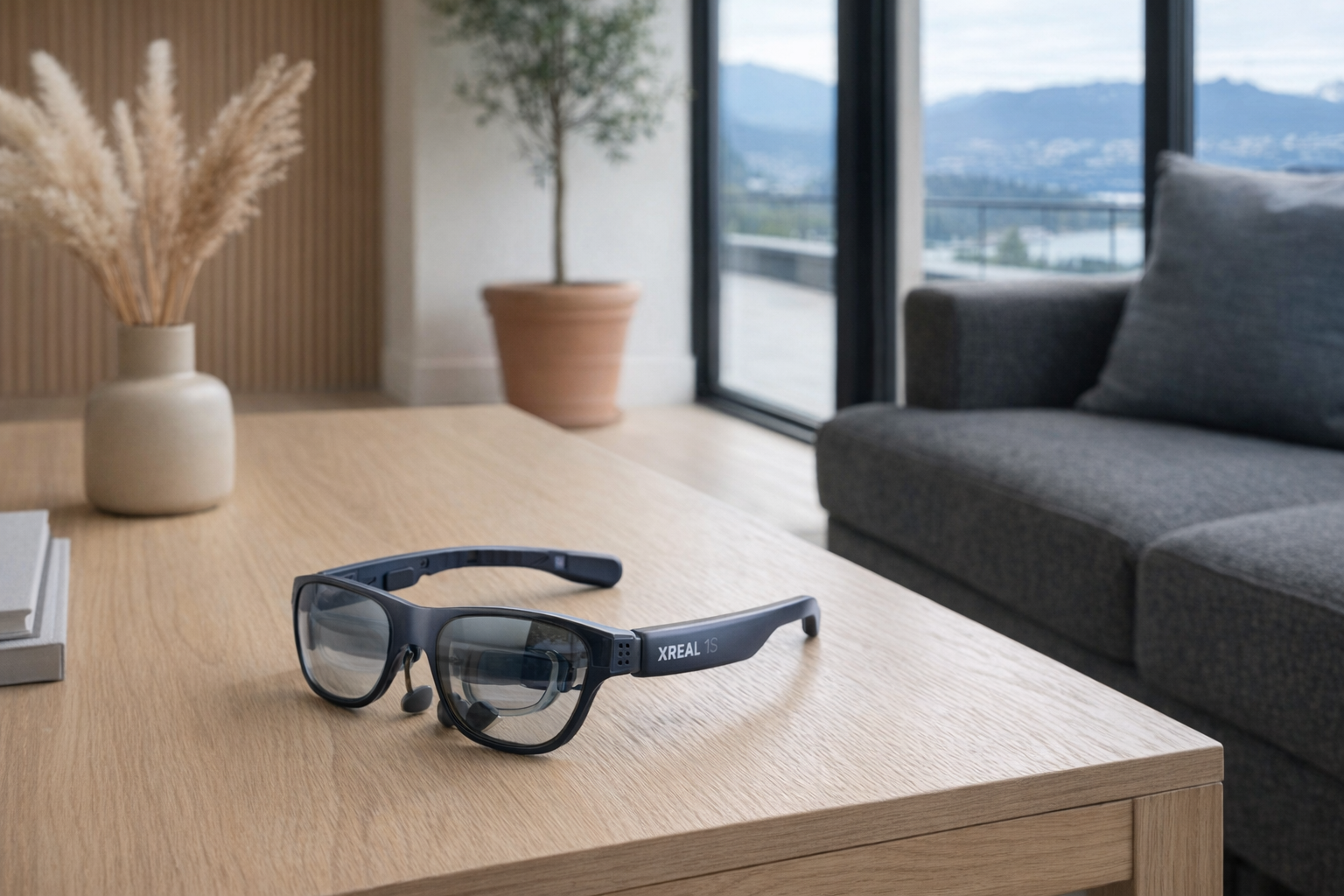
The XREAL 1S comes in around $619 CAD and, for a lot of people, may be the most rational buy in this whole article. It offers Sony micro-OLED displays, 1920x1200 resolution per eye, 120Hz refresh rate, a 52° field of view, 700 nits peak brightness, 3DoF spatial anchoring, and USB-C plug-and-play compatibility with devices including iPhone, Steam Deck, ROG handhelds, and more. It weighs 84g and includes electrochromic dimming, which is one of those features that sounds minor until you remember bright rooms are where wearable displays can feel least convincing.
Compared with the VITURE Luma Ultra, XREAL looks less ambitious on paper — 3DoF instead of 6DoF, 700 nits instead of 1500 nits — but that's also why it feels easier to place. It's a face-worn monitor first. Not a do-everything XR platform. The 500-inch virtual screen claim is, as always, a marketing-style way of describing perceived image size rather than something you should take literally as a room-filling panel. But if your actual need is plugging into a compatible device and getting a big private display with minimal fuss, XREAL's simpler posture is appealing.
📺 Watch: XREAL 1S overview
- Best for: Buyers who want display glasses mainly for travel, gaming, or portable work and don't need the fanciest spatial features.
- Full explainer: XREAL 1S on Celmin · Directory: product page
How the smart-glasses hardware actually works
The reason this category confuses people is that the same words — AR, AI, XR, smart glasses — get used for products with completely different hardware assumptions. The buying decision gets much easier once you separate the key mechanics.
1. Tethered vs. standalone matters more than almost anything else.
This is the first filter. VITURE Luma Ultra and XREAL 1S are fundamentally display glasses that rely on another device. That's not a flaw. In fact, it's often a benefit, because your phone, handheld, Mac, or PC is doing the heavy lifting. These products don't have to cram full standalone computing into eyewear. By contrast, RayNeo X3 Pro is trying to operate independently with Wi‑Fi, onboard processing, and AI services built in. Standalone sounds cleaner, but it also tends to mean more complexity, more battery pressure, more heat management, and more software risk.
2. Weight is not a side spec. It's one of the category's main truths.
A pair at 36g like Even Realities G2 belongs in a different comfort conversation than a pair at 84g like XREAL 1S. Once glasses become portable displays, the weight almost always climbs because there is simply more hardware involved. That's why you should compare within sub-categories. Judging a 36g HUD pair against an 84g display pair as if they are direct rivals is pointless. One is trying to disappear on your face; the other is trying to replace your monitor.
3. Brightness and FOV tell you what kind of visual experience you're buying.
If you're new to this market, nits are brightness and FOV is field of view — basically how expansive the virtual image can feel. In the display-glasses lane, VITURE Luma Ultra and XREAL 1S both list a 52° field of view, which is one reason they're easy to compare directly. But their brightness differs: 1500 nits on VITURE versus 700 nits on XREAL, according to the listings. RayNeo X3 Pro reaches 6,000 nits peak brightness, but it's also using a different kind of display goal and resolution setup (640x480 per eye) oriented around standalone AR information, not a portable cinema-style screen. Numbers matter, but only in context.
4. Prescription support and eye comfort are not optional details.
This category still has a bad habit of acting as though everyone has perfect vision and infinite tolerance for face-worn electronics. Even Realities G2 explicitly supports prescription lenses from -12 to +12 diopters, which is excellent and unusually clear. For buyers who wear glasses daily, that kind of detail should be near the top of the checklist. Likewise, display features such as electrochromic dimming on XREAL 1S aren't just nice extras; they affect whether the image remains usable in bright spaces. If you wear prescription lenses, work near windows, or want to use these on flights, trains, and bright rooms, the comfort stack matters more than flashy AI language.
5. Cameras create a social and privacy divide in the category.
The difference between Even Realities G2 having no camera and RayNeo X3 Pro including a 12MP camera is not minor. It changes where people will feel comfortable wearing them and how others will respond. Camera-equipped glasses may unlock photos, video, or AI features, but they also inherit the same discomfort that has followed camera glasses for years. If you want something you can plausibly wear without making a café, office, or family dinner feel weird, camera-free is the more socially durable choice.
The three questions worth asking before you buy
- Do I want information, translation, or a giant private screen?
This is the big one. If you want glanceable prompts and subtle overlays, look at Even Realities G2. If you want speech translation as the main event, look at Leion Hey2. If you want a wearable display for gaming, movies, or work, start with VITURE Luma Ultra or XREAL 1S. If you want the broadest standalone AI vision, that points to RayNeo X3 Pro. - Am I okay being tethered to another device?
A lot of buyers say no before realizing tethering is exactly why display glasses can work well. XREAL 1S and VITURE Luma Ultra depend on compatible devices, but that dependency is also what makes them stronger as portable monitors. If you truly want glasses that operate by themselves over Wi‑Fi, RayNeo X3 Pro is the relevant product — and the pricier, riskier one. - Can I realistically wear this for the task I have in mind?
Think about weight, prescription needs, privacy, and setting. 36g notification glasses for commuting are a different proposition than 84g screen glasses for a two-hour movie. Likewise, glasses with no camera fit offices and public spaces differently than a pair with a visible onboard camera. Buy for the real setting, not the coolest demo.
Where each one genuinely fits
| If this sounds like you... | ...buy this |
|---|---|
| I want the most discreet smart-glasses experience and care a lot about privacy | Even Realities G2 (~$830) |
| I regularly deal with language barriers and want live subtitle-style help | Leion Hey2 (~$549) |
| I want the most ambitious standalone AI+AR glasses and can tolerate early-category risk | RayNeo X3 Pro (~$1799) |
| I want premium wearable display glasses with stronger spatial features | VITURE Luma Ultra (~$830) |
| I want the most sensible value pick for portable screen replacement | XREAL 1S (~$619) |
| I just want audio glasses or smart sunglasses without displays | Skip category and look elsewhere |
Got Questions About Smart Glasses? Let's Clear Things Up.
Is this a hands-on review?
No. This is an editorial explainer comparing the category through five products already in our catalog. The goal is to help you understand what kind of smart glasses you're actually looking at before you spend serious money on the wrong type.
Can smart glasses replace a phone or laptop?
Mostly no. RayNeo X3 Pro comes closest to acting like a standalone mini-computer, but even there, the better way to think about it is "wearable AI+AR device," not "phone replacement." VITURE Luma Ultra and XREAL 1S are better understood as display accessories for other devices. Even Realities G2 and Leion Hey2 are narrower still.
Which type is most mature right now?
The safest answer is spatial display glasses — products like VITURE Luma Ultra and XREAL 1S. Not because they're flashy, but because the job is straightforward: put a large private screen in front of your eyes. HUD and AI glasses are interesting, but they're still more dependent on whether their specific software vision matches your life.
Are translation glasses actually useful, or just trade-show bait?
They can be genuinely useful if translation is a recurring need. Leion Hey2 is compelling precisely because it's translation-first, with listed support for 100+ languages and sub-500ms latency. But if you only occasionally travel and otherwise live in one language, the novelty may wear off faster than the need justifies.
What do brightness and FOV actually mean when shopping?
Brightness, measured in nits, affects how visible the display appears, especially in brighter settings. Field of view, measured in degrees, affects how large and immersive the virtual image feels. For example, both VITURE Luma Ultra and XREAL 1S list 52° FOV, which makes them broadly comparable as display glasses, while their brightness numbers differ substantially. Treat these specs as clues to intended use, not a universal scorecard.
What about prescription lenses and everyday wear?
This is one of the most practical filters in the category. Even Realities G2 clearly supports prescription lenses from -12 to +12 diopters, which makes it friendlier to a lot more people than vague "prescription-ready" language does. If you already wear glasses daily, confirm the lens support path before buying anything. Don't assume every pair handles this well.
Are these worth buying in Canada right now?
They can be, but only if you buy for a specific use. The main caution here is practical: many of these are sold direct from the brand or through selected retailers, so taxes, duties, shipping timelines, and warranty support can vary. For a buyer here, that matters almost as much as the display spec sheet. Check the latest retailer page before ordering, especially for pricier models like RayNeo X3 Pro.
Which one is the Celmin pick?
For most people, the honest pick is XREAL 1S if you want a sensible portable-display purchase, or VITURE Luma Ultra if you want the richer premium version of that idea. If privacy and discretion matter more than screen size, Even Realities G2 is the standout. The category doesn't really have one universal winner, which is exactly why buying by use case is smarter than buying by hype.
Where should I verify the latest details before buying?
Links: Even Realities G2 · Leion Hey2 · RayNeo X3 Pro · VITURE Luma Ultra · XREAL 1S. Check current compatibility notes, shipping terms, and return policies on the retailer or manufacturer page, because this category changes quickly.
If you're building a smarter home in Canada and want honest comparisons of gadgets worth considering — plus the ones worth skipping — Celmin covers the full catalog without the marketing theater. More comparisons, reviews, and buyer guides at https://celmin.ca.

Discussion
Sign up or sign in to join the conversation.