
The most common smart-plug failure has nothing to do with the plug. You unbox a compact white brick, download an app, enter your Wi-Fi password, and watch an LED blink for twenty minutes while your phone insists it is "connecting." You blame the brand. You post a one-star review. You return two p...
The most common smart-plug failure has nothing to do with the plug. You unbox a compact white brick, download an app, enter your Wi-Fi password, and watch an LED blink for twenty minutes while your phone insists it is "connecting." You blame the brand. You post a one-star review. You return two perfectly functional relays because your router never offered them a network they could actually join.
Canadian homes in 2026 are almost all mesh now — Bell Whole Home, Rogers Ignite pods, Eero, Deco, Google Nest Wi-Fi. Those systems are excellent at steering your laptop to fast 5 GHz bands. They are indifferent, at best, to a $10 IoT radio that only speaks 2.4 GHz and has the patience of a smoke detector. The plug is not broken. The category assumes you understand that difference before you buy.
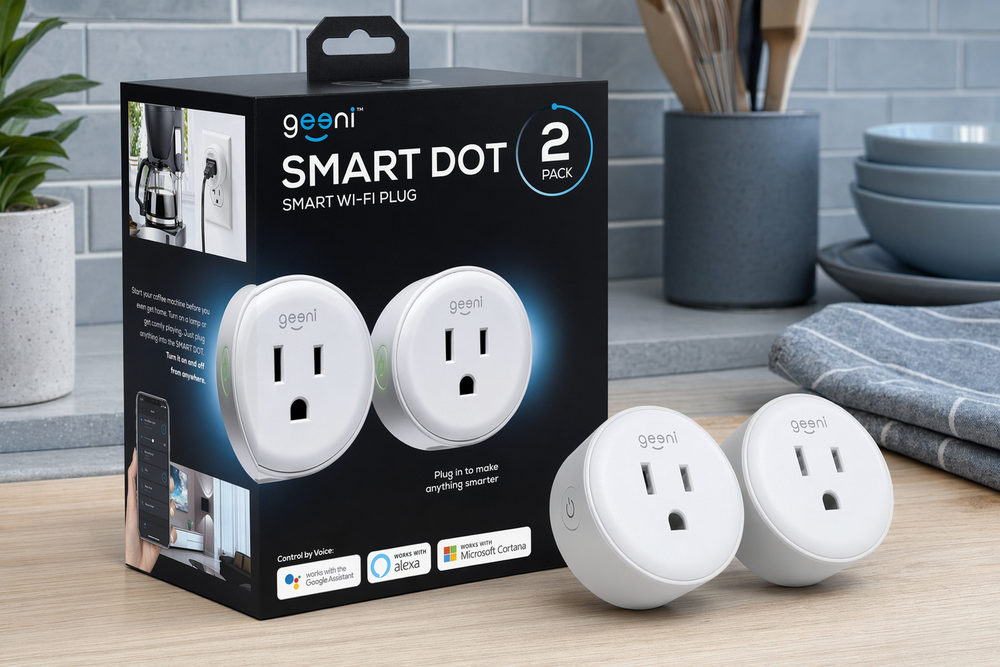
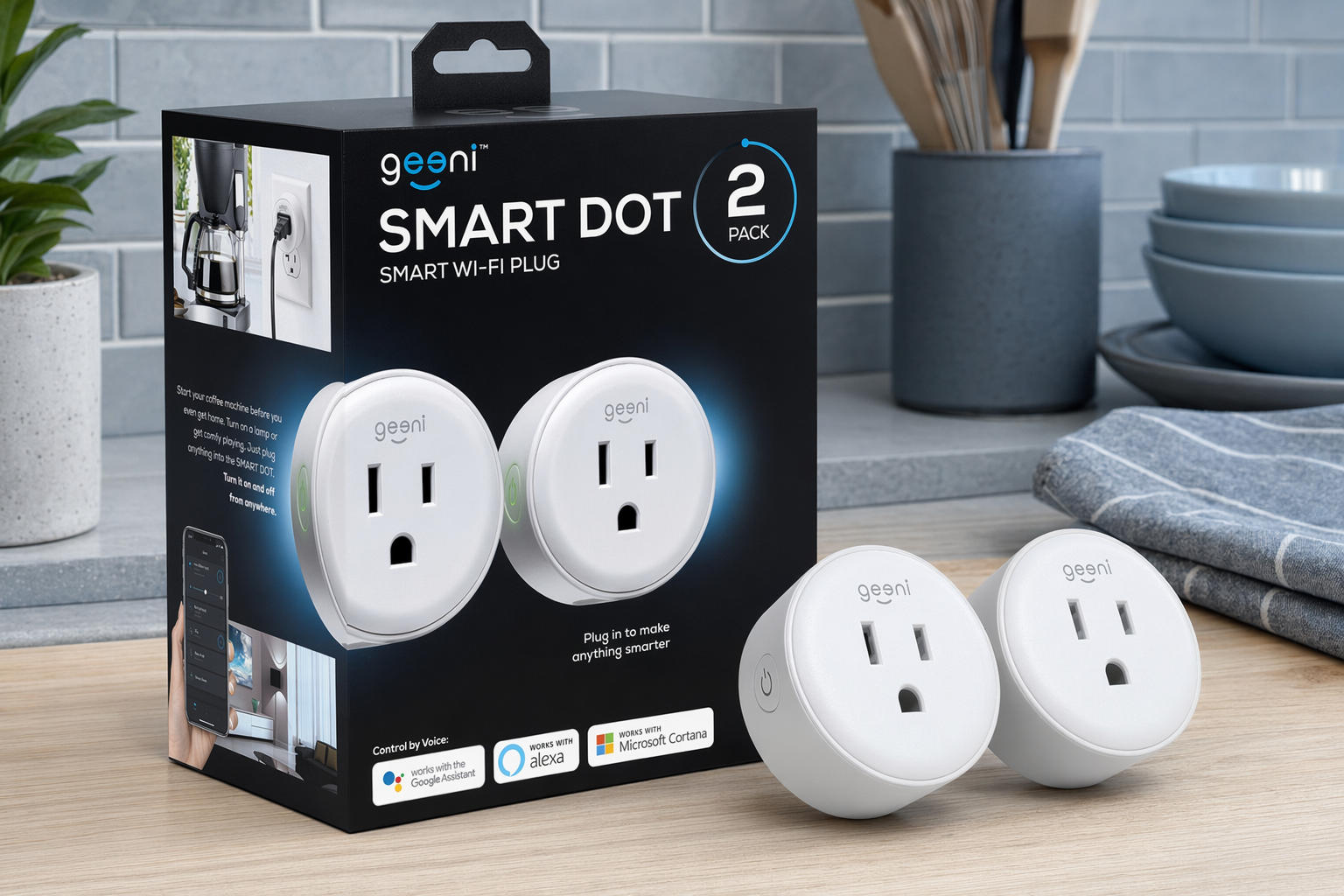
This field guide teaches the mechanics first — what a Wi-Fi smart plug actually controls, why the touch-appliance problem ruins more automations than bad apps, and how 2.4 GHz Wi-Fi trips up otherwise competent households. Then we map two plugs we keep recommending against those realities: the Geeni Dot Smart Plug 2-Pack (budget, compact, good enough for lamps) and the Kasa Smart Plug Mini HS103P2 (TP-Link reliability, the default safe pick). If you already know whether you want a disposable experiment or infrastructure you will not think about again, skip to our companion essay: Cheap Plug vs Trusted Brand: Geeni Dot and Kasa Mini in Real Canadian Homes. If you want the networking primer first, keep reading.
What a smart plug does — and what it refuses to do
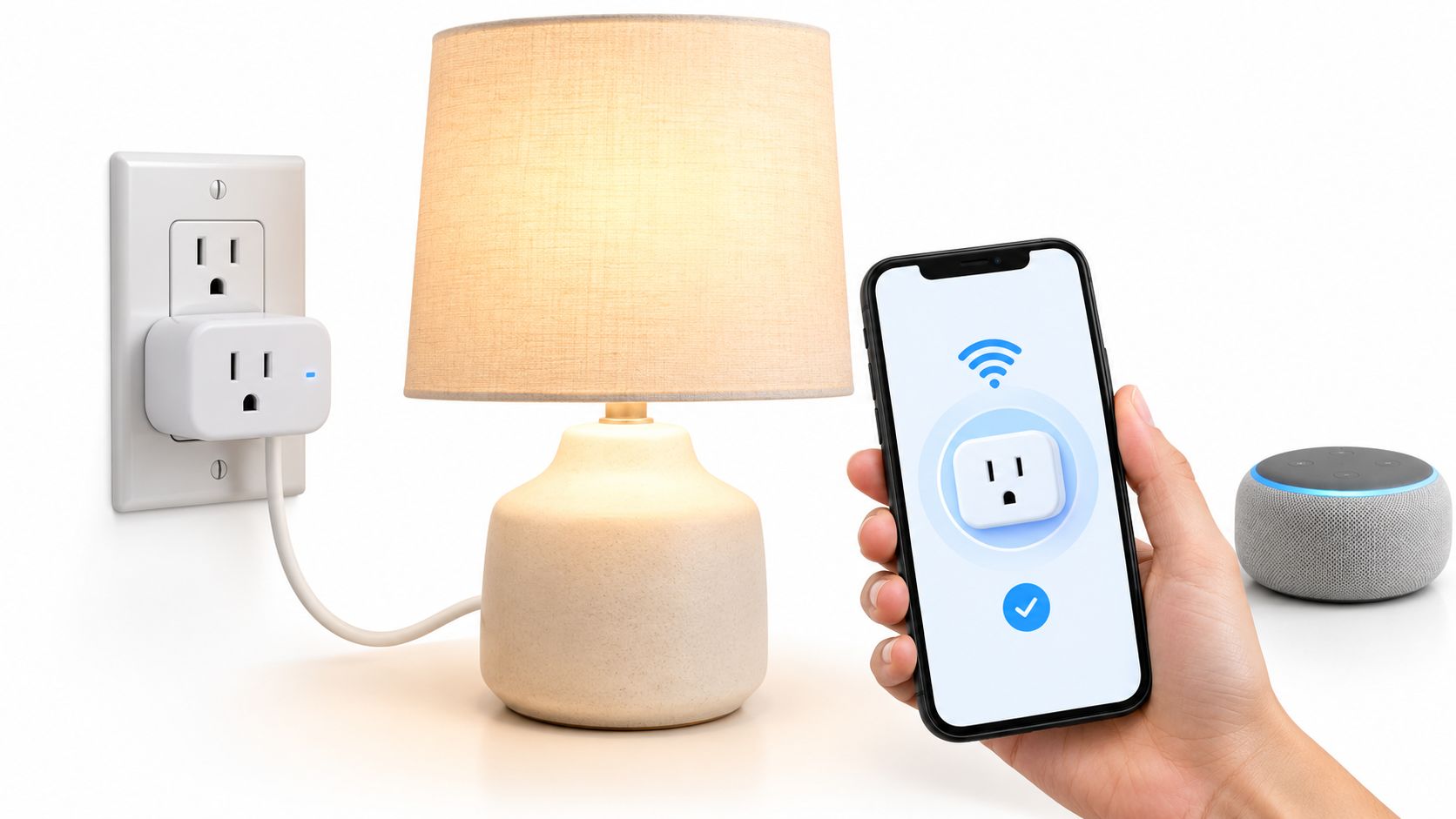
Strip away the marketing and a Wi-Fi smart plug is a networked relay. Mains power enters; mains power leaves; a small Wi-Fi radio decides when the relay closes. Everything else — sunrise schedules, Alexa scenes, away-mode randomisation — is software wrapped around that binary switch.
That matters because buyers routinely expect more than electricity. They want the plug to turn on the kettle, start the tower fan, or wake the monitor the way a human would press a button. Smart plugs do not press buttons. They only supply power to a device whose physical switch is already in the "on" position — and whose internal electronics resume operation after a power cut.
Two categories of plug exist in the market:
Basic switching — on/off, schedules, timers, voice commands. This is what the Geeni Dot and Kasa HS103 deliver. No wattage graphs, no cost projections, no "this space heater drew 14 amps for forty minutes" alerts.
Switching plus energy monitoring — same relay, plus a shunt that measures draw. Kasa sells EP25 and Tapo sells P110 for buyers who need data. The HS103 in this guide does not meter. Neither does the Geeni Dot. Confusing the two generates a lot of three-star Amazon reviews from people who expected graphs.
The touch-appliance problem is the other half of disappointed buyers. Many modern fans, kettles, monitors, and coffee makers use capacitive or touch panels that do not automatically restart when power returns. The smart plug energises the circuit; the appliance sits dark until someone walks over and taps it. That is not a defect — it is physics and product design colliding with an automation fantasy.
Before you buy any plug, walk to the target device, flip its physical switch on, unplug it, plug it back in, and watch what happens. If it does not resume, a smart plug cannot automate it — only supply power to something you will still operate by hand.
2.4 GHz vs 5 GHz: the gate almost everyone hits
Nearly every budget smart plug in 2026 still uses 2.4 GHz Wi-Fi only. Not because manufacturers are lazy, but because 2.4 GHz penetrates drywall and lathe better, runs on cheaper radios, and sips power compared to 5 GHz chipsets. Your phone loves 5 GHz for speed. Your smart plug does not see that network at all.
Canadian ISP routers and mesh systems often broadcast one combined SSID for both bands. Most modern setups pair IoT devices fine on a unified name — your phone may be on 5 GHz while the plug joins 2.4 GHz on the same password. Where buyers stumble:
Band steering during setup — Some mesh nodes aggressively move your phone to 5 GHz mid-pairing. The Geeni or Kasa app loses the plug before credentials transfer. Fix: stand near the router, temporarily disable band steering, or create a dedicated 2.4 GHz IoT network with a simple WPA2 password for pairing week.
Guest network isolation — University dorms, corporate guest Wi-Fi, and some parental-control profiles block device-to-device traffic. Your phone cannot reach the plug during setup. Use the main LAN for pairing.
Password complexity — Special characters in Wi-Fi passwords have historically broken budget IoT firmware. If pairing fails repeatedly on an otherwise normal network, a simplified 2.4 GHz password is a boring but effective diagnostic.
Mesh node placement — Smart plugs are not Wi-Fi repeaters. If the plug's final outlet is three rooms from the nearest mesh node, it may drop offline after a successful initial pairing. Kasa survives weak signal slightly better than ultra-budget alternatives; neither defies physics.
Once paired on a stable 2.4 GHz connection, both plugs in this guide tend to stay paired. Horror stories cluster at day one, not day three hundred.
At a glance: Geeni Dot vs Kasa HS103
| Geeni Dot (2-Pack) | Kasa HS103P2 (2-Pack) | |
|---|---|---|
| Philosophy | Minimum viable smart — cheap enough to try | Default reliable pick — set and forget |
| Wi-Fi | 2.4 GHz only | 2.4 GHz only |
| Load rating | 15 A / 1800 W (resistive) | 15 A / 1800 W (resistive) |
| Energy monitoring | No | No (see EP25 for metering) |
| Voice | Alexa, Google Assistant | Alexa, Google, IFTTT |
| App | Geeni (Merkury) | Kasa (TP-Link) |
| Form factor | Very compact; second outlet usually clear | Mini; dual-outlet friendly |
| UL certification | Check listing; budget tier | UL-certified HS103 |
| Real price (CAD) | ~$40–45 for two | ~$18–22 for two |
| Best for | Renters, holiday lights, first lamp | Landlords, nursery lamps, daily schedules |
| Deep dive | Living with Geeni Dot | Living with Kasa Mini |
Neither row declares a universal winner. They solve different tolerance levels for app quality, pairing friction, and long-term stability — at price points separated by a few dollars per plug.
Geeni Dot: the compact budget experiment
The Geeni Dot Smart Plug 2-Pack sits in the budget tier Merkury Innovations built for Canadian Tire aisles and Amazon deal pages. Geeni is not trying to be the best smart plug in Canada. It is trying to be the cheapest one that works well enough for lamps, fans, and seasonal lights when your Wi-Fi cooperates.
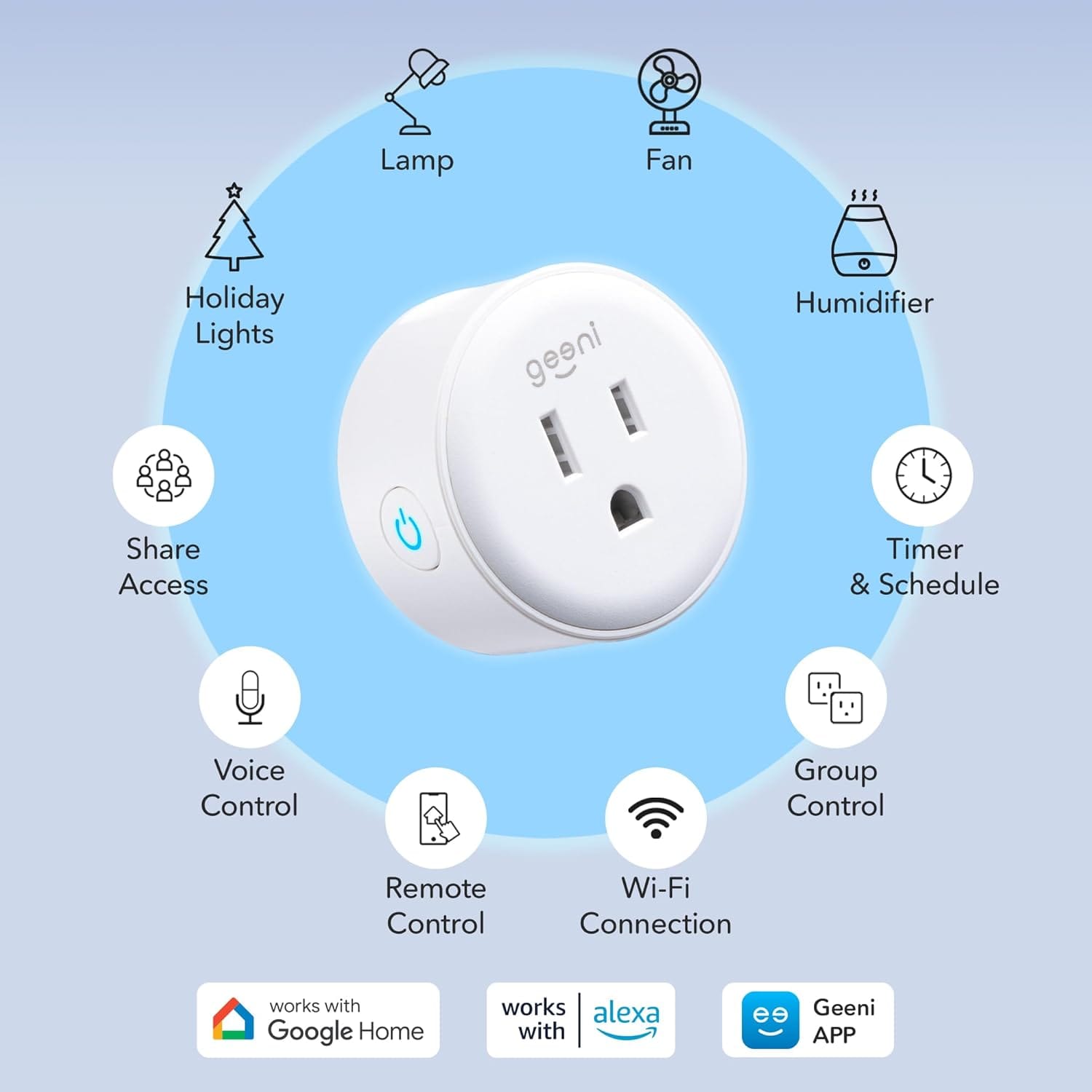
Physical size is the Dot's quiet advantage. On Canadian kitchen backsplashes and behind furniture where every millimetre of duplex outlet matters, the Dot is among the smallest smart plugs you can buy. At twenty to twenty-two dollars per plug on promotion, the 2-pack is "cheap enough to try" — and buyers often return for more once the first bedroom lamp schedule survives a February.
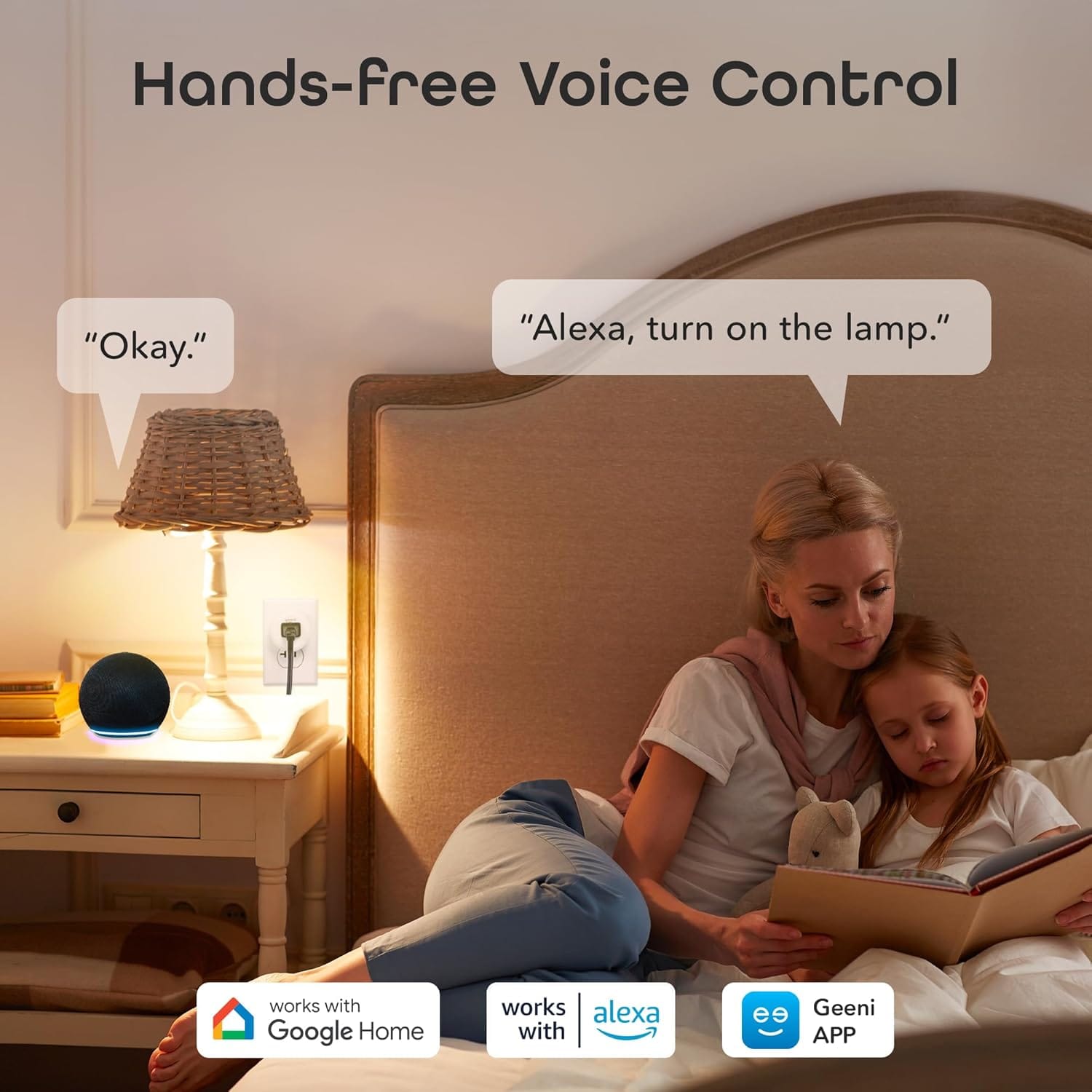
The Geeni app covers schedules, countdown timers, away-mode randomisation, and Alexa/Google linking. Setup walks through Wi-Fi pairing in a few minutes when the network is right. Voice control earns its keep on simple routines: "turn off the bedroom lamp" is the canonical win.
Honest friction matches the price tier. 2.4 GHz pairing fails louder on Geeni than on Kasa — often because the network never exposed a band the plug could see. App dependency is total for remote access. No energy monitoring disappoints buyers who expected graphs. Longevity is mixed — most units run for years; a minority die after months.
The Dot wins when you want two plugs under $45, physical size matters in tight outlets, and you are testing smart-home ideas before committing to an ecosystem. It loses when you need wattage data, Matter-native Apple Home without workarounds, or bulletproof pairing on hostile enterprise mesh you cannot simplify.
Who it fits: renters who cannot touch wall switches but want lamp schedules; first-time automators testing one room; seasonal Christmas and Halloween lighting without crawling behind the couch; budget-conscious households that accept cloud-app control from a value brand.
Who should look elsewhere: mesh Wi-Fi you cannot split or simplify for setup; touch-controlled appliances without verified power-resume behaviour; outdoor loads exposed to Canadian rain and −30 °C; buyers who need consumption graphs or Matter-first homes.
For pairing walkthroughs, longevity patterns, and the full 2.4 GHz troubleshooting script, read our Geeni Dot honest buyer guide.

Kasa Smart Plug Mini: the default that earned it
Every product category has a reference point — the thing people mean when they say "the safe pick." In Canadian smart plugs, that reference is usually TP-Link Kasa. Not because it is the cheapest or the smallest, but because millions of households have already answered the boring questions: Does it pair? Does it stay online after a router swap? Does Alexa still see it three winters later?
The Kasa Smart Plug Mini HS103P2 2-Pack is that product in its most common form: two compact white outlets, 15-amp / 1800 W rating, 2.4 GHz Wi-Fi, no hub, Alexa and Google and IFTTT support. It is not exciting. It is the smart-home equivalent of a reliable screwdriver.
The HS103 family carries 4.6–4.7 stars on Amazon.ca with hundreds of thousands of global ratings — exceptional volume for a smart plug. Buyer reports cluster around reliability: paired once, still online after firmware updates and daily lamp schedules. Long-term reviews from three and four years ago still reporting daily use matter in a category where no-name plugs die silently.
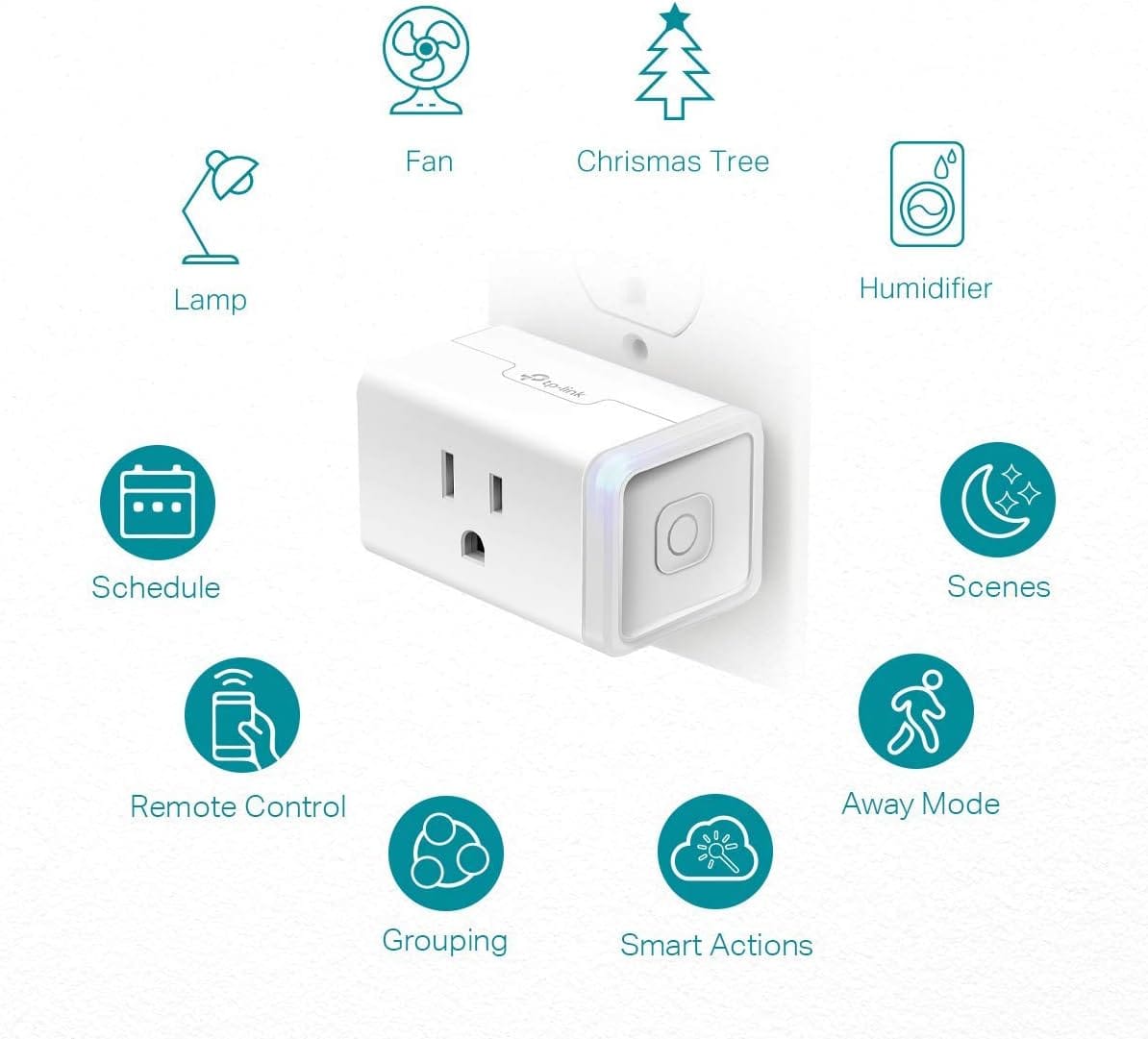
The Kasa app is not beautiful, but it is stable — schedules, countdown timers, away mode, group control. Reviewers migrating from cheaper brands often cite pairing success rate as the reason they switched. The "Mini" label is real: HS103 sits flush enough that many buyers use both outlets on a standard Canadian duplex receptacle.
Friction still exists. 2.4 GHz only — same constraint as every budget plug; Kasa's setup is more forgiving, but mesh horror stories still appear until someone creates a dedicated IoT SSID. No energy monitoring on HS103 — buyers who skim "smart plug" and expect wattage graphs should buy EP25 instead. Cloud dependency — remote access needs TP-Link's servers; schedules stored on-device generally persist. Physical button confusion — the manual power button on the plug can disable Wi-Fi if long-pressed; "plug stopped working" reviews sometimes trace to an accidental press, not a dead relay.
HS103 wins the default recommendation slot because it optimises the common case: indoor lamps and fans, daily schedules, voice on/off, years of service. It loses when you need data, weather sealing, or the absolute lowest price — Geeni undercuts by a few dollars per plug.
Who it fits: bedside lamps, nursery lights, and living-room scenes; renters forbidden from replacing wall switches; first smart-home gear with the lowest return probability; Christmas and Halloween lighting on astronomical timers; households expanding into Kasa switches and bulbs later.
Who should look elsewhere: real-time wattage and cost tracking (buy EP25); touch-only appliances without power-resume verification; outdoor loads in rain and freezing temperatures; Apple HomeKit without Homebridge; buyers chasing the absolute lowest per-plug price.
The Kasa Smart Plug Mini honest buyer guide covers UL certification context, group scenes, and EP25 upgrade paths we will not repeat here.
Use cases that work — and the ones that do not
Smart plugs earn their keep on dumb devices with mechanical switches left on. The category punishes assumptions.
Brilliant fits:
- Table and floor lamps with physical rocker switches — schedules, away mode, voice "goodnight"
- Holiday and patio string lights replacing mechanical timer cubes
- Basic fans and humidifiers that resume when power returns
- Crock pots and slow cookers on dumb dial controls — schedule start times carefully; never leave unattended beyond manufacturer guidance
- Phone chargers and vanity lights you want to kill from bed
- Entertainment centres — cut phantom draw on receivers and subwoofers with mechanical power toggles
Poor fits:
- Touch-button appliances — tower fans, kettles, monitors, many coffee makers need a human tap after power cuts
- Motor loads near the amperage limit — space heaters and window AC units need explicit smart-plug approval in the appliance manual
- Outdoor winter exposure — neither plug here is rated for Canadian patio rain and −20 °C
- Security-critical loads — medical devices, sump pumps, and freezer circuits deserve hardwired solutions
The touch-appliance test takes thirty seconds and prevents months of frustration. Unplug, replug, observe. No resume, no automation — only electricity waiting for your finger.
If you are still torn between buying cheap and buying trusted after mapping your outlets, our philosophy essay Cheap Plug vs Trusted Brand walks through regret rates, app philosophies, and who should tolerate which trade-offs — without turning into a spec-sheet shootout.
Frequently asked questions
Do I need Matter smart plugs in 2026?
Not for basic lamp schedules. Matter improves cross-platform interoperability — especially for Apple Home users who want fewer cloud bridges — but Geeni Dot and Kasa HS103 are not Matter-native plugs. If your entire smart home runs on Apple Home without Homebridge, look at newer Matter-certified SKUs from TP-Link Tapo or other brands. If you already live in Alexa or Google Assistant, both plugs in this guide work fine without Matter.
Can I use these plugs outdoors in Canada?
No for the models in this guide. Indoor-rated plugs in damp or freezing outdoor boxes fail — sometimes quietly, sometimes with safety implications. Canadian patios need IP-rated outdoor smart plugs (Kasa EP40 or equivalent) inside weatherproof enclosures. Winter disconnects and condensation are real.
What Wi-Fi do I actually need?
A stable 2.4 GHz network the plug can join during setup — ideally WPA2 with a password that does not break budget IoT firmware. Mesh is fine once paired. You do not need gigabit speeds; you need a band the plug can see and a node close enough to maintain signal.
Geeni or Kasa — which should I buy?
Choose Geeni Dot if you want the lowest price per plug, the smallest physical footprint, and you accept slightly higher pairing friction and app dependency — ideal for renters and seasonal lights near ~$40–45 CAD for two. Choose Kasa HS103 if you want the lowest long-term frustration rate, UL-certified peace of mind, and an app you will still trust after a router upgrade — near ~$18–22 CAD for two. For the decision framed as lifestyles rather than specs, read Cheap Plug vs Trusted Brand.
The bottom line
Buying a Wi-Fi smart plug in Canada is less about finding the "best" brand and more about matching network reality, appliance behaviour, and tolerance for cloud apps to the outlet you need. Fix 2.4 GHz first. Test power-resume on the target device. Then pick the plug that fits.
The Geeni Dot earns its place as the compact experiment that costs less than two mechanical timer cubes — when your Wi-Fi cooperates. The Kasa HS103 earns its place as the plug people buy twice because the first one never embarrassed them. Learn the mechanics. Map your lamps. Then choose the philosophy that fits — or read both deep dives and let your router decide.
Sign up or sign in to join the conversation.