
Smart plugs are the gateway drug of home automation — and the first product most people return. Not because the idea is wrong, but because setup assumes your Wi-Fi is patient, your router speaks 2.4 GHz clearly, and the app you download will still exist in three years. Get those three things righ...
Smart plugs are the gateway drug of home automation — and the first product most people return. Not because the idea is wrong, but because setup assumes your Wi-Fi is patient, your router speaks 2.4 GHz clearly, and the app you download will still exist in three years. Get those three things right and a $15 plug transforms a lamp. Get them wrong and you own a beige brick that blinks forever.
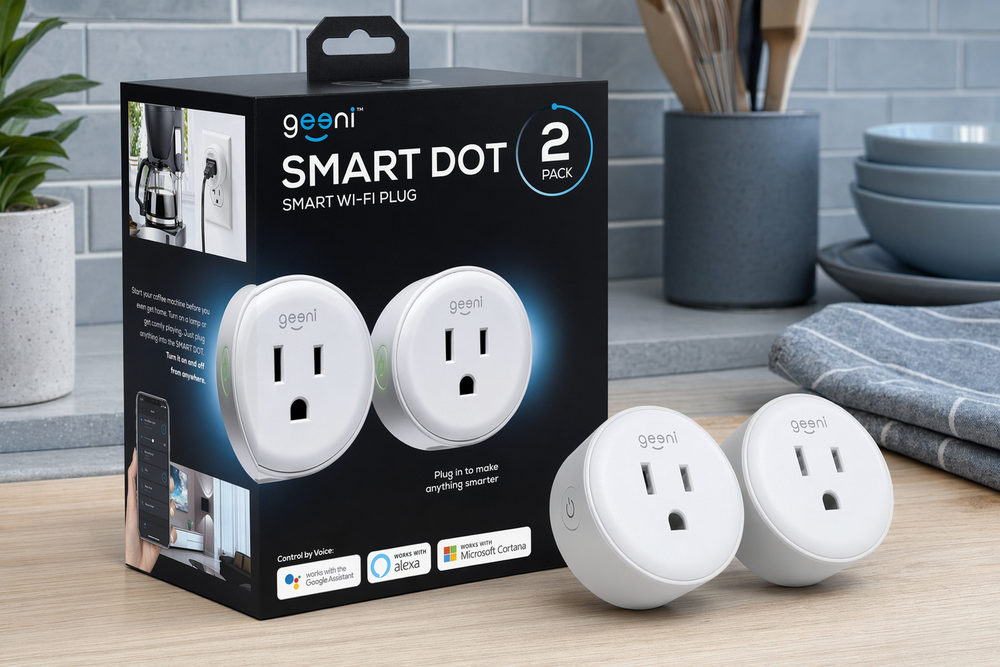
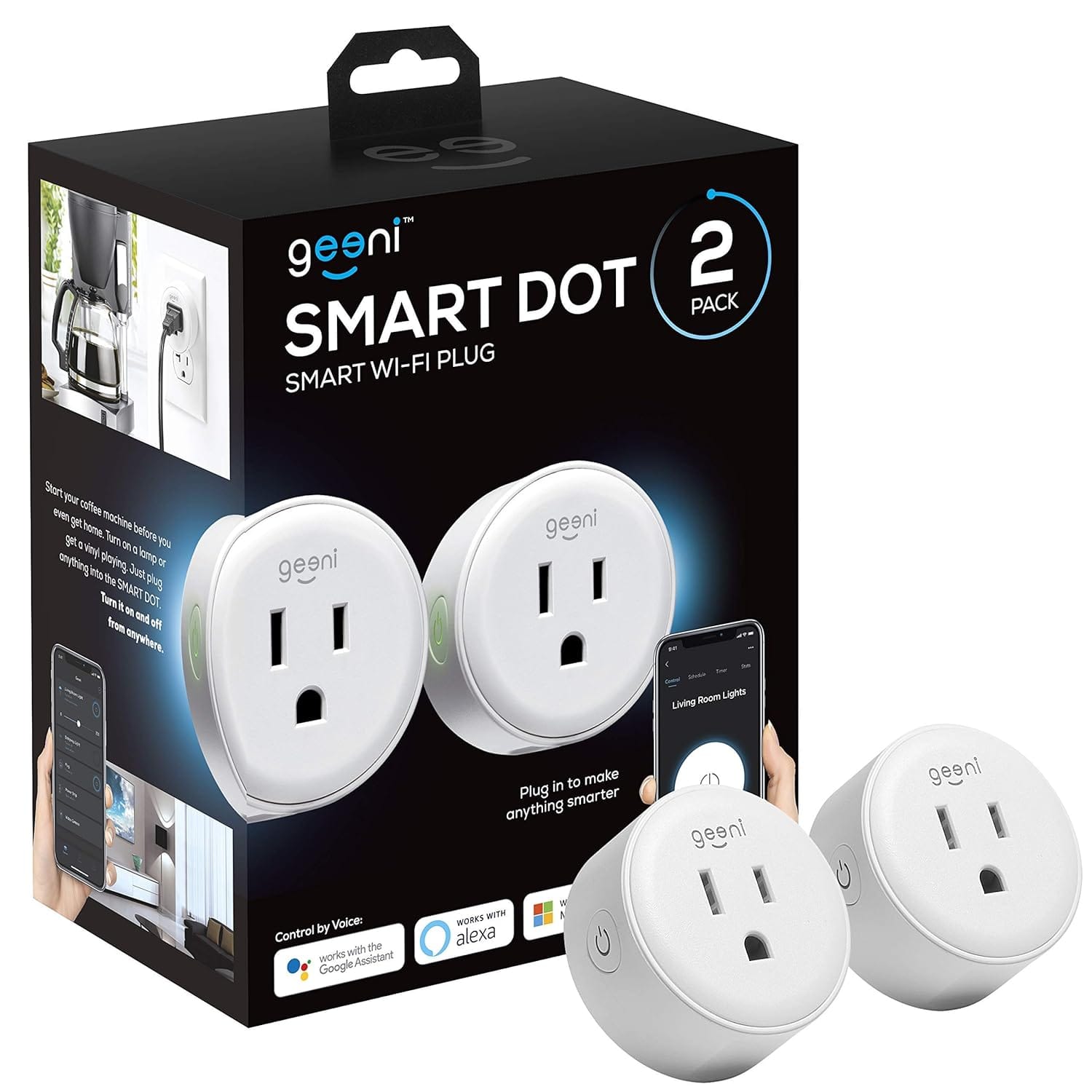
The Geeni Dot Smart Plug 2-Pack sits in the budget tier of that market: compact outlets, schedule and timer support, Alexa and Google compatibility, no hub required. Geeni is Merkury Innovations' house brand — the same ecosystem behind inexpensive smart bulbs and cameras you have seen in Canadian tire aisles and Amazon deal pages. The Dot is not trying to be the best smart plug in Canada. It is trying to be the cheapest one that works well enough for lamps, fans, and holiday lights. That distinction matters.

The snapshot
| Geeni Dot (2-Pack) | |
|---|---|
| What it is | Compact Wi-Fi smart outlet — no hub required |
| Wi-Fi | 2.4 GHz only — not 5 GHz |
| Load rating | Up to 15 A / 1800 W (resistive loads) |
| Voice | Amazon Alexa, Google Assistant |
| App | Geeni (iOS / Android) — schedules, timers, away mode |
| Form factor | Low profile; designed not to block the second outlet |
| Real price (CAD) |
What buyers on Amazon are saying
The Geeni Dot 2-Pack typically holds around 4.2–4.5 stars on Amazon.ca with tens of thousands of ratings globally — one of the best-sampled budget smart plugs on the market. Amazon's review summaries and verified buyer comments converge on a familiar story.
Value and size dominate the positive side. Reviewers call the Dot one of the smallest smart plugs they have owned — important on Canadian kitchen counters where every millimetre of outlet space is contested. At roughly ten to fifteen dollars per plug on promotion, buyers describe the 2-pack as "cheap enough to try" and often return for more once the first lamp schedule works.
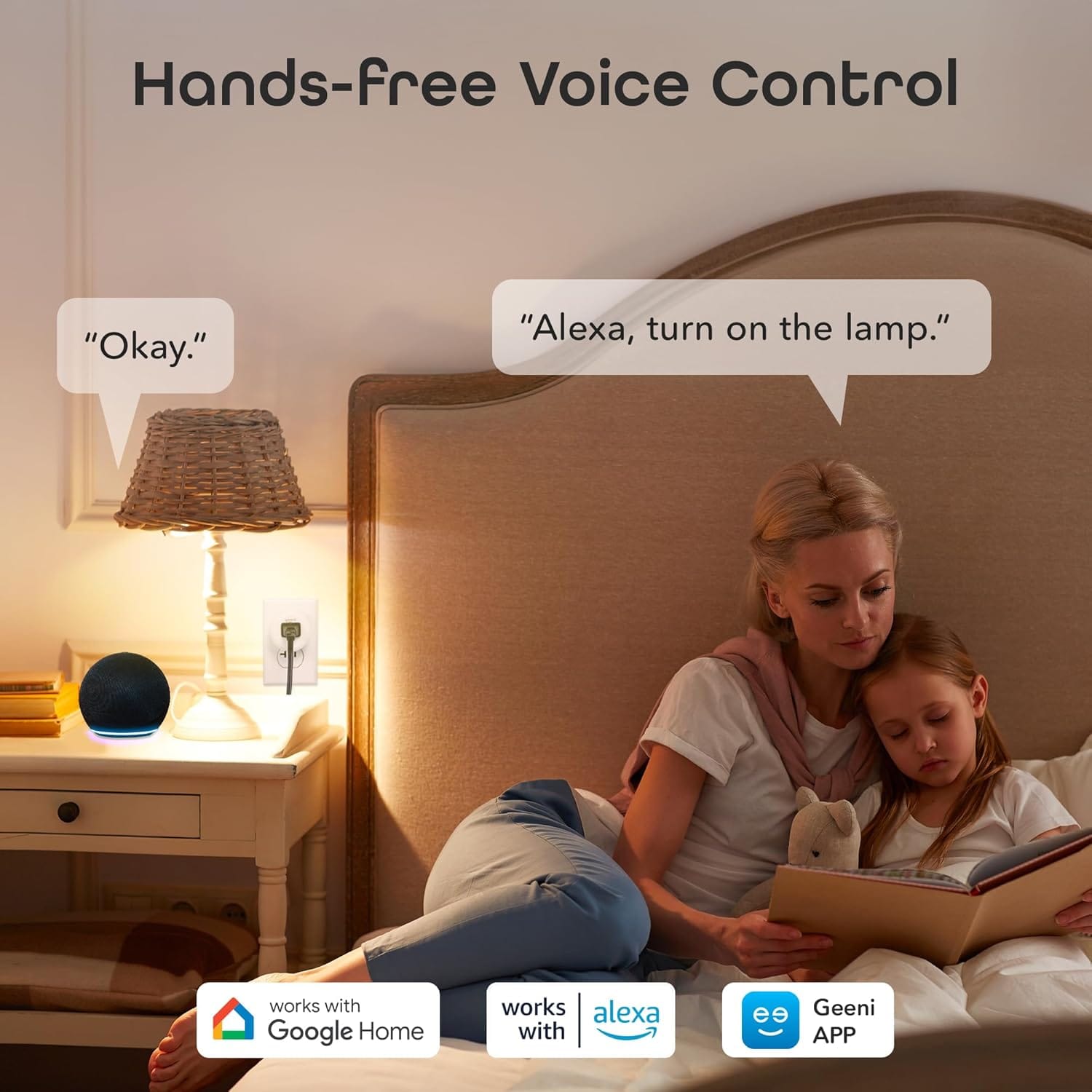
Setup when it works earns praise. The Geeni app walks through Wi-Fi pairing in a few minutes. Schedules for Christmas lights, morning lamps, and fans are described as reliable month after month. Voice control through Alexa and Google gets mentioned frequently — "turn off the bedroom lamp" is the canonical win.
The friction is equally consistent:
- 2.4 GHz Wi-Fi requirement — This is the number-one failure mode. Buyers on mesh networks, university dorm Wi-Fi, or routers that hide band separation report plugs that refuse to pair. The fix — when there is one — is a dedicated 2.4 GHz guest network with a simple password. Reviews titled "won't connect" rarely blame the plug alone; they blame the network the plug never saw.
- App dependency — Geeni controls everything. If the app is down or Merkury pushes an update that breaks login, you lose remote access until it recovers. Local scheduling usually persists, but impatient reviewers notice the cloud tie-in.
- No energy monitoring — Buyers who expected wattage readouts like TP-Link's higher-end Kasa plugs discover the Dot only switches power. That is by design at this price, but the assumption still generates three-star reviews.
- Longevity mixed bag — Most units run quietly for years. A minority die after months — stuck on, stuck off, or dropping off Wi-Fi weekly. At this price point, Amazon returns absorb the pain, but it is worth knowing the category is not industrial-grade.
Smaller notes: touch-controlled appliances (many modern fans and kettles) do not resume after power cuts, so the smart plug cannot truly "turn them on" — only supply power. And outdoor use is not rated; winter Canadian patios need a weather-rated outlet box and an outdoor-rated plug instead.
The honest summary: renters and first-time automators who understand 2.4 GHz Wi-Fi love the Dot; networking enthusiasts who expected Matter, energy graphs, or bulletproof enterprise Wi-Fi should spend more on Kasa or Tapo.
What it's actually trying to do
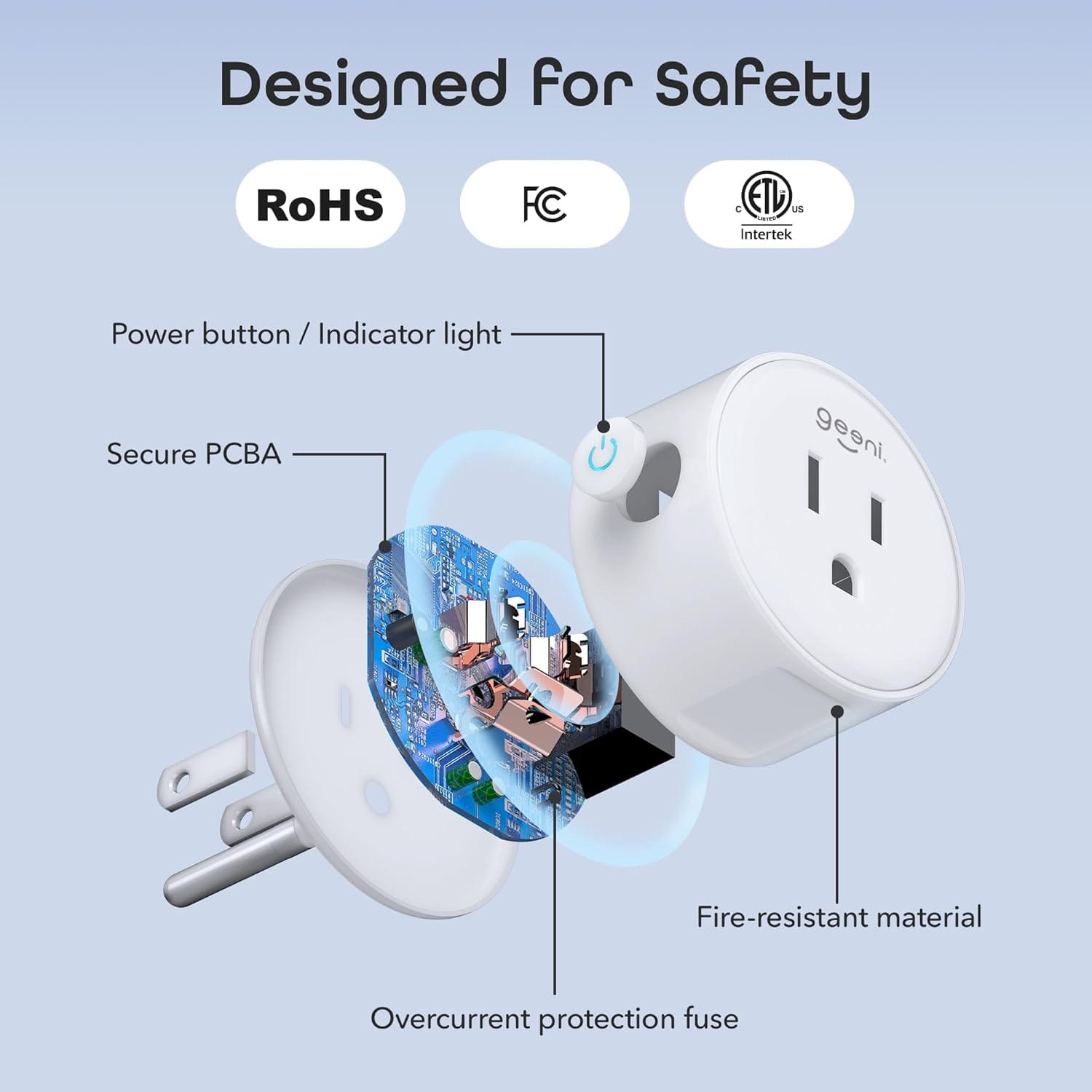
A smart plug is a networked relay. Mains power enters; mains power leaves; a small Wi-Fi radio decides when the relay closes. Everything else — scenes, voice commands, sunrise schedules — is software wrapped around that binary switch.
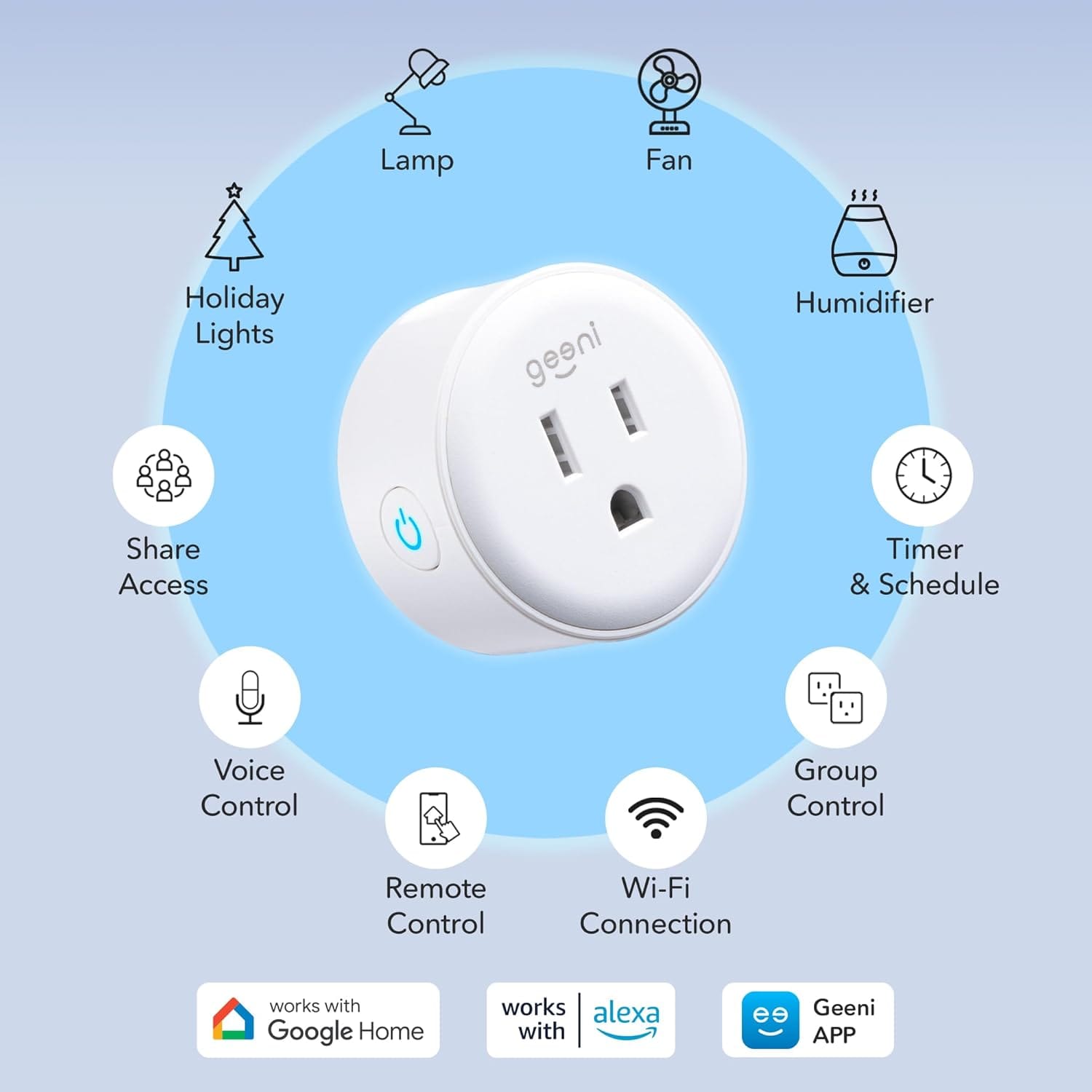
Geeni's bet with the Dot is that most households only need the relay. They do not need a colour touchscreen, power metering, or Thread radios. They need a lamp to come on at 5:30 p.m. in February when Winnipeg is dark by dinner. They need to kill the wax warmer from the office. They need the tree lights off without crawling behind the couch.
The Dot executes that narrow job. It does not teach your coffee maker new tricks — it only supplies electricity to a device whose physical switch is already in the "on" position.
The 2.4 GHz problem, explained properly
Nearly every budget smart plug in 2026 still uses 2.4 GHz Wi-Fi. Not because manufacturers are lazy, but because 2.4 GHz penetrates walls better and runs on cheaper radios. The Dot is no exception — it does not see your 5 GHz network, period.
Where Canadian buyers stumble:
- Combined SSIDs — Many Rogers, Bell, and third-party mesh routers broadcast one network name for both bands. Most modern setups still pair fine, but older Geeni firmware and picky mesh nodes occasionally need you to split bands temporarily during setup.
- Guest network isolation — If your guest Wi-Fi blocks device-to-device traffic, the phone running the Geeni app may not reach the plug during pairing. Use the main LAN for setup, then move if needed.
- Password complexity — Special characters in Wi-Fi passwords have historically broken budget IoT setup. If pairing fails repeatedly, a simplified 2.4 GHz password is a boring but effective test.
Once paired, the Dot tends to stay paired. The horror stories cluster at day one, not day three hundred.
What works brilliantly — and what does not
Brilliant fits:
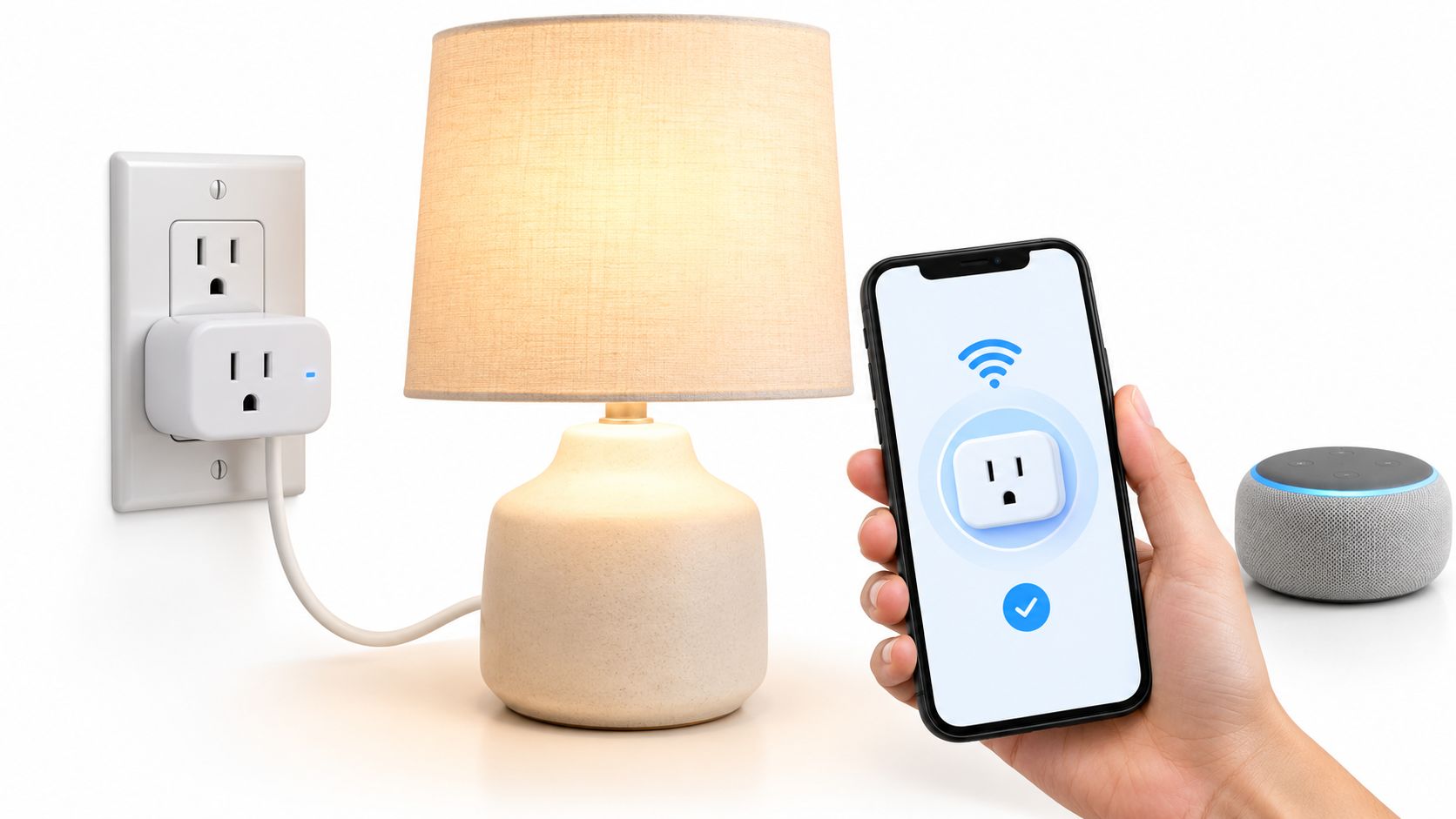
- Table and floor lamps with physical rocker switches left on
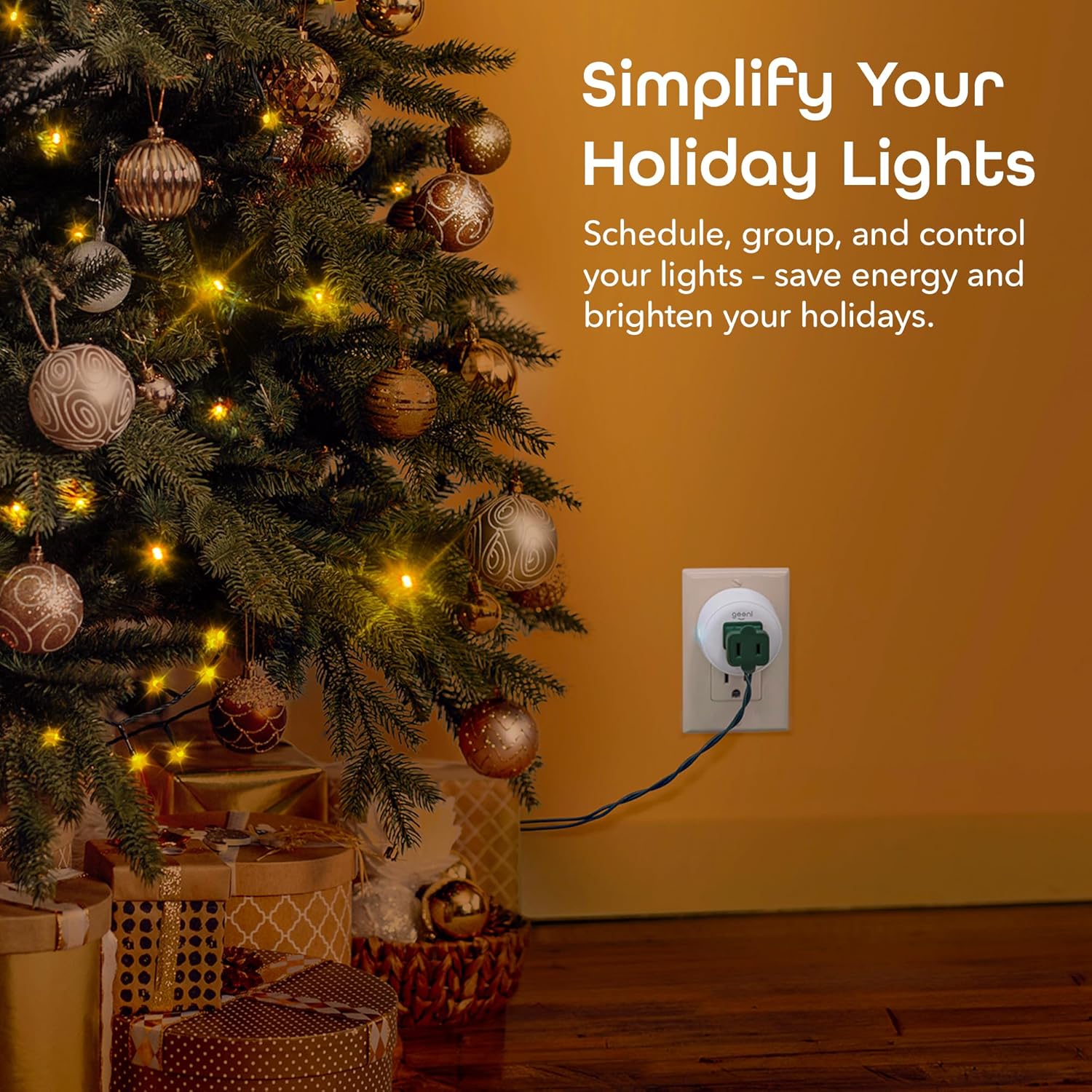
- Holiday and patio string lights on mechanical timers you are replacing
- Basic fans and humidifiers that resume when power returns
- Away-mode lighting — randomised on/off while you are at the cottage
- Voice routines — "Goodnight" kills three lamps without walking the house
Poor fits:
- Touch-button appliances — Many tower fans, kettles, and monitors need a human tap after power returns. The plug energises the circuit; it does not press the button.
- High-draw motor loads near the limit — Space heaters and window AC units need plugs explicitly rated for them. The Dot handles 15 A resistive loads; inductive motor startup is a different conversation. Read the label on the appliance.
- Outdoor winter exposure — Rain, snow, and −20 °C are outside the Dot's design envelope.
Geeni vs. the slightly-more-serious options
If the Dot is the impulse buy, TP-Link Kasa and Tapo are the "I might keep this five years" buys — typically a few dollars more per plug, similar 2.4 GHz constraints, but a longer track record and slightly cleaner apps. Amazon Smart Plug makes sense only in Alexa-heavy homes and often costs more than the Dot for fewer features.
The Dot wins when:
- You want two plugs under $30
- Physical size matters in tight outlets
- You are testing smart-home ideas before committing to an ecosystem
The Dot loses when:
- You need energy monitoring for heat-pump aux strips or aquarium gear
- You want Matter for Apple Home without cloud dependency
- Your Wi-Fi is already hostile to IoT devices and you do not want to troubleshoot
Who should buy it — and who really shouldn't
Buy the Geeni Dot if you're:
- A renter who cannot touch wall switches but wants lamp schedules
- A first-time smart-home buyer testing one room before expanding
- Someone automating seasonal lights who will forget manual switches exist
- A parent setting up a nursery lamp on a predictable dimmer-adjacent schedule
- A budget-conscious household that accepts cloud-app control
Skip it if you're:
- Running enterprise mesh Wi-Fi you cannot split or simplify for setup
- Automating touch-controlled appliances without checking power-resume behaviour
- Needing outdoor-rated plugs for Canadian winters
- Expecting power consumption graphs — this plug does not meter
- Building a Matter-first home and want to avoid another proprietary app
The decision, in three honest questions
- Can I put this on 2.4 GHz Wi-Fi during setup? If yes, your odds are good. If your network is locked down or 5 GHz-only, fix networking first or buy a different category of device.
- Is the target device's switch already on? Smart plugs control electricity, not buttons. Walk to the lamp and confirm the rocker is on before blaming the app.
- Am I okay with a cloud app from a budget brand? Geeni works for millions of homes, but it is not Apple HomeKit-native and it is not premium TP-Link. Match expectations to price.
A few questions worth answering
Does the Geeni Dot work with Alexa and Google?
Yes — both platforms are supported through the Geeni app linking flow. Apple HomeKit is not natively supported; you would need a Homebridge workaround if that is a hard requirement.
Can I use it on 5 GHz Wi-Fi?
No. Budget smart plugs in this class require 2.4 GHz. Most Canadian routers can expose both bands; pair on 2.4 GHz even if your phone prefers 5 GHz.
Does it track energy usage?
No. The Dot is an on/off switch only. For wattage monitoring, look at Kasa EP25P2 or Tapo P110 plugs instead.
Is it safe for space heaters?
Only if the heater's draw is within the plug's 15 A / 1800 W resistive rating and the manufacturer allows smart-switch control. Many portable heaters explicitly warn against smart plugs — read your heater's manual before risking it.
What does the 2-pack really cost in Canada?
Expect $20–30 CAD for two plugs, often less during Prime events. That works out to roughly the price of two mechanical timer cubes — with app and voice control layered on top.
Looking for buyer guides that tell you the trade-offs, not just the highlights? More honest, Canadian-focused gadget coverage lives at celmin.ca.
Sign up or sign in to join the conversation.