
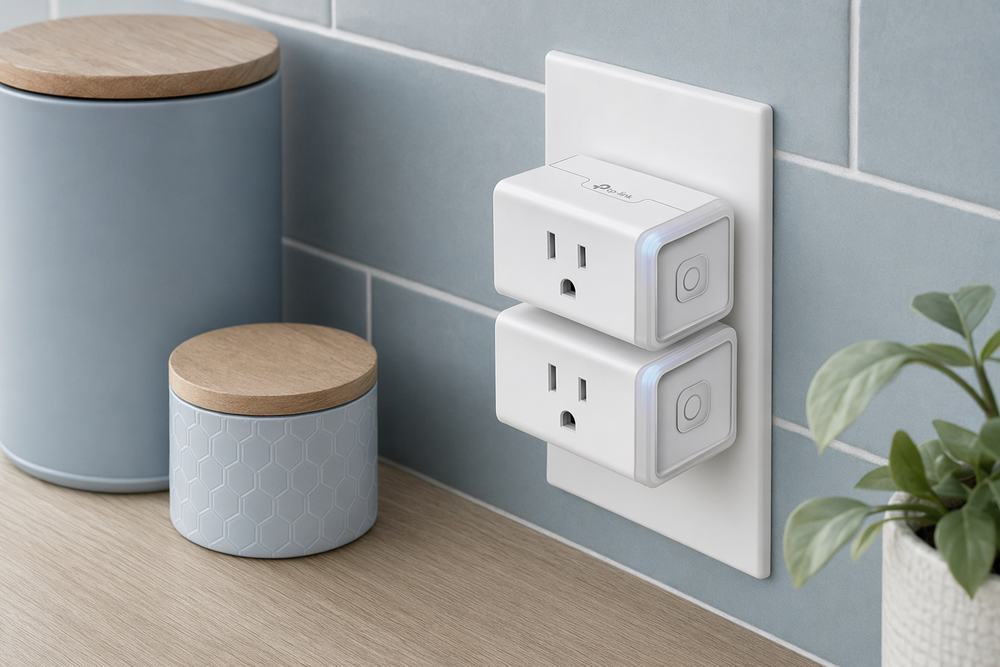
Every product category has a reference point — the thing reviewers mention when they mean "the safe pick." In Canadian smart plugs, that reference is usually **TP-Link Kasa**. Not because it is the cheapest, or the smallest, or the most feature-rich, but because millions of households have alread...
Every product category has a reference point — the thing reviewers mention when they mean "the safe pick." In Canadian smart plugs, that reference is usually TP-Link Kasa. Not because it is the cheapest, or the smallest, or the most feature-rich, but because millions of households have already answered the boring questions: Does it pair? Does it stay online? Does Alexa still see it after a router swap? Kasa's HS103 line is the plug people buy twice — once to try, once because the first one worked.
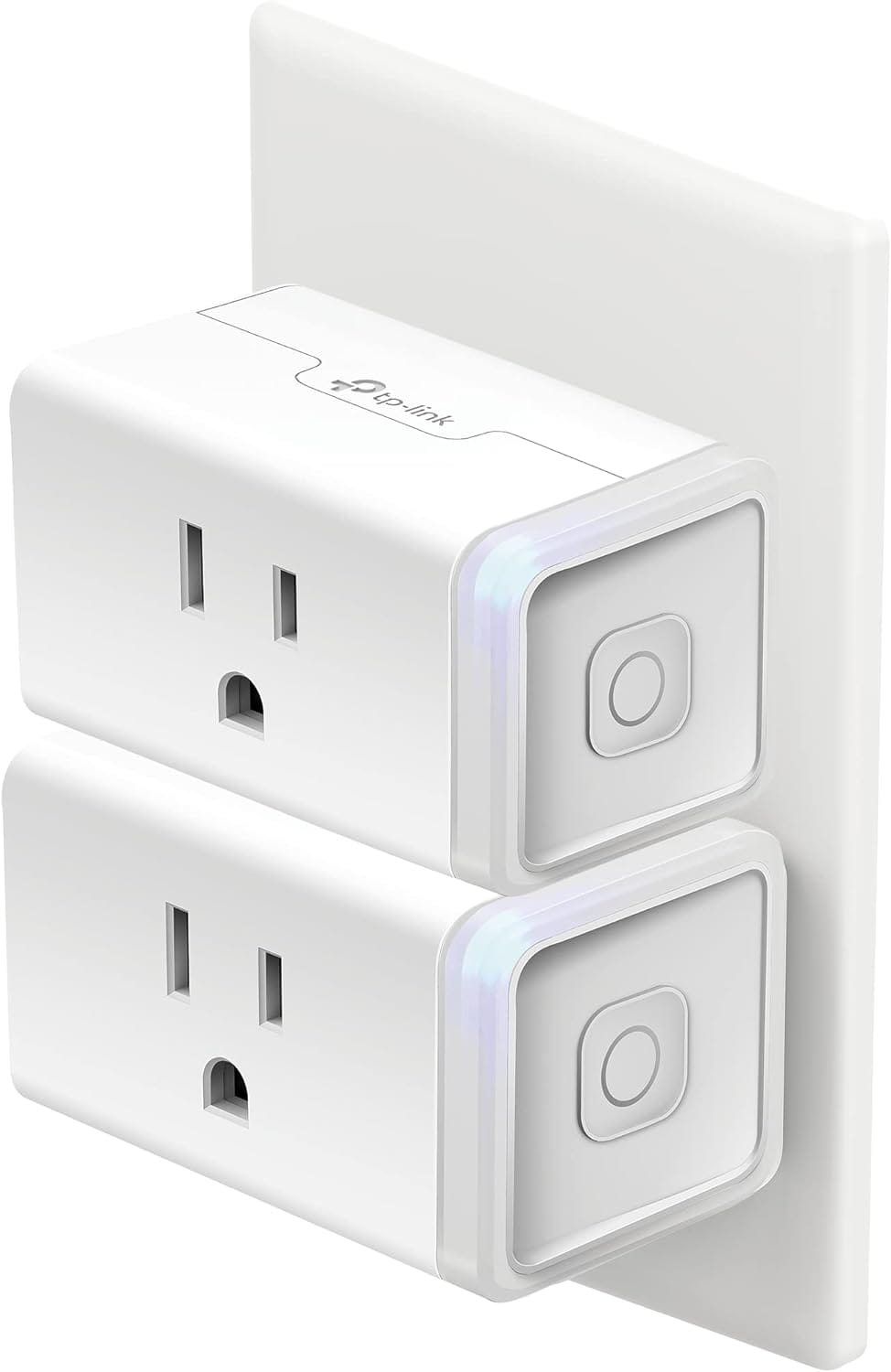
The Kasa Smart Plug Mini HS103P2 2-Pack is that product in its most common form: two compact white outlets, 15-amp rating, 2.4 GHz Wi-Fi, no hub, Alexa and Google and IFTTT support. It is not exciting. It is the smart-home equivalent of a reliable screwdriver — which is exactly why it belongs in an honest buyer guide.

The snapshot
| Kasa Smart Plug Mini (HS103P2) | |
|---|---|
| What it is | UL-certified Wi-Fi smart outlet, 2-pack |
| Model | HS103P2 (each unit is HS103) |
| Wi-Fi | 2.4 GHz only |
| Load rating | 15 A / 1800 W maximum |
| Voice / apps | Alexa, Google Home, IFTTT, Kasa app |
| Hub | None required — direct Wi-Fi |
| Size | Mini form factor; second outlet usually stays usable |
| Real price (CAD) |
What buyers on Amazon are saying
The HS103 family carries 4.6–4.7 stars on Amazon.ca with hundreds of thousands of global ratings — exceptional volume for a smart plug. When this many people agree, the patterns are trustworthy even if individual homes differ.
Reliability is the headline praise. Buyers describe Kasa plugs as "set and forget" — paired once, still online after router upgrades, firmware updates, and Canadian winters of daily lamp schedules. Long-term reviews from three and four years ago still reporting daily use are common, which matters in a category where no-name plugs die silently.
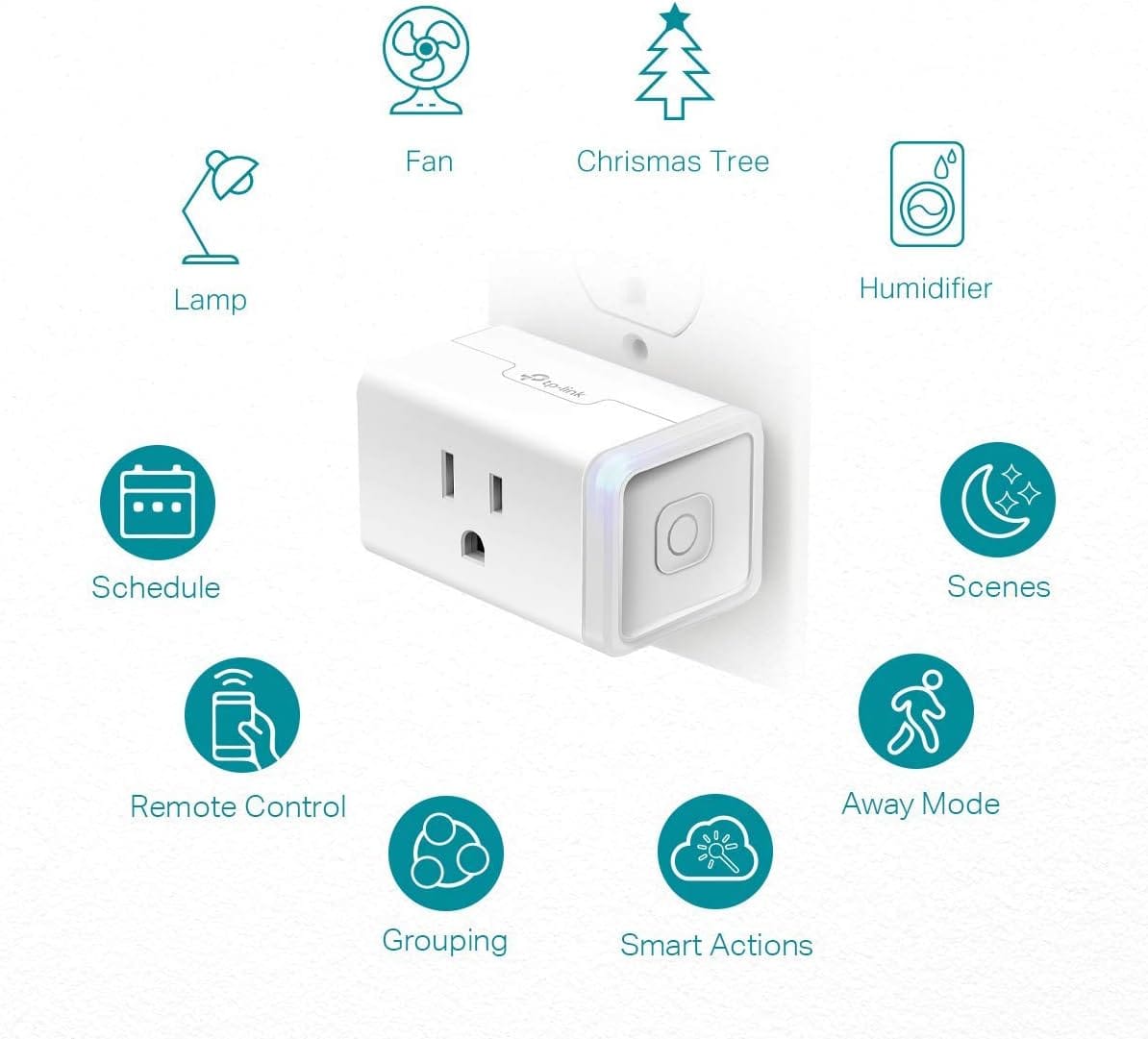
App quality gets repeated credit. The Kasa app is not beautiful, but it is stable: schedules, countdown timers, away mode, and group control work predictably. Reviewers migrating from cheaper brands often cite Kasa's pairing success rate as the reason they switched.
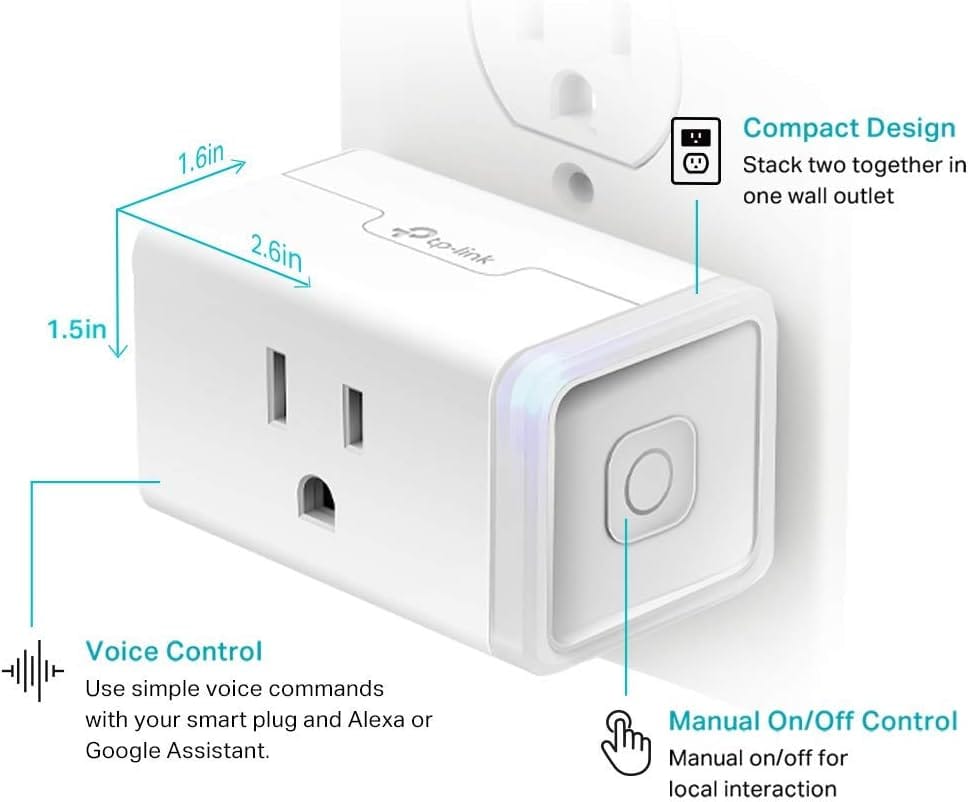
Compact size is the other frequent positive. The "Mini" label is not marketing fluff — HS103 sits flush enough that many buyers use both outlets on a standard duplex receptacle, a real advantage on kitchen backsplashes and behind furniture.
Honest friction still exists:
- 2.4 GHz only — Same constraint as every budget plug. Kasa's setup is more forgiving than many, but mesh-network horror stories still appear — usually fixed by a dedicated IoT SSID or moving the plug closer to the router during first pairing.
- No energy monitoring on HS103 — Buyers who skim "smart plug" and expect wattage graphs leave disappointed. Kasa sells EP25 and other models with metering; HS103 is the basic switch.
- Cloud dependency — Local control exists in limited form, but remote access requires TP-Link's cloud. Outages are rare but documented; schedules stored on-device generally persist.
- Physical button confusion — The manual power button on the plug itself is easy to miss. Reviews mention "plug stopped working" when someone accidentally long-pressed the button and disabled Wi-Fi.
Smaller themes: not for outdoor rain exposure despite Canadian buyers trying it on patios; not Matter-native on HS103 (newer Tapo/Kasa Matter plugs are separate SKUs); and touch-appliance limitation — smart plugs still only supply power; they do not press soft-touch buttons on kettles or fans.
Net assessment from buyer voice: HS103 is the plug people recommend to parents and landlords — boring, dependable, slightly more expensive than Geeni, noticeably less frustrating.
What it's actually trying to do
Kasa HS103 is a mains relay with Wi-Fi. Full stop. TP-Link's engineering focus is keeping that relay online through mediocre routers, firmware updates, and the occasional Ontario hydro blip.
The strategic choice is longevity over flash. HS103 has been on shelves since the late 2010s with iterative firmware rather than constant model churn. That stability is why Canadian smart-home guides keep pointing at it — when a renter asks "what plug won't embarrass me," this is the answer with the longest track record.
The 2.4 GHz reality (and why Kasa survives it)
Canadian home internet in 2026 is mostly mesh: Bell Whole Home, Rogers Ignite pods, Eero, Deco, Google Nest Wi-Fi. All of it prefers 5 GHz for phones and laptops. Kasa HS103 still lives on 2.4 GHz, like essentially every inexpensive IoT device.
Kasa's pairing routine is slightly more robust than ultra-budget alternatives — slow blink modes, clearer app instructions, better error recovery — but physics does not bend. If your router isolates IoT clients or your phone stays locked on 5 GHz during setup, you will still struggle.
Practical Canadian setup tips buyers repeat in reviews:
- Enable a 2.4 GHz guest network with WPA2 and a simple password for pairing week
- Stand near the router with the plug in the same room for initial sync
- After success, move the plug to its final outlet — if it drops, your mesh node at that location may be weak; Kasa plugs are not repeaters
Once paired, HS103 tends to hold connection through ordinary domestic Wi-Fi chaos better than plugs half its price.
HS103 vs. Geeni Dot vs. Kasa EP25
| Need | Best fit |
|---|---|
| Cheapest 2-pack experiment | Geeni Dot |
| Maximum reliability, basic on/off | Kasa HS103 |
| Energy monitoring + charts | Kasa EP25 / Tapo P110 |
| Matter / Apple Home native | Newer Matter-certified plugs (different SKUs) |
| Outdoor winter patio | Kasa EP40 outdoor or equivalent IP-rated plug |
HS103 wins the default recommendation slot because it optimises for the common case: indoor lamps and fans, daily schedules, voice off/on, years of service. It loses when you need data or weather sealing.
What it gets genuinely right
- UL certification — Matters for insurance peace of mind and landlord conversations
- 15-amp headroom — Handles resistive loads that cheaper plugs spec ambiguously
- Physical manual override — Button on the plug still toggles power if the app is down
- Group scenes — Multiple Kasa devices in one "Goodnight" or "Away" action
- Compact dual-outlet friendliness — Genuinely usable on standard Canadian duplex plates
- Ecosystem runway — Same Kasa app covers switches, bulbs, cameras if you expand later
Who should buy it — and who really shouldn't
This is your plug if you're:
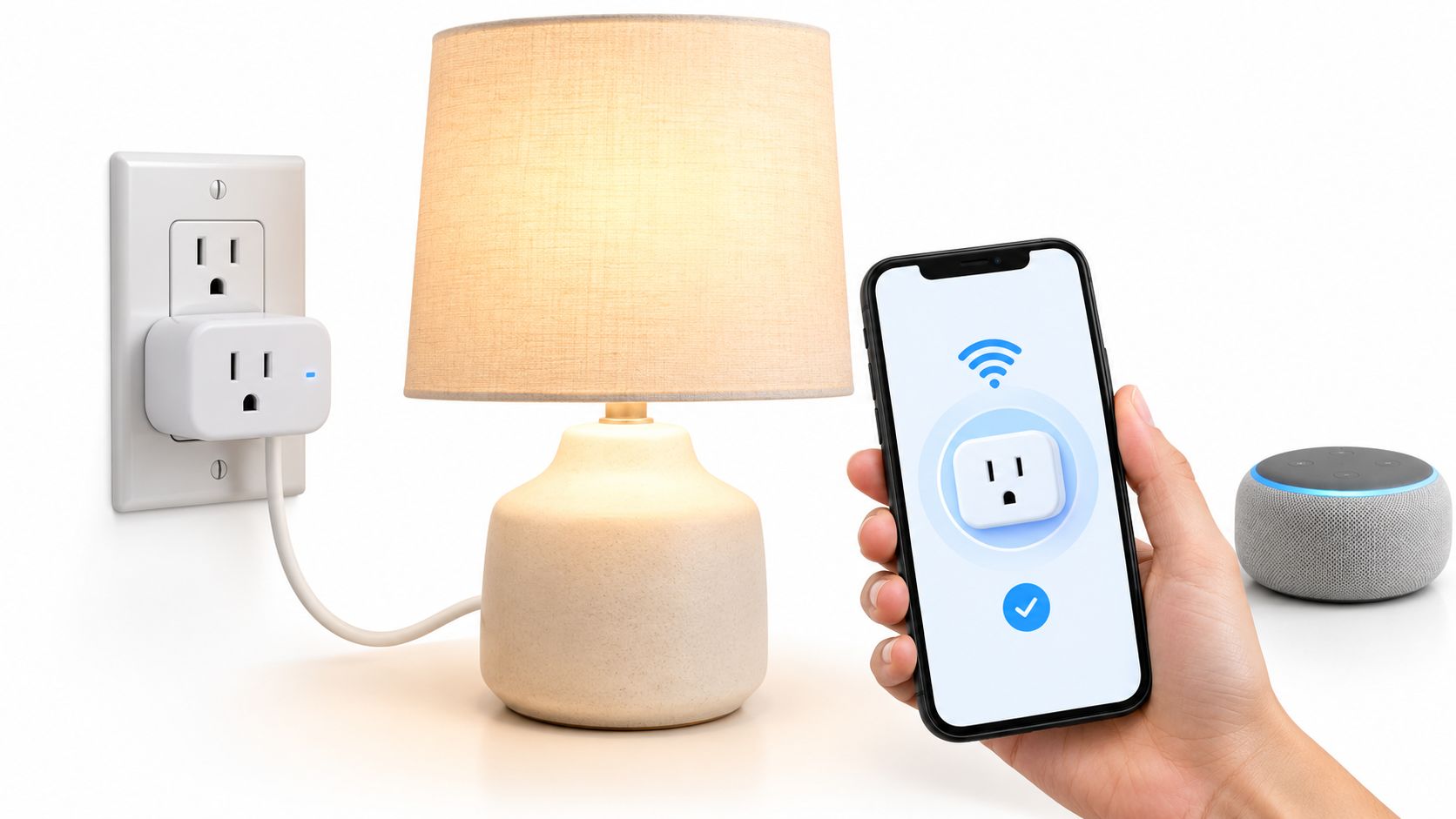
- Automating bedside lamps, nursery lights, or living-room scenes
- A renter forbidden from replacing wall switches
- Buying your first smart-home gear and want the lowest return probability
- Setting Christmas or Halloween lighting on astronomical timers
- Expanding an existing Kasa household with matching app logic
Walk away if you're:
- Needing real-time wattage and cost tracking — buy EP25 instead
- Automating touch-only appliances without verifying power-resume behaviour
- Installing outdoor loads exposed to rain and −30 °C
- Committed to Apple HomeKit without Homebridge — HS103 is not native HomeKit
- Chasing the absolute lowest price — Geeni Dot undercuts Kasa by a few dollars per plug
The decision, in three honest questions
- Do I need monitoring or just switching? Switching only → HS103 is the classic pick. Monitoring → skip to EP25/P110.
- Is my Wi-Fi IoT-hostile? If you cannot expose 2.4 GHz during setup, fix that before buying any plug in this class — Kasa included.
- Will this device resume after power loss? Confirm on the appliance before automating. Smart plugs are not universal remote controls.
A few questions worth answering
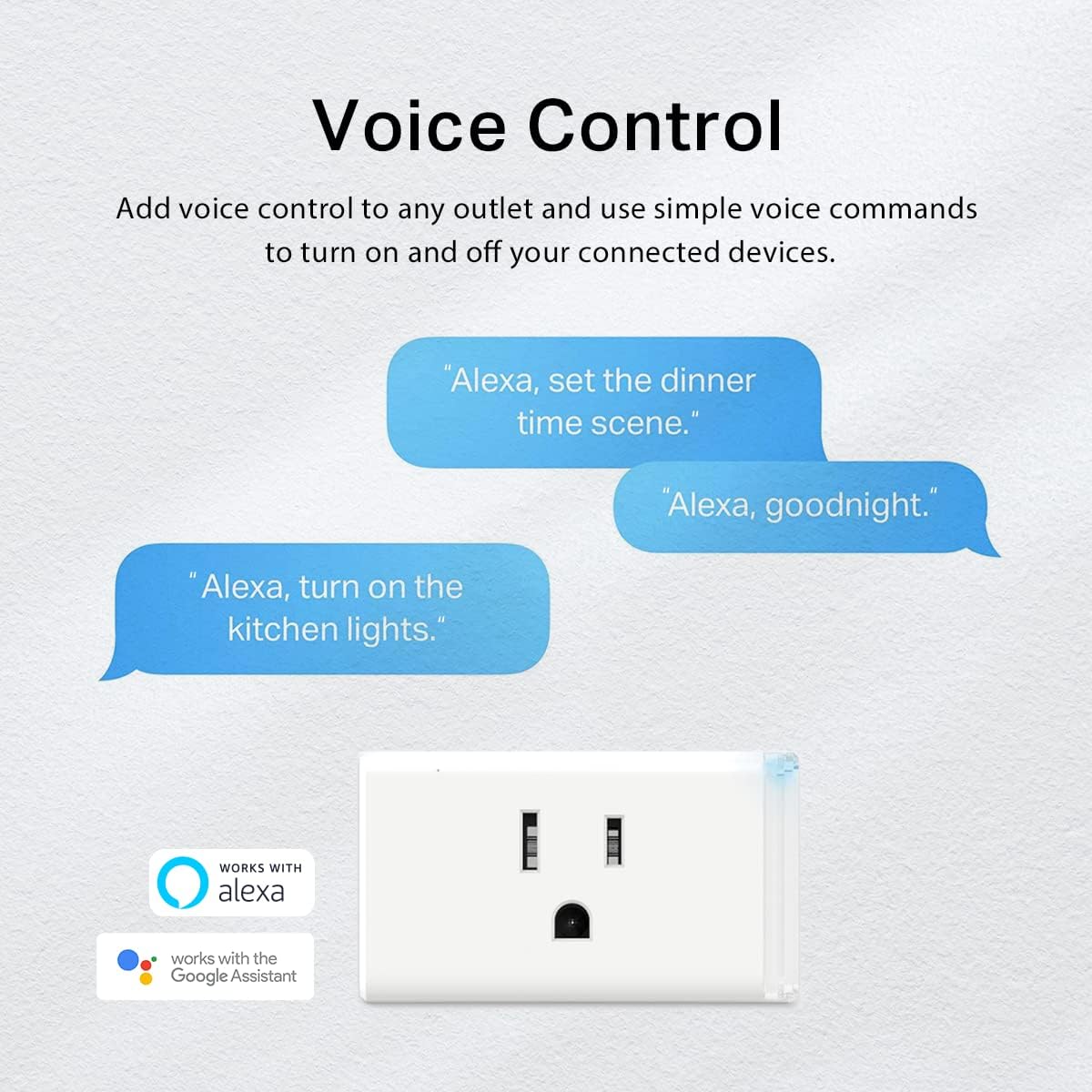
Does Kasa HS103 work with Alexa and Google?
Yes — native integrations for both. IFTTT is also supported for cross-platform automations Kasa does not ship out of the box.
Can I use it on 5 GHz Wi-Fi?
No. Setup requires 2.4 GHz. After pairing, the plug only uses 2.4 GHz — plan mesh node placement accordingly.
Does this model track electricity usage?
HS103 does not. For energy monitoring in the Kasa ecosystem, look at the EP25 series or Tapo P110.
Is it safe for heaters and high-draw appliances?
The plug is rated 15 A / 1800 W for resistive loads, but always read your appliance manual. Many portable heaters explicitly discourage smart plugs regardless of amperage.
What does the 2-pack cost in Canada?
Typically $25–35 CAD for HS103P2, sometimes lower during sales. That is a few dollars more per plug than Geeni — the premium buys pairing success and long-term stability in buyer reviews.
Looking for buyer guides that tell you the trade-offs, not just the highlights? More honest, Canadian-focused gadget coverage lives at celmin.ca.
Sign up or sign in to join the conversation.