
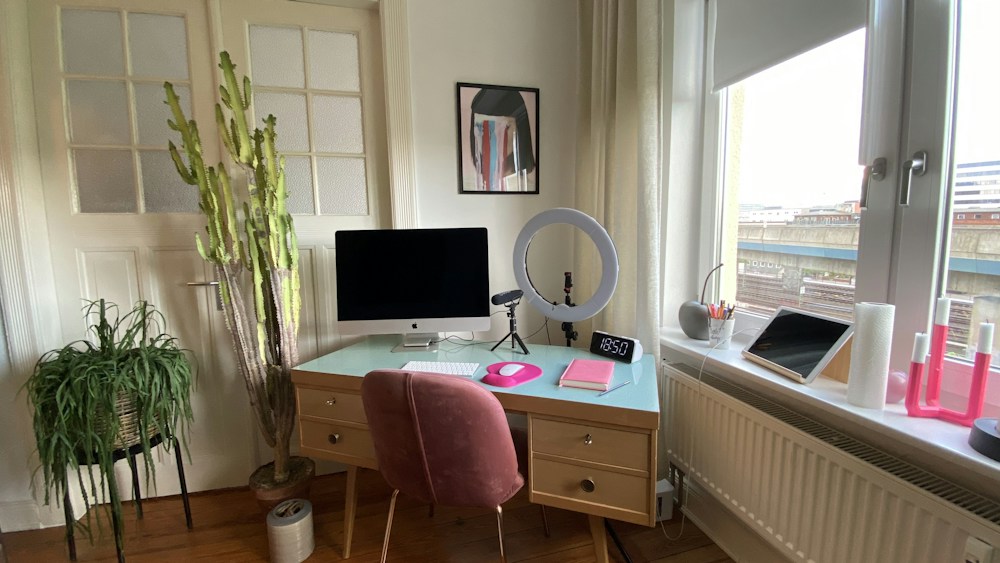

Working from home is the norm for millions of Canadians. But there's a big difference between "working at the kitchen table" and "having a proper home office." The right setup reduces back pain, improves focus, and makes you genuinely more productive.
Working from home is the norm for millions of Canadians. But there's a big difference between "working at the kitchen table" and "having a proper home office." The right setup reduces back pain, improves focus, and makes you genuinely more productive.
You don't need to spend thousands. A thoughtful setup with the right essentials makes more difference than an expensive desk with the wrong chair. Here's how to build a home office that actually works.
Essential Home Office Equipment
| Item | Budget Pick | Mid-Range | Premium | Why It Matters |
|---|---|---|---|---|
| Desk | IKEA BEKANT (~$400 CAD) | FlexiSpot E7 (~$600 CAD) | Uplift V2 (~$900 CAD) | Standing option reduces back pain |
| Chair | IKEA MARKUS (~$280 CAD) | HON Ignition 2.0 (~$500 CAD) | Herman Miller Aeron (~$1,800 CAD) | Ergonomics prevent long-term injury |
| Monitor | Dell S2722QC (~$400 CAD) | LG 27UK850 (~$550 CAD) | Dell U2723QE (~$750 CAD) | Larger screen = more productivity |
| Keyboard | Keychron K8 Pro (~$150 CAD) | Keychron Q1 Max (~$300 CAD) | — | Comfort for all-day typing |
| Mouse | Logitech MX Master 3S (~$130 CAD) | — | — | Ergonomic, reduces wrist strain |
| Headphones | Sony WH-1000XM4 (~$320 CAD) | Sony WH-1000XM5 (~$490 CAD) | — | ANC for focus |
The Desk: Standing vs Sitting
Why Standing Desks Matter
Sitting for 8+ hours daily is linked to back pain, poor posture, and reduced energy. A sit-stand desk lets you alternate between sitting and standing throughout the day. You don't need to stand all day—even 2-3 hours of standing makes a difference.
Best Standing Desks for Canadians
- Budget: IKEA BEKANT (~$400 CAD) — Electric, reliable, basic
- Mid-Range: FlexiSpot E7 (~$600 CAD) — Dual motor, programmable heights, sturdy
- Premium: Uplift V2 (~$900 CAD) — Best stability, most customization options
A standing desk is the single best investment for your home office. The FlexiSpot E7 at $600 CAD offers the best balance of quality and price.
The Chair: Don't Cheap Out
Your chair is where you spend 6-8 hours a day. A bad chair causes back pain, neck strain, and poor posture. A good ergonomic chair pays for itself in comfort and health.
What to Look For
- Lumbar support: Adjustable lumbar that supports your lower back's natural curve
- Seat depth: Adjustable so your thighs are fully supported without pressure behind your knees
- Armrests: Adjustable height and width to support your forearms while typing
- Breathable material: Mesh back prevents heat buildup during long sessions
Best Office Chairs
- Budget: IKEA MARKUS (~$280 CAD) — Good lumbar, mesh back, basic adjustments
- Mid-Range: HON Ignition 2.0 (~$500 CAD) — Excellent ergonomics, 12-year warranty
- Premium: Herman Miller Aeron (~$1,800 CAD) — The gold standard, 12-year warranty
The Monitor: Size Matters
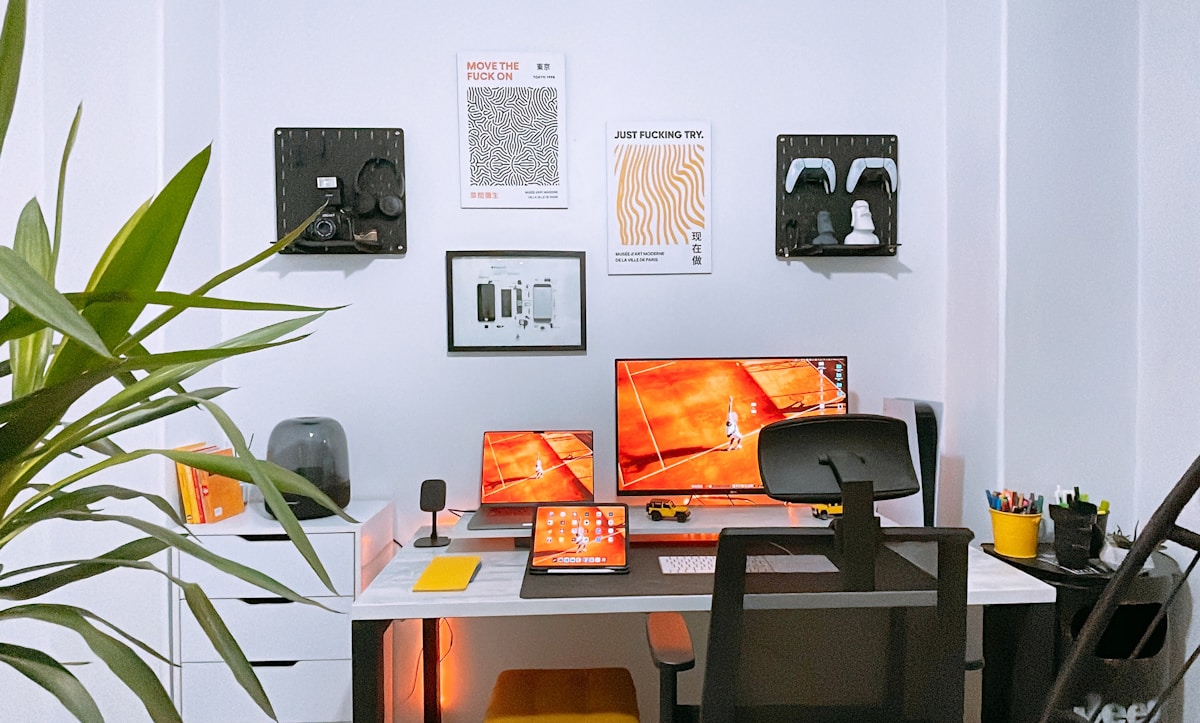
A larger monitor (27"+) with higher resolution (4K) reduces eye strain and increases productivity. You can see more content without scrolling, and text is sharper at 4K.
Monitor Recommendations
- 27" 4K: Best for most home offices. Sharp text, good for multitasking.
- 32" 4K: Better if you sit further from the screen or want more space.
- Ultrawide (34"): Great for multitasking without dual monitors.
USB-C monitors that charge your laptop while displaying are the most convenient—one cable for everything.
Keyboard and Mouse
Mechanical Keyboard
A mechanical keyboard improves typing comfort and speed. The Keychron K8 Pro (~$150 CAD) is the best value with wireless connectivity and hot-swappable switches.
Ergonomic Mouse
The Logitech MX Master 3S (~$130 CAD) is the standard for home office mice. Ergonomic shape, quiet clicks, and the MagSpeed scroll wheel is addictive once you try it.
Lighting
Natural Light
Position your desk near a window, but not facing it (glare) or with it directly behind you (backlighting on video calls). Perpendicular to the window is ideal.
Desk Lamp
A good desk lamp with adjustable colour temperature reduces eye strain. The BenQ ScreenBar (~$150 CAD) mounts on your monitor and illuminates your desk without screen glare.
Audio
Noise Cancelling Headphones
ANC headphones are essential if you share your space or live in a noisy area. The Sony WH-1000XM4 (~$320 CAD) is the best value for home office use.
Webcam and Microphone
Your laptop webcam is probably terrible. A dedicated webcam (Logitech C920, ~$100 CAD) and a USB microphone (Blue Yeti Nano, ~$130 CAD) dramatically improve your video call presence.
Budget Home Office Setups
| Budget | Setup | Total Cost |
|---|---|---|
| Under $1,000 CAD | IKEA desk + MARKUS chair + laptop stand | ~$700 CAD |
| $1,000-2,000 CAD | FlexiSpot E7 + HON chair + 27" monitor + keyboard | ~$1,500 CAD |
| $2,000-3,000 CAD | Uplift V2 + Aeron + 4K monitor + full peripherals | ~$2,800 CAD |
📺 Watch: Home Office Setup Guide 2026
Got Questions? Let's Clear Things Up.
What's the most important home office purchase?
The chair. You sit in it all day, and a bad chair causes real health problems. Invest in a good ergonomic chair before anything else.
Is a standing desk worth it?
Yes. Even if you only stand for 2-3 hours a day, it reduces back pain and improves energy. The FlexiSpot E7 at $600 CAD is the best value.
Do I need a separate monitor if I have a laptop?
Not strictly, but a 27" external monitor is a significant productivity upgrade. More screen space means less window switching and easier multitasking.
How much should I spend on a home office?
$1,000-1,500 CAD gets you a solid setup that'll last years. The chair and desk are the most important investments. Peripherals can be upgraded over time.
A proper home office setup is an investment in your productivity and health. Start with a good chair and desk, then add peripherals as budget allows. For specific product recommendations, check our best monitor for home office or best mechanical keyboards guides.
🏢
Take Our Free Home Office Setup Quiz
Answer a few quick questions and get personalized recommendations.
Start Quiz →

Discussion
Sign up or sign in to join the conversation.