

Two households buy smart plugs the same week. Both tell Alexa to turn off the bedroom lamp. Both pay roughly the price of a coffee run per outlet. Six months later, one family has four more plugs on order and a nursery schedule that survived a Rogers router swap. The other family has a beige bric...
Two households buy smart plugs the same week. Both tell Alexa to turn off the bedroom lamp. Both pay roughly the price of a coffee run per outlet. Six months later, one family has four more plugs on order and a nursery schedule that survived a Rogers router swap. The other family has a beige brick blinking behind the couch, a one-star review draft in their Amazon history, and a firm conviction that "smart home stuff is garbage."
The Alexa sentence was identical. The regret rate was not. Smart plugs are not a technology problem dressed up as a product category — they are a philosophy problem disguised as a $20 impulse buy. Do you treat outlets as disposable experiments you can abandon without guilt? Or as infrastructure you expect to survive firmware updates, hydro blips, and the day your teenager factory-resets the mesh router?
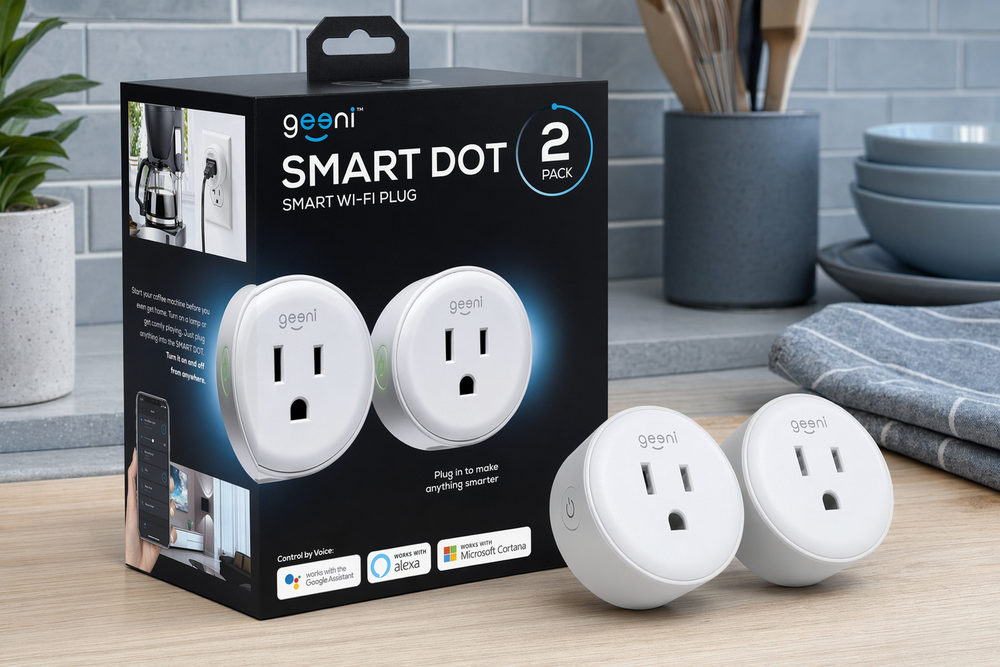
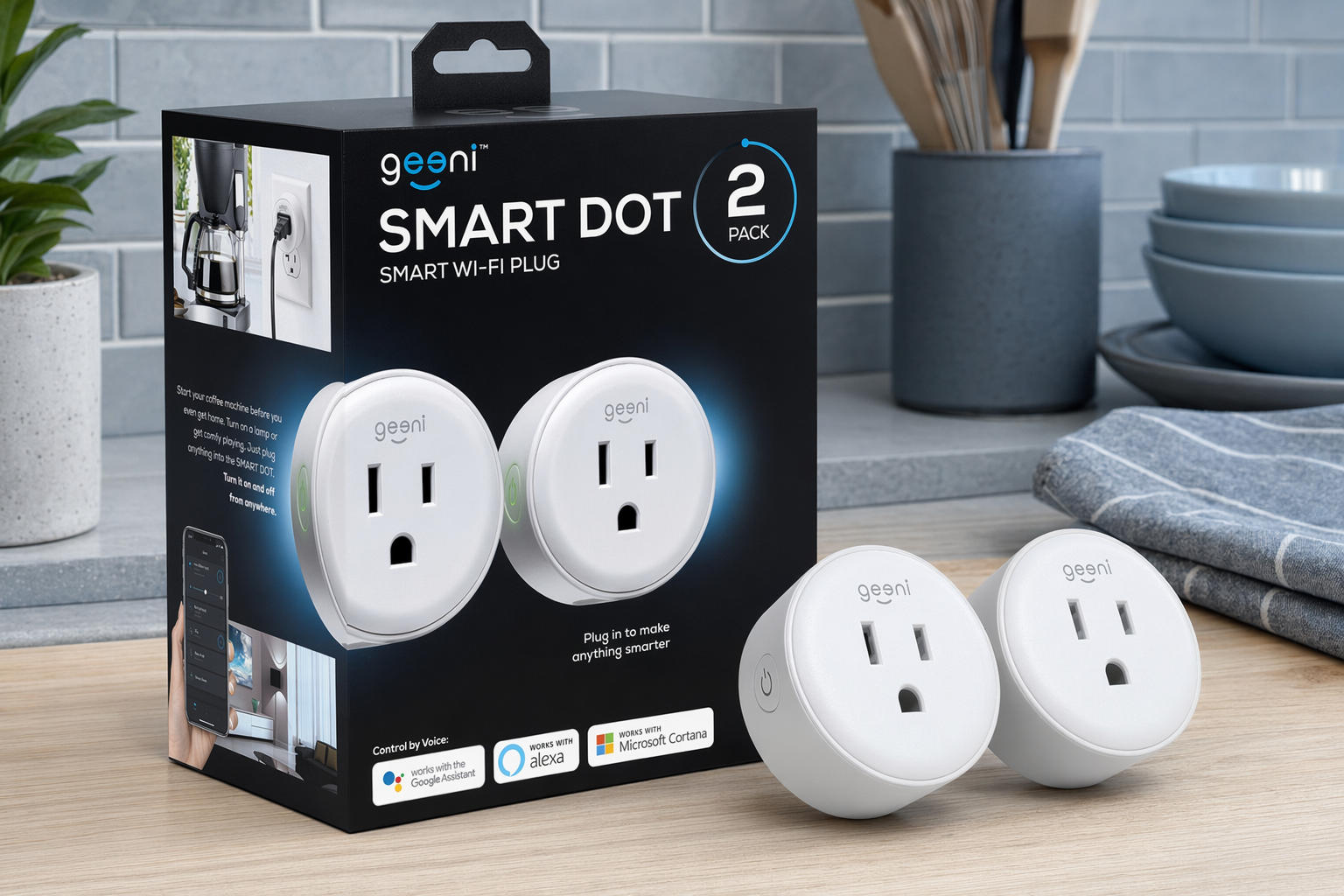
The Geeni Dot Smart Plug 2-Pack and Kasa Smart Plug Mini HS103P2 sit on opposite sides of that bet. This essay is not a spec shootout. It is a map of two ways Canadian homes actually live with Wi-Fi relays — and how to know which map is yours before you click Buy Now.
If you want the 2.4 GHz primer and touch-appliance test before choosing a camp, start with our field guide: Wi-Fi Smart Plugs in Canada: What Actually Matters Before You Buy. If you already understand why your mesh router hates IoT devices, stay here.
The split: minimum viable smart vs pay for peace of mind
Consumer smart plugs share the same physics. Mains power enters; a relay closes; Wi-Fi tells it when. The divergence is what you optimise after the switch works.
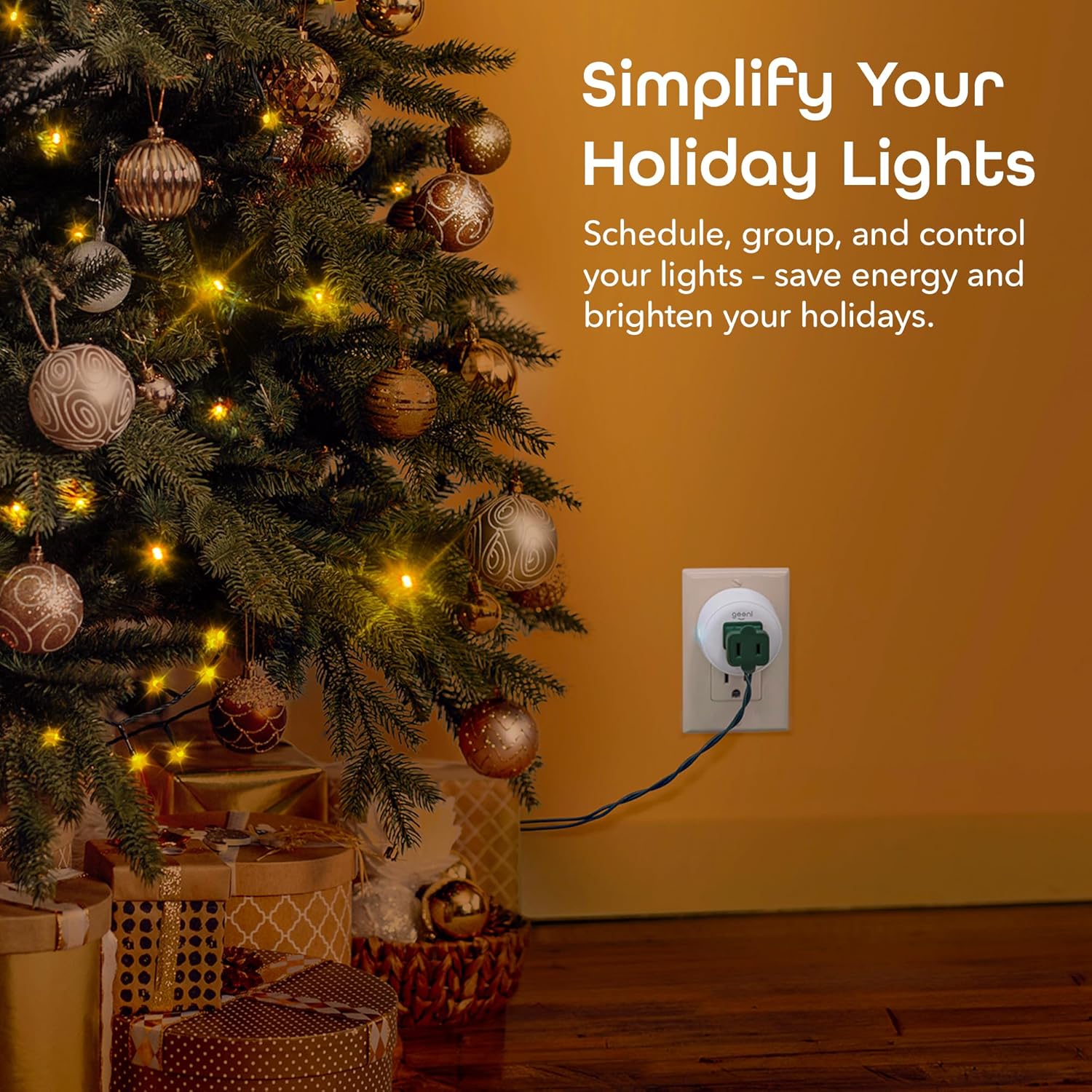
Minimum viable smart treats plugs as low-stakes experiments. Buy two for under thirty dollars. Automate one lamp. If pairing fails, return them without mourning the ecosystem. If pairing succeeds, buy four more for Christmas lights. You are optimising for entry price and physical size, accepting that the app may feel budget and the brand may not exist in five years.
Infrastructure smart treats plugs as something you install once and stop thinking about. Pay a few extra dollars per outlet. Pair during a calm evening near the router. Expect the same schedules after a firmware update, a power outage, and the day you add a Deco node in the basement. You are optimising for pairing success rate, app stability, and buyer-report longevity — not the lowest cart total today.
Both approaches use 2.4 GHz Wi-Fi. Both fail on touch-controlled kettles. Both are indoor plugs pretending not to be patio heroes. The difference is what happens when you stop reading the listing and start living with the relay.
Philosophy A: plugs as disposable experiments
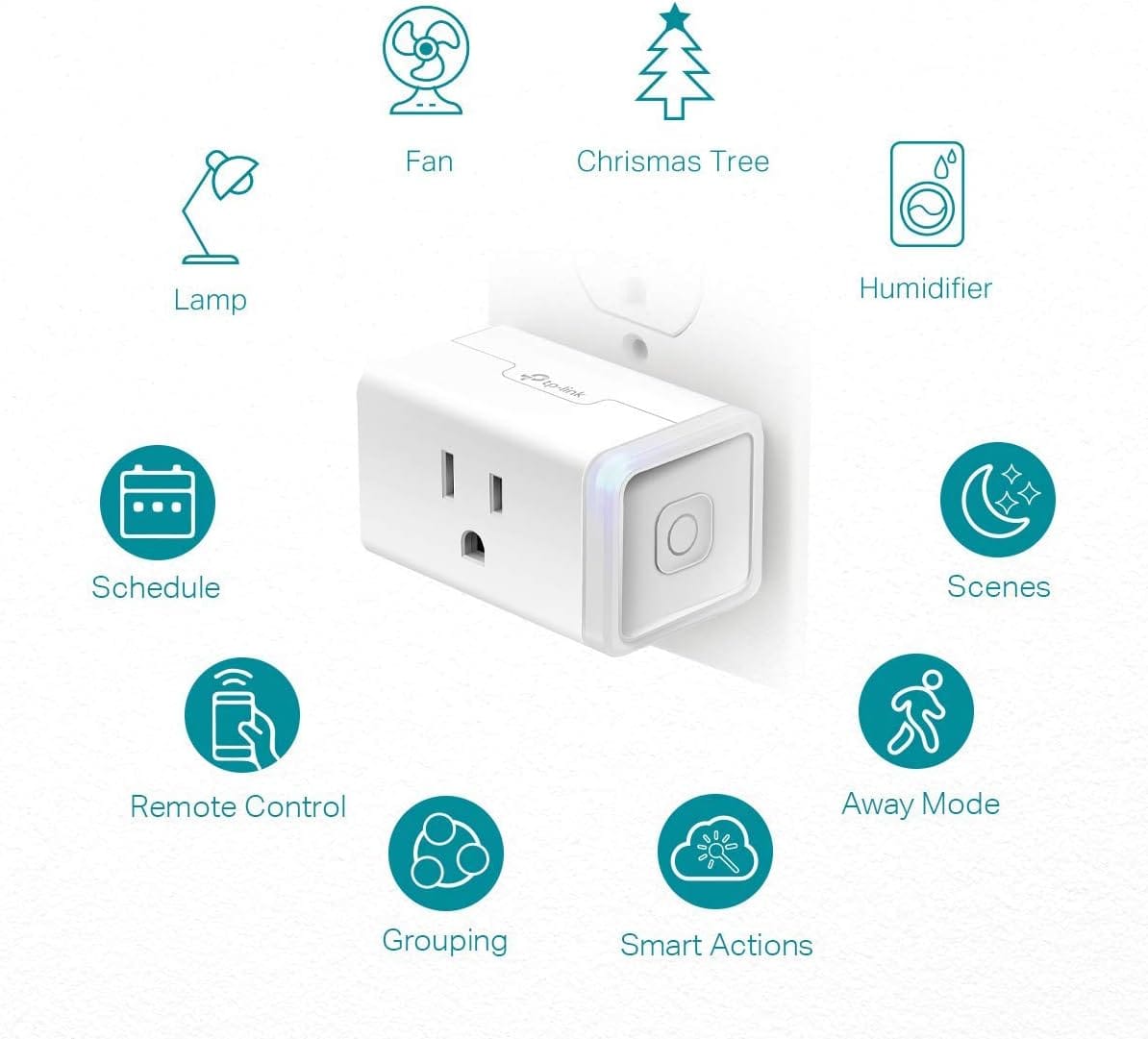
Geeni is Merkury Innovations' house brand — the same ecosystem behind inexpensive smart bulbs and cameras in Canadian Tire aisles and Amazon deal pages. The Dot is not trying to be the best smart plug in Canada. It is trying to be the cheapest one that works well enough for lamps, fans, and holiday lights when your network cooperates.
The experiment philosophy starts with price. At twenty to twenty-two dollars per plug on promotion, the 2-pack lands near ~$40–45 CAD — cheaper than many mechanical timer cubes once you factor in app and voice control. That price changes behaviour. You buy for the tree in December without researching TP-Link's corporate history. You automate the renter-friendly floor lamp because drilling a wall switch is not an option. You accept that if one unit dies in fourteen months, Amazon's return window and replacement cost hurt less than a dinner out.
Size reinforces the experiment. Reviewers consistently call the Dot one of the smallest smart plugs they have owned — critical on Canadian kitchen backsplashes where a bulky brick blocks the second outlet and sends you hunting for a power bar. Small plugs fit behind furniture without rearranging the room. That matters when you are testing whether you care about smart home at all.
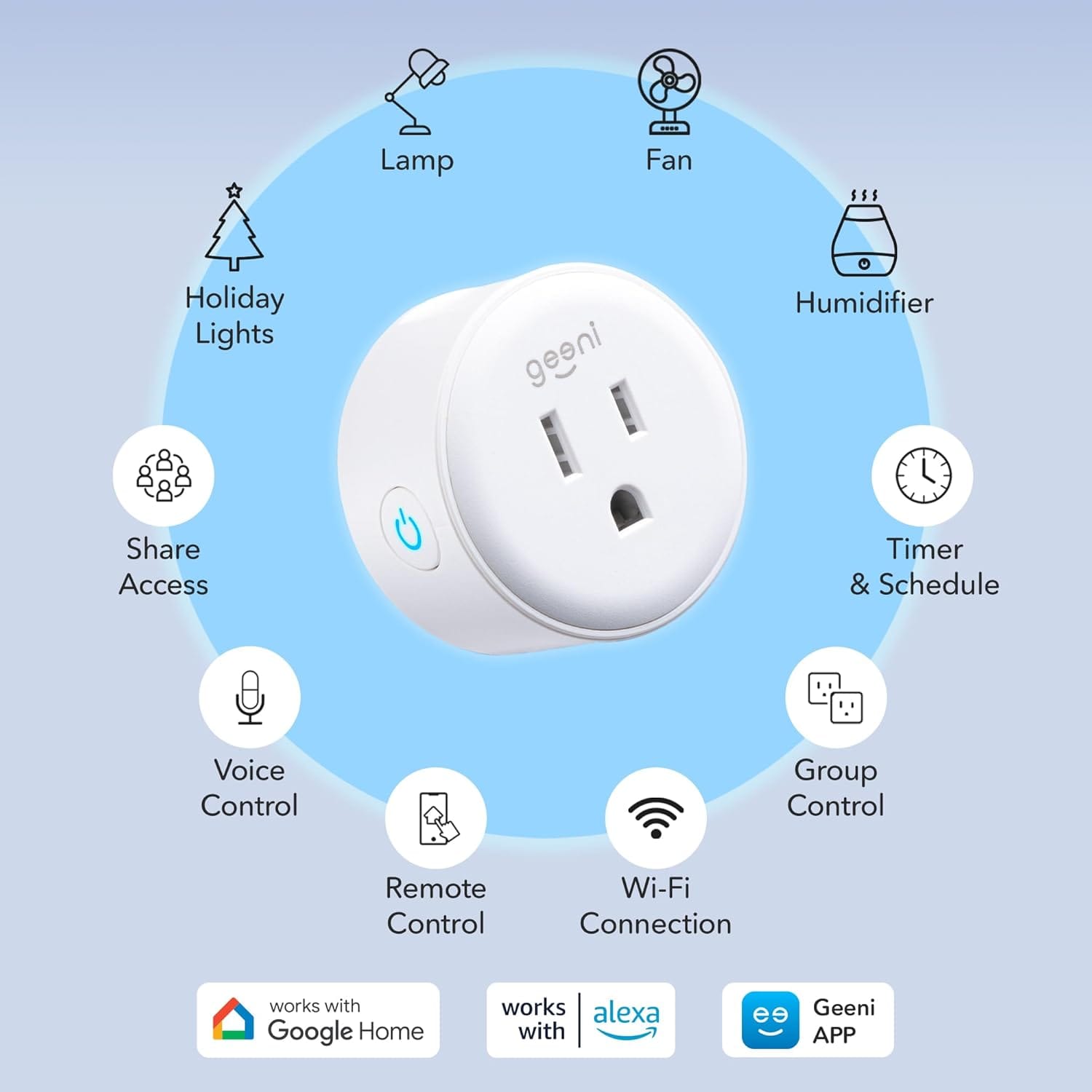
The Geeni app delivers schedules, timers, away-mode randomisation, and Alexa/Google linking. When setup works, praise clusters around reliability month after month — morning lamps, fan schedules, voice "goodnight" routines. The experiment succeeded; you order more.
When setup fails, the experiment ends loudly. Buyer reports titled "won't connect" usually blame the 2.4 GHz network the plug never saw. Geeni fails louder than Kasa on hostile mesh — more pairing retries, more returns. Horror stories cluster at setup, not day three hundred.
Longevity is mixed: most units run for years; a minority die after months. At this price, returns absorb the pain. The philosophy assumes some attrition is acceptable.
Philosophy A in one sentence: you are buying permission to try smart home without a marriage contract.

Philosophy B: plugs as infrastructure
TP-Link Kasa is the reference point Canadian smart-home guides mention when they mean "the safe pick." Not because HS103 is the cheapest or the most feature-rich, but because millions of households have already answered the boring questions. Does it pair? Does it stay online? Does Alexa still see it after you replace the router?
The infrastructure philosophy starts with buyer-report reliability at scale. The HS103 family carries 4.6–4.7 stars on Amazon.ca with hundreds of thousands of global ratings — exceptional volume for a smart plug. When that many people agree over years, patterns matter even if your duplex outlet is unique. Praise clusters on "set and forget" — paired once, still online after firmware updates and daily lamp schedules. Long-term reviews from three and four years ago still reporting daily use are common. In a category where no-name plugs die silently, that track record is the product.
The Kasa app is not beautiful, but it is stable. Schedules, countdown timers, away mode, group control — predictable behaviour matters more than gradient buttons when you are automating a nursery lamp at 6:45 a.m. Reviewers migrating from cheaper brands often cite pairing success rate as the reason they switched. A few extra dollars per plug buys fewer evenings standing in the hallway watching LEDs blink.
Infrastructure also means certification and ecosystem runway. HS103 is UL-certified — relevant for landlord conversations and insurance peace of mind in ways budget listings sometimes gloss over. The same Kasa app covers switches, bulbs, and cameras if you expand later. TP-Link has sold HS103 since the late 2010s with iterative firmware rather than constant model churn. You are not betting on a house brand that might pivot to security cameras only.
The premium is real but narrow. Expect $25–35 CAD for the 2-pack — a few dollars more per plug than Geeni. Infrastructure buyers pay that gap willingly because the cost of one failed pairing evening exceeds the price difference. They are not buying features; they are buying not thinking about the plug again.
Friction still exists on Kasa — it is not magic. 2.4 GHz only, same as Geeni. No energy monitoring on HS103 — wattage hunters need EP25. Cloud dependency for remote access. Physical button confusion when someone long-presses the manual override and disables Wi-Fi. Touch-appliance limitations apply equally. Infrastructure does not mean universal automation; it means the relay stays online while you learn those limits.
Philosophy B in one sentence: you are buying a plug you expect to outlive the router that paired it.
Side by side: which regret are you avoiding?
| Question | Geeni camp (experiment) | Kasa camp (infrastructure) |
|---|---|---|
| Core bet | Cheapest path to a working lamp schedule | Lowest long-term frustration rate |
| Price (2-pack CAD) | ~$40–45 | ~$18–22 |
| Size | Among the smallest available | Mini; dual-outlet friendly |
| Pairing on mesh | Fails louder; needs network hygiene | More forgiving; clearer app recovery |
| App | Geeni — functional, budget feel | Kasa — stable, unglamorous |
| Energy monitoring | No | No on HS103 (EP25 for data) |
| UL certification | Check listing | HS103 UL-certified |
| Buyer longevity reports | Mixed; cheap enough to replace | Years-long daily use common |
| Outage behaviour | Schedules usually persist; cloud for remote | Schedules on-device; cloud for remote |
| Deep dive | Geeni buyer guide | Kasa buyer guide |
The table deliberately omits a winner column. A student automating dorm lamps and a landlord wiring six rental units have different regret profiles at the same price point.
The network chapter: 2.4 GHz applies to both philosophies
No amount of brand trust bends radio physics. Geeni and Kasa both live on 2.4 GHz Wi-Fi only. Your Rogers Ignite mesh will not care that you bought TP-Link.
Canadian buyer reports on both products still mention mesh struggles — but the distribution differs. Geeni "won't connect" reviews dominate early failure. Kasa reviews mention mesh too, often followed by "created a 2.4 GHz guest network and it worked." That is not proof Kasa ignores physics; it is evidence that infrastructure brands invest slightly more in pairing UX — slower blink modes, clearer error messages, better recovery when your phone hops bands mid-setup.
Practical setup both camps repeat:
- Enable a 2.4 GHz IoT SSID with WPA2 and a simple password during pairing week
- Stand near the router with the plug in the same room for initial sync
- After success, move the plug to its final outlet — if it drops, the mesh node there may be weak; neither plug is a repeater
- Run the touch-appliance test before blaming either brand: unplug the target device, replug, observe resume behaviour
Geeni fails louder on hostile networks. Kasa fails rarer. Both fail if the network never exposes 2.4 GHz or isolates client traffic. Fix networking before upgrading brands — or read our field guide's full 2.4 GHz section: What Actually Matters Before You Buy.
Four scenarios, two philosophies
Renter's first lamp. Geeni wins on price and size if pairing succeeds on day one. Kasa wins if you already fought one mesh router this year. Both work identically once online.
Holiday lights. Geeni's experiment philosophy shines: buy cheap plugs for the tree and porch; replace any dud without sentiment. Kasa makes sense if those plugs will automate bedroom lamps year-round after January.
Nursery routines. Parents report Kasa schedules surviving router upgrades without re-pairing. Geeni works too, but infrastructure buyers sleep better on multi-year buyer reports.
Landlord with multiple units. UL certification and pairing success rate matter. Kasa is the boring answer landlords repeat. Geeni works on budget if you document 2.4 GHz setup and accept more support calls.
Who should buy Geeni — and who should not
Choose Geeni Dot if:
- You want the lowest price per plug and the smallest footprint
- You are automating seasonal or single-room experiments before committing to an ecosystem
- A failed pairing feels like a return, not a crisis
- Your Wi-Fi is normal residential mesh you can simplify for one evening
- The target devices are lamps and dumb fans that resume after power cuts
Walk away from Geeni if:
- You need energy monitoring graphs — neither HS103 nor Dot meters; consider Kasa EP25 or Tapo P110
- Your network is locked-down enterprise mesh you cannot adjust
- You are automating touch-controlled appliances without verifying power-resume behaviour
- You want Matter-native Apple Home without Homebridge workarounds
- You are installing for tenants or parents who will call you when the LED blinks
Who should buy Kasa — and who should not
Choose Kasa HS103 if:
- You want the lowest regret probability on your first smart-home purchase
- You are automating daily-use lamps you expect to run for years
- UL certification matters for landlord or insurance conversations
- You might expand into Kasa switches, bulbs, or cameras later
- You will pay a few extra dollars to avoid a second pairing evening
Walk away from Kasa if:
- You need wattage and cost tracking — buy EP25, not HS103
- You are chasing the absolute lowest cart total and accept higher pairing risk
- You need outdoor-rated plugs for Canadian patio winters
- You require native HomeKit without bridges
- The target appliance does not resume after power loss — no plug fixes that
What neither philosophy fixes
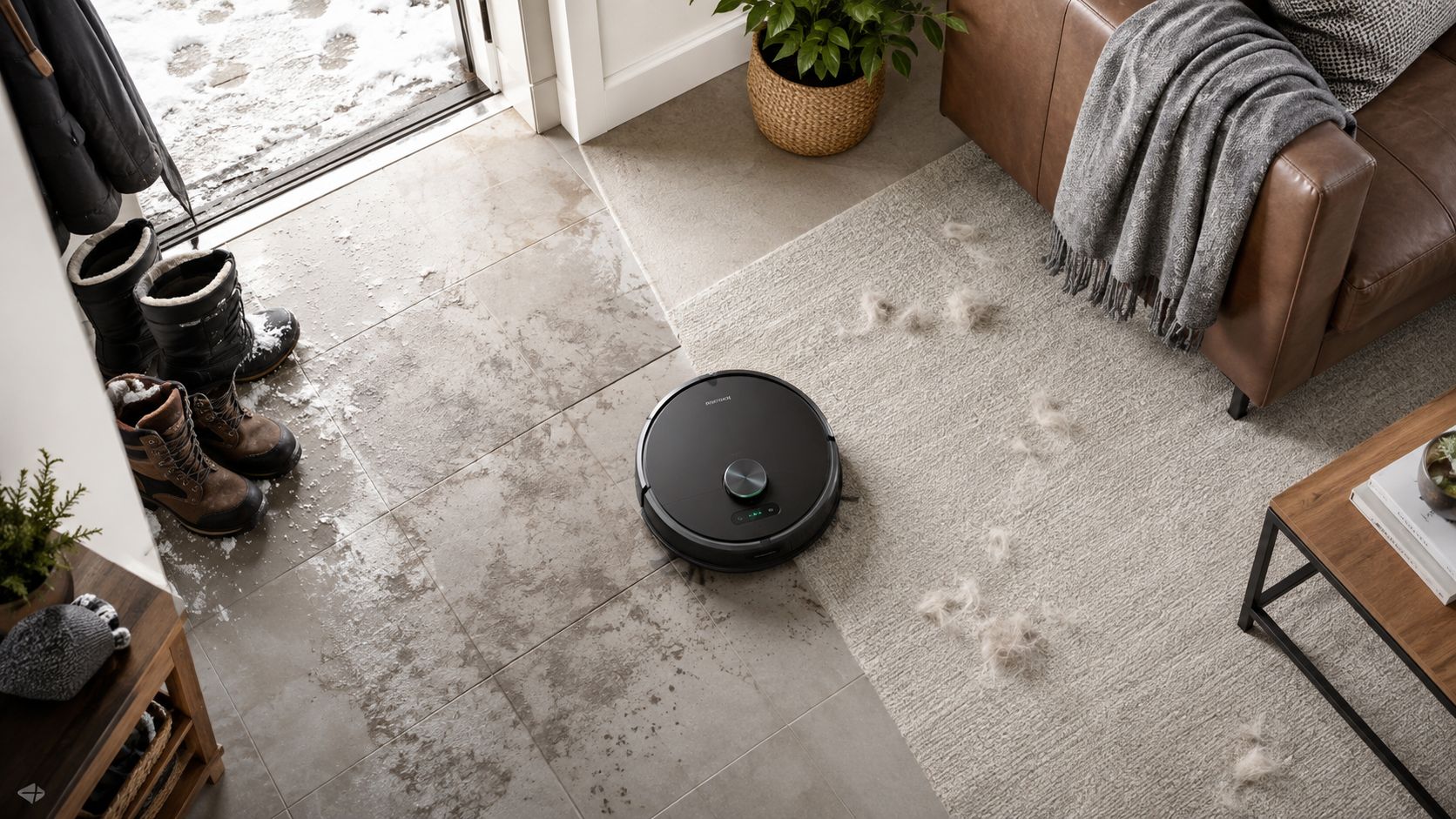
Touch-appliance automation — plugs supply power; they do not press capacitive buttons. Outdoor Canadian winters — indoor plugs in damp boxes fail regardless of brand. Wi-Fi ignorance — if you refuse to expose 2.4 GHz during setup, both camps produce one-star reviews. Energy visibility — HS103 and Dot switch only; data hunters need EP25 or Tapo P110. Medical and security loads — sump pumps and freezers deserve hardwired solutions.
Verdict framework: choose your camp
Choose Geeni if you are testing smart home, automating seasonal loads, or need the smallest cheapest plug on a cooperative network — and you accept that some units may not survive five years.
Choose Kasa if you are building daily infrastructure, installing for others, or you value buyer-report longevity and pairing forgiveness over the lowest possible price.
Buy neither if you have not run the touch-appliance test, fixed 2.4 GHz access, or confirmed the load is appropriate for a 15-amp smart switch.
Still need the networking primer and use-case map? Read Wi-Fi Smart Plugs in Canada: What Actually Matters Before You Buy. Want product-level depth without philosophy? Read the Geeni Dot and Kasa Mini honest buyer guides.
Frequently asked questions
Is Geeni "bad" and Kasa "good"?
Neither label is honest. Geeni is appropriately cheap for experiments on cooperative networks. Kasa is appropriately boring for infrastructure you stop thinking about. Buyer reports cluster differently on pairing friction and longevity — not because one relay is fundamentally smarter, but because price tier and firmware investment differ.
Will Kasa work if Geeni failed to pair?
Sometimes — Kasa's setup is more forgiving. Often both fail on the same hostile network because the root cause is 2.4 GHz access. Fix the network first: dedicated IoT SSID, stand near the router, simplify the password.
Do I need the energy-monitoring Kasa instead?
Only if you want wattage graphs and cost estimates. HS103 and Geeni Dot are switch-only. Landlords tracking baseboard aux strips, aquarium keepers, and heat-pump obsessives should look at Kasa EP25 or Tapo P110 — different SKUs, different philosophy (data infrastructure, not just switching).
Can I mix Geeni and Kasa in one home?
Absolutely. Alexa and Google do not care about brand mixing. You will run two apps — fine for experiments, tedious at scale. Infrastructure buyers tend to standardise on Kasa once the first HS103 survives a year.
The bottom line
The same Alexa sentence hides two purchase philosophies. Geeni Dot buys you a cheap, compact experiment that rewards cooperative Wi-Fi and forgives occasional attrition. Kasa HS103 buys you infrastructure that buyer reports trust for years of daily lamp schedules.
Neither plug presses your kettle's touch panel. Neither plug joins 5 GHz Wi-Fi. Both are excellent on dumb lamps with mechanical switches left on — and embarrassing on hostile networks you never fixed.
Pick the regret you would rather avoid: a few extra dollars per outlet, or a few extra pairing evenings per year. Then buy accordingly — or start with the field guide and let your router tell you which camp you are already in.

Discussion
Sign up or sign in to join the conversation.