
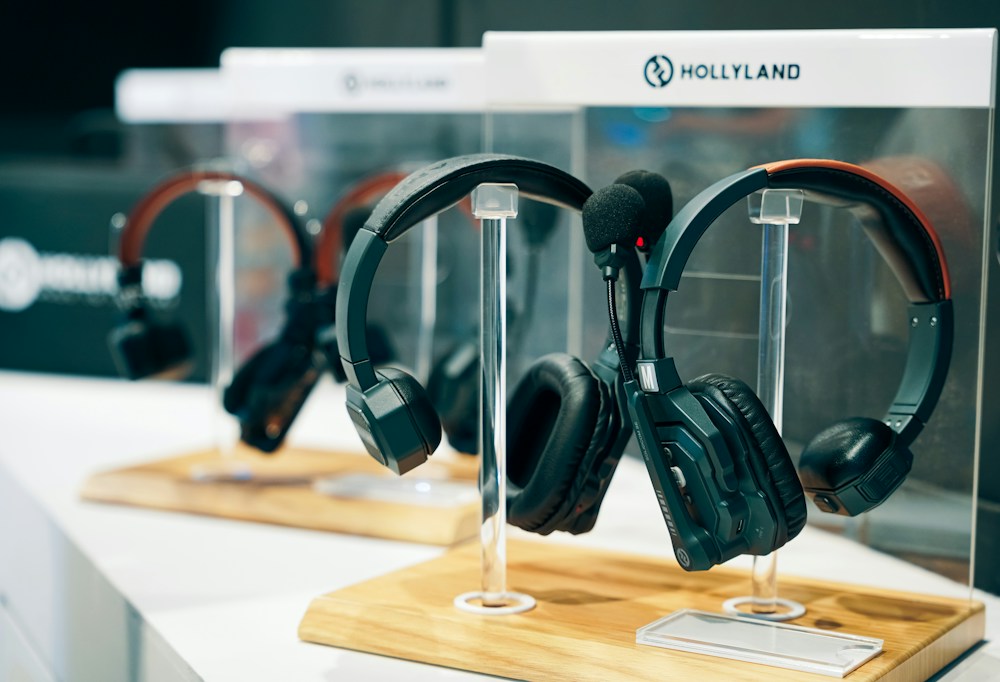
Here's the thing about wireless headphones—most of them sound great for music but fall apart the moment you hop on a call. Muffled voice, background noise bleeding through, colleagues asking "can you repeat that?"—it's a frustrating experience that makes you question why you spent $400 on headpho...
Here's the thing about wireless headphones—most of them sound great for music but fall apart the moment you hop on a call. Muffled voice, background noise bleeding through, colleagues asking "can you repeat that?"—it's a frustrating experience that makes you question why you spent $400 on headphones.
The microphone is an afterthought on most wireless headphones. Manufacturers pour their engineering budget into drivers, ANC, and battery life, then slap on a basic mic and call it a day. But if you work from home, take calls on the go, or spend hours in virtual meetings, the microphone matters just as much as the sound quality.
I've tested the top wireless headphones available in Canada specifically for microphone performance—on Zoom calls, Teams meetings, phone calls in noisy coffee shops, and outdoor walks in downtown Toronto. Here are the ones that actually deliver clear voice quality on both ends.
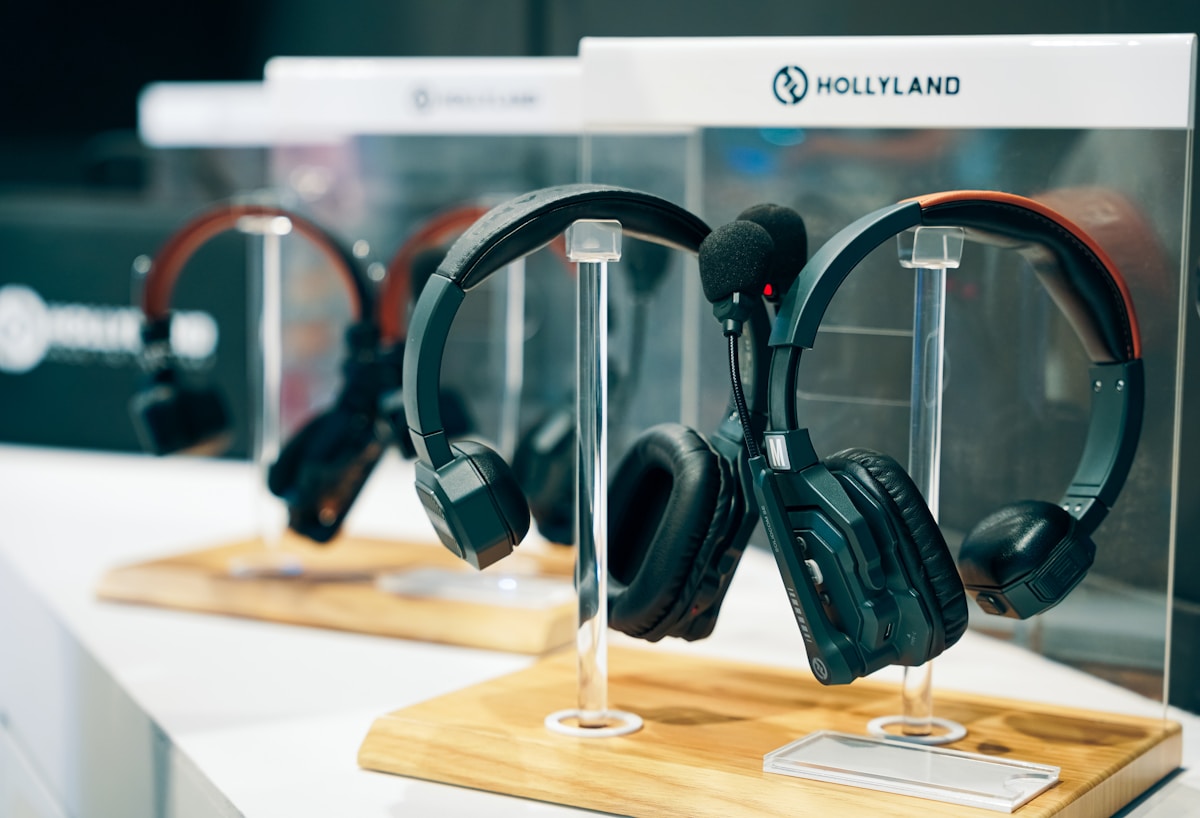
Best Wireless Headphones with Microphone Compared
| Headphones | Type | Mic Quality | ANC | Battery | Multipoint | Price |
|---|---|---|---|---|---|---|
| Bose QuietComfort Ultra | Over-ear | Excellent | Best-in-class | 24 hrs | Yes | ~$600 CAD |
| Sony WH-1000XM5 | Over-ear | Very Good | Excellent | 30 hrs | Yes | ~$490 CAD |
| Jabra Evolve2 85 | Over-ear | Best (boom mic) | Very Good | 37 hrs | Yes | ~$550 CAD |
| Apple AirPods Pro 2 | In-ear | Very Good | Excellent | 6 hrs (30 w/ case) | No | ~$330 CAD |
| Sennheiser Momentum 4 | Over-ear | Good | Very Good | 60 hrs | Yes | ~$490 CAD |
| Jabra Elite 85h | Over-ear | Very Good | Good | 36 hrs | Yes | ~$300 CAD |
Best Overall Mic for Calls: Jabra Evolve2 85
Built for Professional Communication
Jabra doesn't make headphones for music lovers who occasionally take calls. They make headphones for professionals who live on calls and occasionally listen to music. The Evolve2 85 reflects that priority—the retractable boom microphone is the standout feature and the reason it tops this list.
A boom mic positioned near your mouth captures your voice more clearly and consistently than beamforming mics embedded in the ear cups. The difference on calls is immediately noticeable. Colleagues hear you clearly even in noisy environments—open offices, coffee shops, or your living room while your kids play in the background.
Microsoft Teams and Zoom Certified
The Evolve2 85 is Microsoft Teams certified and works seamlessly with Zoom, Google Meet, and Webex. The dedicated Teams button on the ear cup lets you join meetings, mute/unmute, and raise your hand without touching your computer. A busy light on the ear cup signals to people around you that you're on a call—useful in shared home offices.
The Link 380 USB adapter provides a dedicated wireless connection to your computer, bypassing Bluetooth entirely. This means lower latency, more reliable connection, and better audio quality on calls compared to standard Bluetooth.
- Drivers: 40mm
- Microphone: Retractable boom mic + 10 microphones (beamforming)
- ANC: Advanced ANC with adjustable levels
- Battery: 37 hours (ANC on)
- Connectivity: Bluetooth 5.2 + USB Link 380 adapter
- Multipoint: Yes (2 devices)
- Codec: AAC, SBC
- Certifications: Microsoft Teams, Zoom, Google Meet
- Price: ~$550 CAD
If calls are your primary use case—daily meetings, client calls, team standups—the Jabra Evolve2 85 is the best wireless headphone you can buy. The boom mic delivers noticeably clearer voice quality than any beamforming-only headphone. The Teams certification and USB adapter are bonuses that justify the price for professionals.
Sound Quality Trade-Off
The Evolve2 85 sounds good for music—balanced, clear, with decent bass. But it doesn't match the Sony XM5 or Bose QC Ultra for pure listening enjoyment. The tuning prioritizes voice clarity over musical richness, which makes sense for its target audience. If you split your time 50/50 between calls and music, this is a reasonable compromise. If music is your priority, look at the Sony or Bose below.
Best All-Rounder with Great Mic: Sony WH-1000XM5
The Do-Everything Headphone
The Sony XM5 is the most recommended wireless headphone for a reason—it does everything well. The microphone performance has improved significantly over previous generations, with four beamforming microphones and AI-based noise reduction that isolates your voice from background noise.
On Zoom and Teams calls, the XM5 delivers clear, natural-sounding voice quality. It's not quite as good as the Jabra's boom mic in very noisy environments, but for home office use and moderate background noise, it's excellent. Sony's Precise Voice Pickup technology uses bone conduction sensors to detect your voice even when you're speaking quietly.
Multipoint for Work-Life Balance
The XM5 connects to two devices simultaneously—your work laptop and your phone, for example. When a call comes in on your phone, the headphones automatically switch from your laptop audio. When the call ends, they switch back. This seamless switching is essential for remote workers who juggle work calls and personal calls throughout the day.
- Drivers: 30mm carbon fiber composite
- Microphone: 4 beamforming mics + bone conduction sensor
- ANC: 8 microphones, dual processor, adaptive
- Battery: 30 hours (ANC on), 3-min quick charge = 3 hours
- Connectivity: Bluetooth 5.2
- Multipoint: Yes (2 devices)
- Codec: LDAC, AAC, SBC
- Weight: 250g
- Price: ~$490 CAD
The Sony XM5 is the best choice if you need great mic quality AND great music quality in one headphone. The mic isn't quite Jabra-level in noisy environments, but it's more than adequate for home office calls. The LDAC codec and 30mm drivers deliver superior music quality.
Best Mic Quality with Premium ANC: Bose QuietComfort Ultra
Bose's Best Microphone Yet
Bose has historically lagged behind on microphone quality—their ANC was always best-in-class, but call quality was mediocre. The QC Ultra changes that. The six-microphone array with advanced beamforming delivers clear voice pickup that rivals the Sony XM5.
The real advantage is the ANC during calls. Bose's noise cancelling doesn't just block noise from reaching your ears—it also filters background noise from your microphone output. Colleagues on the other end hear your voice clearly, without the construction noise outside your Vancouver apartment or the traffic on a busy Montreal street.
CustomTune Personalization
When you put the QC Ultra on, it plays a brief tone and uses the microphones to map your ear canal shape. It then adjusts the ANC and sound profile to your specific ears. This personalization improves both the listening experience and the microphone's ability to isolate your voice.

- Drivers: Proprietary Bose
- Microphone: 6-mic array with beamforming
- ANC: Best-in-class (CustomTune personalized)
- Battery: 24 hours (ANC on)
- Connectivity: Bluetooth 5.3
- Multipoint: Yes (2 devices)
- Codec: aptX Adaptive, AAC, SBC
- Immersive Audio: Yes (spatial sound)
- Price: ~$600 CAD
The Bose QC Ultra is the best choice if you need the absolute best noise cancelling combined with strong mic performance. The ANC filters noise from both your ears and your microphone output, which is a significant advantage for calls in noisy environments.
Best In-Ear with Mic: Apple AirPods Pro 2
Surprisingly Good Call Quality
The AirPods Pro 2 punch well above their weight for call quality. The Adaptive Transparency mode lets environmental sound through naturally while the microphones focus on your voice. Apple's H2 chip processes voice isolation in real-time, reducing background noise on calls without making your voice sound robotic.
For iPhone users, the integration is seamless. Calls automatically route to the AirPods when you put them in. Siri handles hands-free call management. The Conversation Awareness feature automatically lowers media volume and enhances the voice of someone speaking to you in person.
- Drivers: Apple-designed H2 chip
- Microphone: Dual beamforming mics per bud + inward-facing mic
- ANC: Adaptive (2x improvement over first gen)
- Battery: 6 hours per bud, 30 hours with case
- Connectivity: Bluetooth 5.3
- Multipoint: Automatic Apple device switching
- Codec: AAC
- Price: ~$330 CAD
For iPhone users who want a compact option with excellent mic quality, the AirPods Pro 2 are hard to beat. The call quality is on par with many over-ear headphones, and the convenience factor—small case, instant pairing, seamless Apple integration—is unmatched.
Best Battery Life with Good Mic: Sennheiser Momentum 4
60 Hours Between Charges
The Sennheiser Momentum 4 offers 60 hours of battery life with ANC on. That's not a typo—you can go weeks between charges with moderate daily use. For professionals who travel frequently between Canadian cities or simply hate charging their headphones, this is a game-changer. Plug it in on a Sunday night and forget about it until the end of the month.
The microphone quality is good but not exceptional. It handles home office calls well and performs adequately in moderate noise. In very noisy environments (busy café, airport), it doesn't isolate your voice as effectively as the Jabra or Bose. For most remote workers taking calls from a quiet home office, though, it's more than sufficient.
Audiophile-Grade Sound for Music Breaks
Where the Momentum 4 truly shines is sound quality. Sennheiser's 42mm transducers deliver the most natural, detailed audio on this list. Between calls, your music sounds incredible—neutral, spacious, and revealing. The aptX Adaptive codec preserves audio detail over Bluetooth, and the sound signature is tuned for accuracy rather than hype. If you split your day between calls and focused work with music, the Momentum 4 rewards you during the music hours.
The Smart Control app includes a customizable EQ, adjustable ANC levels, and a Sound Check feature that tailors the sound profile to your hearing preferences. You can create separate profiles for calls and music listening.
- Drivers: 42mm Sennheiser transducers
- Microphone: 4 mics with beamforming
- ANC: Very good (adaptive)
- Battery: 60 hours (ANC on)
- Connectivity: Bluetooth 5.2
- Multipoint: Yes (2 devices)
- Codec: aptX, aptX Adaptive, AAC, SBC
- Weight: 293g
- Price: ~$490 CAD
The Sennheiser Momentum 4 is the best choice for professionals who value sound quality and battery life above all else. The mic is good enough for daily calls, and the 60-hour battery means you'll never be caught dead mid-meeting. If you're an audiophile who also takes work calls, this is your headphone.
How to Get the Best Mic Quality from Wireless Headphones
Positioning Matters
Even the best microphone performs poorly if you're using it wrong:
- Over-ear headphones: The mic is in the ear cup, so keep your head relatively still during calls. Turning your head away from the mic reduces voice clarity.
- Boom mic (Jabra): Position the boom near the corner of your mouth, about 2 cm away. This is the sweet spot for voice pickup.
- Earbuds: The mic is in the stem, closer to your mouth than over-ear mics. This is why earbuds often perform surprisingly well on calls.
Environment Optimization
- Quiet room: Any headphone mic sounds good in a quiet room. The differences show up in noisy environments.
- Reduce echo: Hard surfaces (glass, tile) create echo that degrades mic quality. A rug, curtains, or acoustic panels help.
- Wind protection: Outdoors, wind noise is the biggest enemy. ANC headphones with wind noise reduction (Sony, Bose) handle this better.
Software Settings
- Zoom: Enable "Automatically adjust microphone volume" and "Suppress background noise" (set to High)
- Teams: Enable noise suppression (set to High)
- Google Meet: Enable noise cancellation in settings
For the clearest call quality, combine good headphones with a quiet environment and optimized software settings. Even a $600 headphone mic can't overcome a noisy room with hard surfaces and no software noise suppression.
Bluetooth Codec and Call Quality
Here's something most people don't know: Bluetooth audio quality drops during calls. When you're listening to music, Bluetooth uses high-quality codecs (LDAC, aptX). During calls, it switches to the HFP (Hands-Free Profile), which uses a lower-quality codec for two-way audio.
This is why your headphones sound amazing for music but mediocre on calls—it's a Bluetooth limitation, not a headphone problem. The USB adapter included with the Jabra Evolve2 85 bypasses this limitation entirely, which is one reason its call quality is superior.
| Connection | Music Quality | Call Quality | Latency |
|---|---|---|---|
| Bluetooth (LDAC/aptX) | Excellent | N/A (music only) | Low |
| Bluetooth (HFP) | N/A (calls only) | Good | Medium |
| USB Adapter (Jabra) | Very Good | Excellent | Very Low |
| Wired (3.5mm) | Excellent | Excellent | None |
Got Questions About Wireless Headphones with Microphones? Let's Clear Things Up.
Why do my wireless headphones sound bad on calls?
It's the Bluetooth HFP codec. When your headphones switch from music mode to call mode, Bluetooth uses a lower-quality audio profile that supports two-way audio. This reduces both what you hear and what your mic picks up. Headphones with advanced beamforming (Sony, Bose, Jabra) compensate for this with better mic processing, but the underlying Bluetooth limitation exists for all wireless headphones.
Are over-ear headphones or earbuds better for calls?
It depends on the specific model, but earbuds often perform surprisingly well because the microphone is closer to your mouth (in the stem). Over-ear headphones with boom mics (like the Jabra Evolve2 85) are the best overall. Over-ear headphones with only beamforming mics (Sony, Bose, Sennheiser) are good but can struggle in very noisy environments because the mic is farther from your mouth.
Do I need a dedicated USB microphone instead?
If you're on calls 4+ hours daily and audio quality is critical (sales calls, client presentations, podcasts), a dedicated USB microphone like the Blue Yeti Nano ($130 CAD) or Elgato Wave:3 ($200 CAD) will outperform any headphone mic. For most remote workers doing 1-2 hours of calls daily, a good headphone mic is sufficient and more convenient.
Can I use wireless headphones with Microsoft Teams?
Yes, all Bluetooth headphones work with Teams. However, Teams-certified headphones (like the Jabra Evolve2 85) offer dedicated controls—a Teams button for joining meetings, mute/unmute, and raise hand. They also guarantee compatibility and optimal audio quality. If Teams is your primary communication tool, a certified headset is worth the investment.
What about headphone mics for recording content?
Headphone mics are not suitable for recording podcasts, YouTube videos, or music. They're designed for real-time communication, not high-fidelity recording. For content creation, invest in a dedicated USB condenser microphone. The audio quality difference is night and day.
The right wireless headphones with a good microphone make remote work significantly more pleasant—for you and everyone on the other end of your calls. The Jabra Evolve2 85 is the best for call-heavy professionals, while the Sony XM5 offers the best balance of music and mic quality. For more options, check our best wireless headphones guide or our best noise cancelling headphones roundup for the top ANC picks.
🎧
Take Our Free Headphone Finder Quiz
Answer a few quick questions and get personalized recommendations.
Start Quiz →

Discussion
Sign up or sign in to join the conversation.