
A smart home without a hub is like a team without a manager—everything works independently, but nothing works together. Smart bulbs, locks, thermostats, cameras, and sensors from different brands need a central hub to communicate, automate, and respond intelligently. The right hub ties everything...
A smart home without a hub is like a team without a manager—everything works independently, but nothing works together. Smart bulbs, locks, thermostats, cameras, and sensors from different brands need a central hub to communicate, automate, and respond intelligently. The right hub ties everything together so your lights turn off when you leave, your thermostat adjusts when you go to bed, and your cameras arm when you lock the door—all automatically.
In 2026, the smart home hub landscape has simplified thanks to Matter, the universal smart home standard. But you still need a hub to run automations, manage devices, and provide the intelligence that makes a smart home actually smart. Here's what works for Canadian homes.
Top Smart Home Hubs Compared
| Hub | Ecosystem | Matter Support | Voice Assistant | Zigbee/Z-Wave | Thread | Price |
|---|---|---|---|---|---|---|
| Apple HomePod Mini | Apple Home | Yes | Siri | No (via Matter) | Yes | ~$130 CAD |
| Amazon Echo (4th Gen) | Alexa | Yes | Alexa | Zigbee | Yes | ~$130 CAD |
| Google Nest Hub (2nd Gen) | Google Home | Yes | Google Assistant | No (via Matter) | Yes | ~$100 CAD |
| Samsung SmartThings Station | SmartThings | Yes | Alexa/Google | Zigbee/Z-Wave (via dongle) | Yes | ~$80 CAD |
| Aeotec Smart Home Hub | SmartThings | Yes | Alexa/Google | Zigbee + Z-Wave | No | ~$130 CAD |
Best for Apple Users: Apple HomePod Mini
The Apple Ecosystem Hub
If your household uses iPhones, iPads, and Macs, the HomePod Mini is the natural smart home hub. It acts as a Home Hub for Apple Home, enabling remote access, automations, and Matter device support. The Thread border router built into the HomePod Mini connects Thread-enabled devices (like Eve and Nanoleaf sensors) directly without a separate bridge.
Siri handles voice commands for controlling devices, setting scenes, and running automations. The Apple Home app provides a clean, intuitive interface for managing everything. The privacy-first approach means your data stays on-device and in iCloud—not on Amazon or Google servers.
- Ecosystem: Apple Home
- Voice assistant: Siri
- Matter: Yes (controller + bridge)
- Thread: Yes (border router)
- Zigbee/Z-Wave: No (use Matter-compatible devices)
- Speaker: Full-range driver + passive radiators
- Price: ~$130 CAD
For Apple households, the HomePod Mini is the obvious choice. It doubles as a decent speaker, acts as a Thread border router, and manages your entire Apple Home setup. The privacy advantage is real—your smart home data doesn't leave Apple's ecosystem. Available at Apple Store Canada and Best Buy.
Apple Home Limitations
Apple Home is the most polished but most limited ecosystem. Automations are basic compared to Alexa or SmartThings—you can't create complex conditional logic or use variables. Device compatibility is narrower (though Matter is closing this gap). If you want advanced automations, SmartThings or Home Assistant is better.
Best for Most People: Amazon Echo (4th Gen)
The Largest Device Ecosystem
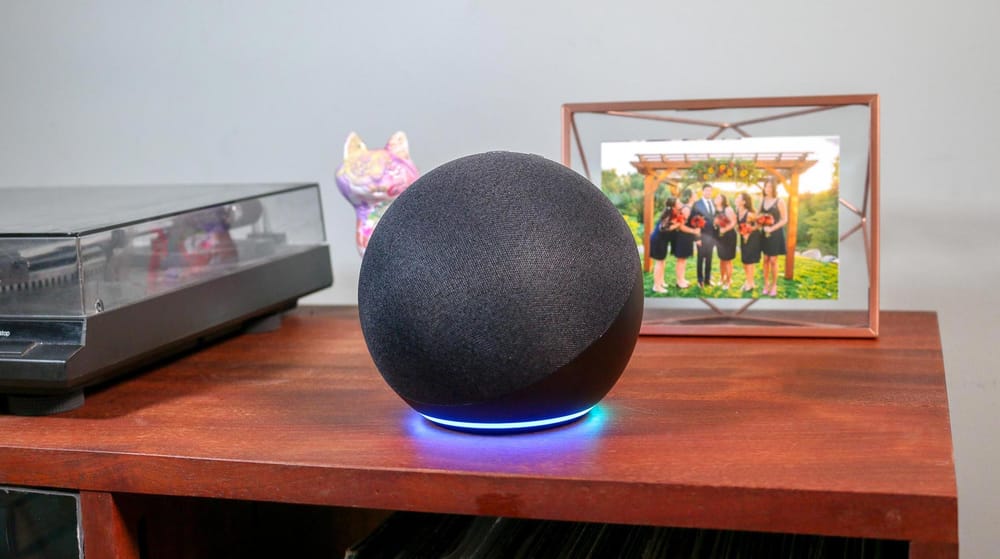
The Amazon Echo (4th Gen) at ~$130 CAD is the most versatile smart home hub. Alexa has the largest library of compatible devices and skills—virtually every smart home product works with Alexa. The built-in Zigbee hub connects Zigbee devices (like Philips Hue bulbs and Aqara sensors) directly without a separate bridge.
Alexa Routines are powerful and flexible—trigger automations based on time, device state, location, voice commands, or sensor input. You can chain multiple actions, add delays, and create conditional logic. For most Canadian households, Alexa Routines cover 90% of smart home automation needs.
- Ecosystem: Alexa
- Voice assistant: Alexa
- Matter: Yes (controller)
- Thread: Yes (border router)
- Zigbee: Yes (built-in hub)
- Speaker: 3" woofer + 0.8" tweeter
- Price: ~$130 CAD
The Amazon Echo is the best hub for most people because of sheer compatibility. If you're starting a smart home from scratch and want the widest device selection, Alexa is the safest bet. The built-in Zigbee hub saves you from buying a separate bridge for many devices.
Best Display Hub: Google Nest Hub (2nd Gen)
See Your Smart Home
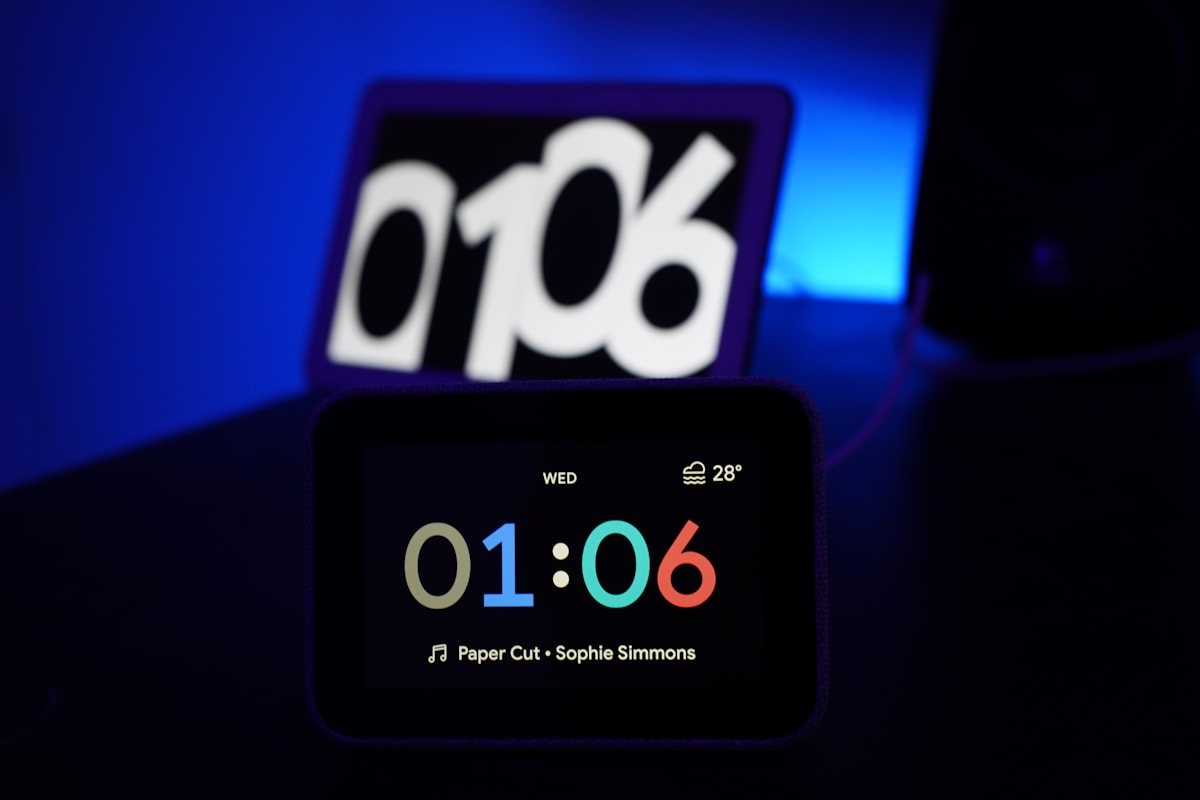
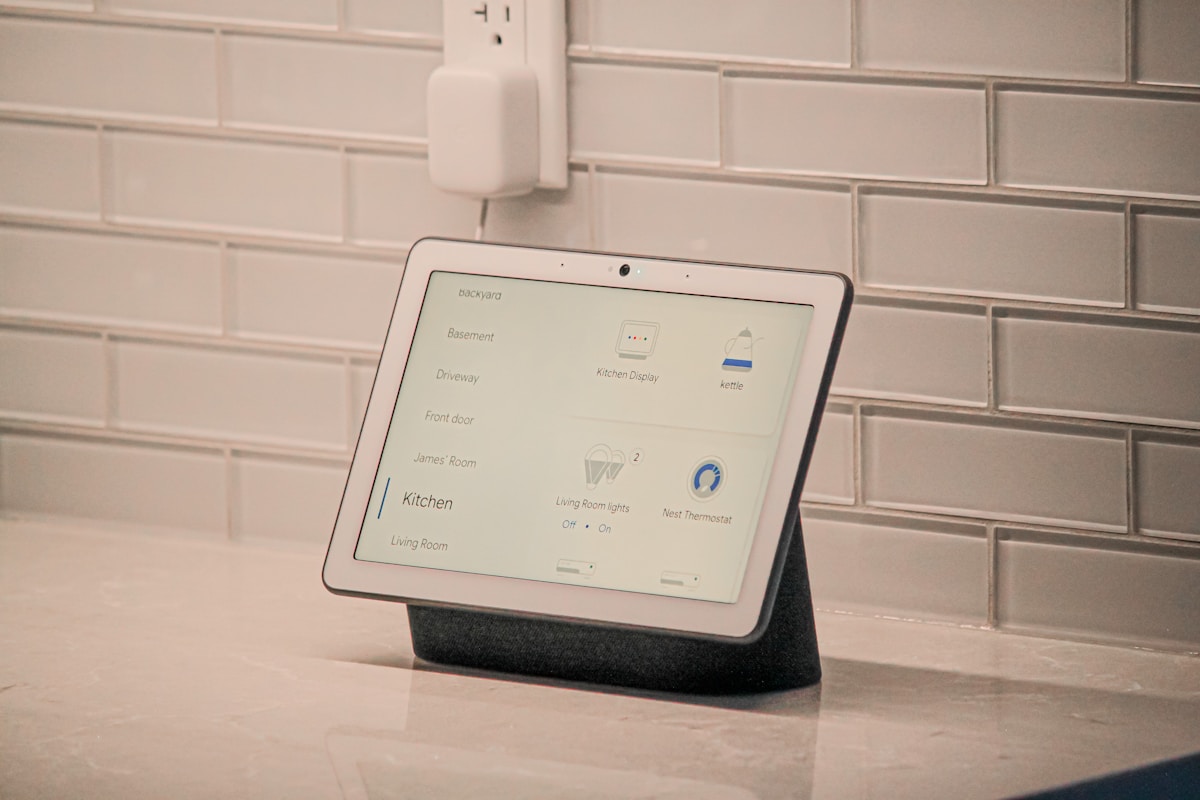
The Google Nest Hub at ~$100 CAD adds a 7" touchscreen to the hub experience. See your camera feeds, control devices with touch, view recipes while cooking, and use it as a bedside clock with Sleep Sensing (tracks your sleep using radar—no wearable needed). Google Assistant handles voice commands and integrates with Google's ecosystem.
The display makes a real difference for smart home management. Tap to see who's at the door, swipe through camera feeds, and adjust thermostat settings visually. For kitchens and bedrooms, the screen adds functionality that voice-only hubs can't match.
- Ecosystem: Google Home
- Voice assistant: Google Assistant
- Matter: Yes (controller)
- Thread: Yes (border router)
- Display: 7" touchscreen
- Sleep Sensing: Yes (radar-based)
- Speaker: 1.7" full-range
- Price: ~$100 CAD
The Google Nest Hub is the best hub for kitchens and bedrooms. The touchscreen for camera feeds, recipes, and device control is genuinely useful—not a gimmick. At $100 CAD, it's also the most affordable hub on this list. Google's ecosystem is slightly smaller than Alexa's but covers all major brands.
Best for Advanced Users: Samsung SmartThings Station
The Power User's Hub
The SmartThings Station at ~$80 CAD is the most capable hub for advanced automations. SmartThings supports Zigbee (via dongle), Z-Wave (via dongle), Matter, Thread, and WiFi devices—the widest protocol support of any hub. The automation engine is the most powerful consumer-grade option, with conditional logic, variables, and complex multi-device routines.
The Station also doubles as a 15W wireless charger for Samsung phones. It works with both Alexa and Google Assistant for voice control, so you're not locked into one voice ecosystem.
- Ecosystem: SmartThings
- Voice assistant: Alexa or Google (your choice)
- Matter: Yes
- Thread: Yes (border router)
- Zigbee/Z-Wave: Via USB dongle
- Wireless charger: 15W Qi
- Price: ~$80 CAD
Choosing the Right Hub
| If You... | Get This | Why |
|---|---|---|
| Use iPhones/Macs | Apple HomePod Mini | Best Apple Home integration, privacy |
| Want widest compatibility | Amazon Echo (4th Gen) | Largest device ecosystem, built-in Zigbee |
| Want a display | Google Nest Hub | Touchscreen for cameras, recipes, controls |
| Want advanced automations | SmartThings Station | Most powerful automation engine |
| Have existing Zigbee/Z-Wave devices | Aeotec Smart Home Hub | Native Zigbee + Z-Wave support |
Matter: The Universal Standard
Matter is the smart home standard that lets devices from different brands work together. In 2026, most new smart home devices support Matter, which means they work with Apple Home, Alexa, Google Home, and SmartThings. This reduces the importance of choosing the "right" ecosystem—Matter devices work everywhere.
Matter doesn't replace hubs—it standardizes communication between devices and hubs. You still need a hub (HomePod, Echo, Nest Hub, or SmartThings) to run automations and manage your smart home. Matter just ensures your devices aren't locked to one ecosystem.
Canadian Smart Home Considerations
- Heating: Smart thermostats (Ecobee, Nest) are the highest-ROI smart home device in Canada. Our heating bills are significant—a smart thermostat saves 10-15% annually
- Winter lighting: Smart bulbs with scheduling help during short winter days. Automate lights to turn on at sunset (which is 4:30 PM in December)
- Snow sensors: Some smart home setups integrate weather data to trigger heated driveway mats or adjust thermostat schedules
- Power outages: Consider a hub with battery backup or a UPS. Canadian ice storms can knock out power, and your smart home goes offline without it
📺 Watch: Best Smart Home Hubs 2026 Compared
Got Questions About Smart Home Hubs? Let's Clear Things Up.
Do I need a hub if I only have a few smart devices?
If you have fewer than 5 smart devices (like a few bulbs and a thermostat), you can control them through their individual apps without a hub. But once you want devices to work together—lights turning off when you leave, thermostat adjusting when you go to bed—you need a hub. The Google Nest Hub at $100 CAD is the most affordable entry point.
Can I use multiple hubs from different brands?
Yes, and many people do. A common setup is an Amazon Echo for voice control + SmartThings for advanced automations. With Matter, devices can be controlled by multiple hubs simultaneously. The complexity increases, but so does the capability.
Is Home Assistant better than these hubs?
Home Assistant is more powerful than any consumer hub, but it requires technical knowledge to set up and maintain. It runs on a Raspberry Pi or dedicated hardware and supports virtually every smart home device. For tech-savvy users who want maximum control, Home Assistant is the best option. For everyone else, the consumer hubs on this list are easier and more reliable.
Will my smart home work during a power outage?
No. Smart hubs, WiFi routers, and most smart devices require power. During an outage, your smart home goes offline. Battery-powered devices (sensors, locks) continue to function locally but can't communicate with the hub. A UPS (uninterruptible power supply) for your router and hub keeps things running during short outages.
A smart home hub is the foundation of a connected home. The Amazon Echo at $130 CAD is the best choice for most Canadian households, while the Google Nest Hub at $100 offers the best value with a display. For more smart home guidance, check our best smart home devices guide or our best smart speaker roundup.
💡
Take Our Free Smart Home Starter Quiz
Answer a few quick questions and get personalized recommendations.
Start Quiz →
Sign up or sign in to join the conversation.