
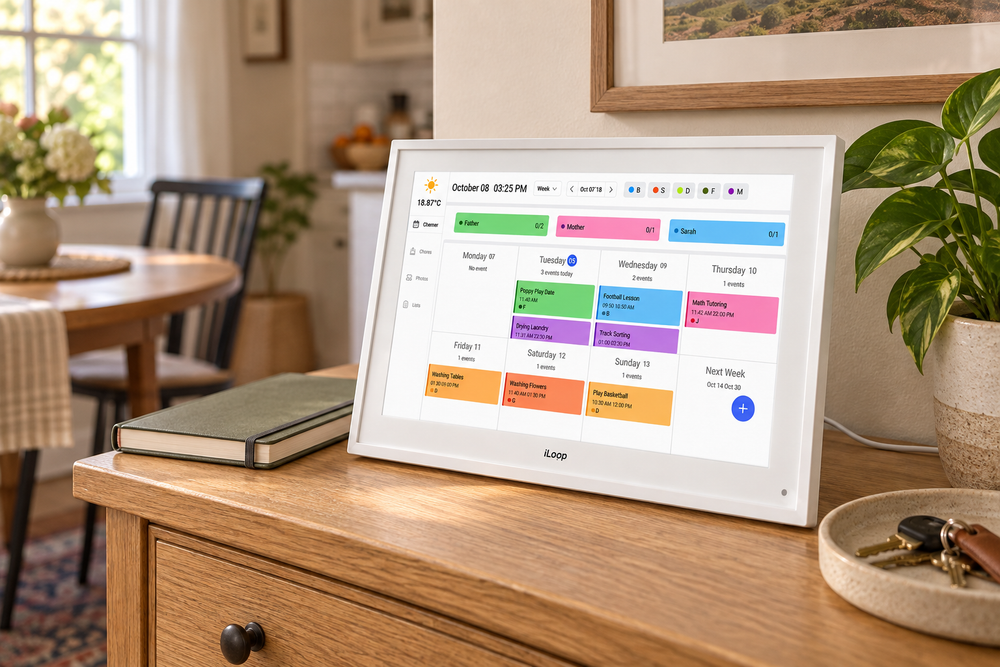
Where to put it, what to sync, and how to make a shared display useful beyond the first week.
Monday morning rarely falls apart because nobody owns a calendar. It falls apart because the school reminder is in one inbox, the appointment is on another phone, and the person doing pickup has not seen either.
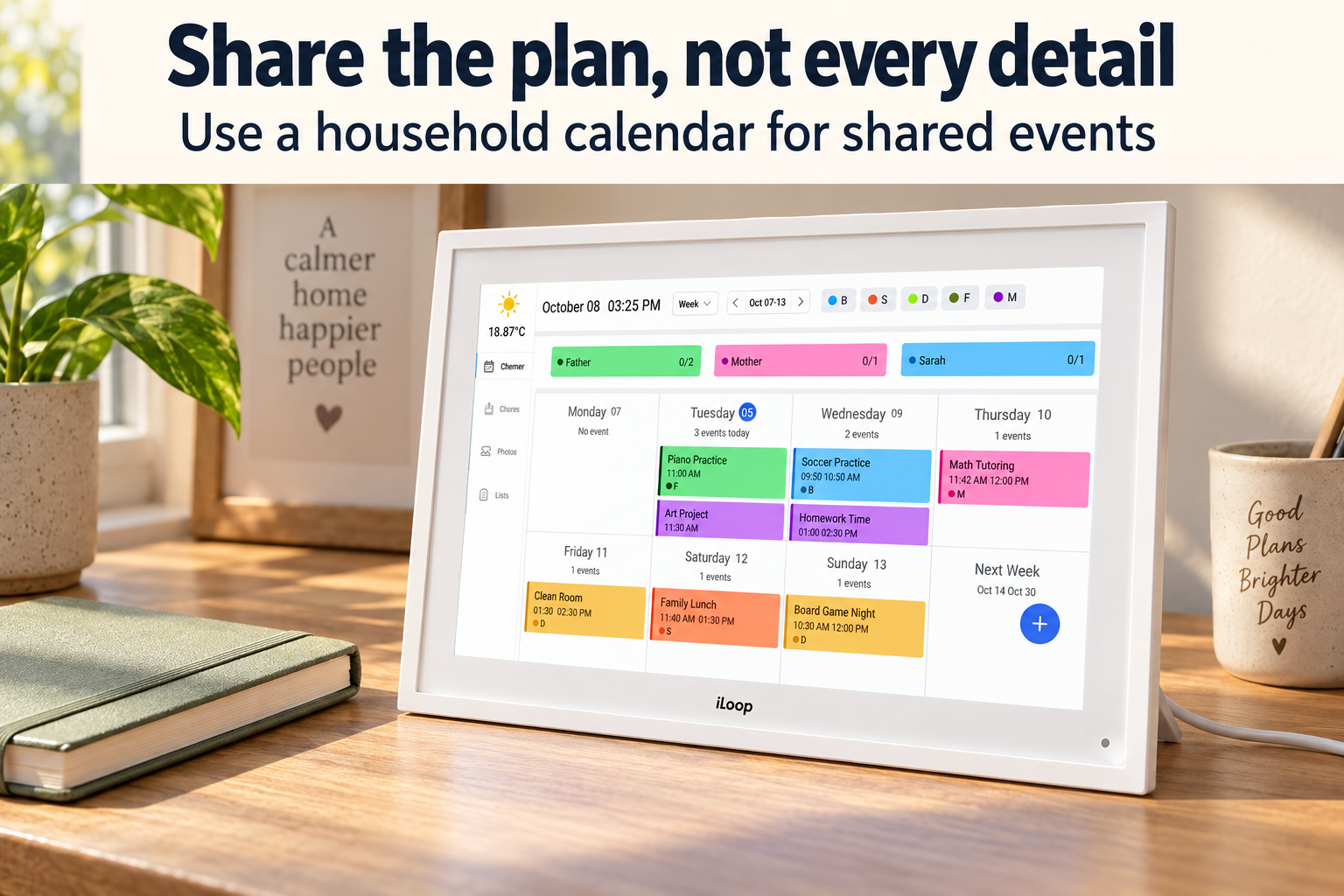
The iLoop 10.1-inch Digital Calendar offers a place to put that shared plan where people can actually see it. This white touchscreen frame combines a household calendar with photo and video display modes. Its appeal is not replacing every app on your phone. It is making the parts of your schedule that affect other people visible at home.
For a kitchen counter or a small entryway console, that makes sense. For a large wall display everyone needs to read across the room, the 10.1-inch version deserves a closer look before buying.
What this iLoop includes
The white iLoop has a 10.1-inch touchscreen, 32GB of storage and three modes: calendar, photo/video frame and art gallery. The FotoCube companion app connects it to calendars including Google, iCloud and Outlook. Family members can have their own colours. Full specifications.
Those are useful ingredients, but the real question is whether the screen will become part of an existing routine. A beautifully arranged calendar that nobody checks is still another screen to maintain.


Choose the spot before choosing the frame
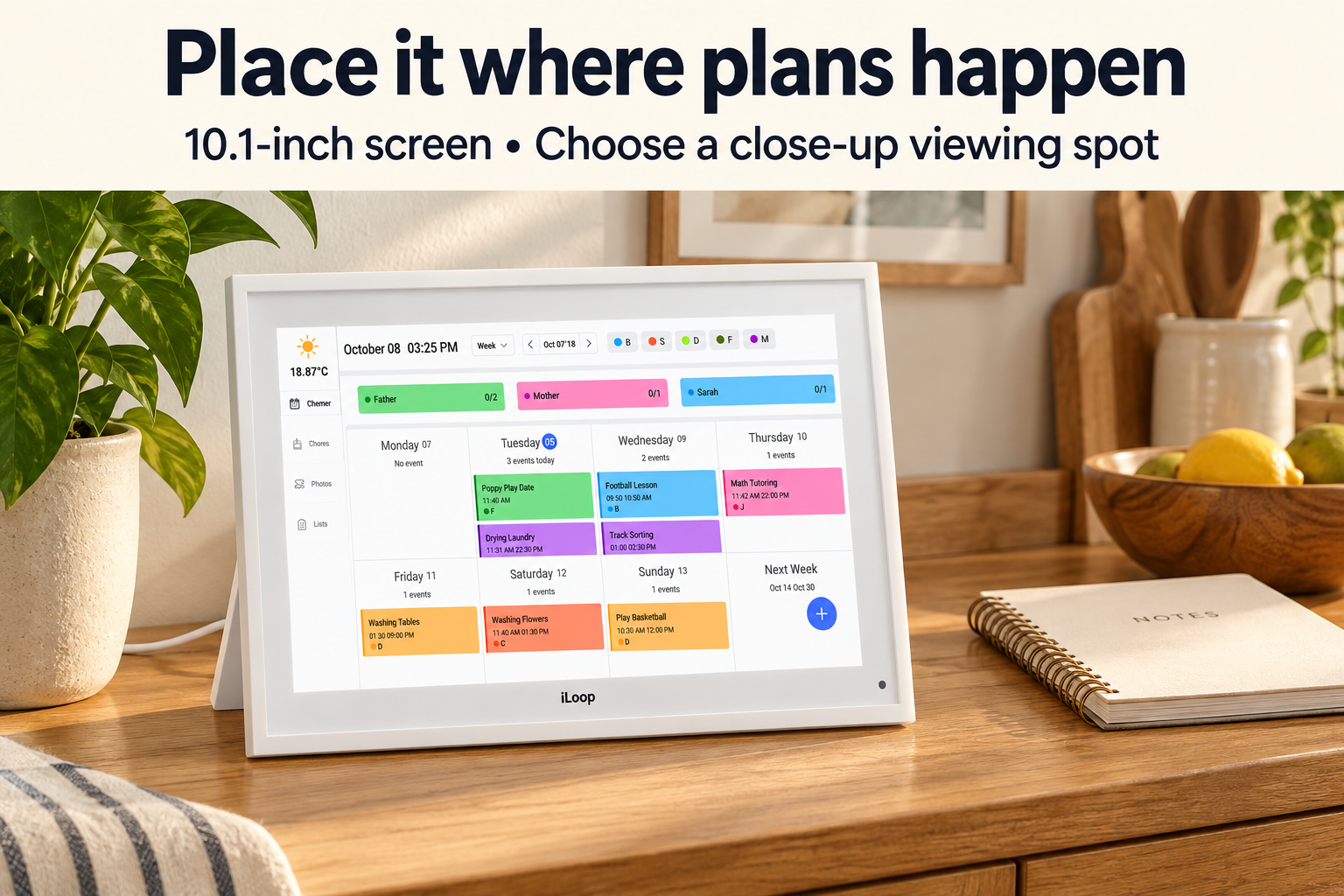
A 10.1-inch screen is a close-up reference point, not a substitute for a large noticeboard. Picture where someone would stand to read the next appointment. Beside the place you leave your keys? At the end of the kitchen counter, away from splashes? Near the breakfast table?
That location matters more than making the frame the centrepiece of a room. If checking the calendar requires a detour, the family may keep relying on phones and shouted reminders.
A detachable stand and power adapter are included. Plan a stable surface and a nearby outlet, with the cable kept clear of walking routes. Treat this as a powered household display, not a tablet you carry from room to room. The 1920 × 1080 IPS screen gives you a compact place to view the week, but readability still depends on text size, viewing distance and room lighting. Specifications and included items.
Make one calendar the household’s source of truth
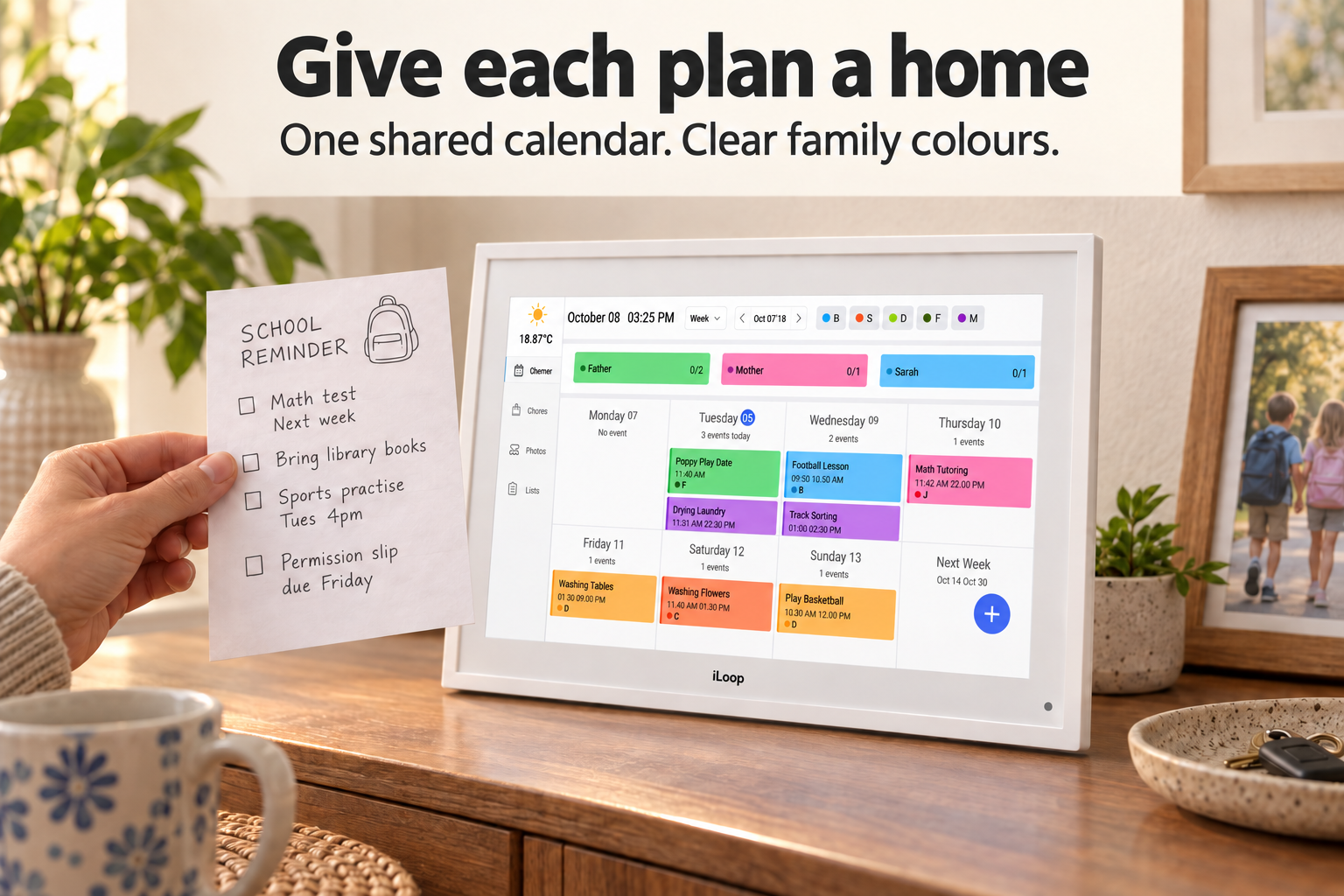
Start with the events that genuinely affect other people: school closures, pickup arrangements, appointments that need a lift, and evenings when someone will be out. A shared display does not need every meeting from every adult’s work calendar.
Give each person a consistent colour, then write event names so another person can act on them. “Dentist” leaves questions. “Maya dentist, Dad driving” answers two of them. Add practical details in the calendar event rather than relying on someone remembering a conversation.
A short weekly check can keep the display useful:
- Look ahead together. Find overlapping commitments before the week starts.
- Decide who is responsible. A coloured event identifies a person; it does not automatically arrange pickup.
- Clear out changed plans. Cancelled activities should not keep looking like obligations.
During the morning rush, the screen then has a narrow job: make today’s shared commitments easy to check. It cannot solve coordination by itself, but it can reduce the number of places everyone has to look.
Test syncing with a few harmless events
FotoCube handles the calendar connection. Before moving the household’s schedule onto the display, check how it handles your shared calendars, recurring events and account permissions.
During setup, create a test appointment on your usual calendar and check when it appears on the frame. Change its time, then delete it. Try a recurring event too. If you expect edits made on the display to update your phone, test that direction separately rather than assuming two-way behaviour.
This small exercise should reveal whether the workflow suits your household while the return window is still open. Also test what remains accessible when the home internet connection drops, especially if the calendar needs to stay useful during an outage.
Watch: getting started with FotoCube
This short guide from TUTT Official shows the FotoCube first-use process for iLoop calendars. It is a useful companion to the syncing checks above, rather than a full review of the 10.1-inch frame.
Photos are a bonus, with a practical trade-off
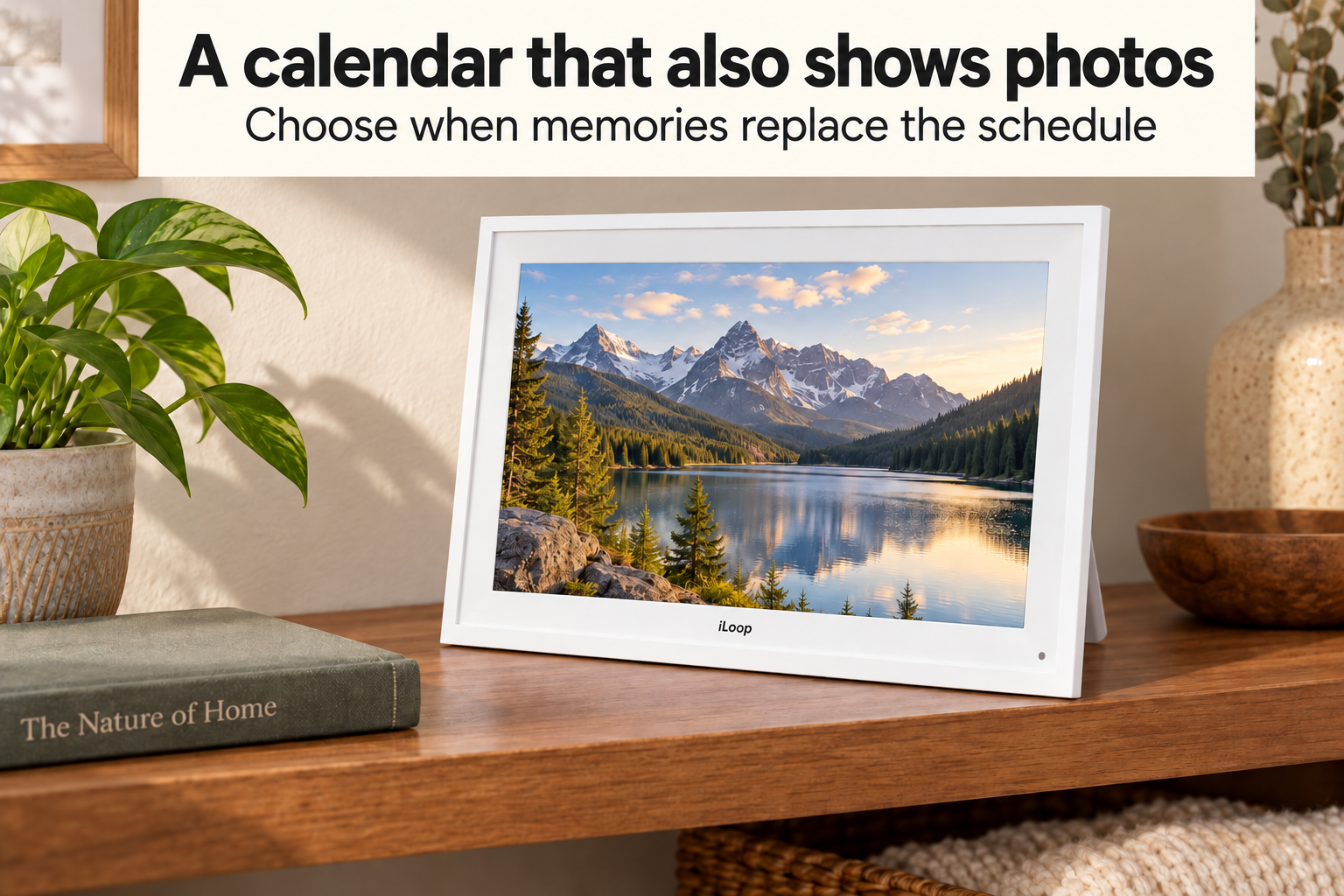
The photo and video modes give the frame something to do when nobody needs the schedule. A landscape or family photograph may also make it feel less like office equipment sitting in the kitchen.
There is a simple trade-off, though: when photos fill the screen, the calendar is not the information someone sees first. If the main reason for buying it is the morning routine, keep that priority in mind when choosing the display mode. Before relying on automatic switching, check which controls are actually available in the current software.
The 32GB is device storage, not a promise that every gigabyte is free for photographs. Software uses space too. Nor does local storage alone mean that photo sharing and calendar connections work without online services.
No subscription does not mean no questions
The current iLoop offering includes its premium calendar features without a subscription fee. That keeps another recurring charge off the household budget. Check the included features before ordering, since software and service terms can change. Included features.
A shared calendar is also a shared view of information. Before connecting personal accounts, consider who walks past the screen: family, visitors, babysitters or clients if you work from home.
One sensible arrangement is a dedicated household calendar containing only the events others need to know. A private appointment can appear as “Unavailable, 2–3 pm” without displaying sensitive details. This is an organisational choice, not a claim that the frame automatically filters private information.
Before buying, check FotoCube’s current account and privacy terms, how to remove linked accounts, and how to erase the device before returning or passing it on. It runs Android 9.0, so ask about ongoing software and security support rather than assuming it follows a current tablet’s update schedule.
Is the 10.1-inch iLoop a good fit?
It makes the most sense for a household that already keeps digital calendars but needs a visible, shared place to check them. The compact format suits a nearby countertop or console, and the photo modes add a second use without requiring another display.
It is less convincing if you want a screen readable from the far side of a room, a completely offline planner, or an organiser that fixes inconsistent calendar habits without anyone maintaining it.
The best reason to buy it is specific: everyone needs to see the same plan at the place they pass each morning. Choose that place first, confirm your calendar connection, and make sure the household is willing to keep the shared schedule current.

Sign up or sign in to join the conversation.