

You love the feel of a mechanical keyboard. The tactile feedback, the satisfying key travel, the precision. But your coworkers, partner, or roommates? They hear every keystroke like a tiny jackhammer. The classic mechanical keyboard sound that enthusiasts love is the same sound that drives everyo...
You love the feel of a mechanical keyboard. The tactile feedback, the satisfying key travel, the precision. But your coworkers, partner, or roommates? They hear every keystroke like a tiny jackhammer. The classic mechanical keyboard sound that enthusiasts love is the same sound that drives everyone else in the room crazy.
Silent mechanical keyboards solve this. They use specially dampened switches that eliminate the sharp click and bottom-out noise while preserving the tactile feel that makes mechanical keyboards worth using. The best ones are quieter than a membrane keyboard while feeling dramatically better to type on.
Whether you're working from home in a Toronto condo with thin walls, sharing an office in Vancouver, or just want to type at night without waking anyone up, a quiet mechanical keyboard is the answer. Here's what's worth buying in Canada in 2026.
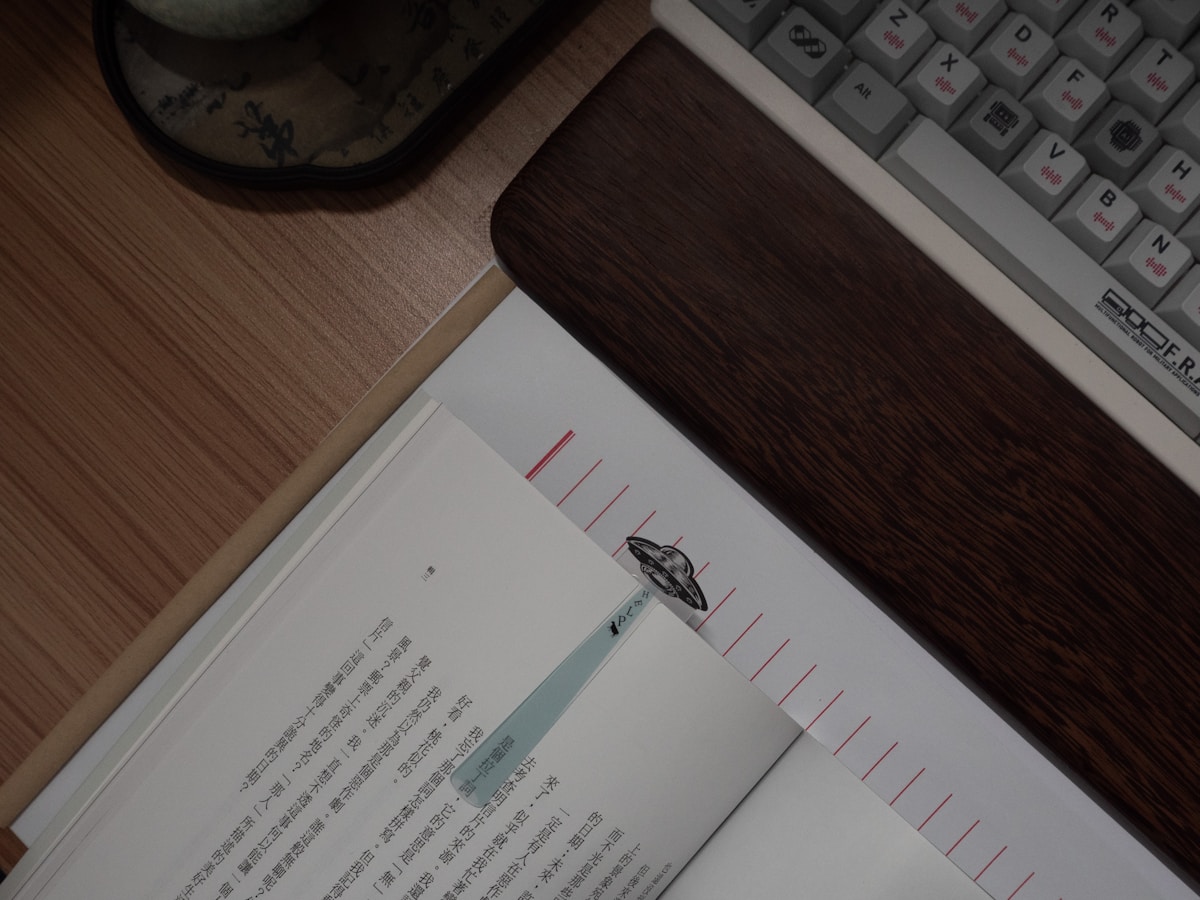
Top Quiet Mechanical Keyboards Compared
| Keyboard | Switch | Layout | Connectivity | Dampening | Hot-Swap | Price |
|---|---|---|---|---|---|---|
| Keychron Q5 Max | Gateron Jupiter Banana (silent) | 96% | Wireless + Wired | Silicone gasket + foam | Yes | ~$280 CAD |
| Leopold FC900R PD | Cherry MX Silent Red | Full-size | Wired only | PBT keycaps + sound dampening | No | ~$160 CAD |
| Logitech MX Mechanical | Tactile Quiet (Brown) | Full-size / TKL | Wireless + Wired | Low-profile dampened | No | ~$200 CAD |
| HHKB Professional Hybrid | Topre 45g (electrostatic) | 60% | Wireless + Wired | Topre rubber dome | No | ~$380 CAD |
| Razer BlackWidow V4 75% | Razer Orange (silent tactile) | 75% | Wired | Dampened switch + foam | Yes | ~$230 CAD |
Best Overall: Keychron Q5 Max
The Quietest Mechanical Keyboard You Can Buy
The Keychron Q5 Max with Gateron Jupiter Banana switches is the quietest full-layout mechanical keyboard available. The Jupiter Banana is a silent linear switch with built-in dampeners on both the downstroke and upstroke—eliminating the two main sources of mechanical keyboard noise. The result is a keyboard that's genuinely quieter than most membrane keyboards.
Gasket Mount + Sound Dampening
Keychron's gasket mount design suspends the plate on silicone gaskets instead of screwing it directly to the case. This absorbs vibration and eliminates the hollow, resonant sound that makes cheaper mechanical keyboards loud. Add the multi-layer sound dampening foam between the PCB and case, and you get a typing sound that's deep, muted, and satisfying without being audible across the room.
Premium Build Quality
The Q5 Max has a full CNC-machined aluminium case that weighs over 2 kg. This isn't a plastic keyboard that slides around your desk—it's a solid, premium tool that stays put. The weight also contributes to the quiet sound profile by absorbing vibration that lighter keyboards transmit to the desk surface.
- Switches: Gateron Jupiter Banana (silent linear, pre-lubed)
- Layout: 96% (full-size keys, compact footprint)
- Connectivity: Bluetooth 5.1, 2.4 GHz wireless, USB-C wired
- Keycaps: Double-shot PBT
- Dampening: Gasket mount, silicone gaskets, multi-layer foam
- Hot-Swap: Yes (swap switches without soldering)
- Battery: 6,000 mAh (~200 hours wireless)
- Backlight: South-facing RGB
- Price: ~$280 CAD (Keychron.ca, Amazon.ca)
The Keychron Q5 Max is the best quiet mechanical keyboard for Canadian buyers. The combination of silent switches, gasket mount, and sound dampening foam makes it quieter than any membrane keyboard while feeling dramatically better. The 96% layout gives you a full numpad in a more compact footprint. Available directly from Keychron.ca with free shipping to Canada.
Hot-Swap Flexibility
The Q5 Max is hot-swappable, meaning you can pull out the Gateron Jupiter Banana switches and replace them with any MX-compatible switch without soldering. If you want to try different silent switches—Cherry MX Silent Red, Kailh Midnight, or Boba U4—you can swap them in minutes. This future-proofs your investment.
Best for Office Use: Logitech MX Mechanical
The Corporate-Friendly Quiet Keyboard
The Logitech MX Mechanical with Tactile Quiet switches is designed for office environments. It's the keyboard equivalent of business casual—professional enough for a corporate desk, satisfying enough for keyboard enthusiasts. The low-profile switches have a shorter key travel (3.2mm vs. 4mm on standard mechanical) that reduces noise and speeds up typing.
Logi Options+ Integration
For Canadian professionals using Logitech's ecosystem (MX Master 3S mouse, MX Anywhere 3S), the MX Mechanical integrates seamlessly through Logi Options+. Flow lets you move your cursor between up to three computers and drag files between them. The keyboard follows your cursor—type on whichever computer your mouse is on.
Multi-Device Switching
Connect to three devices simultaneously via Bluetooth or the included Logi Bolt USB receiver. Switch between your work laptop, personal MacBook, and iPad with dedicated buttons. For Canadians working hybrid schedules—office some days, home others—this flexibility is invaluable.
- Switches: Logitech Tactile Quiet (brown-equivalent, low-profile)
- Layout: Full-size or TKL
- Connectivity: Bluetooth, Logi Bolt 2.4 GHz, USB-C wired
- Keycaps: Laser-etched ABS
- Dampening: Low-profile switch dampening
- Hot-Swap: No
- Battery: ~10 months (backlight off), ~15 days (backlight on)
- Backlight: White LED (zone-based)
- Price: ~$200 CAD (Amazon.ca, Best Buy Canada, Staples)
The Logitech MX Mechanical is the best quiet mechanical keyboard for office workers. The Tactile Quiet switches are office-appropriate, the multi-device switching is genuinely useful, and the Logi Options+ software is the best keyboard customization suite available. If your IT department won't approve a custom keyboard, the Logitech brand name helps.
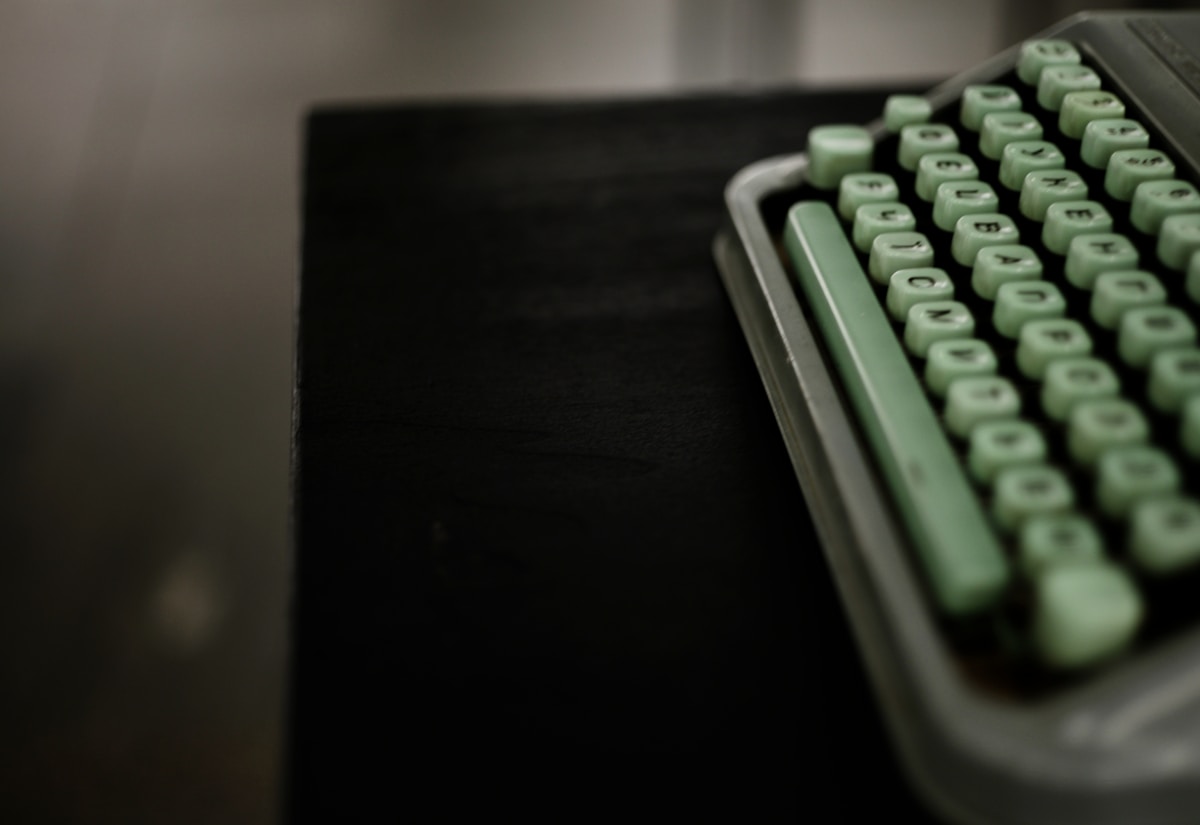
Best Wired Value: Leopold FC900R PD
The Typist's Keyboard
Leopold is a Korean keyboard manufacturer that's been making high-quality mechanical keyboards for over 15 years. The FC900R PD with Cherry MX Silent Red switches is a no-nonsense, full-size keyboard built for people who type all day. No RGB, no wireless, no software—just exceptional build quality and a quiet, satisfying typing experience.
Cherry MX Silent Red
The Cherry MX Silent Red is the original silent mechanical switch. It's a linear switch with integrated rubber dampeners that reduce noise by approximately 30% compared to standard Cherry MX Red. The 45g actuation force is light enough for fast typing without accidental presses. Cherry's reputation for consistency means every switch on the board feels identical.
PBT Keycaps and Sound Dampening
Leopold includes double-shot PBT keycaps that produce a deeper, more muted sound than the ABS keycaps found on most keyboards. The internal sound dampening mat absorbs resonance within the case. Combined with the Silent Red switches, the FC900R PD is remarkably quiet for a full-size mechanical keyboard.
- Switches: Cherry MX Silent Red (linear, 45g)
- Layout: Full-size (104 keys)
- Connectivity: USB-C wired only
- Keycaps: Double-shot PBT
- Dampening: Internal sound dampening mat
- Hot-Swap: No
- Backlight: None
- Price: ~$160 CAD (Amazon.ca, specialty keyboard retailers)
The Leopold FC900R PD is the best value quiet mechanical keyboard for typists who don't need wireless or RGB. The Cherry MX Silent Red switches are proven, the PBT keycaps are premium, and the build quality is exceptional for the price. If you type 8+ hours a day and want a keyboard that's quiet, reliable, and built to last years, this is it.
Best Premium: HHKB Professional Hybrid
The Keyboard Enthusiast's Grail
The Happy Hacking Keyboard (HHKB) Professional Hybrid is a cult favourite among programmers and keyboard enthusiasts. It uses Topre switches—a hybrid electrostatic capacitive design that feels like nothing else. The keystroke is smooth, cushioned, and produces a distinctive "thock" sound that's satisfying without being loud.
Topre: Not Quite Mechanical, Not Quite Membrane
Topre switches combine a rubber dome (like a membrane keyboard) with a capacitive sensor (like a mechanical keyboard). The result is a keystroke that has the smoothness of a membrane with the precision and tactile feedback of a mechanical switch. The 45g actuation force is consistent across the entire stroke, unlike mechanical switches that have a distinct actuation point.
The 60% layout is compact—no numpad, no function row, no arrow keys (they're on a function layer). This takes adjustment, but programmers love it because your hands never leave the home row. The layout is optimized for Unix/Linux users, with Control where Caps Lock usually is.
- Switches: Topre 45g (electrostatic capacitive)
- Layout: 60% (compact, Unix-optimized)
- Connectivity: Bluetooth 4.2, USB-C wired
- Keycaps: PBT (dye-sublimated)
- Dampening: Topre rubber dome inherent dampening
- Hot-Swap: No
- Battery: ~3 months (Bluetooth)
- Backlight: None
- Price: ~$380 CAD (Amazon.ca, specialty retailers)
The HHKB Professional Hybrid is for keyboard enthusiasts who want the best typing feel available. Topre switches are quieter than most mechanical switches by nature, and the sound they produce is deeply satisfying. At $380 CAD, it's expensive for a 60% keyboard, but the typing experience is genuinely unique. Try before you buy if possible—Topre is a love-it-or-hate-it experience.
Best for Gaming: Razer BlackWidow V4 75%
Quiet Enough for Late-Night Gaming
The Razer BlackWidow V4 75% with Razer Orange switches is the best quiet mechanical keyboard for gamers. The Orange switch is Razer's silent tactile option—it has a noticeable bump at the actuation point without the audible click of Razer Green switches. Internal dampeners reduce bottom-out noise, making it suitable for late-night gaming sessions.
- Switches: Razer Orange (silent tactile, 50g)
- Layout: 75% (compact with function row)
- Connectivity: USB-C wired
- Keycaps: Double-shot ABS
- Dampening: Switch dampeners + internal foam
- Hot-Swap: Yes
- Backlight: Per-key RGB (Razer Chroma)
- Price: ~$230 CAD (Amazon.ca, Best Buy Canada, Memory Express)
The Razer BlackWidow V4 75% is the best quiet mechanical keyboard for gamers who share a space. The Orange switches are quiet enough for late-night gaming without waking anyone, and the 75% layout saves desk space for mouse movement. Available at Memory Express locations across Canada and Best Buy Canada.
Silent Switch Guide for Canadian Buyers
Understanding Silent Switches
| Switch | Type | Force | Sound Level | Feel | Price per Switch |
|---|---|---|---|---|---|
| Cherry MX Silent Red | Linear | 45g | Very Quiet | Smooth, light | ~$0.60 CAD |
| Cherry MX Silent Black | Linear | 60g | Very Quiet | Smooth, heavy | ~$0.60 CAD |
| Gateron Jupiter Banana | Linear | 50g | Extremely Quiet | Smooth, pre-lubed | ~$0.45 CAD |
| Kailh Midnight Silent | Linear | 40g | Extremely Quiet | Buttery smooth | ~$0.50 CAD |
| Boba U4 | Tactile | 62g | Very Quiet | Strong tactile bump | ~$0.70 CAD |
| Razer Orange | Tactile | 50g | Quiet | Moderate bump | N/A (pre-built) |
Linear vs. Tactile Silent Switches
Linear silent switches (Cherry MX Silent Red, Gateron Jupiter Banana) have a smooth, consistent keystroke from top to bottom. No bump, no click—just a cushioned press. Best for fast typists and gamers who want minimal resistance.
Tactile silent switches (Boba U4, Razer Orange) have a noticeable bump partway through the keystroke that tells your fingers the key has registered. Best for typists who want feedback without looking at the screen. The bump adds a tiny amount of noise compared to linear, but it's still much quieter than standard mechanical switches.
For the absolute quietest typing experience, go with linear silent switches (Gateron Jupiter Banana or Kailh Midnight). For a balance of quiet and tactile feedback, the Boba U4 is the enthusiast favourite—it has the strongest tactile bump of any silent switch while remaining remarkably quiet.
Additional Noise Reduction Tips
Even with silent switches, you can make your keyboard quieter:
- Add foam or silicone inside the case — fills empty space that amplifies sound
- Use desk mat — absorbs the sound that transmits through the desk surface
- Lube your switches — reduces friction noise (spring ping, scratch)
- O-rings on keycaps — adds a rubber cushion at the bottom of the keystroke (cheap, effective)
- Tape mod — layers of masking tape on the back of the PCB reduce hollow resonance
Got Questions About Quiet Mechanical Keyboards? Let's Clear Things Up.
Are silent mechanical switches mushy?
No. Modern silent switches like the Gateron Jupiter Banana and Boba U4 feel crisp and precise. The dampeners only affect the sound at the top and bottom of the keystroke—the actual key feel during the press is identical to non-silent versions. Older silent switches (early Cherry MX Silent) had a slightly mushy feel, but current-generation switches have solved this.
Can I make my existing mechanical keyboard quieter?
Yes. If your keyboard is hot-swappable, you can replace the switches with silent ones ($30-50 CAD for a full set). If it's not hot-swappable, you can add O-rings to the keycaps ($10 CAD on Amazon.ca), add foam inside the case, or use a desk mat underneath. These modifications won't make it as quiet as a purpose-built silent keyboard, but they'll reduce noise significantly.
Are quiet mechanical keyboards good for gaming?
Absolutely. Silent linear switches (Cherry MX Silent Red, Gateron Jupiter Banana) are actually preferred by many competitive gamers because the dampened bottom-out allows faster key release. The lack of a tactile bump means less resistance during rapid key presses. For gaming, silent linear switches are a performance advantage, not a compromise.
What's the quietest mechanical keyboard under $200 CAD?
The Leopold FC900R PD with Cherry MX Silent Red at ~$160 CAD. It's wired only and has no RGB, but the typing experience and build quality are exceptional. If you need wireless, the Logitech MX Mechanical at ~$200 CAD is the best option—the Tactile Quiet switches are office-appropriate and the multi-device switching is genuinely useful.
Do I need a desk mat with a quiet keyboard?
Highly recommended. Even the quietest keyboard transmits some sound through the desk surface. A desk mat ($20-40 CAD on Amazon.ca) absorbs this transmitted sound and also provides a comfortable surface for your wrists. It's the cheapest and most effective noise reduction accessory you can add.
A quiet mechanical keyboard gives you the best of both worlds—the satisfying feel of mechanical switches without the noise that annoys everyone around you. The Keychron Q5 Max is the best overall option, while the Leopold FC900R PD offers the best value for wired typists. For more keyboard recommendations, check our best mechanical keyboards guide or our best budget mechanical keyboard roundup for affordable options.
⌨️
Take Our Free Keyboard Finder Quiz
Answer a few quick questions and get personalized recommendations.
Start Quiz →
Sign up or sign in to join the conversation.