
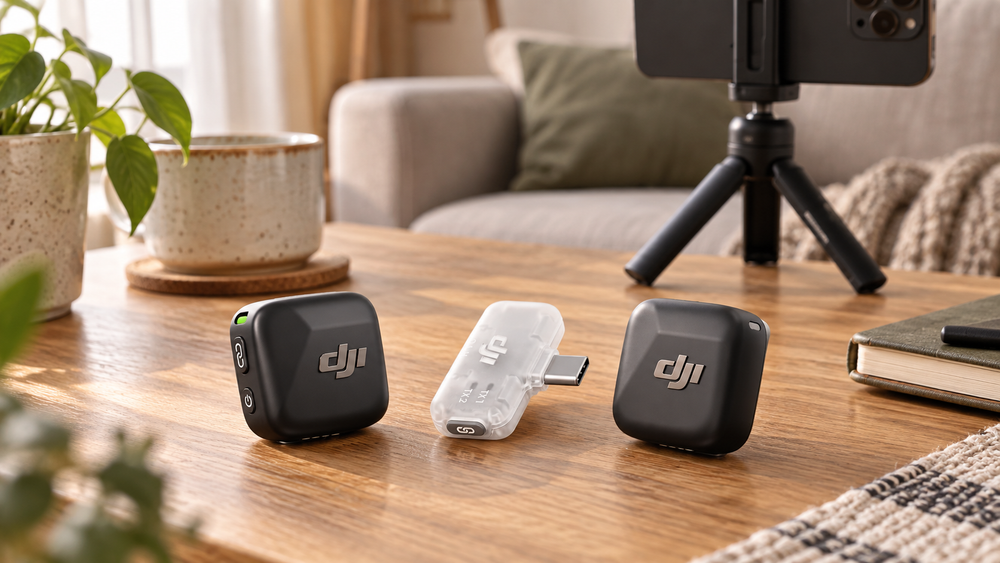
Check the DJI Mic Mini mobile kit’s USB-C receiver, phone compatibility, two-person channels and lack of internal recording before buying.
This DJI Mic Mini kit pairs two transmitters with a mobile receiver. It is for recording into a compatible phone through USB-C. That receiver choice matters: the words “Mic Mini” alone do not tell you which connections and accessories come in the box.
For a two-person phone interview, the arrangement is straightforward in principle: one transmitter on each person, one receiver on the phone. The checks that matter happen between that receiver, your phone and your recording app.
Who this mobile kit is for
The clearest fit is phone-based spoken content: a two-person interview, a presenter moving around a room, or a demonstration where the phone cannot stay close to the speaker. A transmitter worn on each person keeps the microphone near the voice while leaving the phone free to frame the picture.
That does not make location irrelevant. A busy room, reflective walls and clothing contact still affect the recording. The kit gives you a more flexible microphone position; a quieter location and a careful rehearsal remain valuable parts of the result.
For a solo creator, the second transmitter can serve a guest or a later two-person recording. Decide whether you will actually use that capacity. Do not assume that an unused transmitter is automatically recording a backup, or that two transmitters create two independently recoverable files.
The receiver defines this bundle's limits. A mobile kit is attractive when the phone is the centre of your recording setup. If your workflow depends on another connection, establish the complete signal path before ordering rather than relying on the Mic Mini name alone.
Check the phone as a physical recording rig
A receiver can fit the phone's socket and still make the whole arrangement awkward. Check the case opening, tripod clamp and any stabilizer you use. Leave enough room for the receiver without placing sideways pressure on the phone port or making it the point on which the phone rests.
Think about orientation too. A landscape interview and a vertical social video may place the receiver beside different parts of the support. Test the actual arrangement, including any permitted charging connection, rather than checking the phone and accessories separately.
DJI's mobile receiver manual describes a USB-C port for charging the phone during longer sessions. Check that complete setup before recording. A charged microphone does not help if the phone runs out of battery or storage partway through the conversation.
Make sure the whole connection works
Confirm your phone against DJI’s compatibility information, including its operating-system requirements. A USB-C socket by itself does not settle app support. A thick case can also interfere with the physical fit.
If you use a Lightning phone, the compatible adapter is a separate purchase unless explicitly included. DJI lists a mobile-receiver USB-C to Lightning adapter; do not assume an unrelated charging adapter will carry microphone audio correctly.
This mobile receiver does not provide a 3.5 mm camera output. If your plan depends on plugging into a camera’s microphone socket, this is the wrong connection to leave unchecked.
Use a short rehearsal to check both voices and channels
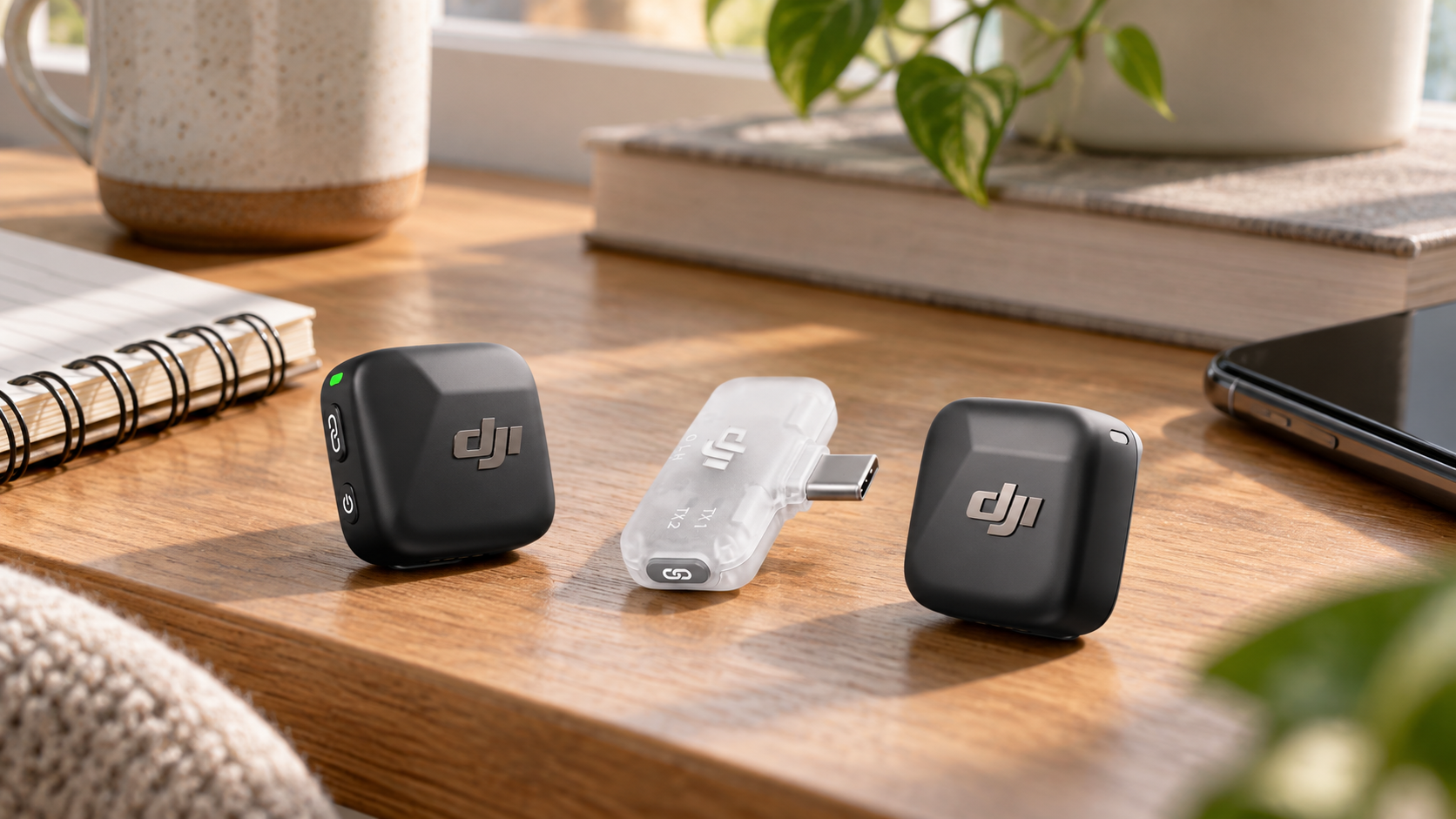
DJI Mic Mini mobile kit
 Shop at Amazon.ca
From microphone to saved file
There are several separate stages in a successful take: the transmitter captures the voice, the receiver connects, the app selects the intended input, and the phone saves a usable file. A status light confirms only part of that chain. The final playback is what confirms the recording you will actually edit or share.
For two people, decide whether you want a combined recording or separate channels for later adjustment, where supported by the receiver and app. Separate channels can make it easier to balance a quiet speaker against a louder one. They also require an editing workflow that understands the file's channel arrangement.
Check the exported result, not only the live recording screen. An app can handle audio differently when saving or sharing. If you plan to edit on another device, move a rehearsal file there and confirm that both voices are present and arranged as expected.
This is especially important for interviews you cannot repeat. Build the rehearsal into the schedule rather than leaving it for the moment the guest is ready. A few seconds of saved, checked speech can reveal a muted transmitter, wrong input or unexpected channel layout before it affects the full conversation.
A rehearsal that resembles the actual take
Ask both speakers to talk at their normal level and then say a more animated sentence. Include a head turn, a laugh and the movements expected during filming. A motionless whisper at the desk does not test the conditions of a lively standing interview.
Listen on headphones for clothing rub and abrupt changes in the voice. Move jewellery, hair or loose fabric away from the microphone opening and record again if needed. Placement adjustments are often more useful than immediately selecting stronger processing.
If a person will walk away from the phone, rehearse the actual route at the intended distance. A body, wall or busy wireless environment can change the connection. Keep a reasonable working distance instead of treating the advertised maximum range as a normal production target.
Finally, check that the record button has genuinely started a take and that the saved file opens. Make the person operating the phone responsible for confirming that step; two people assuming the other checked it is an avoidable failure.
Two transmitters need a channel plan
The mobile receiver supports up to two transmitters. Use the DJI Mimo wireless-microphone controls for channel and gain settings, then confirm that your recording app preserves the arrangement you choose.
The Mic Mini transmitters do not store an internal recording. If the phone app misses the audio, there is no separately saved transmitter file to recover. Check the saved rehearsal file before an important interview.
Do a short rehearsal before an important recording. Speak at normal volume, laugh, turn your head and let both people talk. Play the file back on headphones. Check that you hear both microphones, that neither voice distorts and that the app has not silently selected the phone’s own microphone.
Gain and noise reduction solve different problems
Gain changes the recording level. Noise reduction processes unwanted background sound. Increasing one is not a substitute for setting the other sensibly, and neither can remove every problem introduced by poor placement or a very noisy location.
Use a normal speaking sample when checking level, with room for naturally louder moments. If the recording distorts, revisit placement and gain rather than assuming a processing feature will recover it. The goal is an intelligible, usable voice through the range of delivery you expect.
For noise reduction, compare a short sample with the available settings. Listen for changes to the voice as well as reductions in background sound. A stronger mode can be useful in some environments, but the most aggressive setting is not automatically the most natural-sounding choice.
The mobile receiver uses a physical switch for its noise-reduction modes; DJI Mimo provides channel and gain controls. Keep that distinction in mind when adjusting the setup. Learn the controls before an interview so you do not have to interpret lights and switches while someone is waiting to speak.
Place the microphone before adjusting processing
Each transmitter is listed at about 10 g without its magnet. The small size helps with discreet placement, but clothing can still rub against it. Keep fabric, hair and jewellery away from the microphone opening.
DJI offers noise reduction settings including off, basic and strong. Start with placement and a quieter location, then choose processing by listening to a recorded sample. Stronger noise reduction can change the voice as well as the background.
Outdoors, use the supplied wind protection as instructed. Software noise reduction is not a substitute for keeping wind from striking the microphone.
Pack for the whole recording session
Keep transmitters, clips or magnets, wind protection and receiver together in a small organised kit. Check the actual bundle contents before assuming a charging case or a particular adapter is supplied. Similar Mic Mini package names can contain different accessories.
Charge ahead of time and inspect the attachment points. With a lightweight transmitter, a secure placement still matters: thin clothing, movement and an awkward clip position can change how it sits. Use the supplied attachment method as directed and make sure the microphone opening stays clear.
For outdoor work, fit wind protection correctly and test it in the position you will use. Move out of direct wind when possible. Software processing and physical wind protection address different parts of the problem, so one should not be assumed to replace the other.
After the session, confirm the files are saved and copied to your intended editing or storage location before clearing the phone. Keep the kit dry and store it according to DJI's instructions. Small receivers and adapters are easy to leave attached to a phone and misplace.
Questions before choosing this bundle
Does it record a backup inside the microphone?
The Mic Mini transmitters do not provide internal recording. Your recording device and app need to capture the take successfully. If independent transmitter files are essential to your workflow, that requirement rules out relying on this kit alone.
Will it work with every USB-C phone app?
Do not assume that. Check the phone compatibility information and test the intended app, including its saved output. Physical connector fit, audio input selection and file handling are distinct checks.
Is it useful for a beginner?
The small transmitters and direct mobile receiver are relevant to a compact phone setup, but the important habits are the same at any experience level: place the microphones carefully, check the input, rehearse both voices and listen to the saved result. Those habits make the kit's convenience useful.
Range and runtime are planning limits
The advertised range is measured under favourable conditions. Walls, people and interference can reduce it, so a faraway distance figure is not a reason to skip a test in the actual room.
DJI advertises up to 11.5 hours for this mobile kit and up to 300 m range under favourable conditions. Settings, obstructions and interference change those limits. Charge the transmitters before recording and check how the receiver affects your phone’s battery and access to its charging port.
Check the supplied accessories against the mobile receiver’s instructions. Leave access to the phone’s ports and confirm whether your case permits the receiver to seat fully.
For phone-based interviews and spoken video, this kit is worth considering if the receiver and app fit your workflow. The most valuable five minutes will be the rehearsal recording, especially because there is no transmitter recording to rescue a missed phone capture.
DJI Mic Mini mobile kit
Shop at Amazon.caImages are AI-generated illustrations based on product references.
Sign up or sign in to join the conversation.