
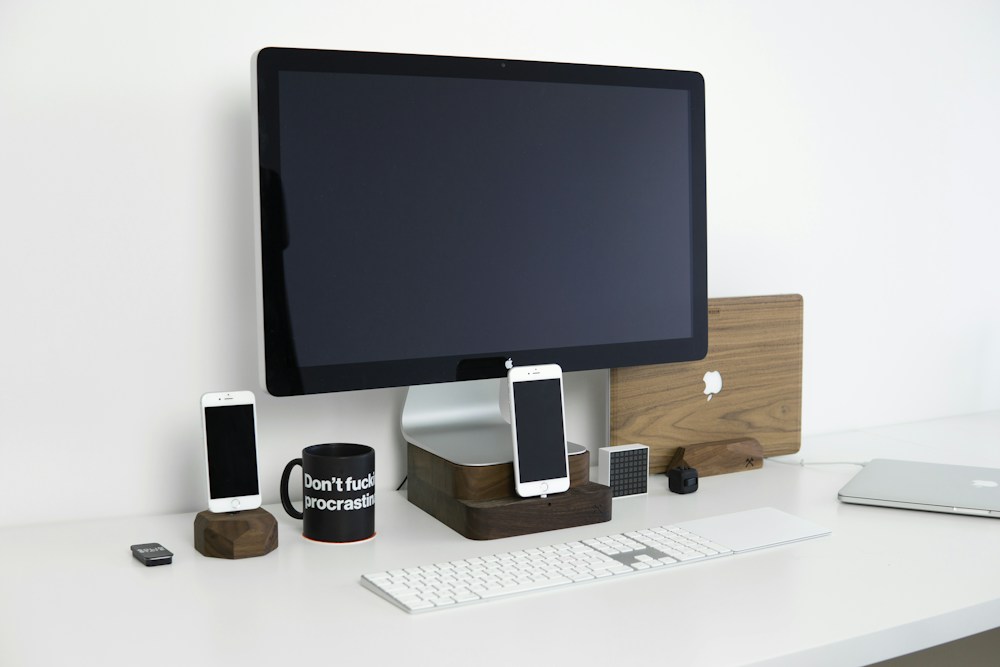
Working on a single laptop screen feels cramped once you've experienced dual monitors. A portable monitor gives you that second screen anywhere—coffee shops, co-working spaces, hotel rooms, or your kitchen table. They're thin, light, and connect with a single USB-C cable.
Working on a single laptop screen feels cramped once you've experienced dual monitors. A portable monitor gives you that second screen anywhere—coffee shops, co-working spaces, hotel rooms, or your kitchen table. They're thin, light, and connect with a single USB-C cable.
For Canadians who work remotely or travel for work, a portable monitor is one of the most practical productivity upgrades you can make. Here's what's worth buying.
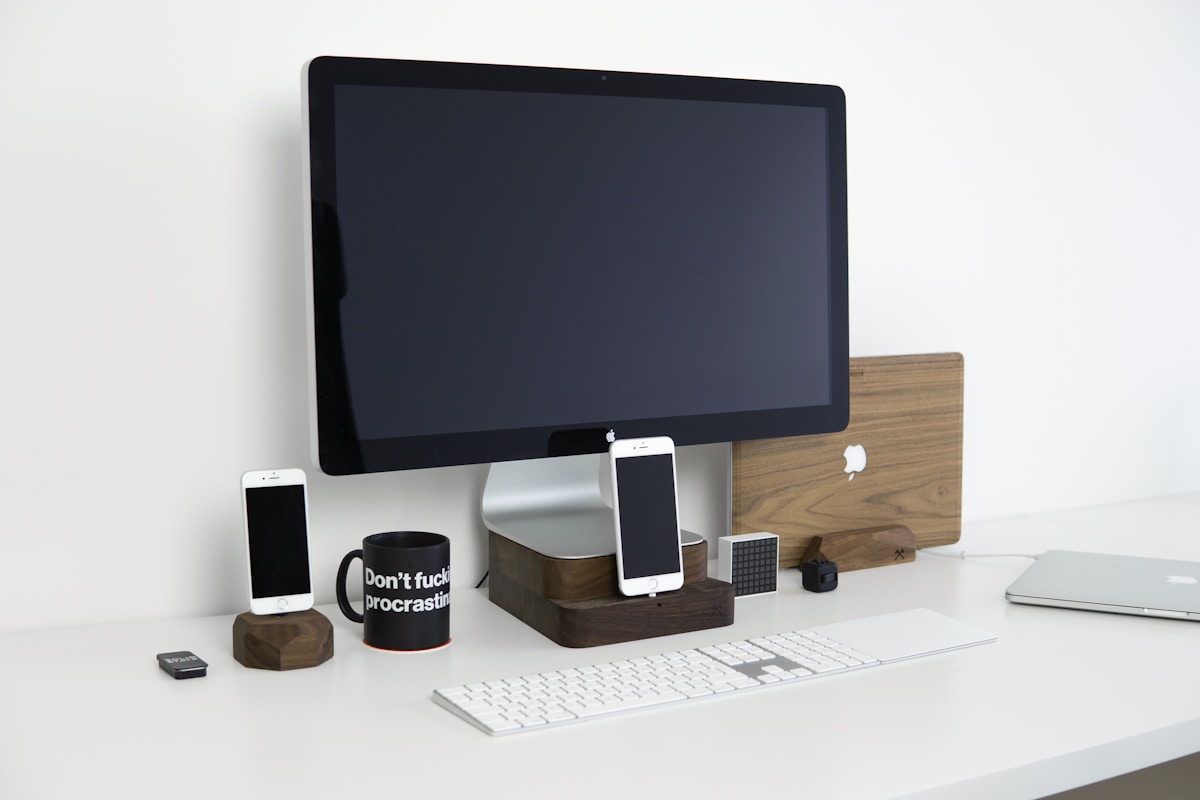
Best Portable Monitors Compared
| Monitor | Size | Resolution | Panel | Brightness | Weight | Price |
|---|---|---|---|---|---|---|
| ASUS ZenScreen MB16ACV | 15.6" | 1080p | IPS | 250 nits | 0.73 kg | ~$350 CAD |
| Lenovo ThinkVision M15 | 15.6" | 1080p | IPS | 250 nits | 0.59 kg | ~$300 CAD |
| UPERFECT 4K Portable | 15.6" | 4K | IPS | 400 nits | 0.85 kg | ~$400 CAD |
| Espresso Display V2 | 15.6" | 1080p | IPS | 300 nits | 0.62 kg | ~$450 CAD |
| ASUS ZenScreen OLED MQ16AH | 15.6" | 1080p | OLED | 360 nits | 0.78 kg | ~$550 CAD |
| Innocn 15.6" OLED | 15.6" | 1080p | OLED | 400 nits | 0.82 kg | ~$420 CAD |
Best Overall: ASUS ZenScreen MB16ACV
The Reliable Choice
ASUS has been making portable monitors longer than most competitors, and the MB16ACV shows that experience. It connects via USB-C with a single cable (power + video), has a built-in kickstand, and weighs just 0.73 kg.
The 1080p IPS panel delivers accurate colours with good viewing angles. 250 nits of brightness is adequate for indoor use but can struggle in bright sunlight. The auto-rotate feature switches between landscape and portrait mode when you flip the monitor.
Compatibility
Works with any laptop that supports USB-C DisplayPort Alt Mode—which includes most modern MacBooks, ThinkPads, Dell XPS, and HP Spectre models. Also works with USB-C iPads for a larger workspace.
- Size: 15.6"
- Resolution: 1920 x 1080 (1080p)
- Panel: IPS, 60Hz
- Brightness: 250 nits
- Connectivity: USB-C (power + video), mini HDMI
- Weight: 0.73 kg
- Price: ~$350 CAD
The ASUS ZenScreen MB16ACV is the safest choice for most people. Reliable, well-built, and compatible with virtually every modern laptop.
Best Lightweight: Lenovo ThinkVision M15
Featherweight Productivity
At 0.59 kg, the ThinkVision M15 is the lightest portable monitor worth buying. If you carry your setup in a backpack daily, every gram matters. The slim profile (6.8mm thin) slides into a laptop sleeve alongside your computer.
Two USB-C ports mean you can daisy-chain or connect from either side. The tilt stand is simple but effective.
- Size: 15.6"
- Resolution: 1920 x 1080
- Panel: IPS, 60Hz
- Brightness: 250 nits
- Connectivity: 2x USB-C
- Weight: 0.59 kg
- Price: ~$300 CAD
Best 4K: UPERFECT 4K Portable Monitor
Sharp Details on the Go
If you work with photos, video, or design, the extra resolution of a 4K (3840 x 2160) panel makes a real difference. Text is sharper, images are more detailed, and you get more screen real estate for multitasking.
400 nits of brightness handles most indoor environments well. The trade-off: 4K on a 15.6" screen means everything is small at native resolution—you'll likely run it at 150% scaling, which still looks sharper than 1080p.
- Size: 15.6"
- Resolution: 3840 x 2160 (4K)
- Panel: IPS, 60Hz
- Brightness: 400 nits
- Connectivity: USB-C, mini HDMI
- Weight: 0.85 kg
- Price: ~$400 CAD
Best OLED: ASUS ZenScreen OLED MQ16AH
Perfect Blacks, Vivid Colours
OLED panels deliver true blacks (pixels turn off completely), infinite contrast, and vivid colours that IPS panels can't match. For watching content, editing photos, or just enjoying a premium visual experience, OLED is a significant upgrade.
The 360 nits brightness is lower than some IPS panels, but OLED's contrast makes it look brighter in practice. The 0.78 kg weight is reasonable for the premium panel.
- Size: 15.6"
- Resolution: 1920 x 1080
- Panel: OLED, 60Hz
- Brightness: 360 nits
- Connectivity: USB-C, mini HDMI
- Weight: 0.78 kg
- Price: ~$550 CAD
OLED portable monitors are a luxury, but if you value visual quality, the difference is immediately obvious. Perfect blacks and vivid colours make everything look better.
Best Design: Espresso Display V2
Magnetic Stand, Premium Build
The Espresso Display V2 stands out with its magnetic stand system—the monitor attaches magnetically to a separate stand, allowing quick setup and flexible positioning. The build quality is premium with an aluminum chassis.
The espressoFlow software adds touch functionality on macOS, turning the monitor into a touchscreen for your Mac. It's a unique feature that no other portable monitor offers.
- Size: 15.6"
- Resolution: 1920 x 1080
- Panel: IPS, 60Hz
- Brightness: 300 nits
- Connectivity: USB-C (2x)
- Weight: 0.62 kg
- Price: ~$450 CAD
How to Choose a Portable Monitor
Resolution: 1080p vs 4K
- 1080p: Fine for most work—documents, spreadsheets, browsing, video calls. Lower power draw means longer laptop battery life.
- 4K: Better for creative work, photo/video editing, and anyone who wants sharper text. Uses more power.
Panel Type: IPS vs OLED
- IPS: Brighter, no burn-in risk, more affordable. Good for general productivity.
- OLED: Better contrast, true blacks, vivid colours. Better for media consumption and creative work. More expensive.
Connectivity
Most portable monitors connect via USB-C (DisplayPort Alt Mode). Check that your laptop supports this—most modern laptops do, but some budget models don't. A mini HDMI port is a useful backup for older laptops or gaming consoles.
Weight and Portability
If you carry it daily, aim for under 0.75 kg. The Lenovo ThinkVision M15 at 0.59 kg is the lightest option.
📺 Watch: Best Portable Monitors 2026 Compared
Got Questions About Portable Monitors? Let's Clear Things Up.
Do portable monitors need their own power source?
Most draw power from your laptop via USB-C—no separate power adapter needed. This does drain your laptop battery faster (expect 10-20% more battery usage). Some models include a separate power input for when you're near an outlet.
Can I use a portable monitor with my phone?
Some Android phones with USB-C DisplayPort support (Samsung Galaxy S series, Google Pixel) can output to a portable monitor. iPhones don't support this natively—you'd need a Lightning/USB-C to HDMI adapter.
Are portable monitors good for gaming?
For casual gaming, yes. Most portable monitors are 60Hz, which is fine for single-player games. For competitive gaming, you'd want a dedicated gaming monitor with 144Hz+ refresh rate.
How do I protect a portable monitor while travelling?
Most come with a protective case or sleeve. If yours doesn't, a neoprene laptop sleeve in the right size works well. Avoid putting heavy items on top of it in your bag.
A portable monitor is a simple upgrade that makes a big difference for remote work and travel. The ASUS ZenScreen MB16ACV is the best all-rounder, while the Lenovo ThinkVision M15 is ideal for weight-conscious travellers. For desktop monitor recommendations, check our best monitor for home office guide.
🖥️
Take Our Free Monitor Finder Quiz
Answer a few quick questions and get personalized recommendations.
Start Quiz →


Discussion
Sign up or sign in to join the conversation.