
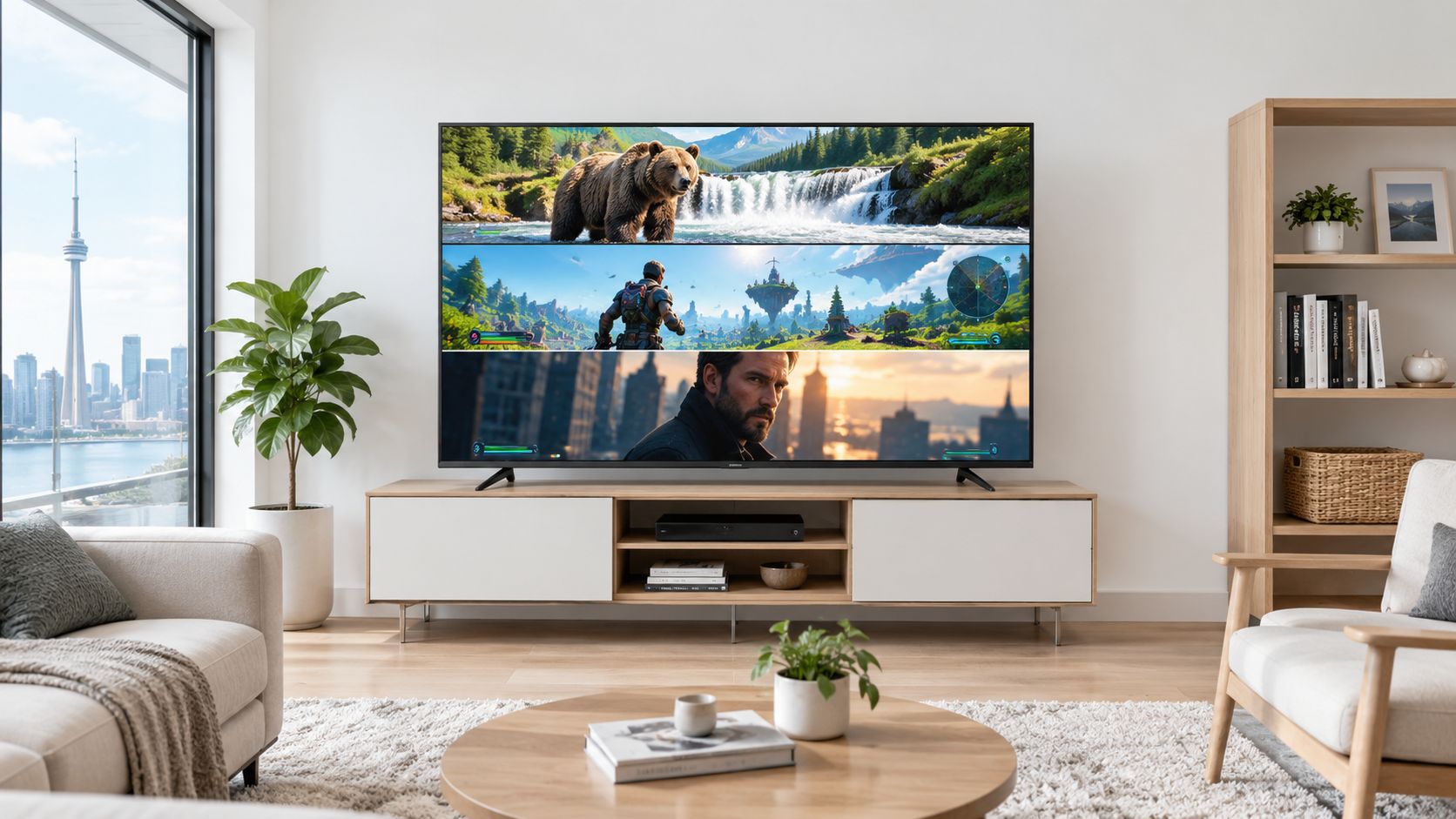
An 85-inch smart TV in Canada now spans roughly C$1,100 to nearly C$6,000, with entry, midrange, and premium choices widely available. That makes the central question less about whether you can find one and more about whether the extra spend buys better brightness, contrast, gaming response, or mostly a more prestigious badge.
The popular advice is to pick the biggest screen your budget allows and then choose the most recognisable brand. That's incomplete. At this size, room layout, panel technology, refresh rate, glare, and installation matter more than a logo on the bezel. A cheaper 85-inch set can be excellent for sports and streaming, while a premium model can disappoint if it sits opposite a bright window or overwhelms a shallow condo living room.
| Buyer priority | Sensible direction | What to avoid |
|---|---|---|
| Lowest practical cost | Entry-level LED or QLED from a major Canadian retailer | Paying premium prices for design alone |
| Bright living room | QLED or Mini-LED with strong sustained brightness | A dim panel chosen only for its size |
| Console or PC gaming | A model with a true 120 Hz mode and low input lag | Relying on 60 Hz for motion-sensitive gaming |
| HDR films | Mini-LED with effective local dimming and good colour volume | Comparing peak brightness figures without checking test methodology |
| Condo installation | Careful delivery, wall, stand, and viewing-distance planning | Ordering before measuring doors, walkways, and mounting points |
Table of Contents
- Why 85-Inch TVs Are No Longer Just for Luxury Homes
- Understanding Panel Technologies for Big Screens
- Top 85-Inch Smart TV Models in Canada Compared
- Finding the Perfect Viewing Distance for 85 Inches
- Performance Considerations for Gaming and HDR
- Making the Final Purchase Decision in Canada
Why 85-Inch TVs Are No Longer Just for Luxury Homes
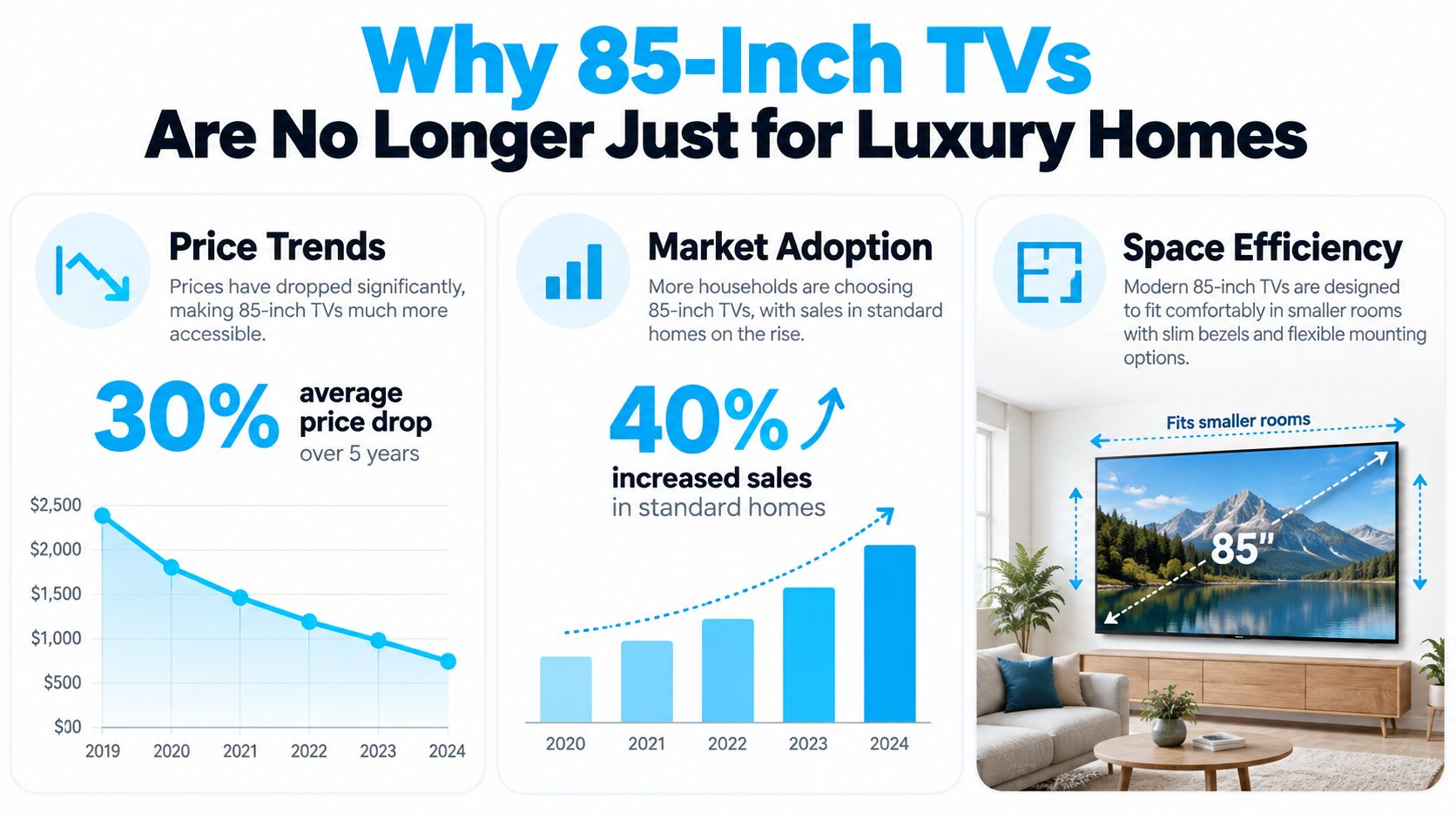
The assumption that an 85-inch television belongs only in a dedicated home theatre is outdated. Canadian retail assortment has expanded enough that 85-inch sets are now an established category, not an unusual special order. Best Buy Canada maintains a dedicated 85 to 97 inch TV section, with 190 television models across that broader size range and 45 Samsung models at 85 inches and larger in one current promotion (Best Buy Canada's smart TV sale collection).
That assortment changes the buying process. You aren't limited to one premium OLED-style flagship or forced to import a model from the United States. Canadian shoppers can compare major brands, panel types, sale pricing, open-box stock, clearance units, and new-in-box options through local channels. Warranty terms, delivery arrangements, and returns are easier to evaluate when the purchase happens in Canada.
The price ladder is the important change
Best Buy Canada listings show 85-inch televisions ranging from about C$1,100 to nearly C$6,000 across multiple models (Best Buy Canada smart TV pricing). That spread proves that screen size alone doesn't determine the price. The premium usually reflects some combination of Mini-LED backlighting, stronger processing, glare control, gaming features, industrial design, and brand positioning.
An entry-tier 85-inch smart TV can make sense for a family room where the main activities are cable, streaming, and casual sports. A premium set becomes easier to justify in a bright room, for demanding HDR films, or for gaming where motion handling and responsiveness are visible every day. Paying more for a familiar badge without gaining those traits is where buyers waste money.
Practical rule: Treat the 85-inch size as the starting point. Spend more only when the upgrade changes how you watch.
The physical scale still demands discipline. Measure the delivery path, wall, stand, seating position, and power location before ordering. An 85-inch screen can fit a normal living room, but the surrounding furniture and walking space may not. For ambient lighting and a more immersive setup, a bias-lighting guide such as Govee TV Backlight 3 Lite explained can also help you think beyond the panel itself.
Understanding Panel Technologies for Big Screens
At 85 inches, panel weaknesses become easier to notice. A mediocre black level covers more of your visual field, reflections occupy more of the screen, and uneven brightness can distract you during a dark film. Choose the panel technology according to the room, not according to the most impressive acronym on the box.
LED remains the value baseline
Standard LED televisions use an LCD panel with LED backlighting. They can deliver a large, bright picture at a more accessible price, especially when the room has plenty of daylight and your content is mostly broadcast television, sports, or general streaming.
The limitation is contrast control. Basic LED sets may lift dark scenes, show more blooming around bright objects, or lose shadow detail when the backlight isn't divided and controlled effectively. Those flaws don't make an entry-level model unusable, but they become more obvious on a huge screen during films with black bars or night scenes.
QLED adds a quantum-dot layer designed to improve colour volume and brightness. In practice, QLED is most useful when you watch during the day, prefer vivid sports presentation, or want colours to remain convincing as the panel gets brighter. It isn't a guarantee of excellent black levels. Two QLED televisions can look very different depending on their backlight, local dimming, processing, and panel design.
Mini-LED targets the problems that matter most
Mini-LED uses a denser arrangement of smaller backlight elements, typically paired with local dimming. That gives the television more control over which parts of the screen are bright and which stay dark. The result can be stronger HDR impact, better perceived contrast, and improved visibility in rooms with daylight.
The important word is can. Mini-LED doesn't automatically eliminate blooming, and a television's software still controls how aggressively the zones react. A well-tuned model with sensible local dimming may look more natural than one that chases maximum brightness with distracting halos.
| Technology | Practical advantage | Main trade-off |
|---|---|---|
| LED | Broad availability and straightforward value | Weaker contrast on basic implementations |
| QLED | Brighter colour and stronger colour volume | The label doesn't guarantee deep blacks |
| Mini-LED | Better brightness control and HDR contrast | Higher cost and possible blooming or processing quirks |
Canadian homes make brightness a serious consideration. Large windows, white walls, snow-bright winter days, and open-plan rooms can expose a dim panel quickly. For a darker basement or controlled media room, contrast and processing may matter more than maximum output. For a bright family room, choose a set that maintains a convincing image rather than one that only looks spectacular in a short showroom demo.
Top 85-Inch Smart TV Models in Canada Compared
Two useful reference points for this category are the TCL QM8K and Hisense U7N. Neither should be chosen from a spec sheet alone, but independent testing reveals the kind of trade-offs Canadian buyers need to understand.
| Model | Measured or tested strength | Important limitation | Best fit |
|---|---|---|---|
| TCL QM8K 85-inch | RTINGS measured 0.0 ms game-mode input lag | Short-duration brightness boosting can inflate peak readings | Competitive console or PC gaming, bright HDR viewing |
| Hisense U7N 85-inch | Very good HDR brightness, especially strong SDR brightness, low input lag, and solid HDR colour volume | Slower response at 60 Hz, including noticeable black smearing | Bright living rooms using 120 Hz for motion-sensitive content |
TCL QM8K
RTINGS measured the 85-inch TCL QM8K at 0.0 ms of game-mode input lag in its test sequence, a response profile that is effectively instantaneous for practical console or PC play (RTINGS TCL QM8K review). That makes the model particularly attractive if gaming responsiveness is one of your reasons for buying such a large display.
The caveat concerns brightness interpretation. RTINGS notes that the QM8K briefly boosts brightness between test slides, which can inflate short-duration peak brightness readings. Don't treat a headline peak figure as proof that every HDR scene will remain equally bright. Sustained performance, local-dimming behaviour, reflections, and the room's actual light level matter more than one dramatic measurement.
Hisense U7N
RTINGS characterises the 85-inch Hisense U7N as strong for bright rooms, with very good HDR brightness, especially strong SDR brightness, low input lag, and solid HDR colour volume (RTINGS Hisense U7N review). That combination suits Canadian family rooms where daytime viewing is common and sports or general television make up much of the schedule.
Its weakness is specific but important. RTINGS flags a relatively slow response time at 60 Hz, with noticeable black smearing in that mode. If you play games or watch fast motion, use the television's 120 Hz operation when available and configure your source accordingly. The U7N is a better recommendation for buyers who understand that setting than for someone who will leave every source in a basic 60 Hz mode.
The verdict is straightforward. Choose the TCL QM8K when low-lag gaming and HDR impact lead the brief, but judge its brightness using sustained behaviour rather than peak marketing. Choose the Hisense U7N when bright-room visibility and value matter most, provided you prioritise 120 Hz for motion-sensitive use.
Finding the Perfect Viewing Distance for 85 Inches
An 85-inch screen doesn't require a huge dedicated room, but it does require an honest measurement. The wrong seating distance can make a high-resolution picture feel either underwhelming or overly intense. Start from the seating position, not from the wall where the television will sit.
Use the room before you use the calculator
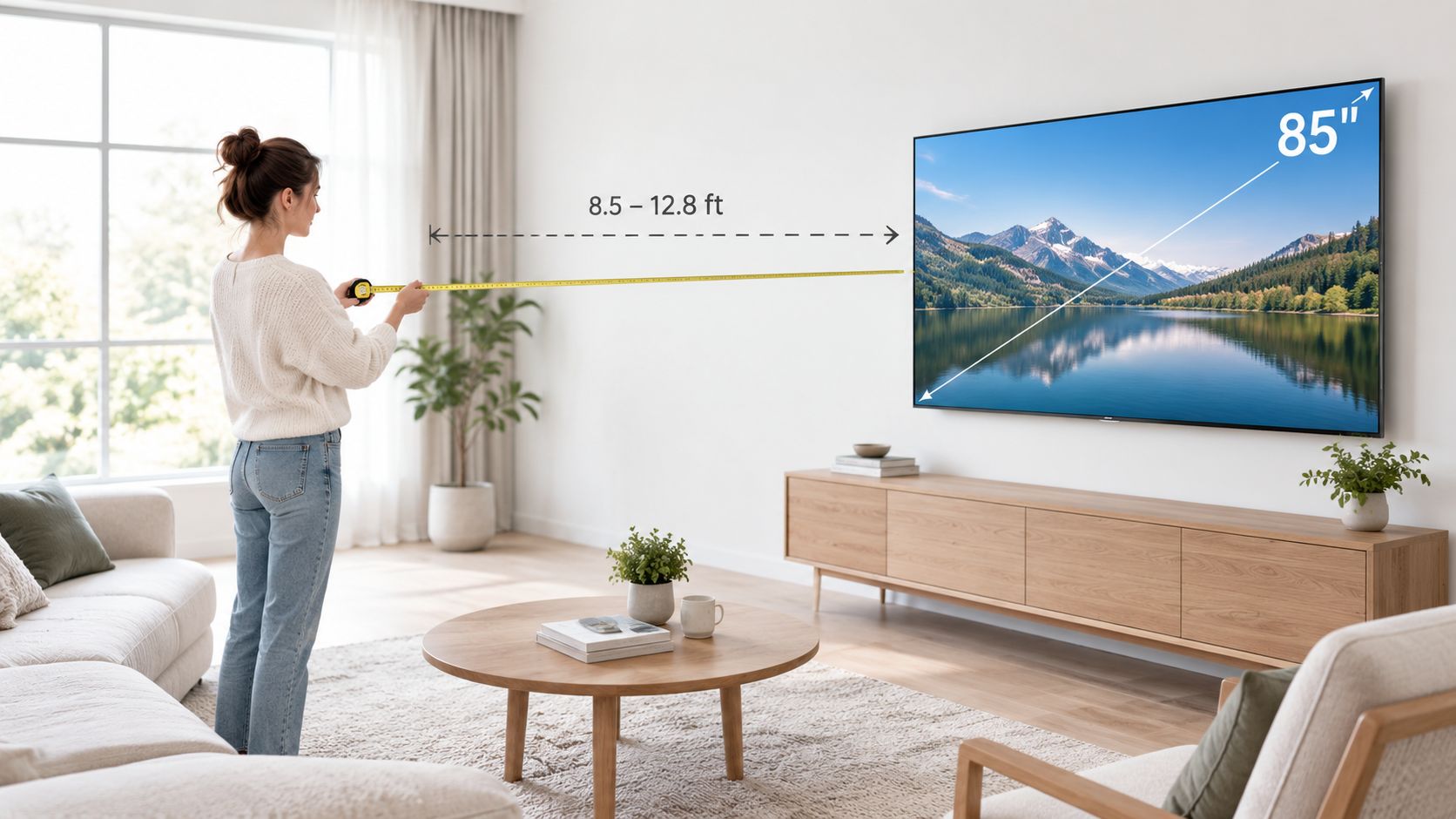
A practical comfort range for an 85-inch television is roughly 10 to 13 feet, based on the viewing guidance in the TV stand size guide for 55 to 85 inch TVs. That's a starting point, not a law. Movie-focused viewers may prefer a closer, more immersive position, while viewers who mainly watch low-quality broadcast feeds may prefer more distance so compression and noise are less obvious.
Measure from the front edge of the main seating position to the front surface of the screen. Don't measure to the wall, because a deep console or a wall-mounted panel changes the actual distance. If several people watch from different seats, use the closest regular seat as the constraint. The farthest seat will usually remain comfortable, but the closest one may feel overwhelming.
Sit where you normally watch, then measure to the screen position. A room plan based only on wall width misses the experience.
Check the height as carefully as the distance. The centre of the display should sit near relaxed eye level for seated viewing. A tall cabinet can force you to look upward for hours, and a large panel makes that posture more tiring because your eyes travel across a wider field.
Check the practical fit
Before committing, work through four measurements:
- Delivery path: Measure entry doors, hallways, stair turns, and elevator access. A panel that fits the wall can still fail at the building entrance.
- Furniture depth: Confirm that the console won't block a walkway, radiator, vent, or door swing.
- Stand support: Make sure the television's feet fit the console, not just the screen's total width.
- Mounting structure: If you're wall-mounting, locate suitable framing and confirm that the bracket supports the television's weight and dimensions.
The following video provides a visual reference for planning a large-screen setup:
A condo can accommodate an 85-inch television if the screen, furniture, and seating form a coherent layout. If the panel leaves no comfortable walking route or forces the sofa against the opposite wall, step down in size or redesign the room before buying. Immersion isn't valuable when daily movement becomes awkward.
Performance Considerations for Gaming and HDR
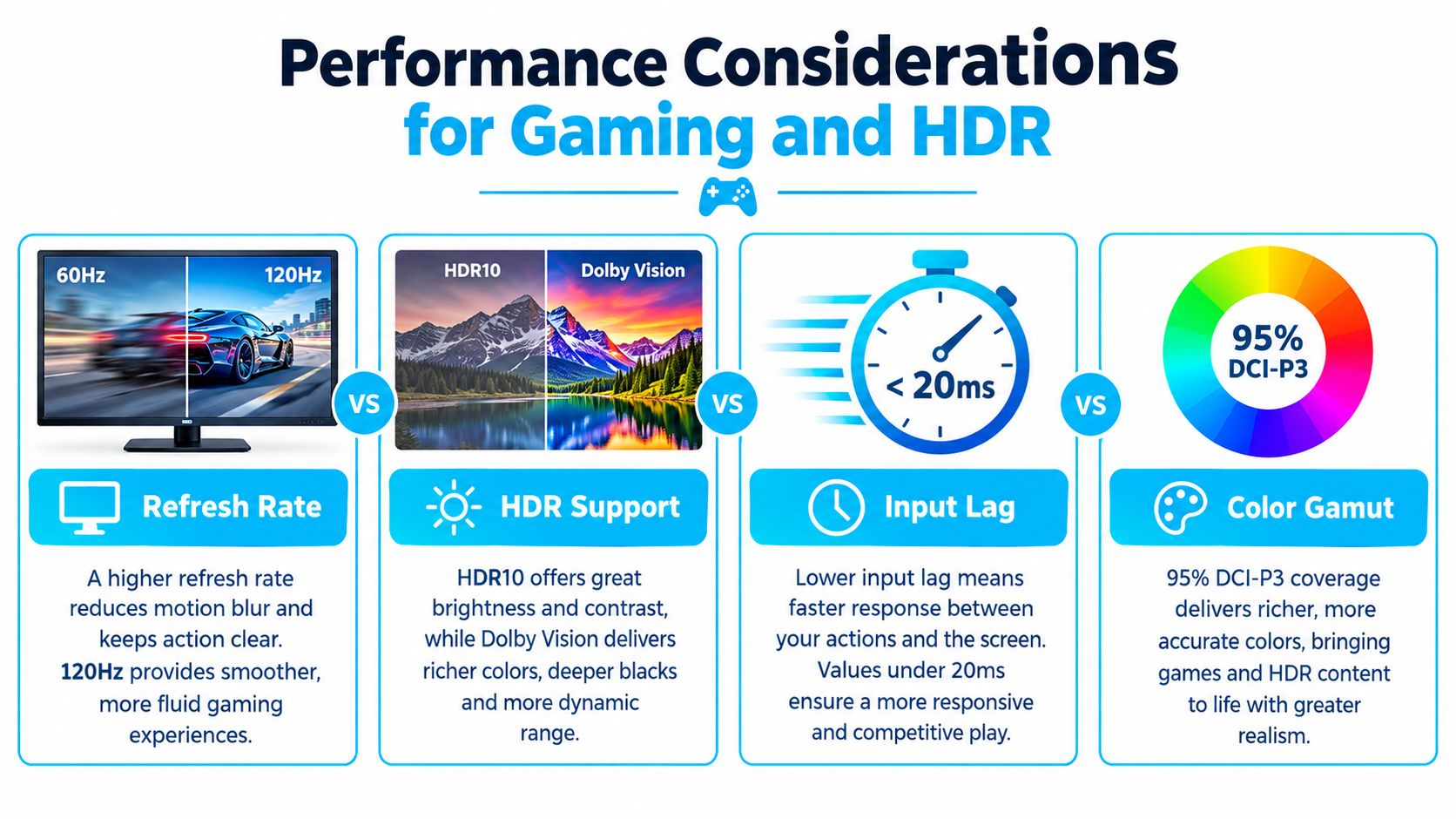
Large-screen gaming exposes input lag and motion problems quickly. Your priority should be 120 Hz operation, low input lag, and consistent response, in that order for most console and PC players. A television can have spectacular colour and still feel poor if movement smears or controls respond slowly.
Refresh rate affects how smoothly the panel updates moving images. A 120 Hz mode is the practical target for fast games, sports, and camera pans. The Hisense U7N's slower response at 60 Hz, including the black smearing noted by RTINGS, illustrates why a buyer shouldn't stop at the phrase “120 Hz capable”. Verify the mode you'll use, then set the console or PC to match it.
Gaming priorities
The TCL QM8K is the clearest performance recommendation for responsiveness because RTINGS recorded 0.0 ms game-mode input lag in its test sequence (RTINGS QM8K testing). That doesn't make every aspect perfect, but it removes a major source of frustration for timing-sensitive play.
Before buying, check these settings and connections:
- Game mode: Use the dedicated mode to reduce processing delay.
- Refresh setting: Enable 120 Hz for compatible sources rather than assuming the television selects it automatically.
- Motion processing: Disable interpolation for games unless you specifically prefer its appearance.
- HDR calibration: Follow the console's on-screen calibration rather than raising brightness blindly.
- Viewing conditions: Reduce direct reflections, since glare can hide dark game detail even when the panel is technically bright.
For general streaming, a separate device may offer a cleaner interface or more responsive app experience. Celmin's guide to the best 4K streaming devices is relevant if your television's built-in platform doesn't handle your preferred services well.
HDR needs sustained performance
HDR benefits from brightness, contrast, and colour volume working together. A brief brightness burst can make a test chart look impressive, but real films and games often hold bright elements on screen for longer. RTINGS' note about the TCL QM8K's brief brightness boost is a useful warning: compare sustained HDR behaviour, local dimming, reflection handling, and real scene performance, not just the largest number shown in a product listing.
The Hisense U7N's combination of very good HDR brightness, especially strong SDR brightness, and solid HDR colour volume makes it a sensible bright-room option (RTINGS U7N review). A dark basement viewer may value black-level control more heavily, while a daytime sports viewer will notice glare and overall luminance first.
Making the Final Purchase Decision in Canada
The right 85-inch smart TV is the one that spends money on the limitation you have. If your room is bright, pay for brightness, colour volume, and reflection control. If you game, pay for a reliable 120 Hz mode, low input lag, and clean motion. If you watch films in a controlled room, prioritise contrast and local dimming over a decorative chassis.
The Canadian price range makes this distinction unavoidable. Best Buy Canada shows 85-inch models from about C$1,100 to nearly C$6,000 (Canadian 85-inch TV assortment), while LG's Canadian 85-inch QNED evo Mini-LED listing demonstrates how premium positioning can reach far higher, with a listed price of C$8,499.99 (LG Canada 85-inch QNED evo Mini-LED). Those figures don't mean the most expensive model is automatically the best purchase. They show how much room there is for buyers to overpay.
Match the tier to the room
Use this decision structure:
- Choose entry level if you want maximum screen area for streaming, news, and casual sports in a reasonably controlled room. Inspect uniformity, smart-platform usability, warranty terms, and return conditions.
- Choose midrange QLED or Mini-LED if daylight, HDR, and mixed family viewing are central. This is usually where upgrades become visible rather than merely cosmetic.
- Choose premium only when you can identify a specific gain, such as stronger local dimming, better glare handling, more convincing HDR, or more dependable gaming performance. Brand prestige by itself isn't a picture-quality feature.
Installation deserves part of the budget. Large Canadian retail listings can include an environmental handling fee for large televisions, and delivery logistics may be more complicated than buyers expect (Best Buy Canada 85-inch TV listings). Confirm the stand or mount, delivery route, wall structure, power access, and disposal plan before checkout. Also consider audio. An 85-inch picture can easily outclass built-in speakers, so review a practical guide to the best Dolby Atmos soundbars before finalising the room.
Energy use is harder to judge from size alone. Brightness, picture mode, content, and viewing habits all affect consumption, so compare the energy information for the exact model and avoid leaving an unnecessarily bright mode active for everyday viewing.
An 85-inch smart TV is worth buying below the flagship tier when the room supports it and the panel's strengths match your habits. Buy the largest model you can place comfortably, then direct the remaining budget toward Mini-LED contrast, glare control, or 120 Hz gaming, not a badge that adds no visible benefit.
Celmin publishes Canadian buying guides and comparisons that help you evaluate smart-home and consumer-tech purchases in real room conditions, including CAD pricing and local availability. Visit Celmin to compare practical advice before you choose your 85-inch television, streaming setup, and audio system.
Sign up or sign in to join the conversation.