
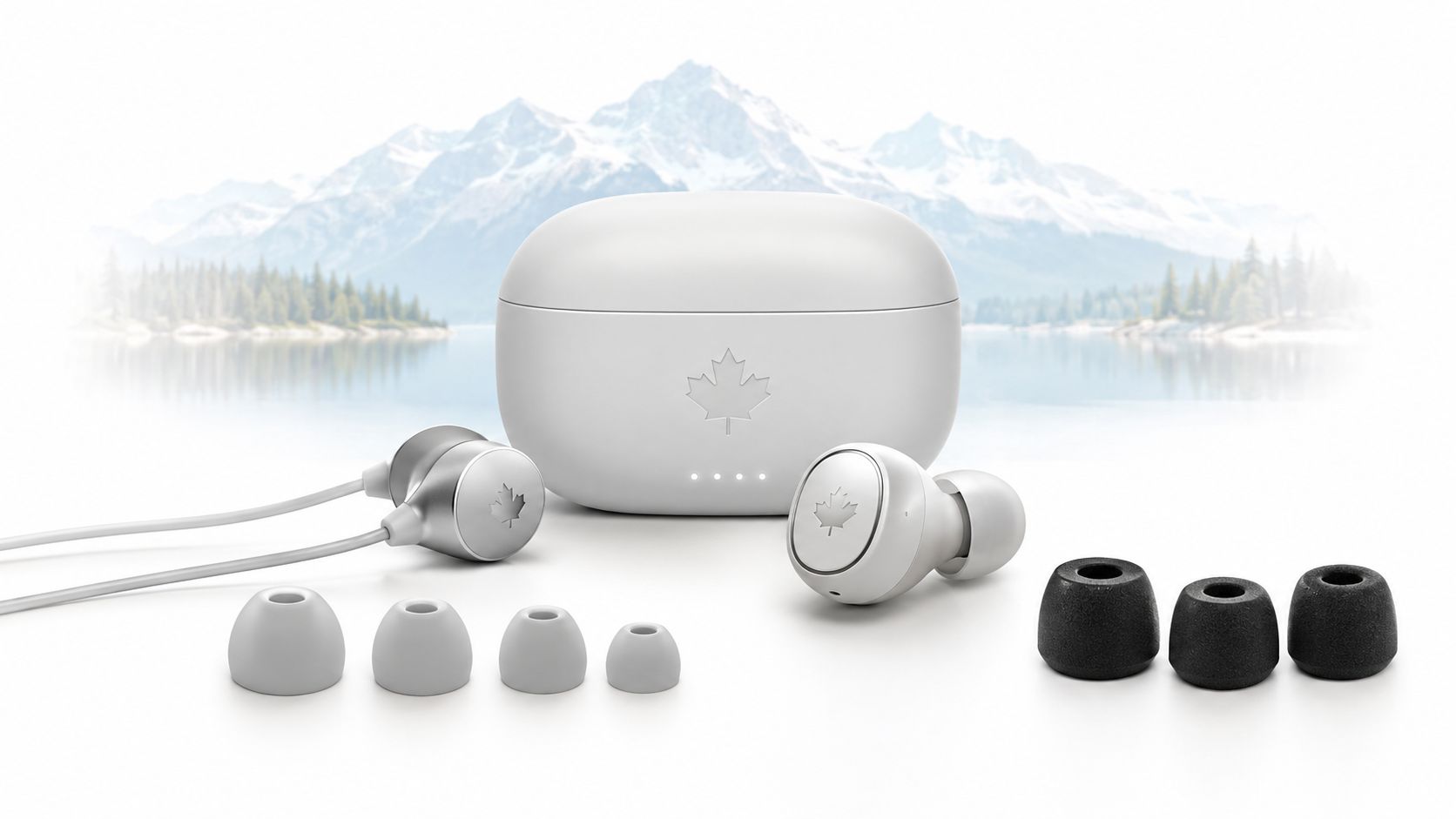
You're on the TTC, the SkyTrain, or a winter walk to the office, and everyone around you seems sealed inside a pair of earbuds. One person's music is clean and full. Another is fighting thin bass, dropped calls, and a bud that keeps working loose under a toque. The difference usually isn't a mysterious audio secret. It's fit, isolation, microphone quality, and choosing the right design for the way you use it.
In-ear headphones punish impulse buying. A poor seal ruins bass and makes outside noise harder to ignore. The wrong housing can leave your ears tired before the workday ends. A modest pair with the right ear tips can sound more satisfying than a flagship model that never fits properly.
Canadian conditions make the choice more specific. Winter hats can press on stems, summer workouts expose weak water resistance, and long work-from-home calls reveal mediocre microphones quickly. This guide focuses on those daily trade-offs, with Canadian price tiers, products commonly sold through Amazon.ca and Best Buy Canada, and a clear look at which hearing-health features are genuinely usable here.
Table of Contents
- Why In Ear Headphones Are Worth Thinking About Carefully
- Fit and Isolation Are the Foundation
- Wired vs True Wireless Earbuds
- Active Noise Cancelling vs Passive Isolation
- Drivers, Mics, and Codecs Without the Jargon
- Canadian Price Tiers and What to Buy at Each Level
- Hearing Health Features That Actually Work in Canada
- Your One Minute Decision Rule Before You Check Out
Why In Ear Headphones Are Worth Thinking About Carefully
You are choosing earbuds for a TTC ride, a run, or a quiet desk, and those situations demand different hardware. Commuters need dependable isolation and clear calls. Runners need a secure fit, some awareness of nearby traffic, and sweat resistance. At home, a comfortable wired pair can be the smarter buy than expensive active noise cancelling.
Canadian shopping adds practical constraints. Models listed on Amazon.ca and Best Buy Canada vary by stock, warranty, and price, while winter hats can press on earbud stems and summer workouts expose weak water resistance. Premium features also do not always work locally. Some hearing-health tools depend on regional approval or phone support, so a feature listed on the box may be unavailable in Canada.
The category carries a real hearing-health concern. Statistics Canada's hearing-health publication reported that 51% of Canadians aged 3 to 79 used earbuds or headphones for music, films, or other audio in the previous 12 months. It also reported that 4.6 million Canadian adults aged 20 to 79 had measured hearing loss significant enough to interfere with speech comprehension. Measured hearing loss appeared in one in five adults, compared with one in 20 who self-reported hearing loss.
You do not need to avoid in-ear headphones. Set a sensible volume, use a proper seal, and take breaks during long listening sessions. Health Canada says sounds below 70 dBA pose no known risk of hearing loss, while exposure at 85 dBA for about 45 minutes per day presents a meaningful risk for headphone and earbud users, according to its hearing-protection guidance.
My starting rule: Spend first on fit. Add ANC, stronger microphones, or premium codecs only after the earbuds remain comfortable and sealed.
Separate the buying decision into priorities. Fit determines whether the sound reaches your ears properly. Wired or wireless determines convenience and maintenance. ANC handles steady background noise. Drivers, microphones, and codecs refine the result, but none can fix earbuds that fit badly.
Fit and Isolation Are the Foundation
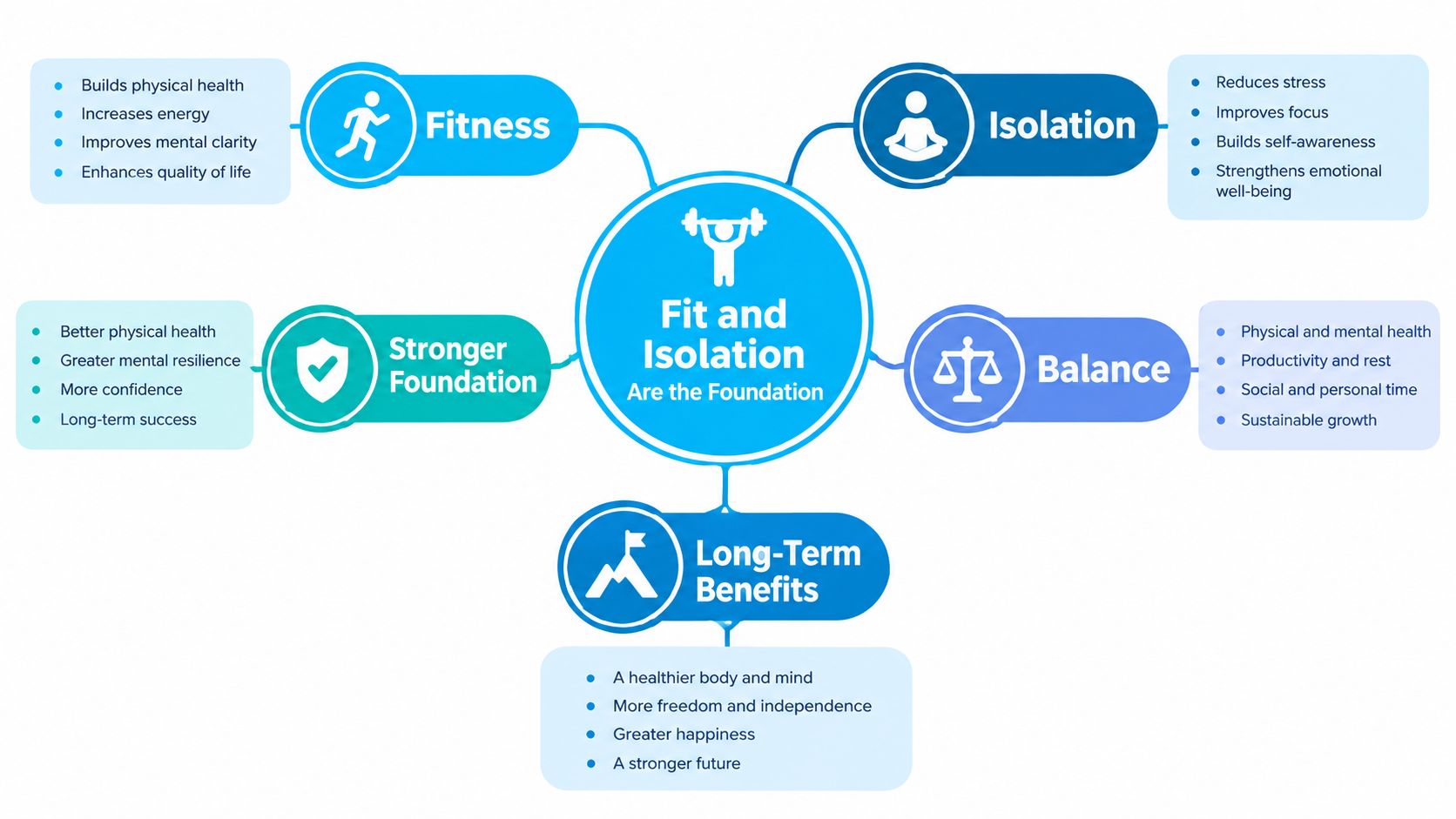
An earplug only works when it seals against the ear canal. In-ear headphones follow the same rule. A loose ear tip lets bass escape, weakens passive isolation, and encourages you to increase the volume to compete with the bus, train, or office.
Three details control that seal.
Ear tips change the sound
Most earbuds arrive with silicone tips in small, medium, and large sizes. Treat that set as a starting point, not a final answer. Your left and right ears may need different sizes, and the largest tip isn't automatically the most secure.
Silicone feels clean, durable, and easy to wash. Memory foam usually creates a more adaptive seal, especially for people whose ear canals don't match standard shapes. Foam tips need to be compressed before insertion and allowed to expand, and they wear out sooner than silicone. Hybrid tips can offer a useful middle ground, but replacement availability varies by model.
Rotating the bud slightly after insertion can change the seal dramatically. So can pulling the outer ear gently upward while inserting it. If one side sounds thinner, don't immediately blame the driver. Remove the bud, try another tip size, and test the fit again.
Housing shape matters under a toque
Stem-style earbuds, such as AirPods, hang slightly below the ear and can be easy to insert. Stemless designs sit more fully inside the outer ear and may work better under a winter hat, but they can feel more intrusive if the housing is bulky. Ear wings and hooks add security for workouts, though they also add pressure points during long listening sessions.
Check the fit with spoken audio, not only music. Voices expose leaks in the midrange, while bass-heavy tracks can make an unstable seal seem better than it is. Walk, nod, and lie on your side if you plan to use the earbuds in bed.
Passive isolation is the physical foundation for ANC. A well-sealing tip reduces the amount of outside sound reaching your ear before the microphones and processing attempt to deal with it electronically. It also helps you listen at a lower level, which matters more than a flashy app animation.
A cheap replacement foam tip is often the highest-return upgrade available to an earbud owner.
Wired vs True Wireless Earbuds
Wired and true wireless earbuds solve different problems. Don't choose between them by asking which technology sounds more modern. Ask what failure you can tolerate.
Wired in-ear headphones are the better tool for a desk, a gaming setup, a flight, or any situation where charging is likely to become annoying. They turn on immediately, introduce no Bluetooth pairing step, and avoid battery ageing. USB-C wired earbuds are also more practical than they used to be because many current phones omit a traditional headphone jack. You may still need a USB-C-to-3.5 mm adapter for older equipment.
Choose wired when reliability comes first
A wired pair makes sense if you:
- Play games or edit audio: Wired connections avoid the latency that can make dialogue and action feel slightly out of sync.
- Travel without a charging routine: You can use them during a flight or at a hotel without checking a case battery.
- Want value: A simple wired model can deliver strong sound for far less money than a wireless flagship.
- Take calls at a fixed desk: The inline microphone may be perfectly adequate, and you won't need to remember which earbud is charged.
The downsides are familiar. Cables catch on zippers, USB-C compatibility isn't universal, and an inline microphone can pick up clothing noise. Wired models also rarely offer the polished multipoint switching and device-finding features available from mature wireless ecosystems.
Choose true wireless for movement
True wireless earbuds win when you move between phone, laptop, gym bag, and commute. The earbuds disappear into a case, pairing is usually straightforward, and you can use either side independently on many models. Battery life has become practical for a full working session, with cases providing additional charges.
Wireless introduces its own chores. Keep the charging contacts clean, remember the case, and expect the batteries to age over time. Bluetooth audio also uses a codec, and compression can affect fine detail, although a codec upgrade won't compensate for a poor fit.
| Factor | Wired | True Wireless |
|---|---|---|
| Setup | Plug in and listen | Pair, charge, and manage a case |
| Latency | Usually lowest | Depends on phone, codec, and mode |
| Calls | Varies with inline mic | Often better microphone processing |
| Travel | No battery required | Compact and cable-free |
| Maintenance | Protect the cable or connector | Clean tips, contacts, and charging case |
| Best buyer | Reliability-focused listener | Commuter, gym user, or multitasker |
Before checkout, answer three questions. How often will you forget to charge? Do you take calls outdoors? Is latency a dealbreaker? If the first and third answers are “often” and “yes”, buy wired. If movement and calls dominate, true wireless earns its place.
Active Noise Cancelling vs Passive Isolation
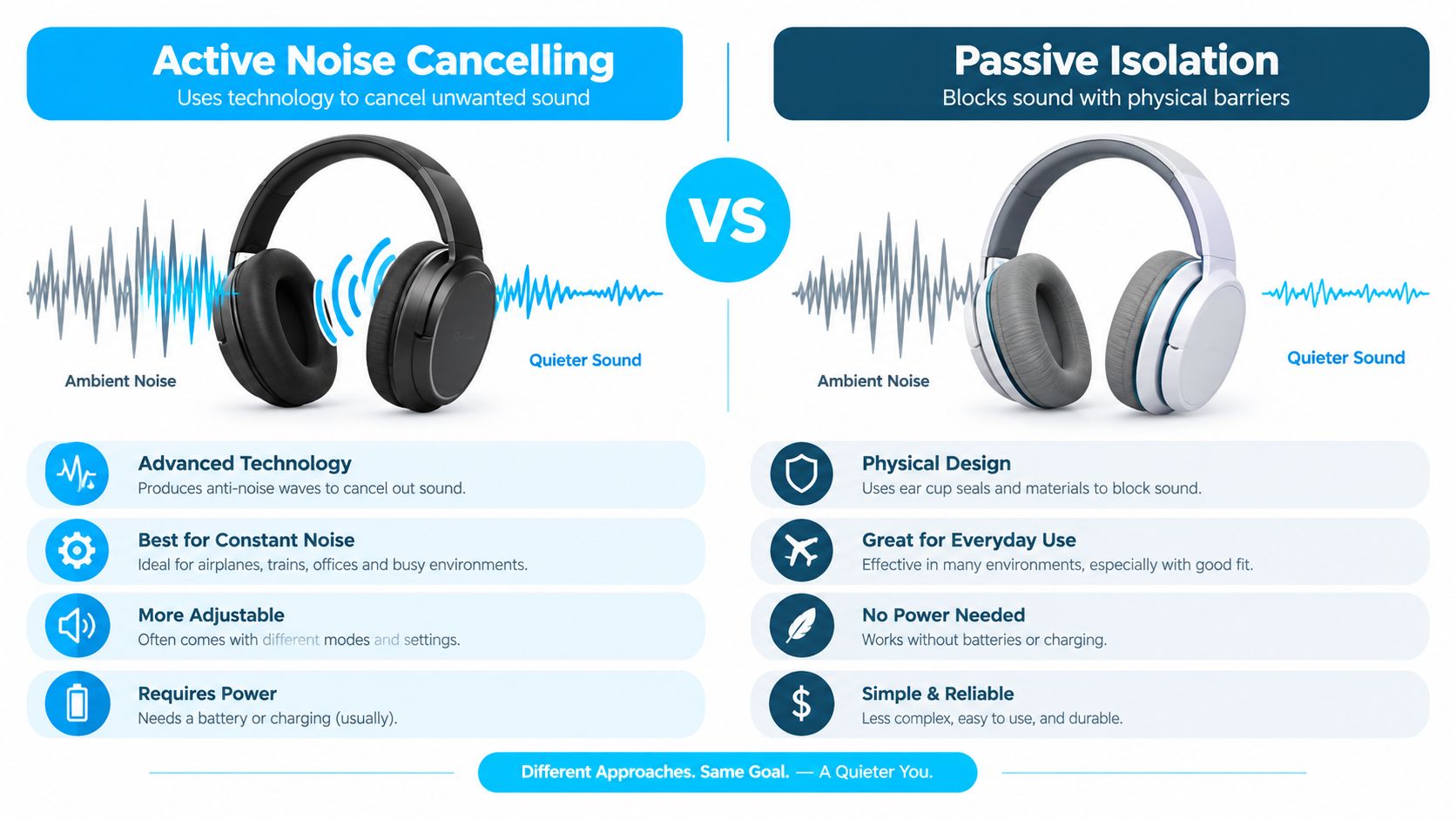
Passive isolation blocks sound physically. The ear tip closes the canal, and the material reduces the amount of outside noise that reaches your ear. Active noise cancelling, or ANC, uses microphones to sample ambient sound and generates a signal designed to reduce it.
ANC is excellent at steady, repetitive noise. Plane engines, transit rumble, ventilation systems, and a furnace running in the background are the right targets. It has a harder time with sudden voices, a child crying, clattering dishes, or a co-worker appearing beside your desk. Those sounds change too quickly or contain too much variation for the system to erase completely.
Match the feature to the Canadian setting
On a TTC platform or beside a busy road, complete isolation isn't always desirable. Transparency mode lets outside sound back in, but it can colour voices and make the surroundings sound processed. Use it when you need awareness, not as a permanent replacement for taking an earbud out.
In a library or quiet home office, strong passive isolation may be enough. If you turn ANC on in a quiet environment and then raise the volume because the music feels subdued, you've defeated the point. Health Canada notes that damage from a personal listening device can occur in as little as three to 12 minutes at full volume, based on laboratory research described in its Canadian science and hearing discussion.
Practical rule: Use the lowest playback level that lets you follow the content. Use ANC to reduce background noise, not to justify louder listening.
Noise cancelling can indirectly support safer listening because a quieter background reduces the temptation to increase playback. Industry Canada recommends keeping personal listening under about 75 to 80 dB when possible, while the Canadian Centre for Occupational Health and Safety warns that music headsets aren't substitutes for certified hearing protection in hazardous environments, as discussed in the same Canadian guidance.
For a commuter who spends hours around transit noise, ANC is worth paying for. For home listening, walking in a quiet neighbourhood, or short gym sessions, a secure seal and comfortable tips may be the smarter purchase. Compare current models in this Canadian guide to noise-cancelling earbuds, but judge the feature against your surroundings, not the number of microphones on the box.
Drivers, Mics, and Codecs Without the Jargon
Once the fit works, three specifications deserve attention: the driver, the microphones, and the Bluetooth codec. None should lead your buying decision on its own.
A dynamic driver uses a moving diaphragm to create sound. It usually produces the punchy bass and broad, forgiving presentation listeners expect from everyday earbuds. A balanced-armature driver can deliver crisp detail and clear upper frequencies, but it may need help with bass. Many affordable and mid-priced earbuds use one dynamic driver because it handles both jobs competently without making the design complicated.
Microphones matter most when you call from difficult places. A model can advertise AI voice processing, yet still sound poor beside a windy platform if its microphones sit in the wrong places or its beamforming struggles with movement. Read owner feedback specifically about outdoor calls, coffee shops, and open offices rather than trusting the phrase “clear calls”.
Read the codec label in context
SBC is the basic Bluetooth codec and works across a wide range of devices. AAC is the normal choice for many Apple users. aptX, aptX HD, LDAC, and LC3 can matter when both the earbuds and the phone support the same standard, but a phone may fall back to another codec without making the change obvious.
| Spec | What It Does | What to Look For | When It Matters |
|---|---|---|---|
| Driver | Converts the signal into sound | Dynamic for fuller bass, balanced armature for detail | Music preference and tuning |
| Microphones | Capture your voice and outside sound | Multiple mics with effective beamforming | Calls outdoors or in busy rooms |
| Codec | Compresses Bluetooth audio | A codec supported by both devices | High-quality streaming and compatible phones |
| App controls | Adjusts EQ, ANC, and settings | Stable software with useful controls | Daily use and troubleshooting |
If Bluetooth audio is late during videos or games, start with device settings and the selected mode before replacing the earbuds. This Bluetooth audio-delay troubleshooting guide is more useful than chasing a codec your phone can't use.
Your priority order should be fit, comfort, microphone performance, and then codec. A supported high-resolution codec is a bonus. It isn't a repair kit for a leaky ear tip.
Canadian Price Tiers and What to Buy at Each Level
Canadian pricing moves with sales, so treat these as practical tiers rather than permanent shelf prices. The models below are commonly found through Amazon.ca or Best Buy Canada, but stock and promotions change. Check the exact seller, return policy, and warranty before ordering.
Under $80 CAD
Look at the Soundcore Life P2i or JLab Go Air Pop for a gym pair, a backup set, or casual listening. They're easy recommendations when the main requirement is inexpensive wireless audio that can take some abuse.
Skip this tier if you take work calls every day. Entry-level microphone processing and fit consistency can become frustrating in cafés, on sidewalks, and in shared offices. A wired USB-C pair may be the smarter cheap purchase if you mostly listen at a desk.
For more low-cost alternatives and current Canadian availability, use this budget wireless earbud guide.
$80 to $180 CAD
This is the sensible centre of the market. The Samsung Galaxy Buds FE suit Samsung phone owners particularly well, while the JBL Tune Beam is a flexible choice for listeners using a broader mix of Android and Apple devices. Both target the commuter who wants usable ANC, comfortable everyday fit, and better call performance without paying flagship money.
This is the tier I'd recommend to many people buying their first serious pair. For home listening, walking, occasional transit, and ordinary office use, spending more often delivers refinement rather than a completely different experience.
$180 to $350 CAD
The Sony WF-C700N offers a lighter, more approachable route into Sony's ANC ecosystem. The Soundcore Space One belongs in the conversation for buyers who care about strong noise reduction and app controls without jumping immediately to luxury pricing.
Be careful with product naming here. Soundcore uses “Space” across several designs, and the Space One is an over-ear model rather than a conventional in-ear earbud. If your priority is a small earbud that disappears into a pocket, verify the form factor before ordering.
Over $350 CAD
The Sony WF-1000XM5, Apple AirPods Pro 2, and Bose QuietComfort Ultra Earbuds are justified for frequent flyers, heavy commuters, and people highly invested in a particular ecosystem. Their stronger processing, refined ANC, and polished multipoint or device-switching features can make daily use easier.
They aren't automatically better for a person who listens at home or takes short walks. A well-fitting model from the middle tier can be more comfortable and less stressful to replace. Premium pricing should buy a specific benefit you'll use, not merely a more impressive box.
One important Canadian caveat applies across the premium range. A 2026 Canadian market report projects a wireless earphones market of USD 448.94 million in 2026 and estimates that TWS earbuds represent roughly 70 to 80% of unit sales, according to the market report. Feature-rich earbuds are mainstream, but that doesn't mean every advertised feature is enabled here.
Hearing Health Features That Actually Work in Canada
Premium earbuds increasingly suggest that they can test hearing or behave like hearing devices. Canadian shoppers need to separate useful protection tools from region-locked features.
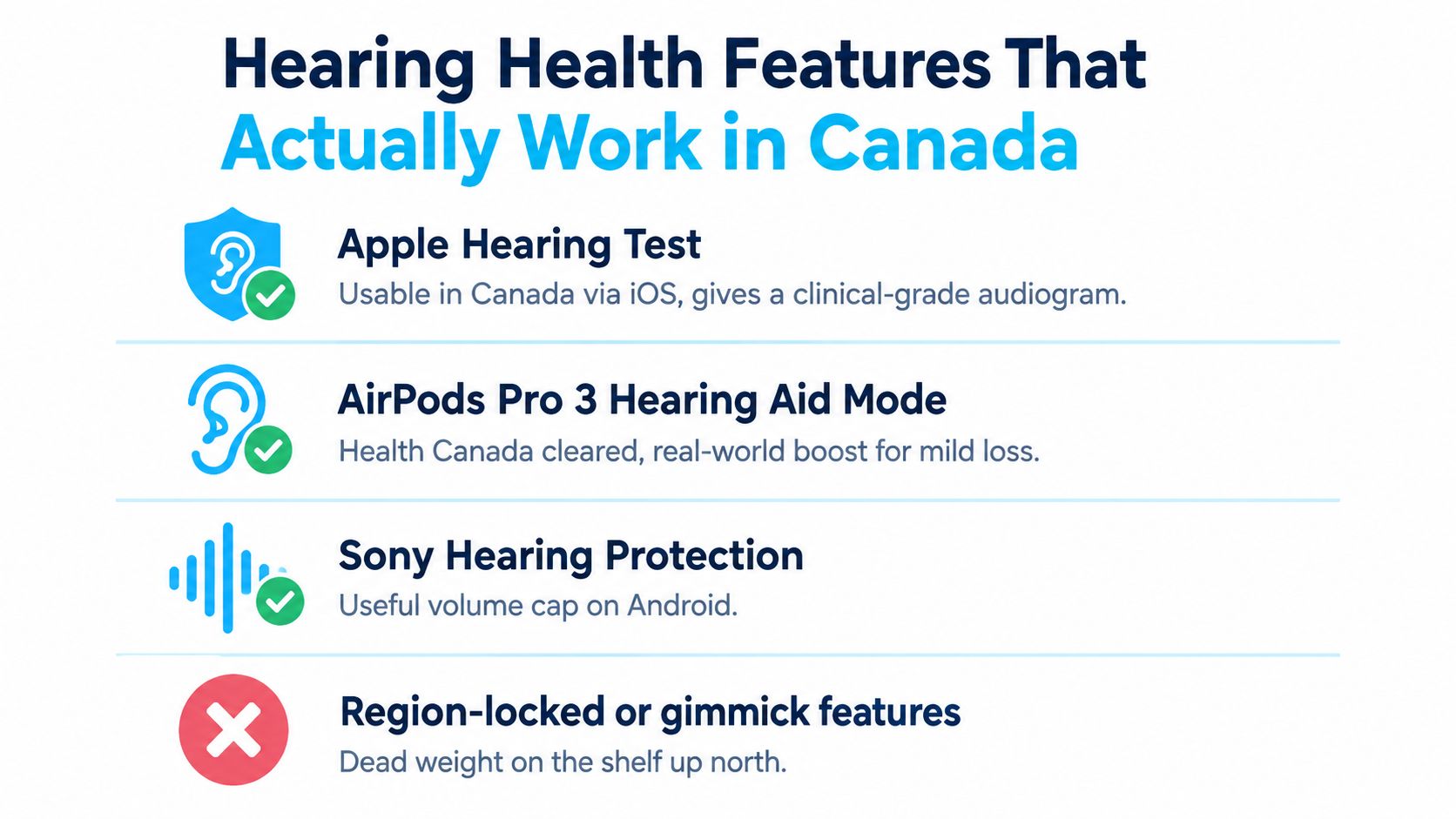
Apple's Canada feature-availability page states that the Hearing Test and Hearing Aid features on AirPods Pro aren't available in Canada because of regulatory restrictions, even though those features operate in some other markets. Confirm the current position on Apple's Canadian feature-availability page before paying extra for a capability you expect to use.
That restriction makes several everyday controls more important:
- Set a volume limit: Use the headphone-safety controls on iOS or the comparable sound settings on Android.
- Turn on exposure monitoring: If the companion app or operating system reports listening levels, check the trend rather than ignoring it.
- Use transparency deliberately: Keep awareness available for streets, platforms, and conversations, but don't treat transparency as certified hearing protection.
- Try a hearing check separately: App-based tools can help you track changes, but they aren't a substitute for a professional assessment when speech comprehension or ringing becomes a concern.
Health Canada's research estimated that 387,000 Canadian youth aged 6 to 19 had some degree of measured hearing loss, according to its national hearing-loss publication. That context reinforces why volume control is more valuable than a premium label.
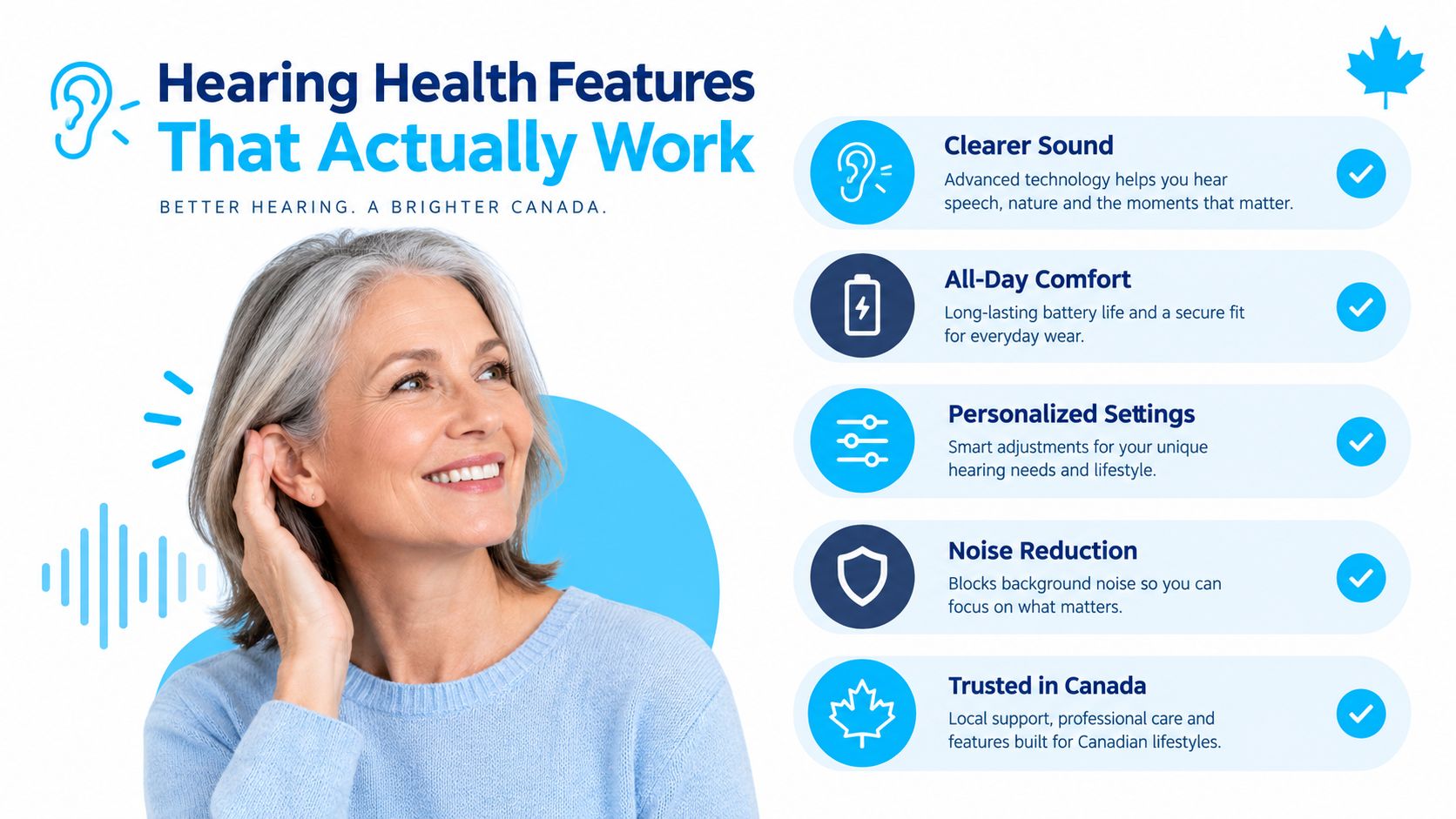
Flip these switches during the first ten minutes:
- Set a sensible maximum volume on the phone.
- Enable exposure notifications if the device offers them.
- Choose a secure tip and test the seal before increasing playback.
Noise-cancelling earbuds can help you keep the volume lower by reducing the background sound floor. They still aren't hearing protectors for construction sites, industrial spaces, or other environments that require certified attenuation.
Your One Minute Decision Rule Before You Check Out
Stand in the store or open the product page and answer three questions.
Where will you wear them? For transit and flights, prioritise ANC and a strong seal. For an office, prioritise call quality and comfort. For running, look for stable fit, sweat resistance, and enough environmental awareness to avoid feeling cut off from the surroundings.
How long is each session? Short listening sessions can tolerate a firmer fit. All-day use demands light housings, gentle tips, and controls you won't accidentally press under a hat. If the earbuds hurt after a short trial, no codec or equaliser will fix that.
What is your actual Canadian budget? Casual listeners can stay under $80 CAD. Daily commuters should usually start in the $80 to $180 CAD range. Consider $180 to $350 CAD when ANC, app controls, or microphone quality are central. Go beyond that only when you fly often, commute heavily, or need an ecosystem feature you'll use every day.
One-minute rule: Fit and use case decide the tier. The brand decides within that tier. Skip any hearing feature blocked by Canadian regulation.
Try the tips, walk around, make a call, and check the return policy before opening the box. The right in-ear headphones won't be the ones with the longest specification list. They'll be the pair you can wear comfortably, hear clearly, and keep at a sensible volume.
Celmin publishes Canadian buying guides and reviews that compare everyday audio products with local availability and CAD pricing in mind. Visit Celmin to compare in-ear headphones and other consumer-tech options before you check out.
Sign up or sign in to join the conversation.