
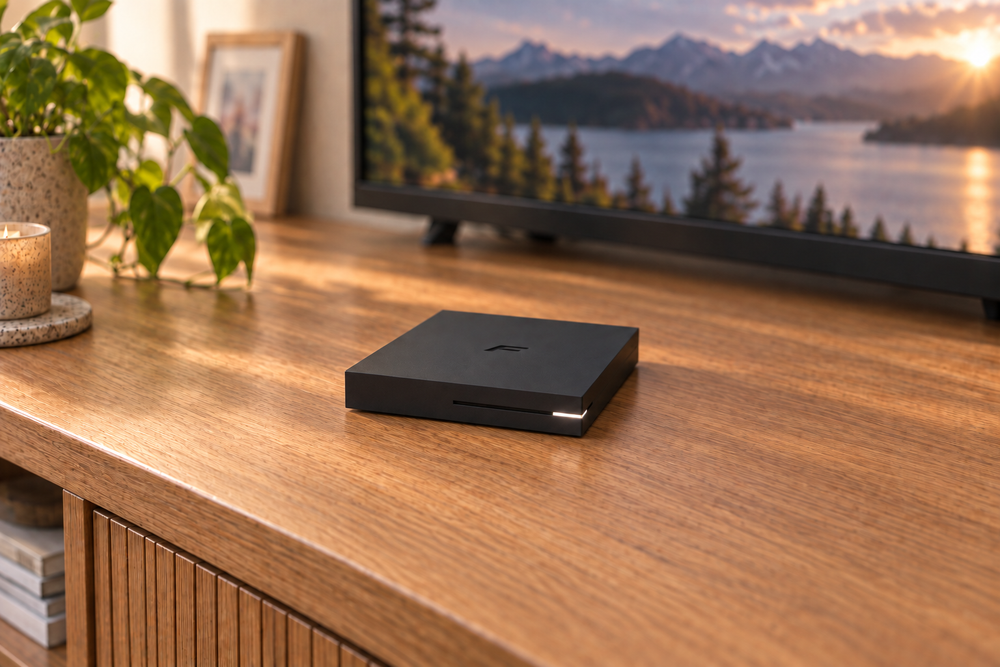
Start with your viewing service, then check the network connection, recording storage and remote in the bundle.
The Formuler Z10 is a compact Android media box with a fairly specific appeal: it puts a remote-controlled viewing interface on your television, including Formuler’s MYTVOnline2 software. It is not a television subscription, and its 4K capability does not mean every app will deliver 4K video.
That distinction is the place to start. If you already have a compatible service you are entitled to use, the Z10 may offer a useful way to watch it. If you are looking for a box that supplies channels by itself, this is not that purchase.
This guide covers the standard Z10 with 2GB of RAM and 8GB of storage, not the similarly named SE, Pro or Pro Max versions.
The Z10’s hardware, in plain terms
The Z10 runs Android 10 and MYTVOnline2, with 2GB of RAM, 8GB of storage, dual-band Wi-Fi, 100 Mbps Ethernet, Bluetooth 5.0 and a USB 3.0 port. The box measures 94 × 94 × 16.5 mm and supports video decoding up to 4K at 60 frames per second. Formuler Z10 specifications.
The practical picture is a small, remote-first device for the television. It is not a large local media library, a gaming PC, or a promise of universal streaming-app support. The hardware sets the limits; your service and app compatibility determine much of what you can actually watch.

Confirm the service before buying the box
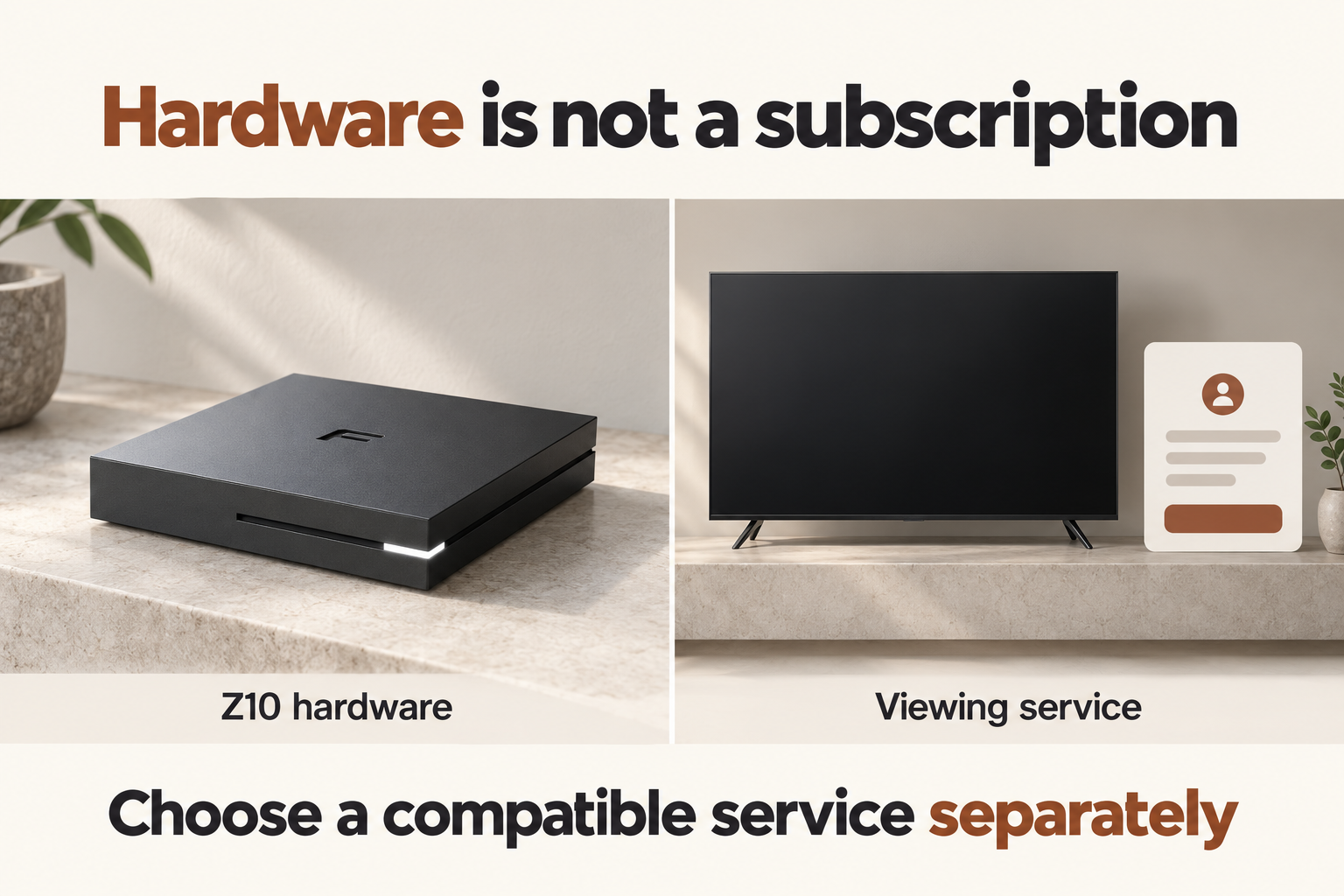
The Z10 is a hardware purchase: television subscriptions and media content are separate. Login details and any required connection information come from your service provider. Service connection guide.
Before ordering, ask the provider whether it supports the standard Z10 and MYTVOnline2. Check the features you actually want: live channels, an electronic programme guide, catch-up viewing or access to an on-demand library. Do not assume that because the player has a feature, your subscription supplies the content or permissions needed to use it.
If your main reason for buying is a particular mainstream streaming app, verify that app’s current support and playback resolution on this exact device. Being able to install an Android app is not the same thing as having a television-friendly interface or service-certified 4K playback.
Only connect subscriptions and media you are authorised to access. Compatibility with a service does not grant access to its paid channels without the appropriate subscription.
What MYTVOnline2 adds
MYTVOnline2 is the Z10’s viewing software. Its attraction is a television-style interface designed around a remote, rather than navigating everything as if the TV were a large phone.
Whether that is useful depends on the service connected to it. Before purchasing, decide which everyday actions matter most: opening a programme guide, finding a channel, returning to a favourite or accessing available catch-up programmes. Ask about those actions specifically. A long feature list is less useful than knowing the few things you do every evening will work with your account.
“5G” here means Wi-Fi, not a mobile connection
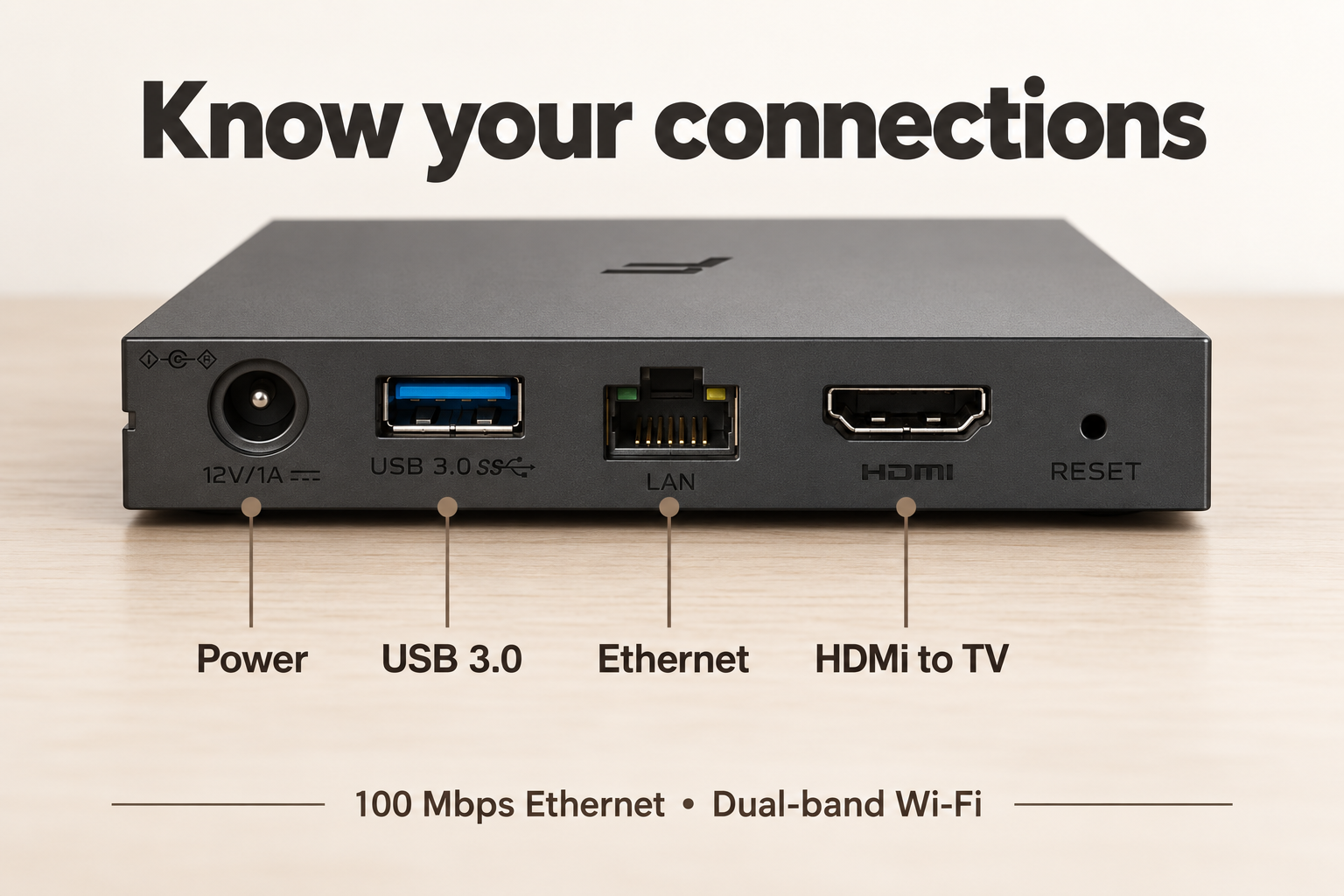
The Z10 supports dual-band Wi-Fi. Here, 5 GHz refers to a Wi-Fi frequency, not a cellular connection or a mobile-data plan. For a wired connection, it has a 100 Mbps Ethernet port. Network specifications.
The Ethernet port is not gigabit. That does not automatically make it unsuitable for streamed video, but it is a limitation worth knowing if you expect to play very high-bitrate files across a home network.
Choose the connection based on the room. A cable can be a straightforward option if the router is nearby or the room is already wired. Wi-Fi avoids running that cable, but actual results depend on distance, walls, interference and the router. Neither connection choice can guarantee buffer-free viewing when the service itself or the internet connection is struggling.
Test the intended service in the actual TV location. A short, low-resolution clip is not a meaningful substitute for the kind of programme you plan to watch, at the times you normally watch it.
Small enough to hide, but do not bury it
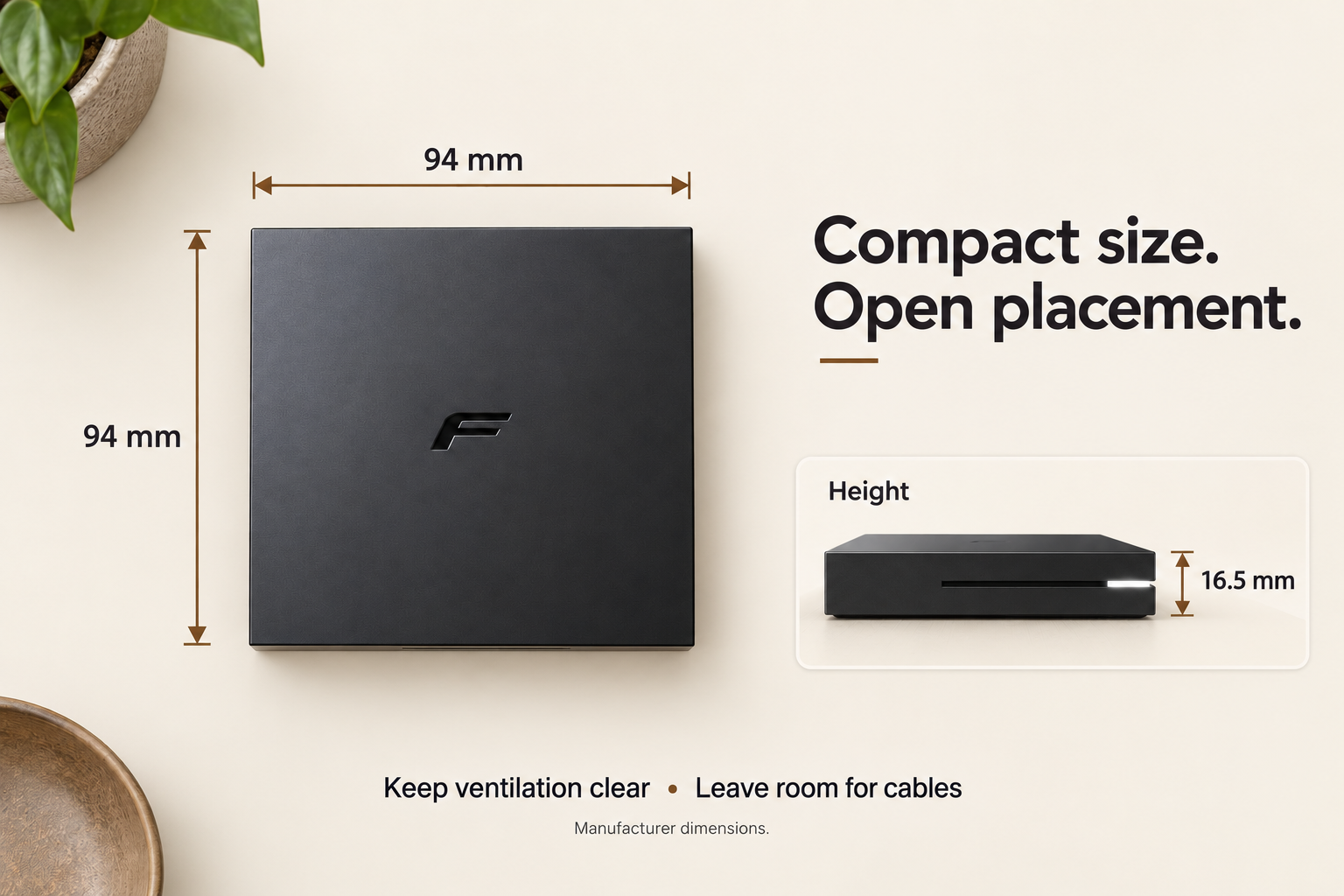
At 94 mm square, the Z10 takes up little surface space. That is helpful on a crowded media console, but it is not a reason to sandwich it between other electronics or push it into a bundle of cables.
Choose a stable surface with ventilation around the device. Leave access to the USB port if you plan to attach storage, and route the HDMI and power cables without tight bends or tension. The open space shown in the illustration is a placement suggestion, not a manufacturer-specified clearance measurement.
The remote also affects placement. If you intend to put the box inside a closed cabinet, confirm how you will control it before committing to that arrangement.
The 8GB of storage is not a recording library
The internal storage figure is easy to overlook. Some of that capacity is used by the system and apps, so the advertised 8GB should not be treated as an empty drive for programmes and films.
Recording in MYTVOnline2 requires external USB storage. Recording availability still depends on the content, connection and permissions involved; storage alone does not make every stream recordable. Scheduled-recording guide.
If recording matters to you, decide where the drive will sit and how it will connect. The Z10 has one USB port, so consider what else you might want to plug in. Before formatting a drive for use, back up anything important already on it. Avoid choosing capacity from a blanket “hours of recording” promise: different video bitrates use different amounts of space.
Check the remote supplied with your order
Check which remote your seller includes. Formuler’s IR1 learning remote has a number pad and navigation controls; a voice remote is not something to assume comes with every bundle.
For a shared living-room television, the remote can matter as much as the box. Numeric buttons may be useful for channel-led viewing; they are less important if you spend most of your time browsing app thumbnails. The IR1 is an infrared remote, so arrange the box for a usable signal path rather than relying on control through a closed cabinet door.
Bundle contents can change between sellers. Confirm the remote and supplied accessories before ordering, especially if a particular control or connection matters to your setup.
Watch: the standard Z10 up close
GroupeMedia SA swiss walks through the standard Formuler Z10, from the box and connections to its software. The video covers the 2GB RAM and 8GB storage model discussed here, not the Pro or Pro Max.
A sensible first-evening setup
Start with the essentials: connect the box to the TV and power, establish the network connection, and check for available system updates. Then set up one authorised service and test it before adding a collection of apps.
Check picture and sound on your own television, not just whether the home screen appears. Try the remote from the sofa. If you need a programme guide, favourites or recording, test those while there is still time to return the device if it does not meet your requirements.
Because this is an Android 10 model, ask about current app compatibility and ongoing software support before buying it today. An older Android version is not proof that the device cannot do your job, but it is a reason to verify the job rather than relying on launch-era claims. Confirm how long updates will remain available before relying on it as a long-term purchase.
Who should consider the Formuler Z10?
The Z10 is worth considering when you want MYTVOnline2, have confirmed a compatible authorised service, and are comfortable setting up a dedicated media box. Its small footprint and conventional remote suit a television-led routine.
It is a weaker fit if you want subscriptions included, guaranteed 4K playback from every mainstream app, gigabit Ethernet or substantial built-in recording storage. Those expectations are not supported by this model’s specifications.
The decision is less “Can this box do 4K?” and more “Will it run the service I use, with the remote and features I need?” Settle that first, then compare the current price and the exact bundle.

Sign up or sign in to join the conversation.