
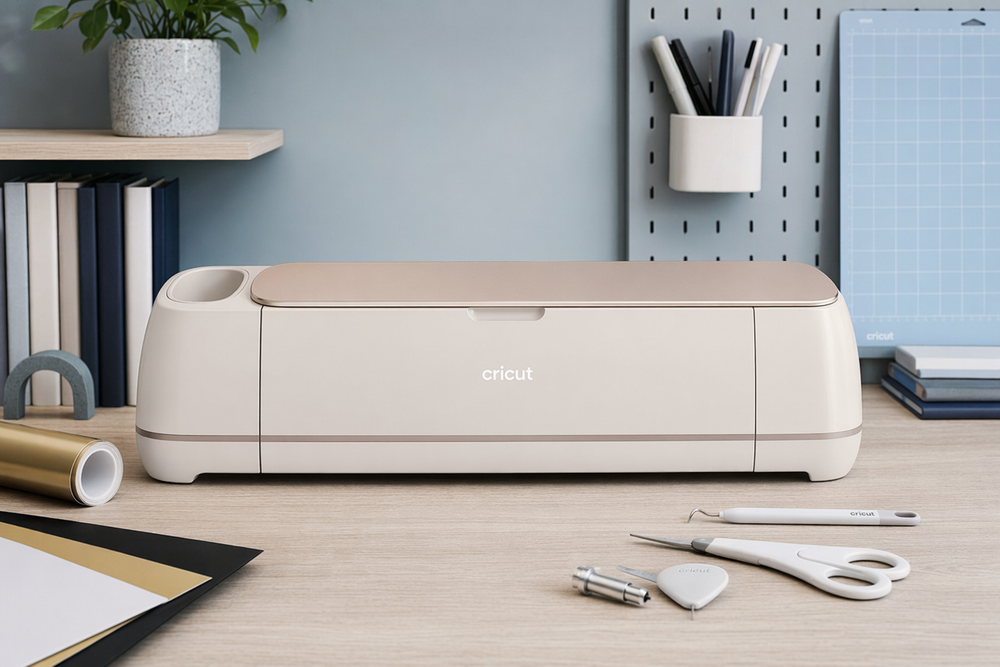
There is a particular kind of frustration that only shows up when you are halfway through a handmade gift and realize your scissors have betrayed you again. Vinyl lifting at the corners. Fabric edges that look chewed instead of cut. A stencil that was fine in your head and sloppy on the table. Fo...
There is a particular kind of frustration that only shows up when you are halfway through a handmade gift and realize your scissors have betrayed you again. Vinyl lifting at the corners. Fabric edges that look chewed instead of cut. A stencil that was fine in your head and sloppy on the table. For years, the honest answer was practice, patience, and very good tools — or paying someone else to cut it for you.
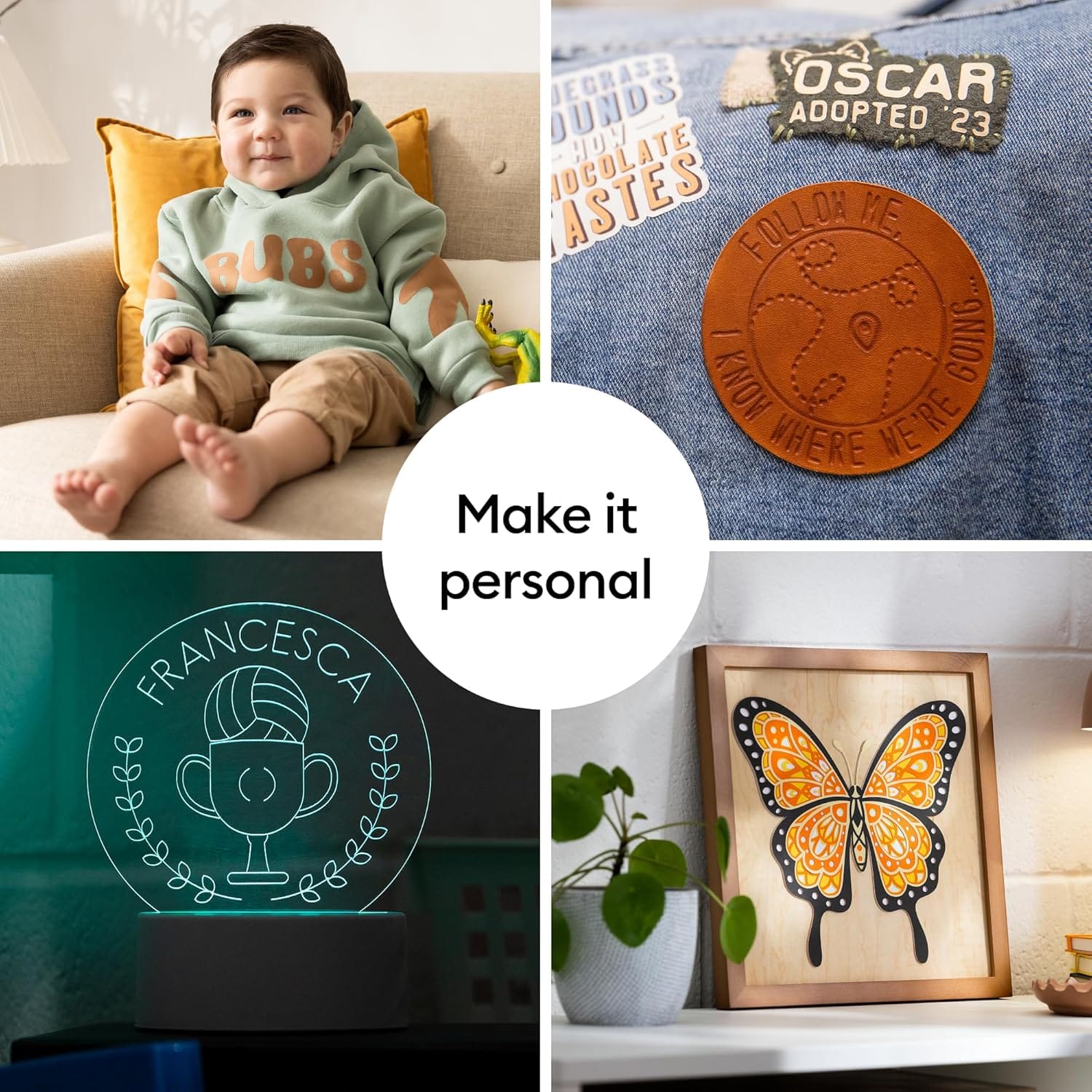
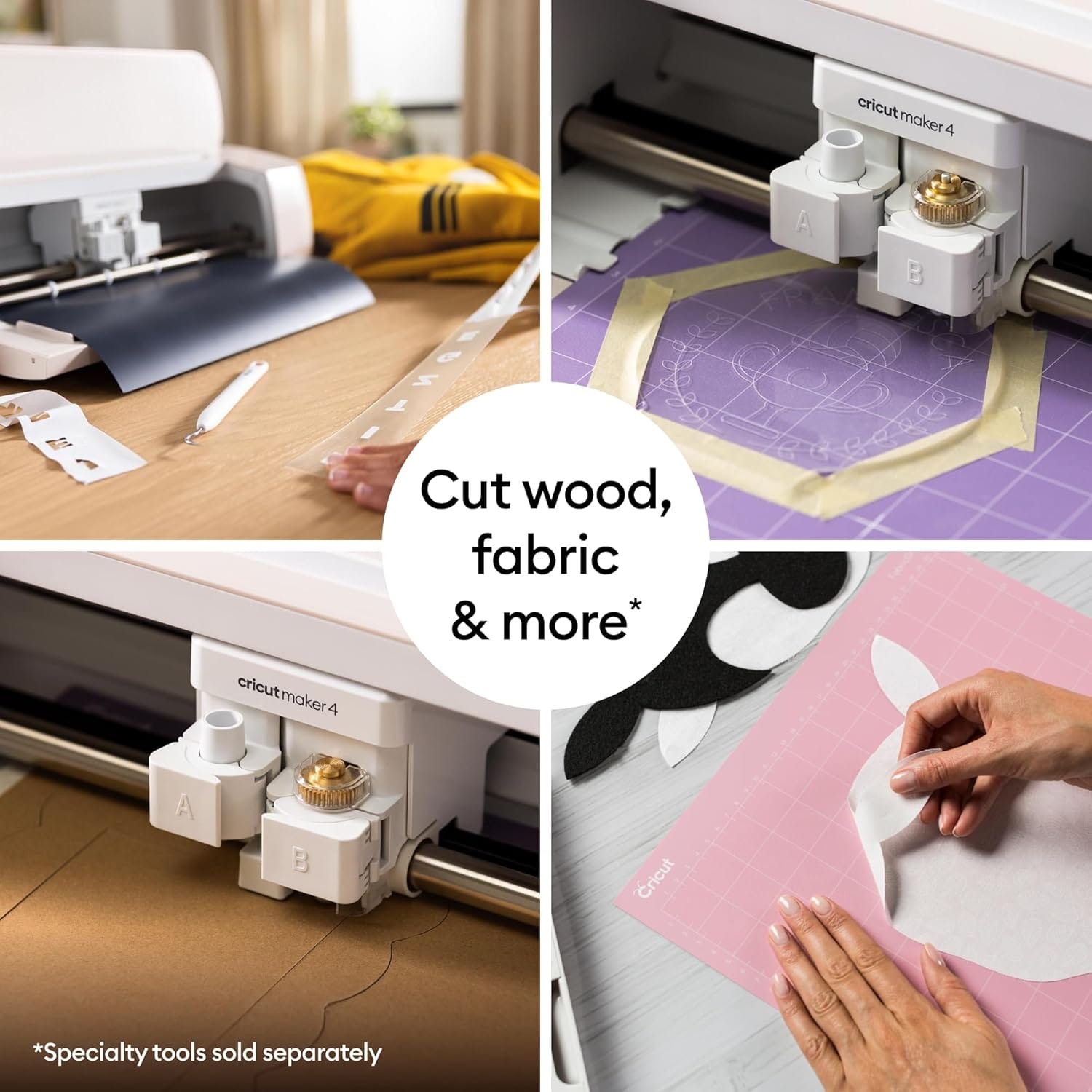
The Cricut Maker 4 is Cricut's bet that one machine on your desk can replace a drawer full of blades, mats, and guesswork. It cuts, scores, debosses, and engraves across hundreds of materials — from everyday vinyl and cardstock to fabric, leather, and thin wood — with more force and speed than the hobby machines most people start with. That breadth is the whole story, and it is also where the real costs hide: materials, optional tools, and the Design Space ecosystem that quietly shapes how much freedom you actually have.

The snapshot
| Cricut Maker 4 | |
|---|---|
| What it is | Smart desktop cutting machine with Adaptive Tool System |
| Materials | 300+ — vinyl, HTV, cardstock, fabric, leather, balsa, thin metal, and more |
| Cutting force | Up to 4,000 gf (4 kg) — enough for unbacked fabric and thicker stock |
| Speed vs Maker 3 | Up to 2× faster on mat cuts; faster still with Smart Materials |
| Max cut area | ~29 cm × 29 cm on a mat; long rolls matless with Smart Materials |
| Software | Cricut Design Space (free tier + optional Cricut Access subscription) |
| Connectivity | Bluetooth + USB-C |
| Real price (CAD) | ~$440–490 for the machine; budget $600–900+ all-in for tools and materials |
What buyers on Amazon are saying
The Maker 4 sits around 4.5 stars on Amazon.ca with a growing pile of Canadian reviews — enough volume that the patterns are meaningful, not just launch-week noise. Amazon's review summary clusters buyer feedback into themes that line up with what long-term crafters actually feel once the unboxing high wears off.
Cut quality and versatility dominate the positive side. A large share of buyers describe precise cuts, clean scores, and a machine that feels like a genuine step up from entry-level Cricuts or hand cutting. People making stickers, iron-on shirts, custom labels, and fabric projects repeatedly mention that the Maker 4 "just works" once Design Space is configured — and that the speed upgrade over older Maker models is noticeable on batch projects like wedding favours or holiday decor.
Ease of setup and software show up as a split story. Many first-time Cricut owners praise Design Space as approachable, with templates and tutorials that flatten the learning curve. French-speaking Canadian buyers often note the app works well in both languages. The friction: a minority report painful first-cut experiences — often traced to wrong material settings, insufficient pressure, or a genuinely defective first unit rather than user error. Several of those buyers credit Amazon's replacement process over Cricut's own support when a machine arrived DOA.
The recurring complaints fall into three buckets:
- The ecosystem tax — Buyers who expected a one-time purchase discover that blades, mats, specialty tools, and branded Smart Materials add up fast. Cricut Access marketing inside Design Space frustrates people who feel nudged toward a ~$140/year subscription for fonts and images they assumed would be included.
- Defective units and support friction — Most machines run fine, but enough buyers report first units that would not cut through basic vinyl despite correct settings. Cricut support sometimes gets described as slow or quick to blame the user before acknowledging a hardware fault.
- Upgrade math for Maker 3 owners — Existing Maker 3 users often say the Maker 4 is faster but not different enough to justify replacing a working machine. New buyers at the same price tier see it differently — they get the speed bump and a grip mat in the box.
Smaller notes: the machine is heavy (~7 kg), so it is not a portable craft fair tool; mat care matters more than marketing suggests; and third-party vinyl often works beautifully if you dial in custom pressure settings.
None of this replaces sitting down with your own project in mind, but it is the honest shape of owner opinion: people who planned for materials and learning time tend to love it; people who wanted a plug-and-print appliance tend to feel nickel-and-dimed.
What it's actually trying to do
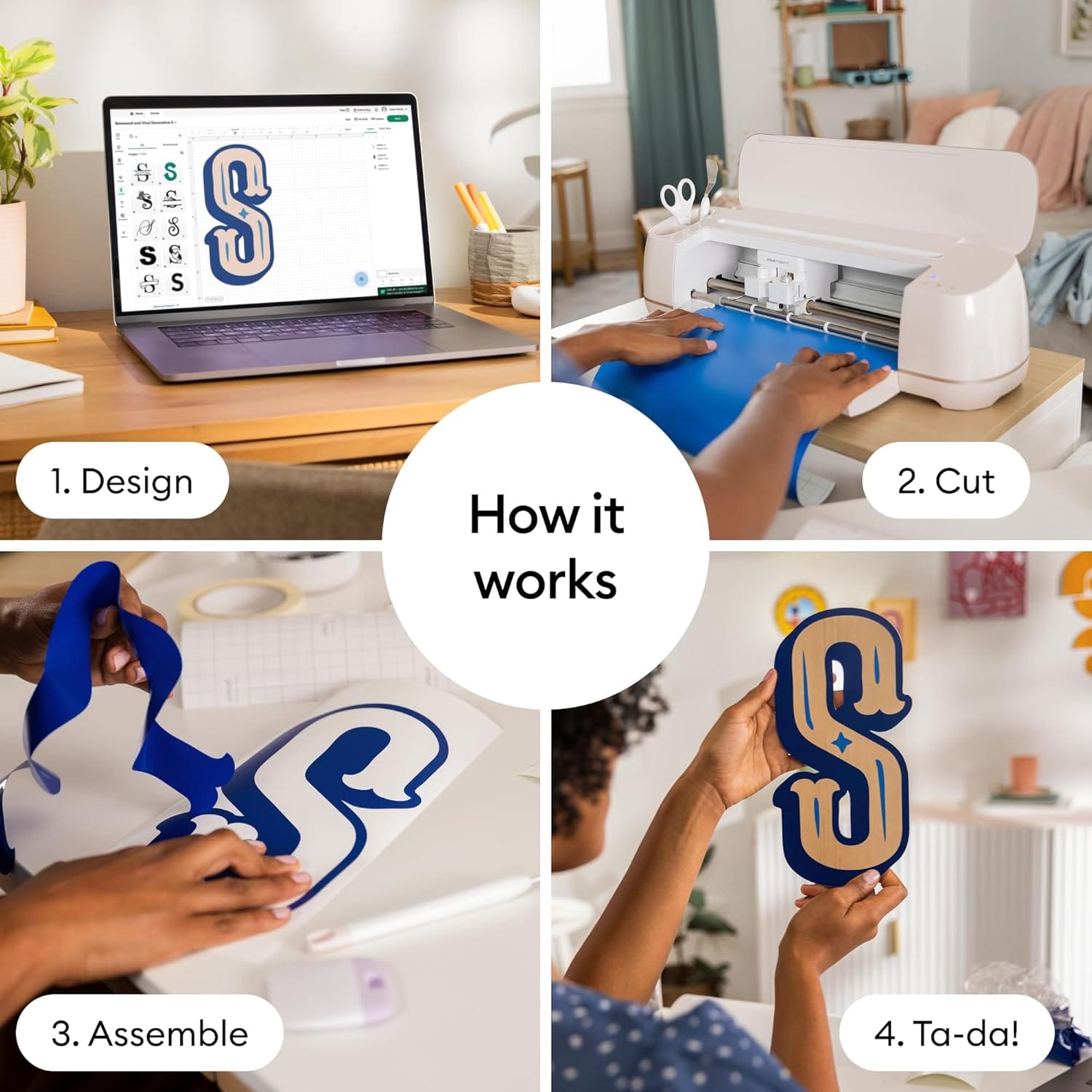
A cutting machine's job sounds simple — follow a path with a blade — but precision at home scale is surprisingly hard. Materials stretch, blades dull, and pressure that works on matte vinyl destroys glitter HTV. Cricut's Maker line solves this with an adaptive tool carriage that measures how much force each tool needs and adjusts in real time, up to roughly four kilograms of downforce.
That force number is not marketing trivia. It is what lets the Maker cut unbacked fabric with a rotary blade, slice through chipboard for 3D papercraft, and handle leather or balsa without the material shifting mid-cut. Explore-class machines can do stickers and light vinyl beautifully; the Maker exists for people whose project list includes words like "quilt," "emboss," and "engrave."
The Maker 4's meaningful engineering change over the Maker 3 is speed — roughly twice as fast on standard mat cuts, with even higher throughput on Cricut's matless Smart Materials. The body, tool compatibility, and force rating are essentially the same. Cricut is selling you time back on repetitive cuts, not a new category of making.
Speed: what "2× faster" actually means in your craft room
Faster cutting matters most when you are production-minded — a stack of identical wedding invites, a run of market stickers, team jerseys for a kids' league. On a one-off birthday card, you will not feel the difference. On forty identical cuts, you absolutely will.
The speed gain comes from faster axis movement and acceleration, not from the blade suddenly becoming sharper. You still need to load mats carefully, weed vinyl patiently, and wait for the machine to finish. What shrinks is the dead time staring at the carriage while it shuttles back and forth.
Smart Materials — Cricut's branded rolls and sheets designed for matless feeding — unlock the Maker 4's highest advertised speeds. They also cost more per square foot than bulk vinyl from a sign shop. The honest trade: pay a convenience premium for long, continuous cuts, or save money with third-party vinyl on a mat and accept slightly slower throughput.
Design Space: free enough to start, expensive to stop noticing
Design Space is the air the Maker breathes. You can absolutely create and cut without paying Cricut Access — draw your own shapes, upload SVG files, buy designs elsewhere. Many experienced makers never subscribe.
But the free tier's built-in library is thin enough that beginners hit a paywall feeling quickly. Premium fonts, curated project templates, and licensed images sit behind Cricut Access at roughly $14/month or $140/year CAD. Design Space will remind you. Often.
That subscription is not required for the machine to function. Treat it like optional software, not part of the purchase price — unless you know you want Cricut's project catalogue and do not want to hunt designs on Etsy. Factor it honestly: a $490 machine plus $140/year is a different hobby budget than a $490 machine alone.
The hidden shopping list nobody puts on the box
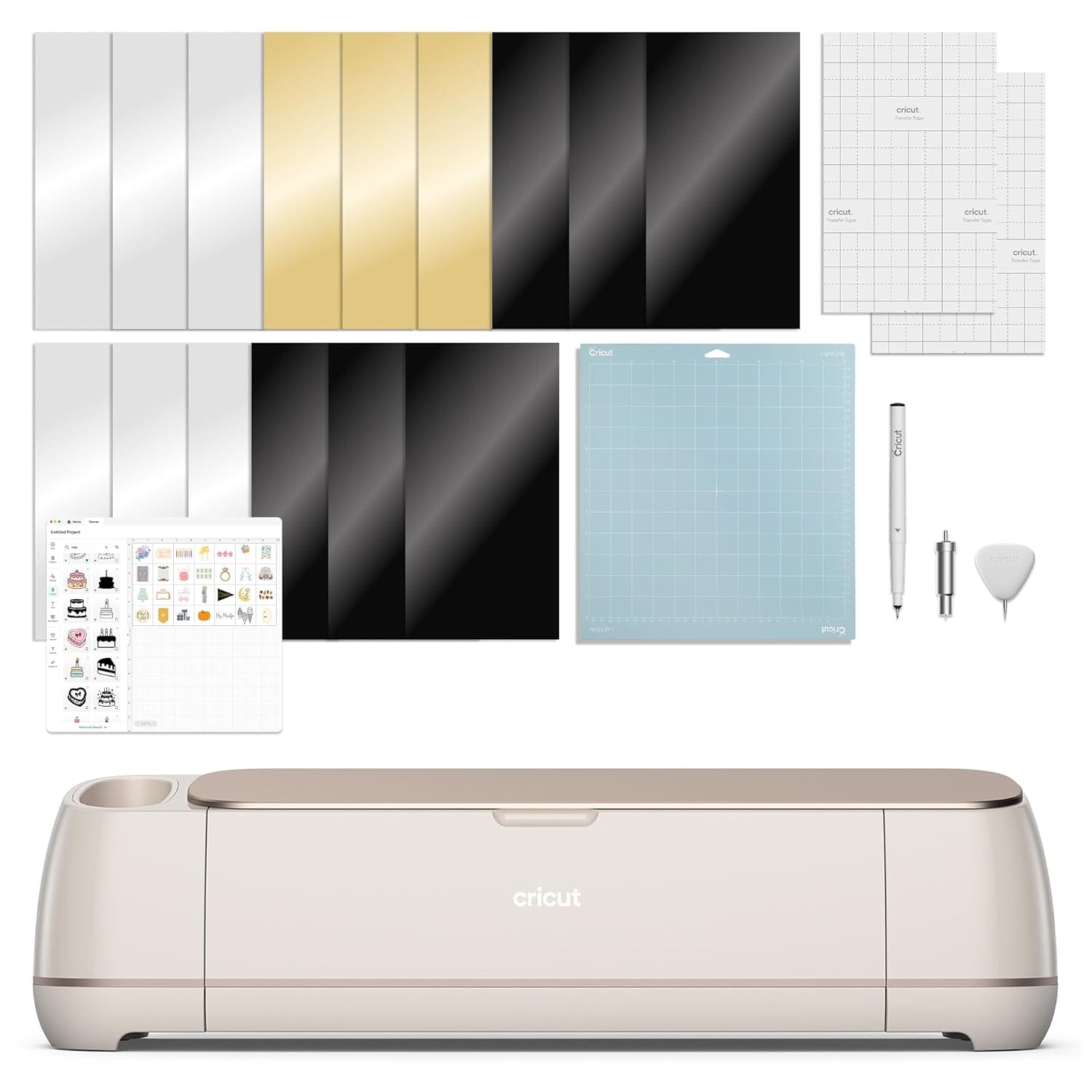
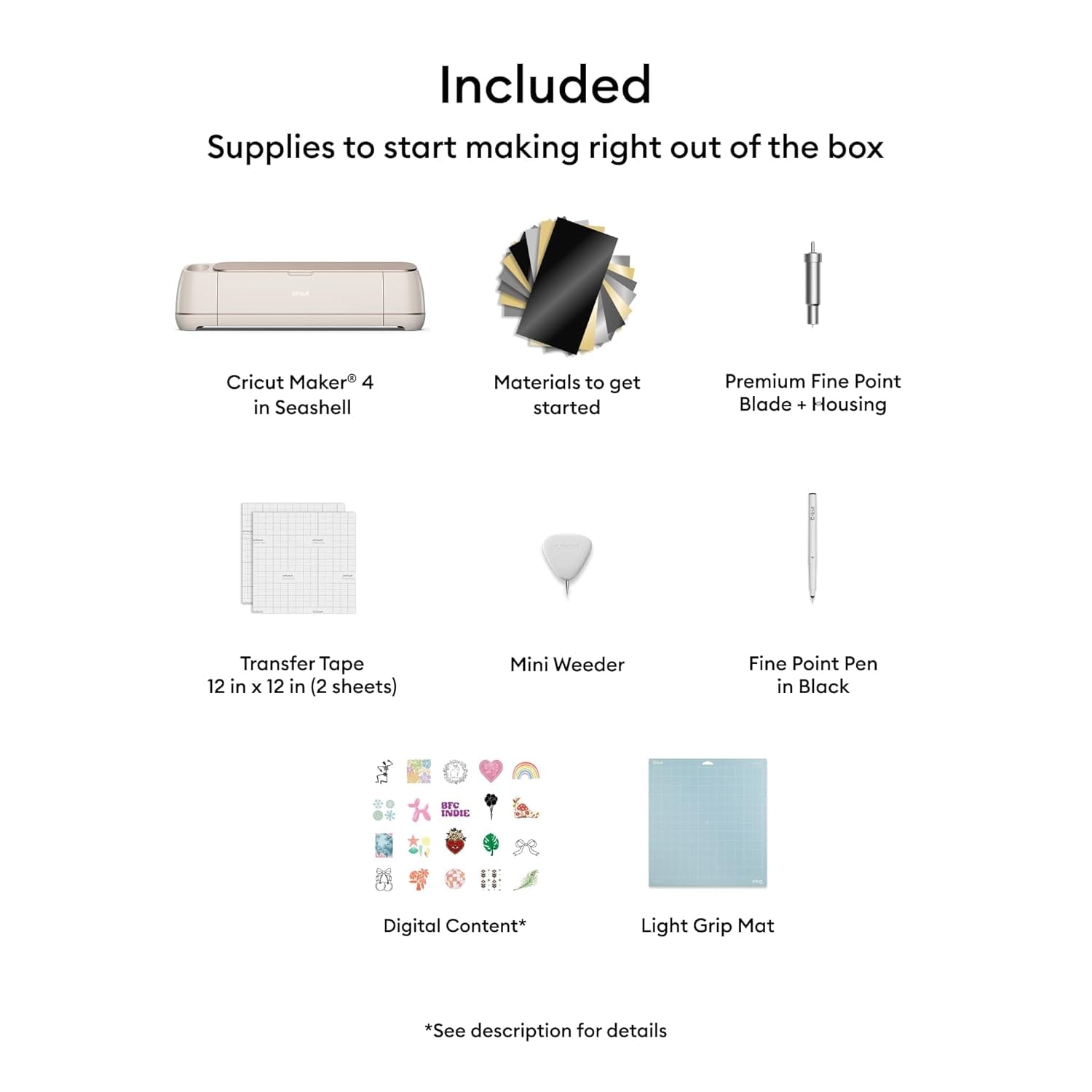
The Maker 4 box includes the machine and some digital content, and recent bundles include a grip mat — a welcome change from earlier listings. It does not include everything most projects need:
- Cutting mats wear out and lose stick; budget replacements.
- Blades differ by material — fine-point for vinyl, deep-cut for thicker stock, rotary for fabric.
- Tools like the scoring wheel, debossing tip, or engraving tip are separate purchases for those techniques.
- Materials — vinyl, HTV, cardstock, transfer tape — are ongoing consumables.
A realistic first-year budget for someone who catches the bug is often $150–400 beyond the machine, depending on whether you stick to paper crafts or dive into fabric and wood. That is not a flaw; it is the nature of a tool platform. Just do not compare a $490 Maker to a $30 craft knife and wonder why the spreadsheet hurts.
What it gets genuinely right
Strip away the subscription nags and there is a lot here that earns its reputation:
- Material range — Few home machines match this breadth without jumping to commercial plotters.
- Cut precision — When settings are dialed in, edges are clean enough for selling finished goods.
- Speed on batch work — The Maker 4 genuinely reduces wait time versus Maker 3 and Explore machines.
- Tool ecosystem — Rotary cutting, engraving, and debossing on one carriage is rare at this price.
- Community — Years of YouTube tutorials, Facebook groups, and Canadian maker markets mean you are never solving problems alone.
- Build quality — Buyers consistently describe it as solid and durable for daily desk use.
Who should buy it — and who really shouldn't
This is your machine if you're:
- A maker who outgrew scissors and an Explore — especially for fabric, thick materials, or multi-technique projects
- Someone starting fresh who can get Maker 4 at the same price as a used Maker 3
- Running small-batch products — stickers, signs, custom apparel — where cut speed matters
- A quilter, sewist, or papercrafter who needs rotary cutting without a separate fabric plotter
- Willing to learn Design Space and experiment with pressure settings
Walk away if you're:
- Happy with a working Maker 3 — the upgrade is speed, not capability
- Only making occasional single-colour vinyl decals — an Explore or Joy Xtra costs far less
- Unwilling to budget for mats, blades, and materials beyond the machine
- Expecting zero upsell inside the software
- Needing a portable machine for on-site events — this is a stay-at-home workshop tool
The decision, in three honest questions
- Will my projects ever need fabric, thick stock, or specialty tools? If yes, the Maker line earns its price over Explore machines. If your list is vinyl decals only, you are overbuying.
- Am I buying new, or upgrading? New buyers at current Canadian pricing get a strong package. Maker 3 owners should only jump if batch speed is costing them real time.
- Have I budgeted for the ecosystem, not just the box? If $490 is your entire craft budget for the year, the Maker will feel expensive every time you need a fresh mat. If you can spend on materials and maybe skip Access by sourcing designs elsewhere, it opens up.
A few questions worth answering
Is the Maker 4 worth it if I already own a Maker 3?
For most people, no. The Maker 4 is faster, not more capable. If your Maker 3 still cuts cleanly and you are not waiting impatiently on long jobs, keep it and spend the money on materials or tools instead.
Do I need Cricut Access?
No — but beginners often want it for templates and fonts. You can upload your own designs, buy SVGs elsewhere, and never subscribe. Access is convenience, not a requirement.
Can I use non-Cricut vinyl and mats?
Yes, extensively. Third-party vinyl is how most experienced makers keep costs sane. You will tweak pressure and blade settings, but the machine does not lock you to Cricut-branded media.
What if my first unit will not cut properly?
It happens often enough that Amazon.ca reviews mention it. Try Cricut's pressure troubleshooting first, but if a fresh blade and correct settings still fail on basic vinyl, exchange the unit rather than fighting a defective carriage for weeks.
What does it really cost in Canada, all-in?
The machine itself runs roughly $440–490 CAD on Amazon.ca depending on colour and promotions. Plan $600–900+ for a sensible first year once you account for mats, blades, vinyl, and tools for the projects you actually intend to make.
Looking for buyer guides that tell you the trade-offs, not just the highlights? More honest, Canadian-focused gadget coverage lives at celmin.ca.
Discussion
Sign up or sign in to join the conversation.