Category

Monitors

6 articles

Best Portable Monitor for MacBook in 2026: Extend Your Screen Without the Hassle
Smart Home

Best Portable Monitor for MacBook in 2026: Extend Your Screen Without the Hassle

MacBooks have beautiful displays. They also have one screen. If you've ever tried to work on a 13" or 14" MacBook with a dozen tabs, a Slack window, and a design tool open simultaneously, you know the pain. A portable monitor gives you that second screen anywhere—coffee shops in Vancouver, co-wor...

Emma Rodriguez Emma Rodriguez ·
Best Portable Monitor for Laptop in 2026: Dual Screens Anywhere
Smart Home

Best Portable Monitor for Laptop in 2026: Dual Screens Anywhere

A second screen makes you more productive—studies show a 20-30% increase in productivity with dual monitors. A portable monitor gives you that second screen anywhere your laptop goes. Coffee shops, co-working spaces, hotel rooms, or your kitchen table.

Emma Rodriguez Emma Rodriguez ·
Best Portable Gaming Monitor in 2026: High Refresh Rates You Can Take Anywhere
Smart Home

Best Portable Gaming Monitor in 2026: High Refresh Rates You Can Take Anywhere

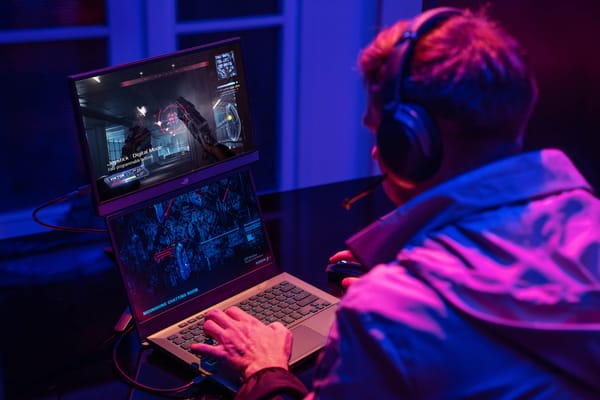
Gaming on a laptop screen is fine. Gaming on a 15.6" or 16" portable monitor with a 165 Hz refresh rate and 3 ms response time? That's a different experience entirely. Portable gaming monitors have gone from a niche curiosity to a legitimate category, and the options in 2026 are genuinely impress...

Emma Rodriguez Emma Rodriguez ·
Best Smart Doorbell Camera with Monitor in 2026: See Who's at the Door Without Your Phone
Smart Home

Best Smart Doorbell Camera with Monitor in 2026: See Who's at the Door Without Your Phone

Most smart doorbells require your phone to see who's at the door. That works fine when your phone is in your pocket—but what about when it's charging upstairs, or when your elderly parents don't use smartphones? A doorbell camera with a dedicated indoor monitor solves this. Press the doorbell, th...

Emma Rodriguez Emma Rodriguez ·
Best Thunderbolt 4 Dock for MacBook Pro in 2026: One Cable to Rule Them All
Smart Home

Best Thunderbolt 4 Dock for MacBook Pro in 2026: One Cable to Rule Them All

A Thunderbolt 4 dock turns your MacBook Pro into a desktop workstation with a single cable. Plug in one Thunderbolt cable and you get: dual monitors, ethernet, USB-A ports for peripherals, SD card reader, audio jack, and up to 96W of charging power. Unplug that one cable and you're mobile again.

Emma Rodriguez Emma Rodriguez ·
Best USB-C Monitor for MacBook in 2026: One Cable for Video, Power, and Data
Smart Home

Best USB-C Monitor for MacBook in 2026: One Cable for Video, Power, and Data

USB-C monitors are the cleanest way to connect a MacBook to an external display. One cable handles video output, charges your MacBook, and connects USB peripherals through the monitor's hub. No dongles, no adapters, no cable mess.

Emma Rodriguez Emma Rodriguez ·