

How to Clean AirPods: Keep Your Earbuds Hygienic and Sounding Great
Earwax, skin oils, pocket lint, and general grime accumulate in every crevice. Beyond the ick factor, dirty AirPods sound worse—blocked speaker meshes...

Earwax, skin oils, pocket lint, and general grime accumulate in every crevice. Beyond the ick factor, dirty AirPods sound worse—blocked speaker meshes...

Apple's ecosystem is designed to work together seamlessly. Your iPhone and MacBook can share files, calls, messages, clipboards, and more—often without any...

Screenshots are essential for work, troubleshooting, and sharing. Mac offers multiple ways to capture your screen—from quick keyboard shortcuts to advanced...

Screen recording on iPhone is built right in—no apps needed. Whether you're creating tutorials, saving video calls, documenting bugs, or capturing gameplay,...

A factory reset wipes your iPhone completely—apps, photos, settings, everything. It returns the device to the same state it was in when it left the factory.

The MacBook Air and MacBook Pro have never been closer in capability—and never more different in purpose. Apple's M-series chips transformed the Air from a...

Your Mac stores temporary files called cache to speed up apps and websites. Over time, this cache grows—sometimes to tens of gigabytes—taking up valuable...

Modern laptops are thin, light, and frustratingly port-limited. That sleek MacBook Air? Two USB-C ports. Your Dell XPS? Same story. When you need to connect...
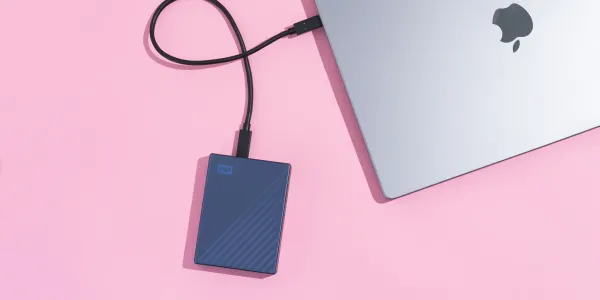
Your laptop's internal storage fills up faster than you'd expect. Photos, videos, work files, games—suddenly that 256GB or even 512GB drive is gasping for...

There's a moment when you transfer a 50GB video project to an external drive and watch the progress bar crawl for 20 minutes. Then you try a portable SSD...
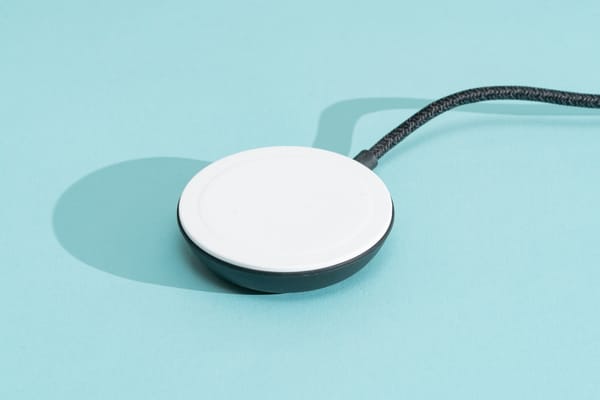
Fumbling with cables in the dark, wearing out charging ports, hunting for the right cord—wireless charging eliminates all of it. Just drop your phone on a...

That 5% battery warning hits different when you're nowhere near an outlet. Your phone becomes a ticking clock, and suddenly every app feels like a gamble.