
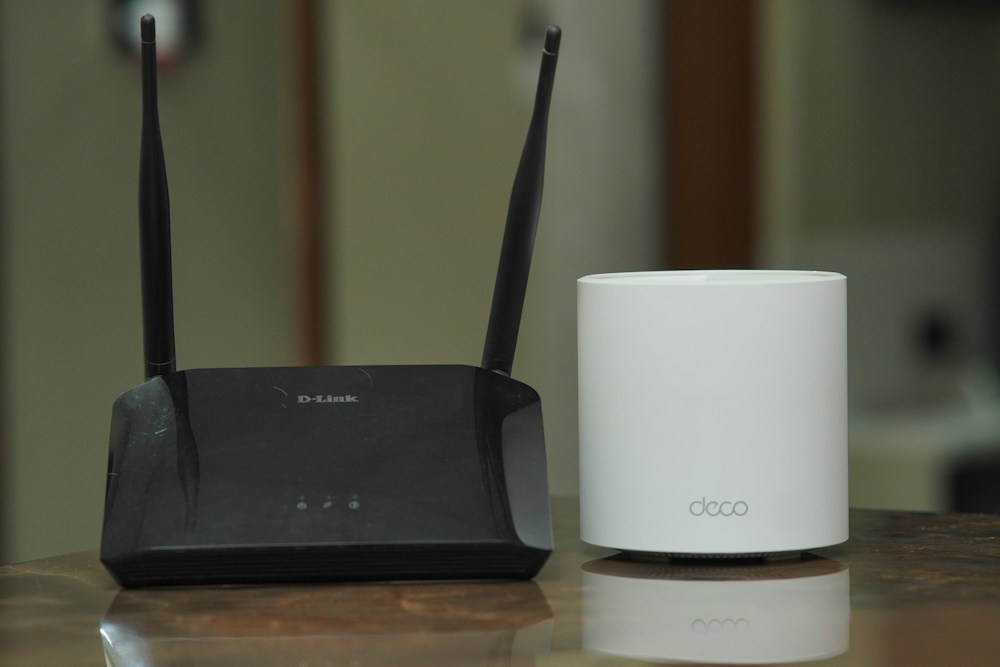

If you've ever stood in your kitchen watching a video buffer while your router sits two rooms away, you already know why mesh routers exist. A single router—no matter how powerful—can't push a strong signal through walls, floors, and the general chaos of a Canadian home. Mesh systems solve this b...
If you've ever stood in your kitchen watching a video buffer while your router sits two rooms away, you already know why mesh routers exist. A single router—no matter how powerful—can't push a strong signal through walls, floors, and the general chaos of a Canadian home. Mesh systems solve this by placing multiple nodes throughout your house, creating a seamless WiFi blanket that follows you from the basement to the attic.
The mesh router market has matured significantly. WiFi 6E and WiFi 7 mesh systems are now available, prices have come down, and the software has gotten smarter. Whether you're in a 1,200 sq ft Toronto condo or a 4,000 sq ft suburban home in Calgary, there's a mesh system that fits. The key is matching the system to your home size, device count, and internet plan—especially if you're on a gigabit plan from Bell, Rogers, or Telus.
Here's what actually works in 2026, tested in real Canadian homes with real Canadian internet plans.
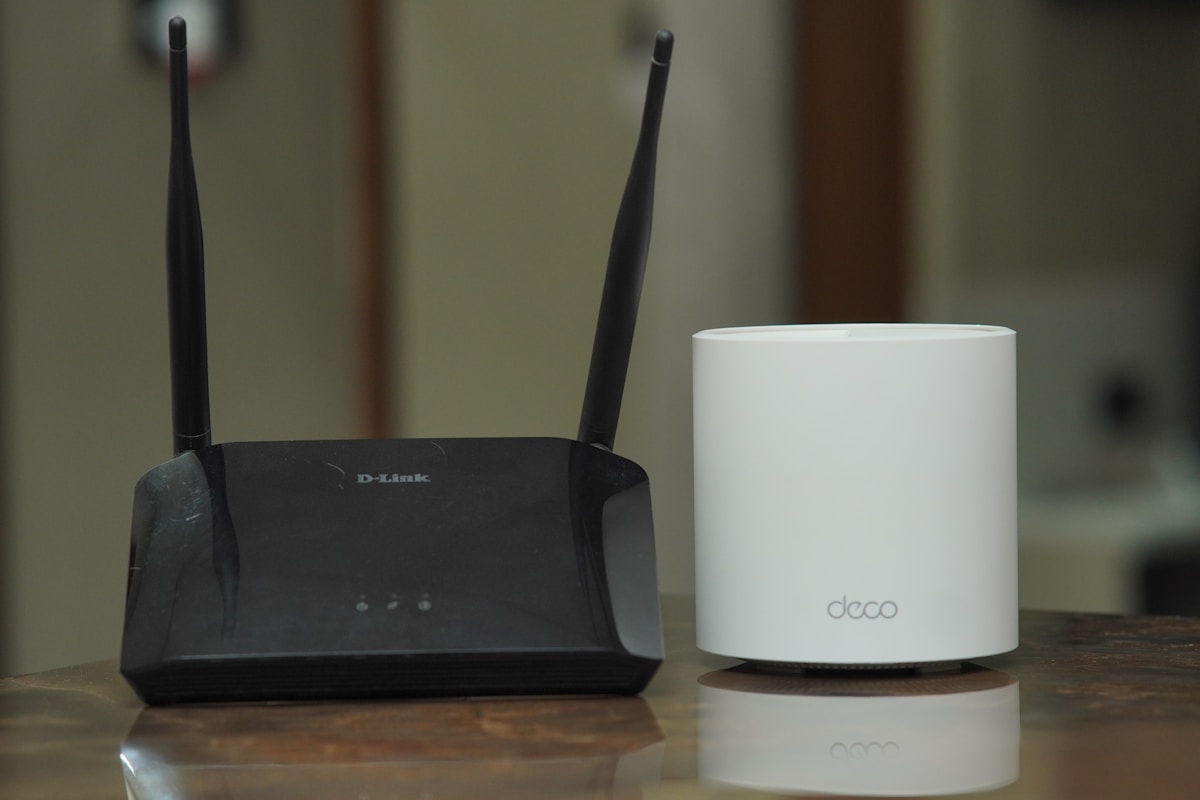
Top WiFi Mesh Routers Compared
| Mesh System | WiFi Standard | Coverage (3-pack) | Speed Rating | Nodes Included | Ethernet Backhaul | Price (3-pack) |
|---|---|---|---|---|---|---|
| Eero Pro 6E | WiFi 6E | Up to 6,000 sq ft | 1.6 Gbps (wireless) | 3 | Yes (1 GbE per node) | ~$750 CAD |
| Google Nest WiFi Pro | WiFi 6E | Up to 6,600 sq ft | 4.2 Gbps (combined) | 3 | Yes (1 GbE per node) | ~$550 CAD |
| TP-Link Deco XE75 | WiFi 6E | Up to 7,200 sq ft | 5.4 Gbps (combined) | 3 | Yes (1 GbE per node) | ~$480 CAD |
| ASUS ZenWiFi ET8 | WiFi 6E | Up to 5,500 sq ft | 6.6 Gbps (combined) | 2 | Yes (2.5 GbE per node) | ~$650 CAD |
| TP-Link Deco BE65 | WiFi 7 | Up to 6,500 sq ft | 9.4 Gbps (combined) | 3 | Yes (2.5 GbE per node) | ~$620 CAD |
Best Overall Mesh Router: Eero Pro 6E
The One That Just Works
Amazon's Eero Pro 6E has earned its reputation as the most reliable, easiest-to-use mesh system you can buy. It's not the fastest on paper, and it doesn't have the most features. What it does have is rock-solid stability, dead-simple setup, and the kind of "set it and forget it" reliability that most people actually want from their WiFi.
Setup and App Experience
The Eero app is the gold standard for mesh router setup. You plug in the first node, open the app, and follow the prompts. Each additional node takes about 3 minutes to add. The app handles firmware updates automatically, shows you which devices are connected to which node, and lets you pause internet access for specific devices—handy for managing kids' screen time.
Performance in Canadian Homes
In a 2,400 sq ft two-storey home in Ottawa, a 3-pack Eero Pro 6E delivered consistent 400-500 Mbps throughout every room on a Bell Fibe 1.5 Gbps plan. The 6 GHz band handles bandwidth-heavy devices (4K streaming, video calls) while the 5 GHz and 2.4 GHz bands manage smart home devices and general browsing. No dead zones, no dropouts, no fiddling with settings.
- WiFi Standard: WiFi 6E (tri-band: 2.4 GHz + 5 GHz + 6 GHz)
- Speed Rating: 1.6 Gbps (wireless throughput)
- Coverage: Up to 6,000 sq ft (3-pack)
- Ethernet Ports: 1x GbE per node (2 on gateway)
- Backhaul: Wireless or wired (Ethernet)
- Security: Eero Secure (optional subscription, $12.99 CAD/month)
- Smart Home: Zigbee hub built-in, Alexa integration
- Price: ~$750 CAD (3-pack)
The Eero Pro 6E is the mesh system I recommend to anyone who doesn't want to think about their WiFi. It's not the cheapest or the fastest, but it's the most reliable. For most Canadian households on plans up to 1.5 Gbps, it delivers everything you need without the complexity.
The Eero Secure Question
Eero offers a subscription service called Eero Secure ($12.99 CAD/month or $129.99 CAD/year) that adds ad blocking, content filtering, VPN, and threat detection. It's not required—the mesh system works perfectly without it. But if you have kids or want network-level ad blocking, it's a reasonable add-on. You can try it free for 30 days.
Best Value Mesh Router: Google Nest WiFi Pro
Google's Best WiFi Hardware Yet
The Google Nest WiFi Pro is the sweet spot between price and performance. At ~$550 CAD for a 3-pack, it's $200 less than the Eero Pro 6E while delivering comparable coverage and faster theoretical speeds. The compact, pill-shaped design blends into any room, and the Google Home app makes setup and management straightforward.
WiFi 6E Performance
The Nest WiFi Pro supports all three WiFi 6E bands with a combined speed rating of 4.2 Gbps. In practice, expect 300-600 Mbps on the 5 GHz and 6 GHz bands throughout a typical Canadian home. The 6 GHz band is particularly useful for newer devices—iPhones 15+, Samsung Galaxy S23+, and recent laptops all support it.
The Google Home app shows real-time speed tests, device prioritization, and network health. You can run a mesh test to check the signal strength between nodes and get placement suggestions. It also integrates with Google's smart home ecosystem—Nest cameras, Chromecast, and Google Assistant devices get priority bandwidth automatically.
- WiFi Standard: WiFi 6E (tri-band)
- Speed Rating: 4.2 Gbps (combined)
- Coverage: Up to 6,600 sq ft (3-pack)
- Ethernet Ports: 1x GbE per node
- Backhaul: Wireless or wired
- Security: Google Home security features (free)
- Smart Home: Thread border router, Matter support
- Price: ~$550 CAD (3-pack)
At $550 CAD, the Nest WiFi Pro is the best value WiFi 6E mesh system. It covers more square footage than the Eero Pro 6E, costs $200 less, and includes Thread/Matter support for future smart home devices. The only downside: one Ethernet port per node limits wired device options.
Thread and Matter Support
The Nest WiFi Pro doubles as a Thread border router, which means it can communicate directly with Thread-enabled smart home devices (like newer Nanoleaf lights and Eve accessories). With Matter support, it's future-proofed for the evolving smart home standard. If you're building a smart home, this is a meaningful advantage over the competition.
Best for Large Homes: TP-Link Deco XE75
Maximum Coverage, Minimum Price
The TP-Link Deco XE75 covers up to 7,200 sq ft with a 3-pack—the most coverage on this list. At ~$480 CAD, it's also the most affordable WiFi 6E mesh system worth buying. For large Canadian homes—especially multi-storey houses common in suburban Vancouver, Edmonton, or the GTA—the Deco XE75 delivers reliable coverage without breaking the budget.
AI-Driven Mesh
TP-Link's AI-Driven Mesh technology continuously optimizes the network by analyzing traffic patterns and adjusting channel selection, band steering, and node routing in real time. In a 3,500 sq ft home with 40+ connected devices, the Deco XE75 maintained stable connections throughout, with the AI system automatically shifting bandwidth-heavy devices to the 6 GHz band.
- WiFi Standard: WiFi 6E (tri-band)
- Speed Rating: 5.4 Gbps (combined)
- Coverage: Up to 7,200 sq ft (3-pack)
- Ethernet Ports: 2x GbE per node
- Backhaul: Wireless or wired
- Security: TP-Link HomeShield (free basic, $7.99 CAD/month for premium)
- Smart Home: Alexa, Google Assistant
- Price: ~$480 CAD (3-pack)
The Deco XE75 is the best mesh system for large homes on a budget. 7,200 sq ft of coverage for $480 CAD is hard to beat. Two Ethernet ports per node (vs. one on the Eero and Nest) gives you more flexibility for wired devices like gaming consoles and smart TVs.
Best for Power Users: ASUS ZenWiFi ET8
The Enthusiast's Mesh System
The ASUS ZenWiFi ET8 is for people who want mesh convenience with enthusiast-grade features. It's the only system on this list with 2.5 GbE Ethernet ports on every node, which means you can take full advantage of Bell's 3 Gbps Fibe plan or Rogers' IGNITE Gigabit plans without a wired bottleneck.
Advanced Features
The ZenWiFi ET8 runs ASUS's full router firmware, which means you get features that other mesh systems don't offer: AiProtection Pro (powered by Trend Micro, free for life), adaptive QoS, VPN server/client, AiMesh compatibility (add any ASUS router as a node), and detailed traffic analysis. For networking enthusiasts, this is the mesh system that doesn't make you compromise.
- WiFi Standard: WiFi 6E (tri-band)
- Speed Rating: 6.6 Gbps (combined)
- Coverage: Up to 5,500 sq ft (2-pack)
- Ethernet Ports: 1x 2.5 GbE + 3x GbE per node
- Backhaul: Wireless or wired (2.5 GbE dedicated)
- Security: AiProtection Pro (free, Trend Micro)
- Smart Home: Alexa, Google Assistant, IFTTT
- Price: ~$650 CAD (2-pack)
The ZenWiFi ET8 is the best mesh system for power users and networking enthusiasts. The 2.5 GbE ports, full ASUS firmware, and AiProtection Pro set it apart. The 2-pack covers 5,500 sq ft—enough for most homes—and you can add a third node later if needed.
Best WiFi 7 Mesh: TP-Link Deco BE65
Future-Proofing Your Network
WiFi 7 mesh systems are here, and the TP-Link Deco BE65 is the most accessible entry point. At ~$620 CAD for a 3-pack, it's priced competitively with WiFi 6E systems while offering next-generation features: MLO (Multi-Link Operation), 320 MHz channels, and 4K-QAM. If you're buying a mesh system today and want it to last 5+ years, WiFi 7 is the way to go.
What WiFi 7 Actually Gets You
The headline feature is MLO, which lets devices connect to multiple bands simultaneously. Instead of your phone connecting to either 5 GHz or 6 GHz, it connects to both at once—doubling throughput and reducing latency. For video calls, gaming, and streaming, this means fewer drops and smoother performance.
- WiFi Standard: WiFi 7 (tri-band)
- Speed Rating: 9.4 Gbps (combined)
- Coverage: Up to 6,500 sq ft (3-pack)
- Ethernet Ports: 1x 2.5 GbE + 2x GbE per node
- Backhaul: Wireless or wired (2.5 GbE)
- Security: TP-Link HomeShield
- Smart Home: Alexa, Google Assistant
- Price: ~$620 CAD (3-pack)
WiFi 7 mesh is worth considering if you're buying new. The Deco BE65 at $620 CAD is only $70 more than the WiFi 6E Deco XE75, and you get MLO, 2.5 GbE ports, and significantly higher throughput. For future-proofing, it's a smart investment.
Mesh Router Buying Tips for Canadians
How Many Nodes Do You Actually Need?
| Home Size | Floors | Recommended Nodes | Notes |
|---|---|---|---|
| Under 1,500 sq ft | 1 | 2 nodes | Condo/apartment—2 nodes is plenty |
| 1,500-2,500 sq ft | 1-2 | 2-3 nodes | Most Canadian homes—start with 2, add a third if needed |
| 2,500-4,000 sq ft | 2-3 | 3 nodes | Standard 3-pack covers this well |
| 4,000+ sq ft | 2-3 | 3-4 nodes | Start with 3, add nodes for problem areas |
ISP Compatibility in Canada
All mesh systems on this list work with every major Canadian ISP. A few things to know:
- Bell Fibe: If you have Bell's Home Hub, you can put it in bridge mode and connect your mesh system directly. This avoids double NAT issues.
- Rogers IGNITE: Rogers' XB7/XB8 gateway can be bridged. Connect the mesh router's gateway node to the Rogers modem via Ethernet.
- Telus: Telus PureFibre modems work in bridge mode. Connect your mesh system to the Telus modem's LAN port.
- Shaw/Freedom: Same process—bridge the ISP modem and let your mesh system handle WiFi.
If you're paying for a gigabit plan from Bell, Rogers, or Telus, make sure your mesh system has at least a 2.5 GbE WAN port (ASUS ZenWiFi ET8 or TP-Link Deco BE65). A 1 GbE port caps your speed at ~940 Mbps regardless of your plan.
Wired Backhaul: Is It Worth It?
If you can run Ethernet between your mesh nodes, do it. Wired backhaul eliminates the biggest weakness of mesh systems—using WiFi bandwidth for node-to-node communication. With wired backhaul, 100% of the wireless bandwidth goes to your devices.
In practice, wired backhaul improves speeds by 20-40% and dramatically reduces latency. If you're renovating or building, run Cat6 cable to where you'll place mesh nodes. If not, the wireless backhaul on modern WiFi 6E/7 systems is good enough for most households.
Placement Tips
- Central location: Place the gateway node near the centre of your home, not in a corner
- Elevated position: Shelf height (4-5 feet) is ideal—not on the floor, not on top of a tall bookcase
- Avoid obstructions: Keep nodes away from metal objects, microwaves, and thick concrete walls
- Node spacing: Place satellite nodes no more than 10-12 metres from the nearest node
- One per floor: In multi-storey homes, place at least one node per floor
Mesh vs. Range Extender: Why Mesh Wins
Range extenders are cheaper, but they create a separate network, cut your bandwidth in half, and require manual switching between networks. Mesh systems create a single, seamless network with automatic handoff between nodes. Your phone switches from one node to another without dropping the connection—you won't even notice it happening.
For anything beyond a small apartment, mesh is the right choice. The price gap has narrowed enough that range extenders no longer make financial sense for most people.
📺 Watch: Best WiFi Mesh Routers 2026 — Full Comparison
Got Questions About Mesh Routers? Let's Clear Things Up.
Can I use a mesh system with my ISP's modem?
Yes. Every mesh system on this list works with Bell, Rogers, Telus, and other Canadian ISPs. Put your ISP's modem/gateway in bridge mode and connect the mesh router's gateway node via Ethernet. This lets the mesh system handle all WiFi and routing duties.
How many devices can a mesh system handle?
Modern WiFi 6E mesh systems comfortably handle 75-100+ devices. The Eero Pro 6E supports 100+ devices, the Nest WiFi Pro handles 100+ per node, and the ASUS ZenWiFi ET8 supports 200+. For a typical Canadian household with phones, laptops, smart TVs, and smart home devices, any system on this list has more than enough capacity.
Is WiFi 7 mesh worth the extra cost?
If you're buying new, yes. The TP-Link Deco BE65 is only marginally more expensive than WiFi 6E options and offers meaningful improvements (MLO, 2.5 GbE, higher throughput). If you already have a WiFi 6E mesh system that works well, there's no urgent reason to upgrade.
Do mesh systems work in condos and apartments?
Absolutely. In fact, mesh systems help in condos because they can steer devices to less congested channels. A 2-pack is usually enough for condos up to 1,500 sq ft. The Eero Pro 6E and Nest WiFi Pro are particularly good in dense environments because of their band steering and channel optimization.
Should I replace my ISP's router with a mesh system?
If you're experiencing dead zones, slow speeds in certain rooms, or frequent disconnections, yes. ISP-provided routers are designed to be "good enough" for a single room. A mesh system provides consistent coverage throughout your entire home. You'll keep the ISP's modem for the internet connection but let the mesh system handle WiFi.
A mesh router is the single best upgrade for WiFi coverage in a Canadian home. The Eero Pro 6E is the safest choice for reliability, while the TP-Link Deco XE75 offers the best value for large homes. For more networking options, check our best WiFi 6E router guide or our best WiFi 7 router roundup for cutting-edge performance.
📡
Take Our Free WiFi Coverage Calculator
Answer a few quick questions and get personalized recommendations.
Start Quiz →






Discussion
Sign up or sign in to join the conversation.