


A second screen makes you more productive—studies show a 20-30% increase in productivity with dual monitors. A portable monitor gives you that second screen anywhere your laptop goes. Coffee shops, co-working spaces, hotel rooms, or your kitchen table.
A second screen makes you more productive—studies show a 20-30% increase in productivity with dual monitors. A portable monitor gives you that second screen anywhere your laptop goes. Coffee shops, co-working spaces, hotel rooms, or your kitchen table.
They connect with a single USB-C cable (power + video), weigh under a kilogram, and slide into your laptop bag. Here's what works best for Canadian laptop users.
Best Portable Monitors for Laptops
| Monitor | Size | Resolution | Panel | Weight | Price |
|---|---|---|---|---|---|
| ASUS ZenScreen MB16ACV | 15.6" | 1080p | IPS | 0.73 kg | ~$350 CAD |
| Lenovo ThinkVision M15 | 15.6" | 1080p | IPS | 0.59 kg | ~$300 CAD |
| UPERFECT 4K | 15.6" | 4K | IPS | 0.85 kg | ~$400 CAD |
| Espresso Display V2 | 15.6" | 1080p | IPS | 0.62 kg | ~$450 CAD |
| ASUS ZenScreen OLED MQ16AH | 15.6" | 1080p | OLED | 0.78 kg | ~$550 CAD |
Best Overall: ASUS ZenScreen MB16ACV
Reliable, well-built, and compatible with virtually every modern laptop. USB-C single-cable connection, built-in kickstand, auto-rotate between landscape and portrait. 250 nits brightness works well indoors.
- Size: 15.6"
- Resolution: 1080p
- Panel: IPS, 60Hz
- Connectivity: USB-C, mini HDMI
- Weight: 0.73 kg
- Price: ~$350 CAD
The ASUS ZenScreen is the portable monitor I recommend to anyone who asks. It just works, with every laptop I've tested.
Best for Travel: Lenovo ThinkVision M15
At 0.59 kg and 6.8mm thin, the ThinkVision M15 is the lightest and thinnest portable monitor worth buying. If you carry your setup daily, every gram counts.
- Size: 15.6"
- Resolution: 1080p
- Weight: 0.59 kg
- Price: ~$300 CAD
Best for Creative Work: UPERFECT 4K
3840 x 2160 resolution on a 15.6" screen delivers sharp text and detailed images. 400 nits brightness handles most environments. Ideal for photo editing, design work, and anyone who wants the sharpest display.
- Size: 15.6"
- Resolution: 4K
- Brightness: 400 nits
- Weight: 0.85 kg
- Price: ~$400 CAD
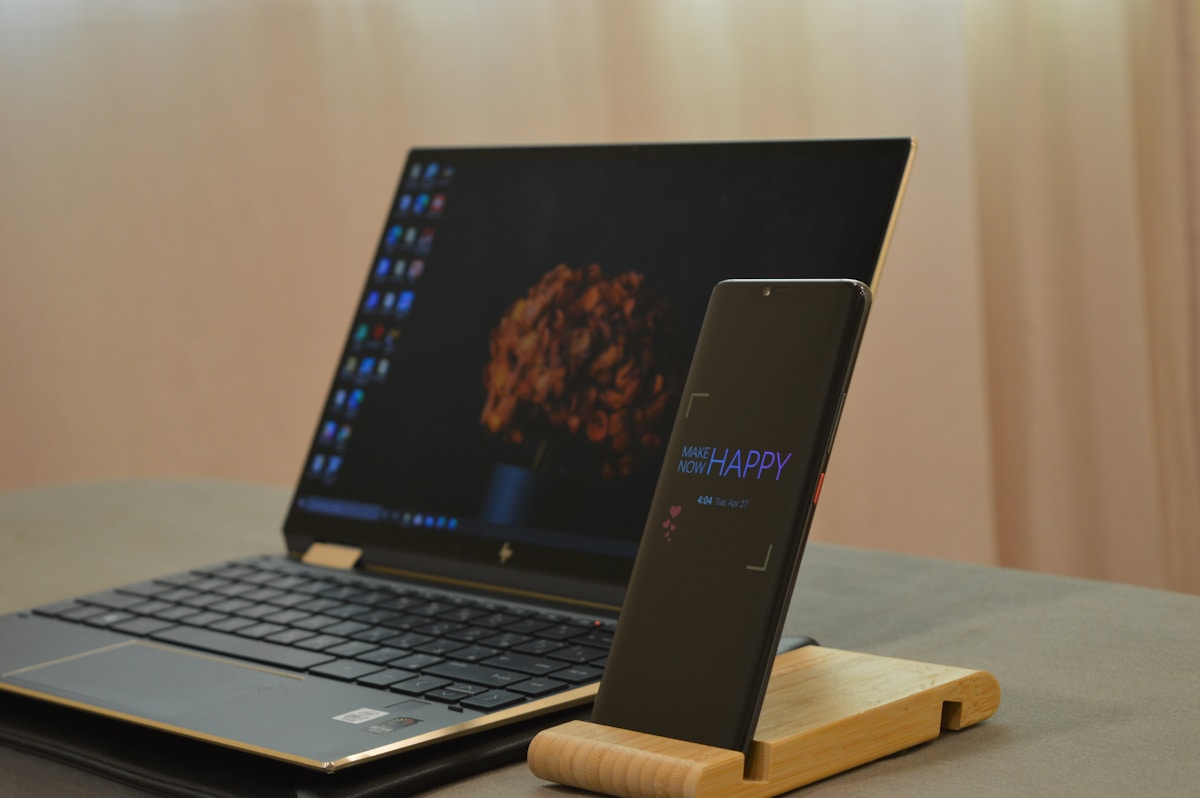
Laptop Compatibility
Most modern laptops support portable monitors via USB-C. Check that your laptop has USB-C with DisplayPort Alt Mode:
| Laptop | USB-C Display Support |
|---|---|
| MacBook Air/Pro (2018+) | Yes (Thunderbolt) |
| Dell XPS | Yes |
| Lenovo ThinkPad | Yes |
| HP Spectre/EliteBook | Yes |
| Surface Laptop | Yes (USB-C/Thunderbolt) |
| Budget laptops | Check specs (not all support it) |
If your laptop doesn't support USB-C display output, use the mini HDMI port available on most portable monitors.
Tips for Using a Portable Monitor
- Match brightness: Set both screens to similar brightness for comfortable viewing
- Use portrait mode: Great for documents, code, and reading
- Carry a stand: Some monitors have flimsy built-in stands—a small tablet stand works better
- Check power draw: Portable monitors draw 5-10W from your laptop, reducing battery life by 10-20%
📺 Watch: Best Portable Monitors for Laptops 2026
Got Questions? Let's Clear Things Up.
Will a portable monitor drain my laptop battery?
Yes, by about 10-20%. Most portable monitors draw 5-10W from your laptop via USB-C. For long sessions away from power, consider a monitor with its own power input.
Can I use a portable monitor with an iPad?
iPads with USB-C (iPad Pro, iPad Air) support external displays. The portable monitor works as a mirrored or extended display depending on the app.
Is 1080p enough for a 15.6" portable monitor?
For most work (documents, spreadsheets, browsing, video calls), yes. For photo/video editing or design, 4K is noticeably sharper. Text is crisper at 4K, but you'll need to use scaling.
A portable monitor is one of the simplest productivity upgrades for laptop users. The ASUS ZenScreen MB16ACV is the best all-rounder, while the Lenovo ThinkVision M15 is ideal for frequent travellers. For desktop monitors, check our best monitor for home office guide.
🖥️
Take Our Free Monitor Finder Quiz
Answer a few quick questions and get personalized recommendations.
Start Quiz →




Discussion
Sign up or sign in to join the conversation.