
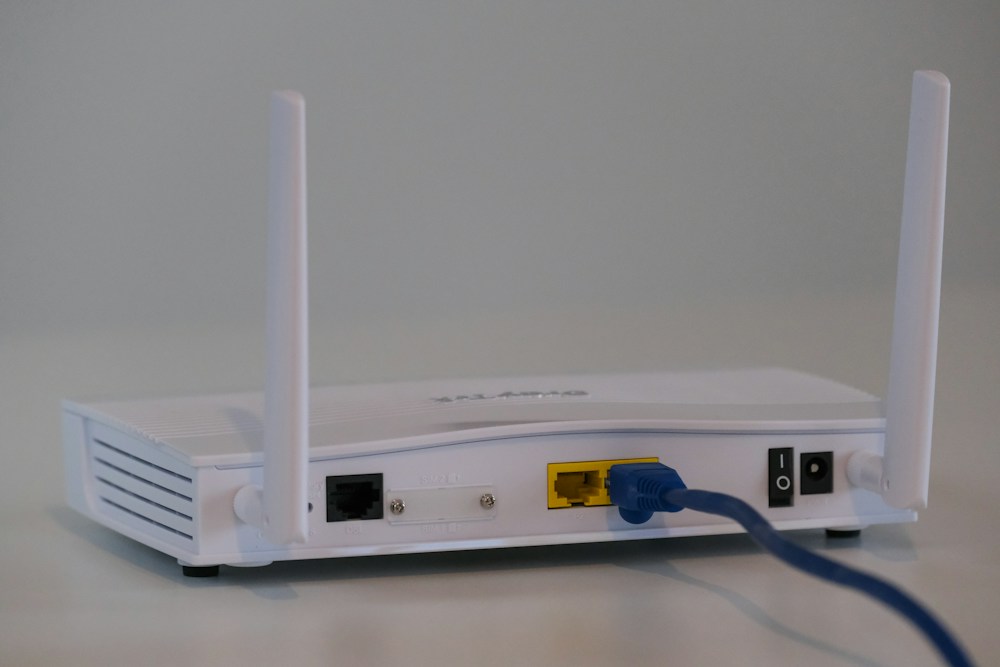

The router your ISP gave you is probably terrible. Bell, Rogers, Telus, and Shaw all provide routers with their internet plans, but these ISP-provided units are designed to be cheap, not good. They overheat, drop connections, have limited range, and lack features that even budget third-party rout...
The router your ISP gave you is probably terrible. Bell, Rogers, Telus, and Shaw all provide routers with their internet plans, but these ISP-provided units are designed to be cheap, not good. They overheat, drop connections, have limited range, and lack features that even budget third-party routers include. Replacing your ISP router with a dedicated one is one of the best upgrades you can make for your home internet.
The good news: you don't need to spend $300+ on a premium router. For apartments, condos, and small homes (under 1,500 sq ft), a budget router under $150 CAD delivers fast, reliable Wi-Fi that handles streaming, gaming, video calls, and smart home devices without issues. The key is knowing which features matter at this price point and which ones are marketing fluff.
Here's what's worth buying in Canada if you want better Wi-Fi without overspending.
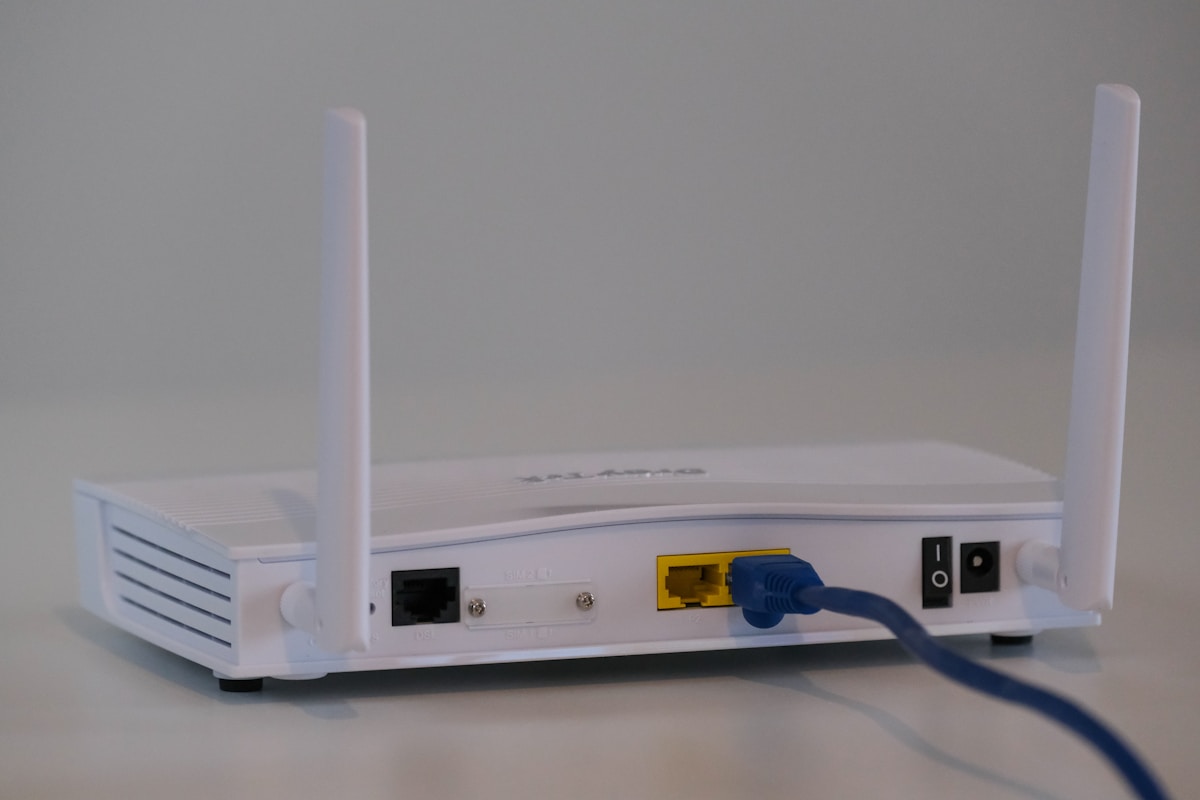
Top Budget WiFi Routers Compared
| Router | Wi-Fi Standard | Speed | Coverage | Bands | Ports | Price |
|---|---|---|---|---|---|---|
| TP-Link Archer AX55 | Wi-Fi 6 | AX3000 | ~2,000 sq ft | Dual-band | 4 Gigabit LAN, 1 Gigabit WAN | ~$110 CAD |
| ASUS RT-AX58U v2 | Wi-Fi 6 | AX3000 | ~2,000 sq ft | Dual-band | 4 Gigabit LAN, 1 Gigabit WAN | ~$130 CAD |
| TP-Link Archer AX21 | Wi-Fi 6 | AX1800 | ~1,500 sq ft | Dual-band | 4 Gigabit LAN, 1 Gigabit WAN | ~$80 CAD |
| Netgear RAX30 | Wi-Fi 6 | AX2400 | ~1,500 sq ft | Dual-band | 4 Gigabit LAN, 1 Gigabit WAN | ~$100 CAD |
| TP-Link Archer A7 | Wi-Fi 5 | AC1750 | ~1,200 sq ft | Dual-band | 4 Gigabit LAN, 1 Gigabit WAN | ~$55 CAD |
Best Overall: TP-Link Archer AX55
The Best Router Under $150 CAD
The TP-Link Archer AX55 is the best budget router available in Canada. At ~$110 CAD, it delivers Wi-Fi 6 (AX3000) speeds that handle everything a typical Canadian household needs—4K streaming on multiple devices, video calls, online gaming, and smart home devices. The performance rivals routers costing twice as much.
Wi-Fi 6: Why It Matters
Wi-Fi 6 isn't just about raw speed—it's about handling multiple devices simultaneously without slowdowns. The Archer AX55 uses OFDMA and MU-MIMO technology to serve multiple devices at the same time instead of one at a time. In a household with phones, laptops, tablets, smart TVs, and smart home devices, this makes a noticeable difference in responsiveness.
Coverage for Canadian Homes
The Archer AX55 covers approximately 2,000 sq ft with reliable signal. For a typical Toronto or Vancouver condo (600-1,000 sq ft), you'll have strong signal in every room. For a small house (1,200-1,500 sq ft), you'll have good coverage on the same floor and adequate coverage on adjacent floors. For larger homes, consider a mesh system instead.
- Wi-Fi Standard: Wi-Fi 6 (802.11ax)
- Speed: AX3000 (574 Mbps on 2.4 GHz + 2,402 Mbps on 5 GHz)
- Coverage: ~2,000 sq ft
- Bands: Dual-band (2.4 GHz + 5 GHz)
- Processor: 1 GHz dual-core
- RAM: 512 MB
- Ethernet: 4x Gigabit LAN, 1x Gigabit WAN
- USB: 1x USB 3.0 (file sharing, printer sharing)
- Security: WPA3, HomeCare (antivirus, parental controls)
- App: TP-Link Tether (iOS/Android)
- Price: ~$110 CAD (Amazon.ca, Best Buy Canada, Canada Computers)
The TP-Link Archer AX55 is the best budget router for most Canadian households. Wi-Fi 6 performance, 2,000 sq ft coverage, and TP-Link's HomeCare security suite—all for $110 CAD. It handles Bell Fibe, Rogers Ignite, and Telus internet plans up to 1 Gbps without bottlenecking. Available at Amazon.ca, Best Buy Canada, and Canada Computers.
TP-Link HomeCare
The Archer AX55 includes TP-Link HomeCare, a free security suite powered by Trend Micro. It includes:
- Antivirus: Scans network traffic for malware and blocks infected devices
- Parental Controls: Time limits, content filtering, and bedtime schedules per device
- QoS (Quality of Service): Prioritize bandwidth for specific devices or activities (gaming, streaming, video calls)
Most routers at this price don't include security features—you'd need a separate subscription. HomeCare is free for the life of the router.
Best for Power Users: ASUS RT-AX58U v2
The Enthusiast's Budget Router
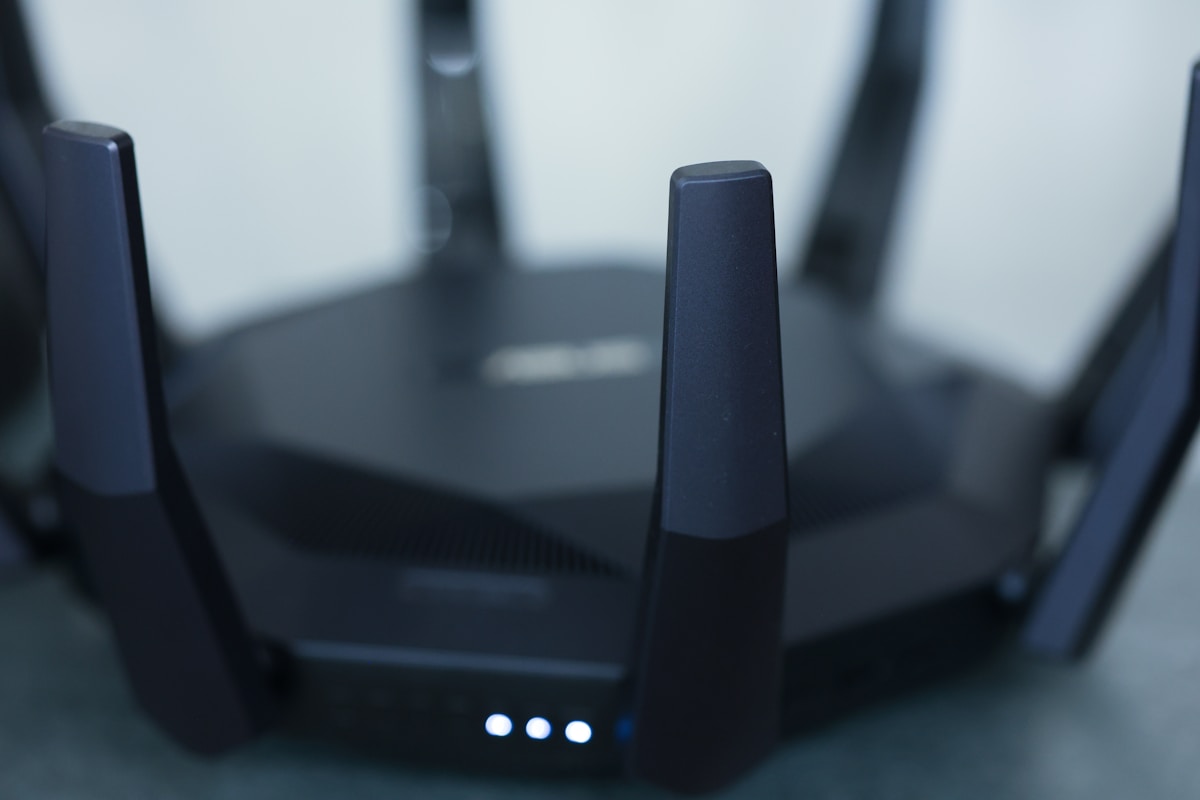
The ASUS RT-AX58U v2 is for people who want more control over their network. It runs ASUSWRT, the most feature-rich router firmware available at any price. You get a full web interface with advanced settings that most budget routers hide or don't include—VPN server/client, traffic monitoring, adaptive QoS, AiProtection security, and guest network management.
AiProtection Pro
ASUS includes AiProtection Pro (powered by Trend Micro) for free—a commercial-grade security suite that blocks malicious websites, prevents infected devices from sending data to hackers, and alerts you to network intrusions. It's the best free security feature on any consumer router.
VPN Support
The RT-AX58U v2 can act as both a VPN server and VPN client. Set up a VPN server to securely access your home network from anywhere in Canada. Or configure the router as a VPN client to route all your internet traffic through a VPN service—every device on your network is protected without installing VPN apps individually.
- Wi-Fi Standard: Wi-Fi 6 (802.11ax)
- Speed: AX3000 (574 Mbps on 2.4 GHz + 2,402 Mbps on 5 GHz)
- Coverage: ~2,000 sq ft
- Bands: Dual-band (2.4 GHz + 5 GHz)
- Processor: 1.5 GHz quad-core
- RAM: 512 MB
- Ethernet: 4x Gigabit LAN, 1x Gigabit WAN
- USB: 1x USB 3.0
- Security: WPA3, AiProtection Pro (Trend Micro)
- VPN: Server + Client (OpenVPN, WireGuard)
- App: ASUS Router (iOS/Android)
- Price: ~$130 CAD (Amazon.ca, Best Buy Canada, Canada Computers, Memory Express)
The ASUS RT-AX58U v2 is the best budget router for tech-savvy Canadians. The ASUSWRT firmware gives you more control than any other router at this price, and the VPN support is a standout feature. The 1.5 GHz quad-core processor is the most powerful on this list, which means better performance with many connected devices. Available at Memory Express and Canada Computers for in-store pickup.
Best Under $100: TP-Link Archer AX21
Wi-Fi 6 for $80 CAD
The Archer AX21 is the cheapest Wi-Fi 6 router worth buying in Canada. At ~$80 CAD, it delivers AX1800 speeds—enough for 4K streaming, video calls, and casual gaming on multiple devices. It's not as fast as the AX55 or RT-AX58U, but for a small apartment or condo with 2-3 people, it's more than adequate.
The Sweet Spot for Small Spaces
The AX21 covers approximately 1,500 sq ft—perfect for a one-bedroom or two-bedroom apartment. The dual-band Wi-Fi 6 handles 20-30 connected devices without issues, which covers phones, laptops, a smart TV, and a handful of smart home devices.
- Wi-Fi Standard: Wi-Fi 6 (802.11ax)
- Speed: AX1800 (574 Mbps on 2.4 GHz + 1,201 Mbps on 5 GHz)
- Coverage: ~1,500 sq ft
- Bands: Dual-band
- Processor: 1 GHz dual-core
- RAM: 256 MB
- Ethernet: 4x Gigabit LAN, 1x Gigabit WAN
- USB: None
- Security: WPA3
- Price: ~$80 CAD (Amazon.ca, Best Buy Canada)
The TP-Link Archer AX21 is the best budget router under $100 CAD. Wi-Fi 6 at $80 is remarkable value. For a small apartment with a Bell or Rogers internet plan up to 500 Mbps, this router handles everything you need. The lack of USB port and smaller RAM are the trade-offs for the lower price.
Best Ultra-Budget: TP-Link Archer A7
The $55 CAD Option That Still Works
If you're on a tight budget, the Archer A7 at ~$55 CAD is the cheapest router worth buying. It's Wi-Fi 5 (AC1750), which is the previous generation, but it still handles 4K streaming, video calls, and basic gaming. For a single person or couple in a small apartment, it gets the job done.
- Wi-Fi Standard: Wi-Fi 5 (802.11ac)
- Speed: AC1750 (450 Mbps on 2.4 GHz + 1,300 Mbps on 5 GHz)
- Coverage: ~1,200 sq ft
- Bands: Dual-band
- Ethernet: 4x Gigabit LAN, 1x Gigabit WAN
- USB: 1x USB 2.0
- Price: ~$55 CAD (Amazon.ca)
The TP-Link Archer A7 is the best router under $60 CAD. Wi-Fi 5 is perfectly adequate for basic internet use. If you're replacing a terrible ISP router and don't want to spend more than $60, the A7 is a significant upgrade. For $25 more, the AX21 with Wi-Fi 6 is a better long-term investment.
Best for Specific Needs: Netgear RAX30
Balanced Performance and Features
The Netgear RAX30 sits between the AX21 and AX55 in both price and performance. At ~$100 CAD, it delivers AX2400 speeds with Netgear's Armor security (powered by Bitdefender, free for 30 days, then ~$70 CAD/year) and a clean, easy-to-use app.
- Wi-Fi Standard: Wi-Fi 6 (802.11ax)
- Speed: AX2400
- Coverage: ~1,500 sq ft
- Bands: Dual-band
- Ethernet: 4x Gigabit LAN, 1x Gigabit WAN
- USB: 1x USB 3.0
- Security: WPA3, Netgear Armor (Bitdefender, subscription)
- Price: ~$100 CAD (Amazon.ca, Best Buy Canada)
The Netgear RAX30 is a solid mid-range budget option, but the TP-Link Archer AX55 at $10 more offers better performance and free security features. The Netgear Armor subscription ($70 CAD/year after the trial) is a recurring cost that TP-Link and ASUS don't charge. Choose the RAX30 if you prefer Netgear's app and interface.
Setting Up Your New Router With Canadian ISPs
Replacing Your ISP Router
Most Canadian ISPs (Bell, Rogers, Telus) allow you to use your own router. Here's how:
Bell Fibe:
- Connect your new router's WAN port to the Bell Home Hub's LAN port
- Set the Bell Home Hub to bridge mode (Advanced Settings > WAN > PPPoE passthrough)
- Configure your new router with your Bell PPPoE credentials
- Note: Some Bell plans require the Home Hub for TV service—use your router for Wi-Fi only
Rogers Ignite:
- Call Rogers to put your modem in bridge mode (or do it via the Rogers app)
- Connect your new router's WAN port to the Rogers modem
- Your router handles all Wi-Fi and routing
Telus:
- Connect your new router to the Telus modem/gateway
- Set the Telus gateway to bridge mode via the Telus app or web interface
- Your router takes over Wi-Fi and routing
If you're not comfortable putting your ISP modem in bridge mode, you can use your new router in AP (Access Point) mode instead. Connect it to your ISP router via Ethernet, disable DHCP on the new router, and use it purely for Wi-Fi. This is simpler and avoids any issues with your ISP's TV or phone services.
Optimal Router Placement
- Central location — place the router in the middle of your living space, not in a corner
- Elevated position — on a shelf or mounted on a wall, not on the floor
- Away from interference — keep it away from microwaves, baby monitors, and thick walls
- Open space — don't put it inside a cabinet or behind a TV
- Vertical orientation — most routers perform best standing upright
Speed Test After Setup
After setting up your new router, run a speed test at fast.com or speedtest.net to verify you're getting the speeds your ISP plan promises. Test on both 2.4 GHz and 5 GHz bands:
- 5 GHz: Faster speeds, shorter range. Use for devices near the router.
- 2.4 GHz: Slower speeds, longer range. Use for devices far from the router and smart home devices.
📺 Watch: Best Budget WiFi Routers 2026 Tested
Got Questions About Budget WiFi Routers? Let's Clear Things Up.
Is a budget router good enough for gaming?
Yes, for most gaming. Online gaming uses very little bandwidth (1-3 Mbps). What matters is latency (ping), and a good budget router with QoS (Quality of Service) can prioritize gaming traffic to keep your ping low. The ASUS RT-AX58U v2 has the best QoS implementation on this list. For competitive gaming where every millisecond matters, a wired Ethernet connection is more important than the router itself.
Should I buy a Wi-Fi 6 or Wi-Fi 5 router in 2026?
Wi-Fi 6. The price difference is minimal ($25-30 more), and Wi-Fi 6 handles multiple devices significantly better than Wi-Fi 5. If you have more than 10 connected devices (phones, laptops, smart TV, smart speakers, smart home devices), Wi-Fi 6's OFDMA technology makes a real difference. The only reason to buy Wi-Fi 5 is if you're on an extremely tight budget.
Do I need a mesh system instead of a single router?
For spaces under 1,500 sq ft (most apartments and condos), a single router is fine. For homes over 1,500 sq ft, especially multi-story homes, a mesh system provides more consistent coverage. Budget mesh systems start at ~$200 CAD (TP-Link Deco X50, 2-pack). If you're in a large home, check our best wifi routers guide for mesh recommendations.
Can I use my own router with Bell/Rogers/Telus?
Yes. All major Canadian ISPs allow you to use your own router. You may need to put the ISP-provided modem/gateway in bridge mode, which disables its Wi-Fi and routing functions. Your new router then handles everything. Some ISPs charge a monthly modem rental fee regardless—check your bill to see if returning the ISP router saves you money.
How often should I replace my router?
Every 3-5 years. Wi-Fi standards evolve, security vulnerabilities are discovered, and routers slow down over time as firmware updates add features without upgrading hardware. If your current router is Wi-Fi 5 (802.11ac) or older, upgrading to Wi-Fi 6 is worthwhile. If you already have a Wi-Fi 6 router, you're good for another 2-3 years.
A budget router upgrade is one of the best investments you can make for your home internet. The TP-Link Archer AX55 offers the best combination of performance, features, and value at $110 CAD. For more networking recommendations, check our best wifi routers guide or our best long range wifi router roundup for larger homes.


Discussion
Sign up or sign in to join the conversation.