
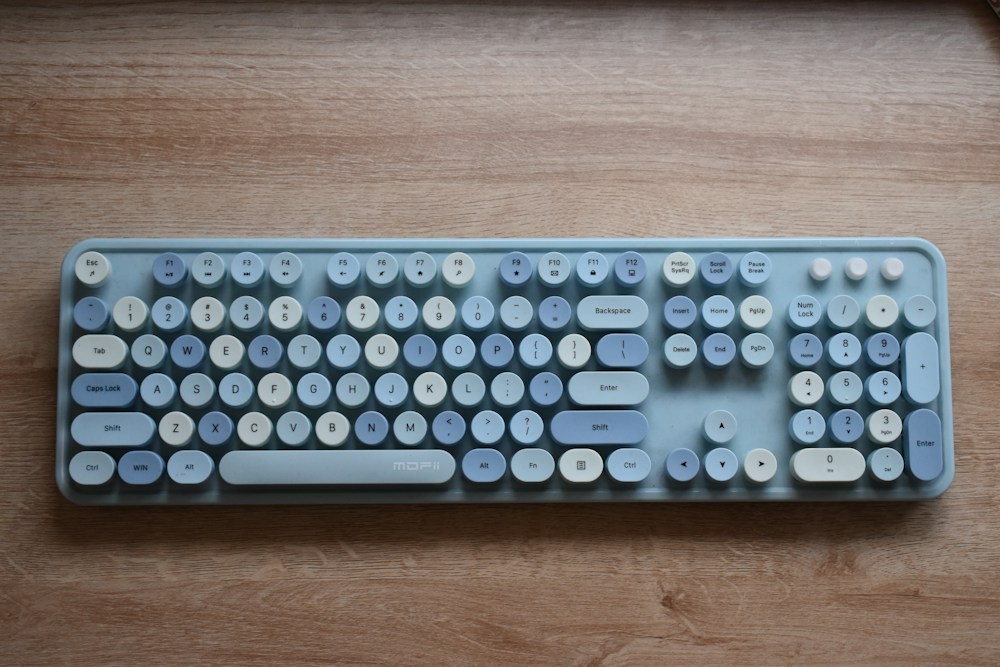

Low-profile mechanical keyboards are having a moment—and honestly, it's overdue. For years, the mechanical keyboard world was all about thick, chunky boards with tall keycaps and wrist rests the size of yoga blocks. But if you've ever used a laptop keyboard and thought "I wish this felt better bu...
Low-profile mechanical keyboards are having a moment—and honestly, it's overdue. For years, the mechanical keyboard world was all about thick, chunky boards with tall keycaps and wrist rests the size of yoga blocks. But if you've ever used a laptop keyboard and thought "I wish this felt better but stayed this thin," low-profile mechanical keyboards are exactly what you're looking for.
The appeal is simple: you get the tactile feedback and durability of mechanical switches in a form factor that's barely thicker than a MacBook keyboard. They're easier on your wrists (less extension), take up less desk space, and look sleek in any setup. For Canadians working from home in Toronto condos or Calgary home offices, a low-profile board keeps your desk clean and your typing comfortable through long workdays.
But not all low-profile keyboards are created equal. Some feel mushy, some have terrible wireless latency, and some cost way more than they should. We've tested the top options available on Amazon.ca and Best Buy Canada to find the ones actually worth buying.
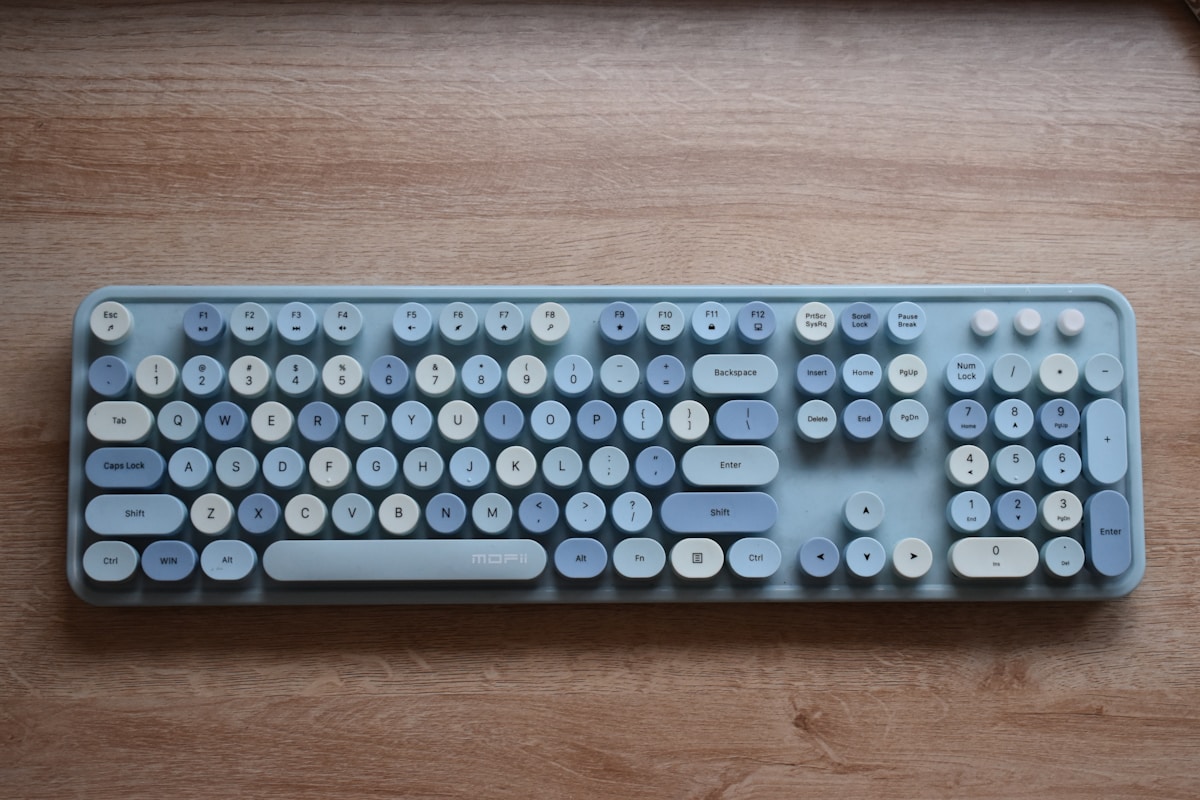
Low Profile Mechanical Keyboards Compared
| Keyboard | Switch | Layout | Connectivity | Battery | Hot-Swap | Price |
|---|---|---|---|---|---|---|
| Keychron K3 Max | Gateron Low-Profile 2.0 | 75% | BT 5.1, 2.4GHz, USB-C | 1,750 mAh | Yes | ~$140 CAD |
| Logitech MX Mechanical Mini | Tactile Quiet | 75% | BT, Logi Bolt, USB-C | 10 months | No | ~$200 CAD |
| NuPhy Air75 V2 | Gateron Low-Profile 2.0 | 75% | BT 5.0, 2.4GHz, USB-C | 2,500 mAh | Yes | ~$160 CAD |
| Keychron K1 Max | Gateron Low-Profile 2.0 | TKL | BT 5.1, 2.4GHz, USB-C | 2,000 mAh | Yes | ~$150 CAD |
| Lofree Flow | Kailh Low-Profile | 75% | BT 5.1, USB-C | 2,000 mAh | No | ~$230 CAD |
Best Overall Low Profile Keyboard: Keychron K3 Max
The Gold Standard, Refined
The Keychron K3 has been the go-to low-profile mechanical keyboard for years, and the Max version perfects the formula. The biggest upgrade is triple connectivity—Bluetooth 5.1, 2.4GHz wireless dongle, and USB-C wired. The 2.4GHz mode delivers near-wired latency, which matters if you game occasionally or just hate input lag.
Hot-Swappable Low-Profile Switches
This is the feature that sets the K3 Max apart. The Gateron Low-Profile 2.0 switches are hot-swappable, meaning you can pull them out and replace them without soldering. Start with the included switches—Red (linear), Brown (tactile), or Blue (clicky)—and experiment later. The low-profile switch ecosystem is growing, and hot-swap future-proofs your investment.
The 75% layout keeps the function row and arrow keys while ditching the numpad. At just 16.5mm thick (without keycaps), it sits almost flush with your desk. The aluminum frame feels solid without adding bulk.
- Switches: Gateron Low-Profile 2.0 (hot-swappable)
- Layout: 75% (84 keys)
- Connectivity: Bluetooth 5.1, 2.4GHz dongle, USB-C
- Battery: 1,750 mAh (~200 hours with backlight off)
- Backlight: White or RGB (south-facing)
- Thickness: 16.5mm (without keycaps)
- OS Support: macOS, Windows, Linux (dedicated toggle)
- Price: ~$140 CAD
The Keychron K3 Max at $140 CAD is the best low-profile mechanical keyboard for most Canadians. Hot-swap switches, triple connectivity, Mac/Windows support, and a slim aluminum build. It's hard to find a reason not to buy it.
Mac and Windows Compatibility
Keychron has always been strong on Mac support, and the K3 Max continues that tradition. A physical switch on the side toggles between macOS and Windows layouts. The keycaps include both Mac (Command, Option) and Windows (Win, Alt) legends. If you switch between a MacBook and a Windows desktop—common in Canadian workplaces—this keyboard handles both without remapping.
Best for Productivity: Logitech MX Mechanical Mini
The Office Workhorse
The MX Mechanical Mini is Logitech's answer to the low-profile mechanical keyboard trend, and it's built for productivity rather than enthusiast customization. If you use Logitech's MX Master mouse (and millions of Canadians do), this keyboard completes the ecosystem with Logi Options+ software that ties everything together.
Smart Backlighting and Flow
The backlight turns on when your hands approach the keyboard and adjusts brightness based on ambient light. It sounds gimmicky, but it genuinely extends the already impressive 10-month battery life on a full charge. The Logitech Flow feature lets you move your cursor across up to three computers and type on whichever screen your cursor is on—perfect for multi-computer setups.
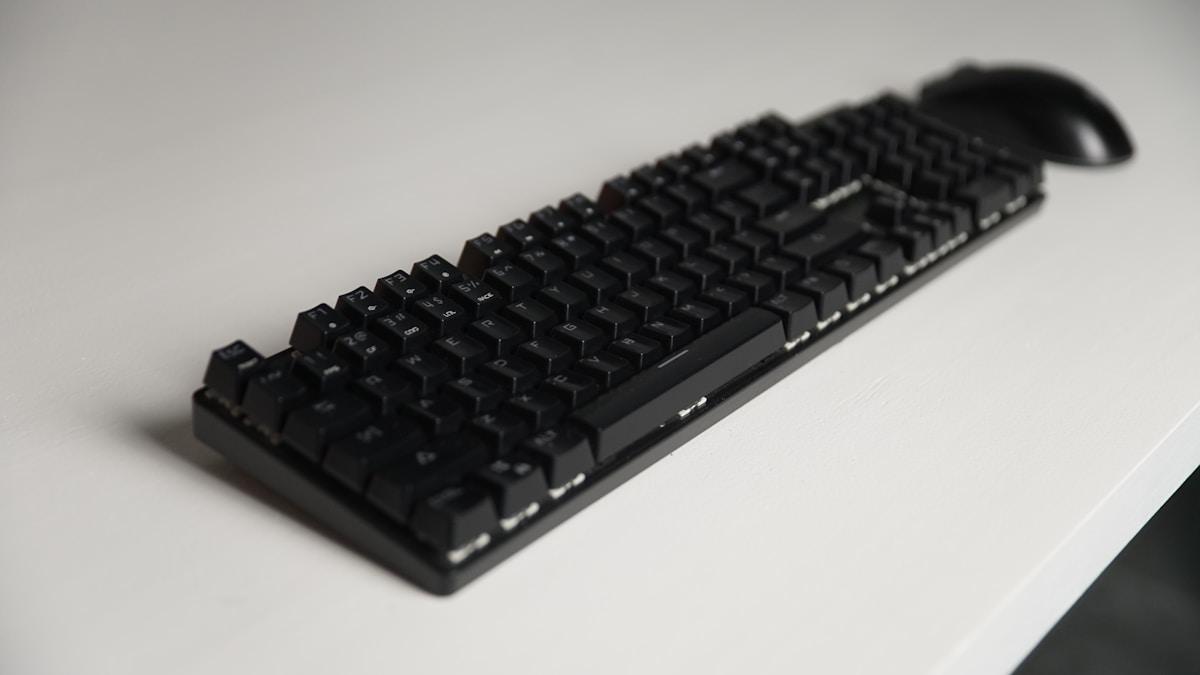
The Tactile Quiet switches feel like a softer version of Cherry MX Brown—enough feedback to know you've actuated, quiet enough for video calls. Not as crisp as Gateron low-profile switches, but perfectly suited for office work.
- Switches: Logitech Tactile Quiet (also available in Linear and Clicky)
- Layout: 75% (compact)
- Connectivity: Bluetooth, Logi Bolt 2.4GHz, USB-C
- Battery: Up to 10 months (backlight off), ~15 days (backlight on)
- Backlight: White (smart proximity sensor)
- Software: Logi Options+ (key remapping, Flow, per-app profiles)
- OS Support: macOS, Windows, iPadOS, ChromeOS
- Price: ~$200 CAD
If you're already in the Logitech ecosystem with an MX Master mouse, the MX Mechanical Mini is the natural pairing. The Flow feature alone justifies the premium for multi-computer setups. Not hot-swappable, but the Tactile Quiet switches are excellent for office environments.
The Trade-Offs
At $200 CAD, the MX Mechanical Mini is the most expensive option on this list, and it's not hot-swappable. You're locked into the switch type you choose. The build is plastic (not aluminum), which feels less premium than the Keychron K3 Max at $60 less. You're paying for the Logitech software ecosystem, not the hardware.
Best Typing Experience: NuPhy Air75 V2
The Keyboard Enthusiasts Love
NuPhy has built a cult following in the mechanical keyboard community, and the Air75 V2 is why. The typing experience is the best on this list—PBT keycaps with a satisfying texture, a well-tuned gasket mount that absorbs keystroke impact, and Gateron Low-Profile 2.0 switches that feel crisp and consistent.
Design That Stands Out
The Air75 V2 is the best-looking low-profile keyboard you can buy. The colour options (Ionic White, Basalt Black, Lunar Grey) are tasteful, and the side-glow RGB lighting adds personality without being obnoxious. The included magnetic wrist rest is a thoughtful addition that most competitors charge extra for.
The 2,500 mAh battery is the largest on this list, delivering up to 300 hours with backlighting off. For Canadians who travel for work—hopping between Vancouver and Montreal—the battery lasts weeks without charging.
- Switches: Gateron Low-Profile 2.0 (hot-swappable)
- Layout: 75% (84 keys)
- Connectivity: Bluetooth 5.0, 2.4GHz dongle, USB-C
- Battery: 2,500 mAh (~300 hours backlight off)
- Backlight: RGB (side-glow + per-key)
- Keycaps: PBT (dye-sub legends)
- Extras: Magnetic wrist rest included
- Price: ~$160 CAD
The NuPhy Air75 V2 has the best typing feel of any low-profile mechanical keyboard. The PBT keycaps, gasket mount, and included wrist rest make it a joy to type on for hours. At $160 CAD, it's $20 more than the K3 Max but the typing experience justifies it.
NuPhy vs. Keychron: The Real Comparison
Both use Gateron Low-Profile 2.0 switches and hot-swap sockets. The differences come down to details:
| Feature | NuPhy Air75 V2 | Keychron K3 Max |
|---|---|---|
| Keycaps | PBT (better texture) | ABS (smoother, wears faster) |
| Battery | 2,500 mAh | 1,750 mAh |
| Wrist Rest | Included (magnetic) | Sold separately |
| Frame | Plastic + aluminum top | Full aluminum |
| Bluetooth | 5.0 | 5.1 |
| Price | ~$160 CAD | ~$140 CAD |
If typing feel is your priority, go NuPhy. If build quality and connectivity are more important, go Keychron.
Best TKL Low Profile: Keychron K1 Max
More Keys, Same Slim Profile
If you need dedicated navigation keys (Home, End, Page Up/Down, Delete) that the 75% layout drops, the K1 Max's TKL (tenkeyless) layout keeps them. For developers and writers in Toronto and Vancouver who rely on these keys for code navigation and text editing, the TKL layout is worth the slightly larger footprint.
The K1 Max shares the same Gateron Low-Profile 2.0 hot-swap switches and triple connectivity as the K3 Max. The larger frame accommodates a 2,000 mAh battery for slightly longer wireless life.
- Switches: Gateron Low-Profile 2.0 (hot-swappable)
- Layout: TKL (87 keys)
- Connectivity: Bluetooth 5.1, 2.4GHz dongle, USB-C
- Battery: 2,000 mAh
- Backlight: White or RGB
- Frame: Aluminum
- Price: ~$150 CAD
If you miss the navigation cluster that 75% keyboards sacrifice, the K1 Max is the answer. Same great Keychron low-profile experience in a TKL layout. The $10 premium over the K3 Max is worth it for the extra keys.
Best Premium: Lofree Flow
Laptop-Like Perfection
The Lofree Flow is the most laptop-like mechanical keyboard on this list. At just 14.5mm thick, it's thinner than the K3 Max and feels like typing on a premium laptop keyboard—but with actual mechanical switches underneath. The Kailh low-profile switches have a short 1.5mm travel that's closer to a laptop feel than any other mechanical keyboard.
The build quality is exceptional. The CNC aluminum body, the PBT keycaps, the satisfying "thock" sound—everything feels considered. It's the keyboard you put on your desk and people ask about.
- Switches: Kailh Low-Profile (Phantom, not hot-swappable)
- Layout: 75%
- Connectivity: Bluetooth 5.1, USB-C (no 2.4GHz)
- Battery: 2,000 mAh
- Keycaps: PBT
- Thickness: 14.5mm
- Price: ~$230 CAD
The Lofree Flow is the keyboard for people who want the thinnest possible mechanical keyboard with premium build quality. At $230 CAD, it's expensive and not hot-swappable, but the typing experience is uniquely satisfying.
Low Profile Keyboard Buying Guide
Switch Types Explained
Low-profile switches come in the same three flavours as standard mechanical switches, just shorter:
| Switch Type | Feel | Sound | Best For |
|---|---|---|---|
| Linear (Red) | Smooth, no bump | Quiet | Gaming, fast typing |
| Tactile (Brown) | Bump at actuation | Moderate | All-purpose, office |
| Clicky (Blue) | Bump + click | Loud | Typing enthusiasts (not offices) |
For most Canadians working from home, tactile (Brown) is the safest choice. You get feedback without annoying your partner on a video call in the next room.
Hot-Swap: Why It Matters
Hot-swappable sockets let you change switches without soldering. This matters because:
- Try before you commit: Start with Brown switches, swap to Red if you prefer linear
- Replace worn switches: After years of use, individual switches can wear out. Replace one switch instead of the whole keyboard
- Customize zones: Use linear switches on gaming keys and tactile on typing keys
The Keychron K3 Max, NuPhy Air75 V2, and Keychron K1 Max all support hot-swap. The Logitech MX Mechanical and Lofree Flow do not.
Low Profile vs. Standard Mechanical: Which Is Right for You?
| Factor | Low Profile | Standard |
|---|---|---|
| Key Travel | 2.5-3.0mm | 3.5-4.0mm |
| Height | 16-22mm | 35-45mm |
| Wrist Rest Needed | Usually not | Almost always |
| Switch Options | Growing (fewer) | Massive variety |
| Keycap Options | Limited | Thousands of sets |
| Portability | Excellent | Poor |
| Typing Feel | Laptop-like, snappy | Deep, satisfying |
If you're coming from a laptop keyboard and want something better without the bulk of a traditional mechanical keyboard, low-profile is the way to go. If you want the deepest possible typing experience with maximum customization, stick with standard mechanical. Check our best mechanical keyboards guide for standard options.
Best Low Profile Keyboards for Specific Uses
- Programming: Keychron K1 Max (TKL layout keeps navigation keys)
- Writing: NuPhy Air75 V2 (best typing feel, included wrist rest)
- Office/Productivity: Logitech MX Mechanical Mini (Flow, smart backlight, quiet)
- Gaming: Keychron K3 Max (2.4GHz low-latency mode)
- Travel: Lofree Flow (thinnest, most portable)
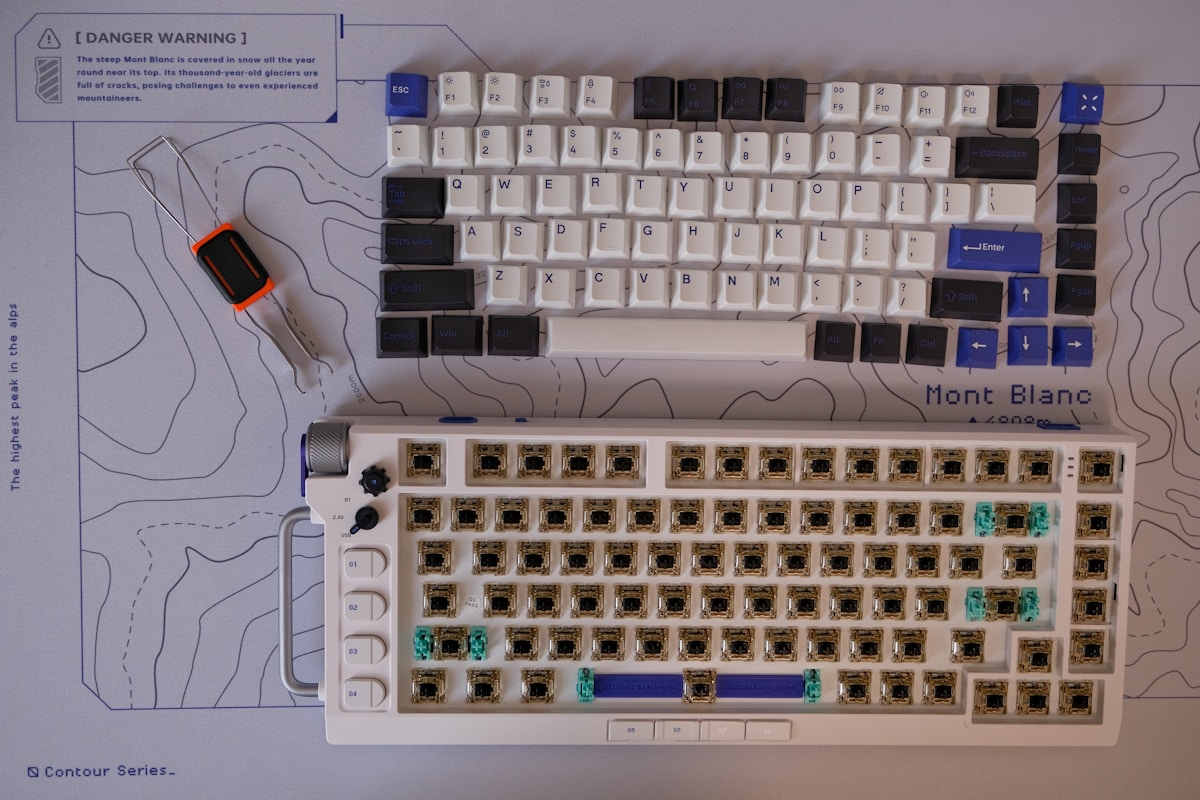
📺 Watch: Best Low Profile Mechanical Keyboards 2026 Compared
Got Questions About Low Profile Mechanical Keyboards? Let's Clear Things Up.
Are low-profile mechanical keyboards good for gaming?
Yes, and some gamers actually prefer them. The shorter key travel (2.5-3.0mm vs. 3.5-4.0mm on standard) means faster actuation—your keystrokes register sooner. The Keychron K3 Max with its 2.4GHz wireless mode delivers latency low enough for competitive gaming. You won't find low-profile keyboards in esports tournaments (yet), but for everyday gaming, they're perfectly capable. The linear (Red) switch option is best for gaming—smooth and fast without the tactile bump slowing you down.
Can I use a low-profile keyboard with an iPad or tablet?
Absolutely. All five keyboards on this list support Bluetooth, which means they pair with iPads, Android tablets, and even phones. The Keychron models and NuPhy Air75 V2 support connecting to 3 Bluetooth devices simultaneously—tap a key combo to switch between your Mac, iPad, and phone. The Logitech MX Mechanical Mini supports up to 3 devices via Bluetooth plus one via Logi Bolt. For Canadians who use an iPad as a secondary device, a low-profile keyboard turns it into a lightweight workstation.
How long do low-profile mechanical switches last?
Gateron Low-Profile 2.0 switches are rated for 50 million keystrokes, which is the same as standard mechanical switches. At typical typing speeds, that's 10-15 years of daily use. The switches will outlast the keyboard itself. If you have a hot-swappable board, you can replace individual switches if one ever fails, extending the keyboard's life even further.
Are low-profile keycaps compatible across brands?
Not universally. Low-profile keycaps use different stems and spacing than standard keycaps. Keychron and NuPhy both use Gateron low-profile stems, so their keycaps are cross-compatible. Logitech and Lofree use proprietary stems. The aftermarket for low-profile keycaps is growing but still limited compared to standard MX-compatible keycaps. If keycap customization is important to you, stick with Keychron or NuPhy.
Do I need a wrist rest with a low-profile keyboard?
Usually not. The whole point of low-profile is reducing the height your wrists need to extend. Most people can type comfortably on a low-profile keyboard flat on the desk without a wrist rest. That said, the NuPhy Air75 V2 includes a magnetic wrist rest, and it does add comfort for extended typing sessions. If you're prone to wrist strain, it's a nice-to-have but not essential like it is with standard mechanical keyboards.
Low-profile mechanical keyboards are the sweet spot between laptop convenience and mechanical satisfaction. The Keychron K3 Max is the best all-around choice for most Canadians, while the NuPhy Air75 V2 wins on typing feel and the Logitech MX Mechanical Mini dominates productivity workflows. For more keyboard options, check our best mechanical keyboards roundup, our best gaming mechanical keyboard guide, or our best budget mechanical keyboard picks for options under $100 CAD.

Discussion
Sign up or sign in to join the conversation.