
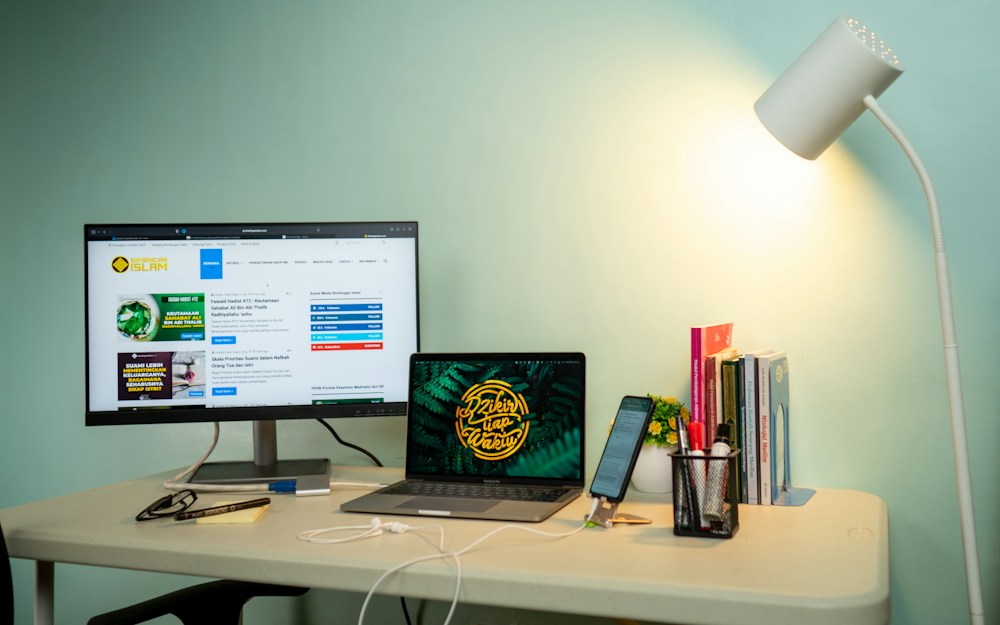

Working from home isn't a temporary arrangement anymore—it's how millions of Canadians work every day. But there's a massive difference between "working from the kitchen table" and having a proper home office setup. The right workspace makes you more productive, more comfortable, and less likely ...
Working from home isn't a temporary arrangement anymore—it's how millions of Canadians work every day. But there's a massive difference between "working from the kitchen table" and having a proper home office setup. The right workspace makes you more productive, more comfortable, and less likely to end the day with a sore back and stiff neck.
The problem is that most home office advice is either generic ("get a good chair") or aspirational ("here's a $15,000 dream setup"). What you actually need is practical guidance that balances ergonomics, productivity, and budget—whether you're setting up in a spare bedroom in Toronto, a basement in Calgary, or a corner of your Vancouver apartment.
Here are the best home office setup ideas for 2026, from essential ergonomic foundations to creative upgrades that make a real difference.
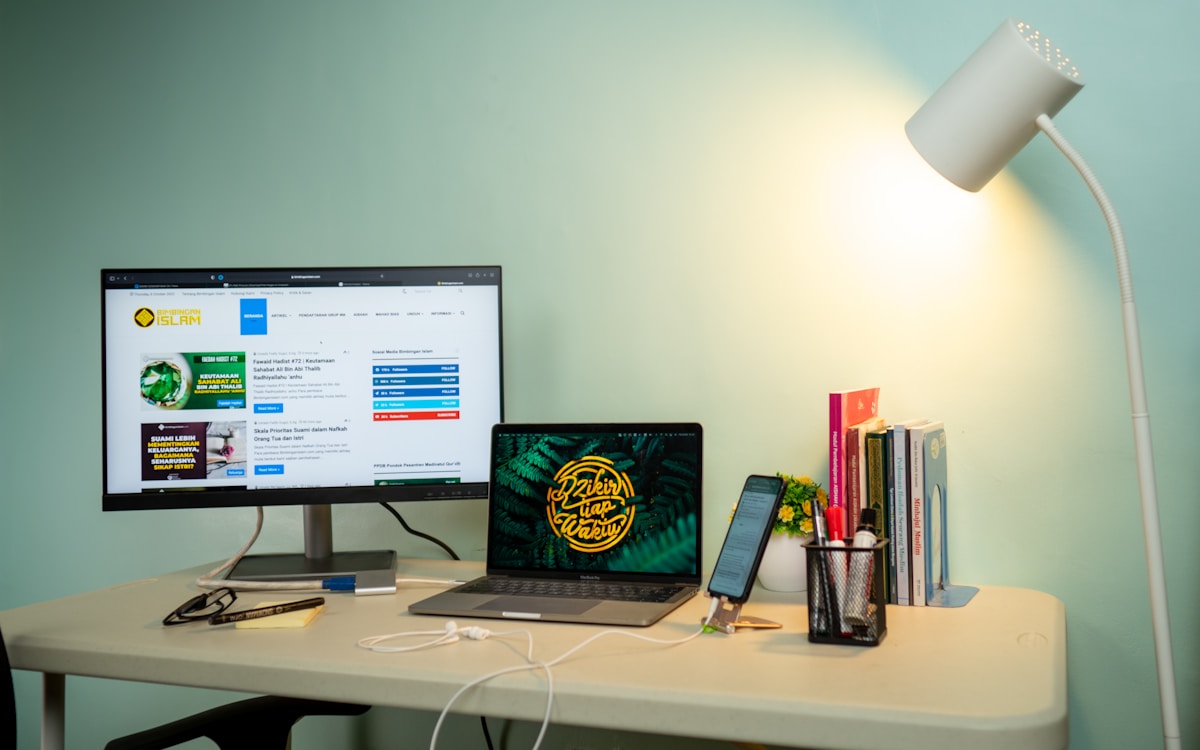
Home Office Essentials Compared
| Category | Budget Pick | Mid-Range Pick | Premium Pick |
|---|---|---|---|
| Desk | IKEA BEKANT ($350) | FlexiSpot E7 ($600) | Uplift V2 ($900) |
| Chair | IKEA Markus ($350) | Autonomous ErgoChair Pro ($600) | Herman Miller Aeron ($1,800) |
| Monitor | LG 27" 4K ($400) | Dell S2722QC 27" 4K ($450) | LG 32UN880 Ergo ($700) |
| Keyboard | Logitech K380 ($50) | Keychron K2 ($120) | Logitech MX Keys S ($150) |
| Mouse | Logitech M750 ($50) | Logitech MX Anywhere 3S ($100) | Logitech MX Master 3S ($130) |
| Headphones | JBL Tune 770NC ($140) | Sony WH-1000XM5 ($490) | Bose QC Ultra ($600) |
The Foundation: Desk and Chair
Standing Desk: The Single Best Upgrade
If you're spending 8+ hours a day at a desk, a sit-stand desk is the most impactful upgrade you can make. Alternating between sitting and standing throughout the day reduces back pain, improves circulation, and keeps your energy levels more consistent.
The FlexiSpot E7 is the best value standing desk available in Canada. It has a dual-motor system that's quiet and fast, supports up to 160 kg, and has a height range of 58-123 cm. The frame ships from their Canadian warehouse, and the desktop options include bamboo, solid wood, and laminate.
For budget setups, the IKEA BEKANT sit-stand desk at ~$350 CAD is the most accessible option. It's available at every IKEA location in Canada and gets the job done, though the motor is slower and noisier than the FlexiSpot.
- FlexiSpot E7: Dual motor, 58-123 cm range, 160 kg capacity, 4 memory presets — ~$600 CAD
- IKEA BEKANT: Single motor, 65-125 cm range, 70 kg capacity — ~$350 CAD
- Uplift V2: Dual motor, 60-126 cm range, 150 kg capacity, advanced keypad — ~$900 CAD
A standing desk isn't about standing all day—it's about movement. The sweet spot is alternating every 30-60 minutes. Set a timer or use the desk's memory presets to switch between your sitting and standing heights throughout the day.
Ergonomic Chair: Don't Cheap Out
Your chair is the second most important investment. A bad chair causes back pain, neck strain, and poor posture that compounds over months and years. The difference between a $200 chair and a $600 chair is noticeable within the first week.
The Autonomous ErgoChair Pro at ~$600 CAD is the best mid-range option for Canadians. It has adjustable lumbar support, seat depth, armrests, headrest, and recline tension. It ships from their Canadian warehouse with free shipping.
For those willing to invest long-term, the Herman Miller Aeron at ~$1,800 CAD is the gold standard. It comes with a 12-year warranty, and many Canadian professionals consider it a career-long investment. Available at authorized dealers across Canada and through Herman Miller's Canadian website.
- IKEA Markus: Basic ergonomic features, 10-year warranty — ~$350 CAD
- Autonomous ErgoChair Pro: Full adjustability, good lumbar support — ~$600 CAD
- Herman Miller Aeron: Best-in-class ergonomics, 12-year warranty — ~$1,800 CAD
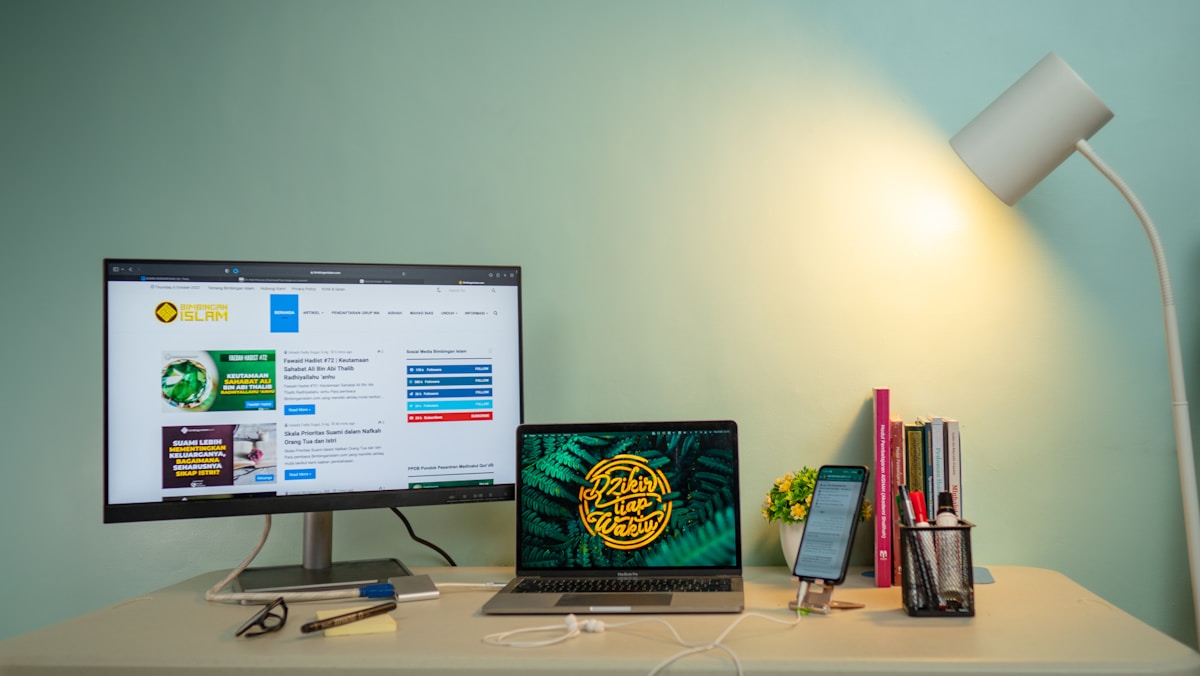
Monitor Setup Ideas
Single Ultrawide vs. Dual Monitor
This is the most debated question in home office setups. Both have advantages:
Single Ultrawide (34")
- Seamless workspace—no bezel gap in the middle
- Cleaner desk aesthetic
- Better for creative work, video editing, spreadsheets
- Recommended: LG 34WN80C-B ($600 CAD) or Dell U3423WE ($850 CAD)
Dual Monitor (2x 27")
- More total screen space
- Dedicated screens for different tasks (code on one, browser on the other)
- Easier to share one screen on video calls
- Recommended: 2x Dell S2722QC ($900 CAD total) or 2x LG 27UP850-W ($800 CAD total)
| Setup | Screen Space | Best For | Desk Space Needed | Cost |
|---|---|---|---|---|
| Single 27" 4K | Good | Focused work, small desks | 70 cm+ | ~$400-700 CAD |
| Single 34" Ultrawide | Very Good | Multitasking, creative work | 90 cm+ | ~$600-900 CAD |
| Dual 27" | Excellent | Developers, analysts, multitaskers | 120 cm+ | ~$800-1,400 CAD |
| 27" + Laptop | Good | Hybrid workers, portability | 90 cm+ | ~$400-700 CAD |
For most home office workers, a single 27" 4K monitor is the sweet spot. It's enough screen space for productivity without dominating your desk. If you find yourself constantly switching between windows, upgrade to an ultrawide or add a second monitor.
Monitor Arms: The Underrated Upgrade
A monitor arm frees up desk space, improves ergonomics (eye-level positioning), and looks cleaner than a stock monitor stand. The Ergotron LX (~$160 CAD on Amazon.ca) is the standard recommendation—it's smooth, sturdy, and handles monitors up to 34".
For dual monitors, the Ergotron LX Dual ($350 CAD) or the budget-friendly HUANUO Dual Monitor Arm ($50 CAD on Amazon.ca) work well.
Keyboard and Mouse
Mechanical Keyboard for Productivity
A good keyboard makes typing more comfortable and more satisfying. For home office use, you want something quiet enough for video calls but tactile enough to feel responsive.
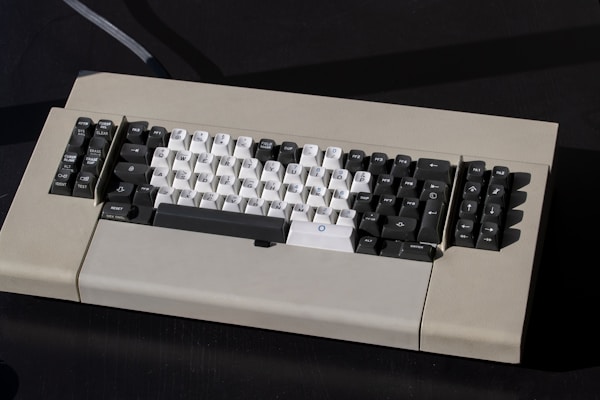
The Keychron K2 (~$120 CAD) is the best value mechanical keyboard for home office use. It's wireless (Bluetooth + USB-C), works with Mac and Windows, and comes with your choice of switches. For office use, go with brown switches—tactile feedback without the loud click.
The Logitech MX Keys S (~$150 CAD) is the best non-mechanical option. Low-profile keys, backlit, multi-device switching (up to 3 devices), and excellent build quality. It's the keyboard most remote workers in Canada end up with.
- Budget: Logitech K380 — ~$50 CAD (compact, multi-device, quiet)
- Mid-Range: Keychron K2 — ~$120 CAD (mechanical, wireless, Mac/Windows)
- Premium: Logitech MX Keys S — ~$150 CAD (low-profile, backlit, multi-device)
Ergonomic Mouse
The Logitech MX Master 3S is the most popular mouse among remote workers for good reason. The ergonomic shape, MagSpeed scroll wheel, and multi-device switching make it ideal for productivity. At ~$130 CAD, it's an investment, but one that pays off daily.
For smaller hands or travel, the Logitech MX Anywhere 3S (~$100 CAD) offers similar features in a compact form factor.
Pair the MX Master 3S with the MX Keys S for seamless multi-device switching. Logitech Flow lets you move your cursor between two computers and even copy-paste across them—perfect if you use a work laptop and a personal desktop.
Lighting and Ambiance
Desk Lighting
Good lighting reduces eye strain and improves video call quality. The two essentials:
- Monitor light bar: Mounts on top of your monitor and illuminates your desk without screen glare. The BenQ ScreenBar ($140 CAD) is the gold standard. The Baseus Monitor Light Bar ($40 CAD on Amazon.ca) is a solid budget alternative.
- Bias lighting: LED strips behind your monitor reduce the contrast between the bright screen and dark wall, reducing eye fatigue. A simple USB LED strip (~$15-25 CAD on Amazon.ca) does the job.
Video Call Lighting
If you're on video calls regularly, lighting makes a bigger difference than your webcam. A ring light or key light positioned in front of you eliminates shadows and makes you look professional.
- Budget: Ring light with phone mount — ~$30 CAD
- Mid-Range: Elgato Key Light Mini — ~$130 CAD
- Premium: Elgato Key Light — ~$250 CAD
Plants and Decor
This isn't just aesthetic advice—studies show that plants in your workspace reduce stress and improve focus. Low-maintenance options for Canadian home offices:
- Pothos: Nearly indestructible, thrives in low light
- Snake plant: Tolerates neglect, purifies air
- ZZ plant: Handles low light and irregular watering
- Succulents: Compact, minimal care (need bright light)
Audio Setup for Calls and Focus
Headphones for Home Office
Noise-cancelling headphones are essential if you share your space with family, roommates, or noisy neighbours. They block distractions during focus work and improve audio quality on calls.
| Headphones | ANC | Mic Quality | Battery | Comfort (8hr) | Price |
|---|---|---|---|---|---|
| Sony WH-1000XM5 | Excellent | Very Good | 30 hrs | Excellent | ~$490 CAD |
| Bose QC Ultra | Best | Good | 24 hrs | Excellent | ~$600 CAD |
| JBL Tune 770NC | Good | Adequate | 44 hrs | Good | ~$140 CAD |
External Microphone
Your headphone mic is fine for casual calls, but if you're on meetings all day, a dedicated USB microphone improves your audio quality dramatically. Colleagues will notice.
- Budget: Fifine K669 — ~$35 CAD (USB, plug-and-play)
- Mid-Range: Blue Yeti Nano — ~$130 CAD (USB, multiple patterns)
- Premium: Elgato Wave:3 — ~$200 CAD (USB, best software)
Webcam
Most laptop webcams are mediocre. An external webcam at eye level (mounted on your monitor) looks more professional and provides better image quality.
- Budget: Logitech C920 — ~$80 CAD (1080p, reliable)
- Mid-Range: Logitech Brio 300 — ~$100 CAD (1080p, auto light correction)
- Premium: Logitech Brio 4K — ~$230 CAD (4K, HDR)
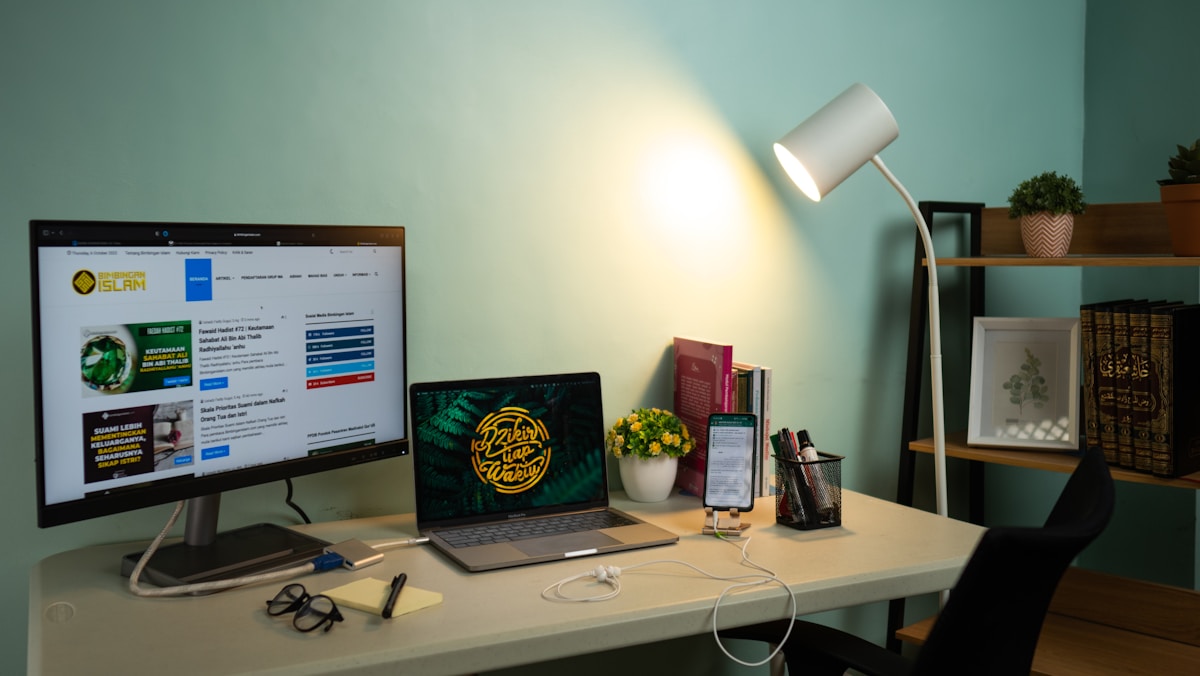
Creative Setup Ideas
The Minimalist Setup
Perfect for small spaces—condos in Vancouver, apartments in Montreal.
- Standing desk converter on existing desk (~$200 CAD)
- Single 27" monitor on a monitor arm
- Wireless keyboard and mouse
- Laptop tucked away on a stand
- Cable management tray underneath
- Total: ~$800-1,200 CAD
The Productivity Powerhouse
For professionals who spend 8+ hours daily at their desk.
- FlexiSpot E7 standing desk
- Herman Miller Aeron or Autonomous ErgoChair Pro
- Dual 27" 4K monitors on a dual monitor arm
- Mechanical keyboard + MX Master 3S
- BenQ ScreenBar + bias lighting
- Dedicated USB microphone
- Total: ~$2,500-4,000 CAD
The Creative Studio
For designers, video editors, and content creators.
- Large desk (160 cm+) with cable management
- 34" ultrawide monitor (or 27" 4K + reference monitor)
- Drawing tablet (Wacom Intuos or iPad with Sidecar)
- Studio monitors or quality headphones
- Key light for video recording
- Acoustic panels for audio recording
- Total: ~$3,000-5,000 CAD
The Budget-Friendly Setup
Everything you need for under $1,000 CAD.
- IKEA BEKANT desk (sit-stand) — ~$350 CAD
- IKEA Markus chair — ~$350 CAD
- Laptop stand + existing laptop screen — ~$40 CAD
- Logitech K380 keyboard — ~$50 CAD
- Logitech M750 mouse — ~$50 CAD
- Baseus monitor light bar — ~$40 CAD
- Total: ~$880 CAD
You don't need to buy everything at once. Start with the chair and desk—they have the biggest impact on comfort and health. Add a monitor, keyboard, and mouse over time. The best home office is one you build gradually based on what you actually need.
Cable Management
The Basics
Messy cables ruin an otherwise clean setup. A few inexpensive solutions:
- Cable management tray: Mounts under your desk, hides power bars and excess cable — ~$25 CAD on Amazon.ca
- Cable clips: Adhesive clips keep individual cables routed along your desk edge — ~$10 CAD
- Cable sleeves: Neoprene sleeves bundle multiple cables together — ~$15 CAD
- Wireless where possible: Wireless keyboard, mouse, and headphones eliminate three cables immediately
Power Management
A good power bar with surge protection is essential—especially in older Canadian homes where electrical systems may not be as robust. The Belkin 12-Outlet Surge Protector (~$40 CAD) handles everything on your desk with room to spare.
For standing desks, route your power bar through the cable management tray so cables don't pull when you raise the desk.
📺 Watch: Ultimate Home Office Setup Guide 2026
Got Questions About Home Office Setups? Let's Clear Things Up.
How much should I spend on a home office setup?
It depends on how much time you spend at your desk. If you work from home full-time (40+ hours/week), investing $1,500-3,000 CAD in a proper setup pays for itself in comfort and productivity. If you work from home a few days a week, $800-1,500 CAD covers the essentials. The chair and desk should get the largest share of your budget—they affect your health directly.
Is a standing desk actually worth it?
Yes, if you use it properly. The key is alternating between sitting and standing—not standing all day. Most people find a rhythm of 30-60 minutes sitting, 15-30 minutes standing. The health benefits (reduced back pain, improved circulation, better energy) are well-documented. The FlexiSpot E7 at ~$600 CAD is the best value option in Canada.
Do I need a 4K monitor for office work?
Not strictly, but the difference is noticeable—especially for text-heavy work like writing, coding, and spreadsheets. Text is sharper and easier to read on a 4K display, which reduces eye strain over long sessions. A 27" 4K monitor at ~$400-500 CAD is one of the best quality-of-life upgrades for home office workers.
What's the best way to improve video call quality?
Lighting first, webcam second. A $30 ring light improves your video call appearance more than a $200 webcam in bad lighting. Position a light source in front of you (not behind you), use a plain or tidy background, and position your camera at eye level. An external webcam mounted on your monitor is better than a laptop webcam below eye level.
Can I claim home office expenses on my Canadian taxes?
Yes. The Canada Revenue Agency (CRA) allows home office expense deductions for employees who work from home. You can use the simplified flat rate method ($2 per day, up to $500) or the detailed method (proportional share of rent, utilities, internet, and office supplies). Your employer needs to provide a T2200 form for the detailed method. Check the CRA website for current guidelines.
A great home office setup doesn't happen overnight—it evolves as you figure out what works for you. Start with the ergonomic basics (desk and chair), then add tech upgrades over time. For specific product recommendations, check our best portable monitors guide, our best mechanical keyboards roundup, or our best wireless headphones picks for the best audio gear for your workspace.


Discussion
Sign up or sign in to join the conversation.